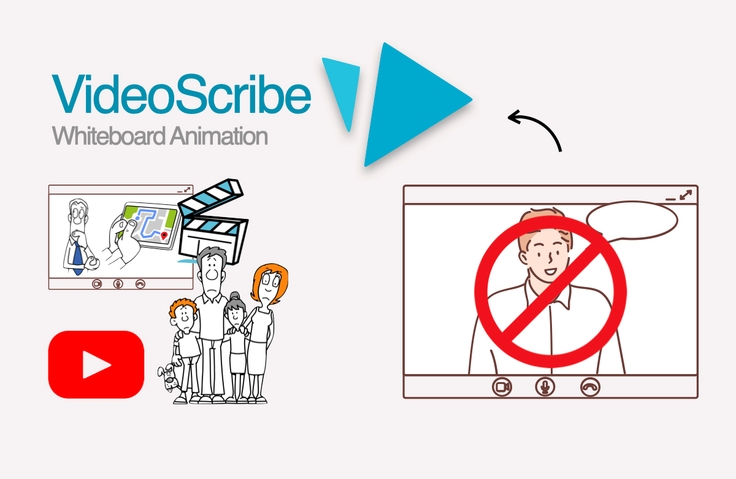
Video production without revealing your face - VideoScribe
VideoScribe is a tool that makes it easy to create animated videos, and is suitable for a variety of fields, including product descriptions, education, and marketing. You can create videos with concise and clear expressions.
It's good to learn the functions one by one. I think it will require a lot of practice to actually make it.
5.0
할아버지의노란 커피잔
100% enrolled
Please explain it in an easy-to-understand way ^^
This is a really helpful lecture.
What you will gain after the course
You can learn how to use the VideoScribe tool.
Even beginners can create animated videos.
You can easily create videos with your own content.
You can create short videos for YouTube, Facebook, Instagram, and TikTok.
VideoScribe?
Videoscribe is an animation style With automatically generating video software , Even with little or no prior knowledge or skills required, You can create animated content.
With video scribe Making Videos 🎥
This is recommended for those who want to make videos but are unable to try because the production method is difficult, or who want to make videos using only their computer without any filming/face/professional equipment . VideoScribe is a tool that anyone can use regardless of age as long as they have the interest.
You can run YouTube without a separate production tool
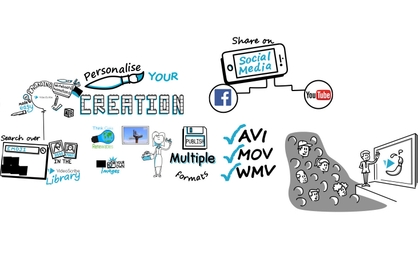
Provides over 11,000 images and 190 background music tracks
Provides multilingual fonts in Korean and English, ready for immediate use
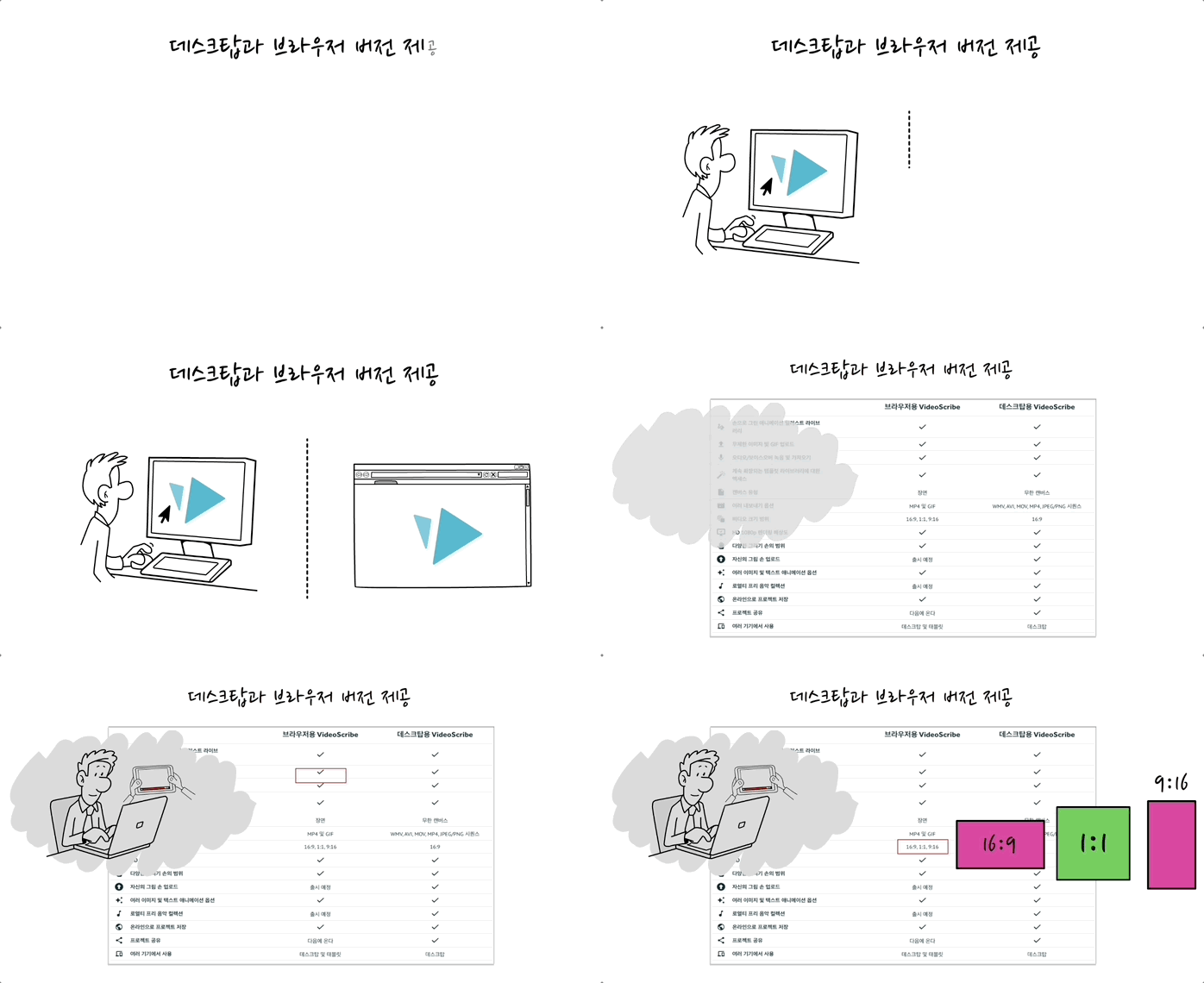
Multi-device support with desktop and browser versions
#1 We provide e-books sold for a fee on K-Mong to our video subscribers for free. (Section 0:Download the VideoScribe User Manual (eBook, PDF) -Downloadable)
#2 Download of work files provided during lecture - Lecture materials (*.scribe)
#3 Inflearn online course versionis v 3.11.1, the latest version is v3.12 and the link for the changes is Main changesare Canvas Sizes, Image library( https://bityl.co/NnJg)
1. It is easier than existing video production methods.
The process is not complicated and modifications are easy.
In the case of conventional video production, it is difficult to change the content after the video is shot, but with VideoScribe, you can make any number of changes during the video editing process. Overall, you can produce better videos because you can edit the manuscript and scenario.
2. It can be easily produced to suit the era of video.
Hey! You can make videos too~!! You can learn in the morning and start making videos in the afternoon.
Now is the era where videos are used in various places. If you want to make a video at least once, but are wondering how to do it, the VideoScribe tool helps you make videos easily.You can make a video and upload it to YouTube just by using this tool.
Create animated videos using only images and text
Just upload your own content source and play it to create a video
Less difficult to manufacture as it is used in slide mode
3. We also provide browser versions tailored to the user and production environment.
In addition to the desktop version, we also provide a browser version. The browser version allows you to create anywhere, and you can create videos in various sizes .
4. Easy to create short videos with browser version
Easy to make YouTube shorts, Facebook Reels, Instagram, TikTok, etc. according to your size.
I get nervous when I stand in front of the camera, People who are reluctant to show their faces
I have professionally produced videos People who hesitated because they had no experience
Corporate contacts : Video production is possible as promotional and marketing material for company introduction or product description.
Content creators : Easy to convey specialized knowledge for one-person businesses, writers, academic societies, etc.
Elementary, middle, and high school institutions : Easy to use for educational purposes or to produce educational curriculum materials (can also be used for non-face-to-face education)
Videoscribe, Learn it properly 🎬
The VideoScribe tool is simple to use, so even beginners can learn it without difficulty. Even if you have no experience in video production, you can create a video as is if you have experience working with slides (PPT).
First, download and read the free manual e-book (PDF) .
Below we will take a look at how the program is structured after installation, along with an understanding of the menus and basic functions.
To work with video screens, you need to learn the camera settings and how to compose the screen using them.
After you learn the video production features, you can create videos by following examples (templates) to see how they were made.
1. It is a tool that even beginners can easily use.
This is a method of creating a video as if you were drawing on a whiteboard. Basically, you can create a slideshow by placing the desired screen using the images and text provided.
2. To start video production, you need to know the camera settings. Camera settings refer to the work of creating a desired video screen using elements (images, text, etc.) on the canvas. Youcan create a video by following the basic explanation of camera settings as well as examples (templates).
[Templates] Lesson Overview: Screen composition example 1 with slides
[Templates] Slideshow Presentation: Example 2 of screen composition with slides (template change)
[Templates] Property Listing Template: Real Estate Catalog Utilization Example
[Templates] Top Tips - Meetings : Hidden Camera Setting Intro Composition Example (Screen Transition Effect)
3. You just need to understand how the video screen is structured in slides.
VideoScribe is a slideshow video production method. You work on a whiteboard, but to create a video, you configure the screen with camera settings. It has the advantage of being more extensible than simple slide work, so you can create a variety of production methods, but ultimately, the screen composition is the camera settings.
Expected Q&A 💬
Q. I'm new to video production. Will I be able to do it if I follow this course?
Yes, you can.VideoScribe is a tool that creates animated videos in the program by simply dragging and dropping images and text. Just insert the appropriate images and text as if you were composing a slide screen on the screen.
Q. Is it possible to run YouTube using only the VideoScribe tool?
Yes, it is possible.There are domestic and overseas YouTube channels such as Book Picture and The Art of Improvement and Productivity Game.In the case of Book Picture, a separate editing tool is used to provide additional videos and create subtitles, but in the case of overseas channels, VideoScribe is produced and uploaded immediately.
Q. What can I do after I finish listening to the class content?
You can create very basic videos right away.The course is provided to help you learn the video tool functions and production functions. To understand video production, we recommend following the example (template) case.
Introducing the knowledge sharer ✒️
Kookmin Bank/Shinhan Life Insurance/Mirae Asset Global Investments
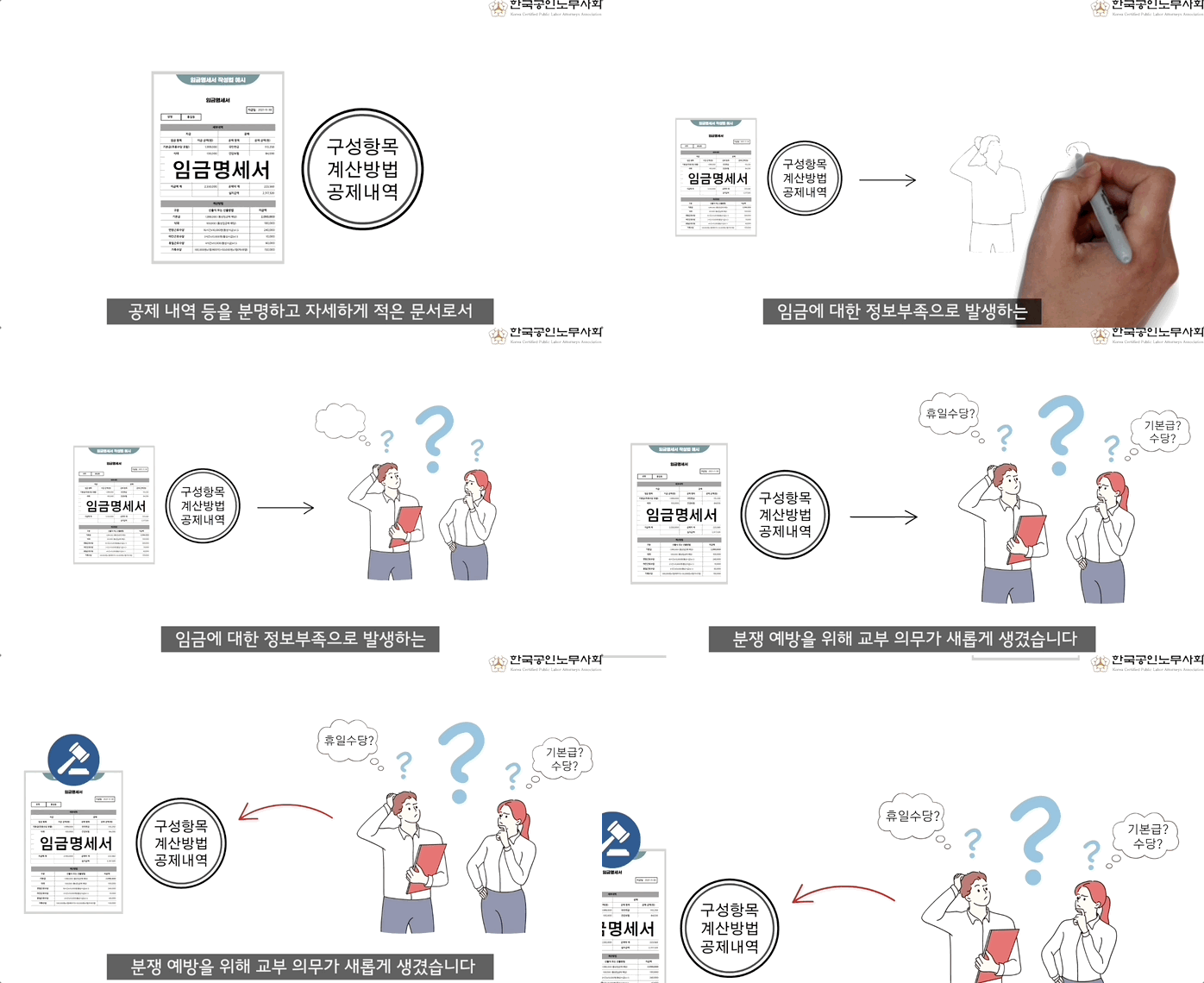
Sungkyunkwan University/Korea Medical Device Industry Association/Korea Labor Attorneys Association
PayWatch/Flow (Flow productivity app)
Selection of video production company for small and medium-sized enterprise distribution center, etc.
Many small and medium-sized businesses are in progress
We produce product videos for companies and public institutions through VideoScribe.
Recommended for these people
Who is this course right for?
Even beginners can operate YouTube.
You can create videos with just your voice without having to film your face.
Video production possible without professional shooting equipment or studio space
He is a bestselling author and AI personal consultant. He has authored 10 books, including "Think, Plan, and Work," "I Am a Solopreneur," and "The Evernote User Guide," through which he provides education and consulting services to support the growth of individuals and businesses. With a career spanning 17 years, he has worked with over 500 major corporations and public institutions and is also active in the field of video production.
As a video scriptwriter and producer for corporations and public institutions, he creates animated explainer videos. As a productivity tool designer, he has published several books, including 'Smart Working Life (2011),' and has been particularly active in writing about productivity tools through four books on Evernote.
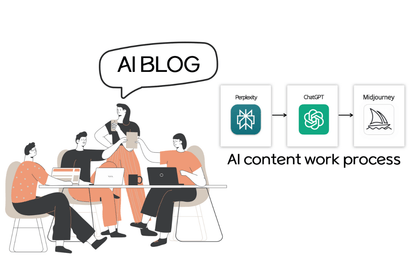
I research and teach methods for enhancing personal and corporate productivity using generative AI (ChatGPT, DALL-E). Focusing on the impact of AI on work efficiency and creative problem-solving, I provide new books and lectures based on my knowledge and experience in this field.
Thank you for your review.
After learning the basic functions, I recommend that you try to complete an actual video production, even if it is very short.
It should be less than 1 minute, and rather than trying to make it well, you need to understand it while making it.
If you make a fun video and upload it, I will give you my opinion.
Thank you.
Thank you.
I also had a lot of new experiences after starting Videoscribe.
I hope it will be of great help to you in your work.
Please share the video after you make it.
I liked that the lecture not only covered simple program usage, but also explained in detail from the planning stage how to create videos suitable for this tool!
Thank you, 1mincoding ^^
Since video scribe video production is different from the shooting method, I think it will require more than just how to use it.
I've talked about it to some extent, but I'm going to reveal more in-depth information about it
I hope you make good videos
Thank you





















![[Integrated] Introduction to AI Video + Shorts ProductionCourse Thumbnail](https://cdn.inflearn.com/public/files/courses/343177/cover/01kx2mmgmppa8h7jdb8kx9bxye?w=420)

![[Official LottieFiles] Figma to Lottie: Motion Animation Created in Figma (Certificate Issued)Course Thumbnail](https://cdn.inflearn.com/public/files/courses/337130/cover/01jtjvwkvv1c4ag0qce7854yv6?w=420)