This was so helpful! The length of each video was just right, so I didn't lose focus or give up. I'll now listen to the CAD 100 lectures diligently~ Thank you!
5.0
쾌활한 여우
100% enrolled
I think it was the level of difficulty I wanted. Usually, in beginner classes, they just make shapes or do basic animations and then end, but in this class, I think I made it to the maximum possible by just watching the tutorial. And the necessary parts were explained in detail so that it was easy to understand, so it was a really good class for beginners!
What you will gain after the course
Simple modeling
Simple animation
Take the opportunity to get familiar with Cinema 4D.
3D modeling, motion graphics C4D basics.
Cinema 4D?
Cinema 4D, created by Maxon, is a 3D graphics tool for motion graphics, 3D modeling, and rendering.
This course is designed to learn C4D for 3D modeling and animation. While studying, I faced many difficulties in the process of learning the program by writing down unfamiliar content, planning, and creating a portfolio. When I downloaded the program and opened it with excitement, the frustration was indescribable.
I created this course to help with these aspects. We'll explore basic functions to cover the fundamentals of C4D. While it doesn't cover high-difficulty or detailed content, this course was made with the hope that by becoming familiar with C4D itself, you'll become even a little more comfortable with it. I hope this becomes a helpful course for you.
Who would benefit from taking this?
✅ Anyone who knows how to work with video content in After Effects and Premiere Pro can take this course.
For those who downloaded C4D but can't use it
Those who want to easily learn the basic functions of C4D
For those who want to do simple 3D work
We will learn the following content.
Beginners are OK! You can do it even if it's your first time with C4D.
This lecture was created to help those who want to easily learn C4D. To cover very basic content, we only utilize fundamental functions.
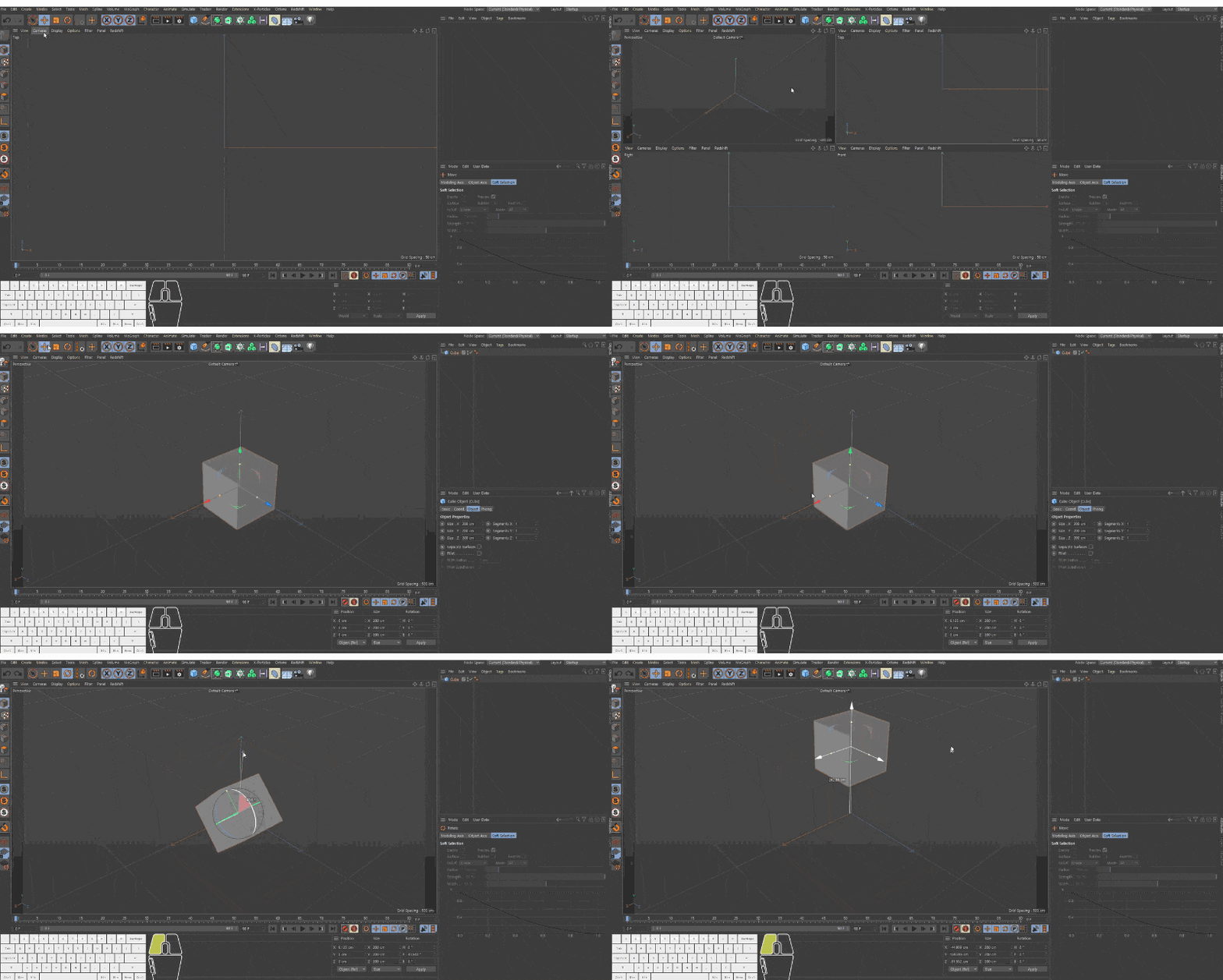
Cinema 4D Basics - Camera Controls
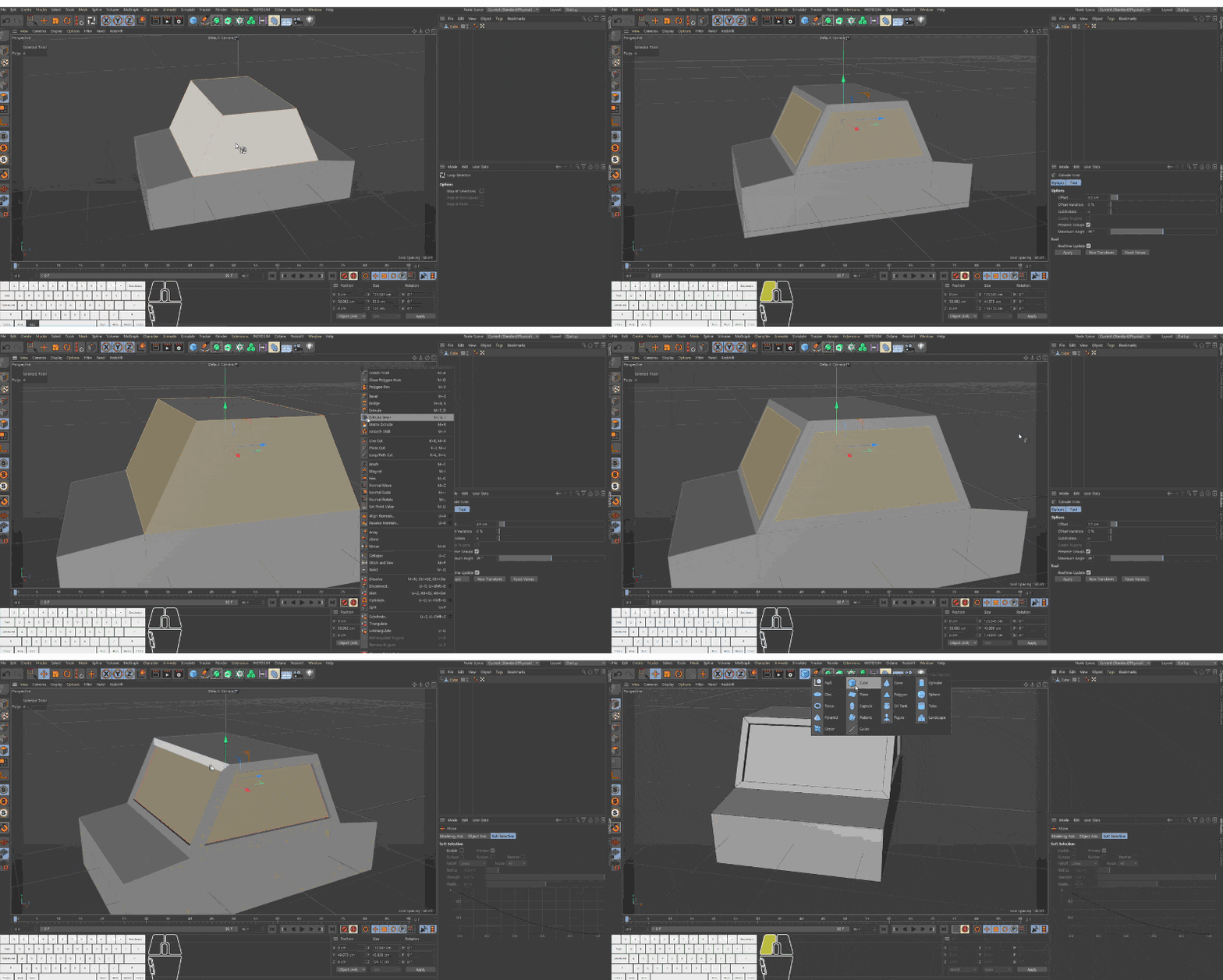
Low Poly - Car
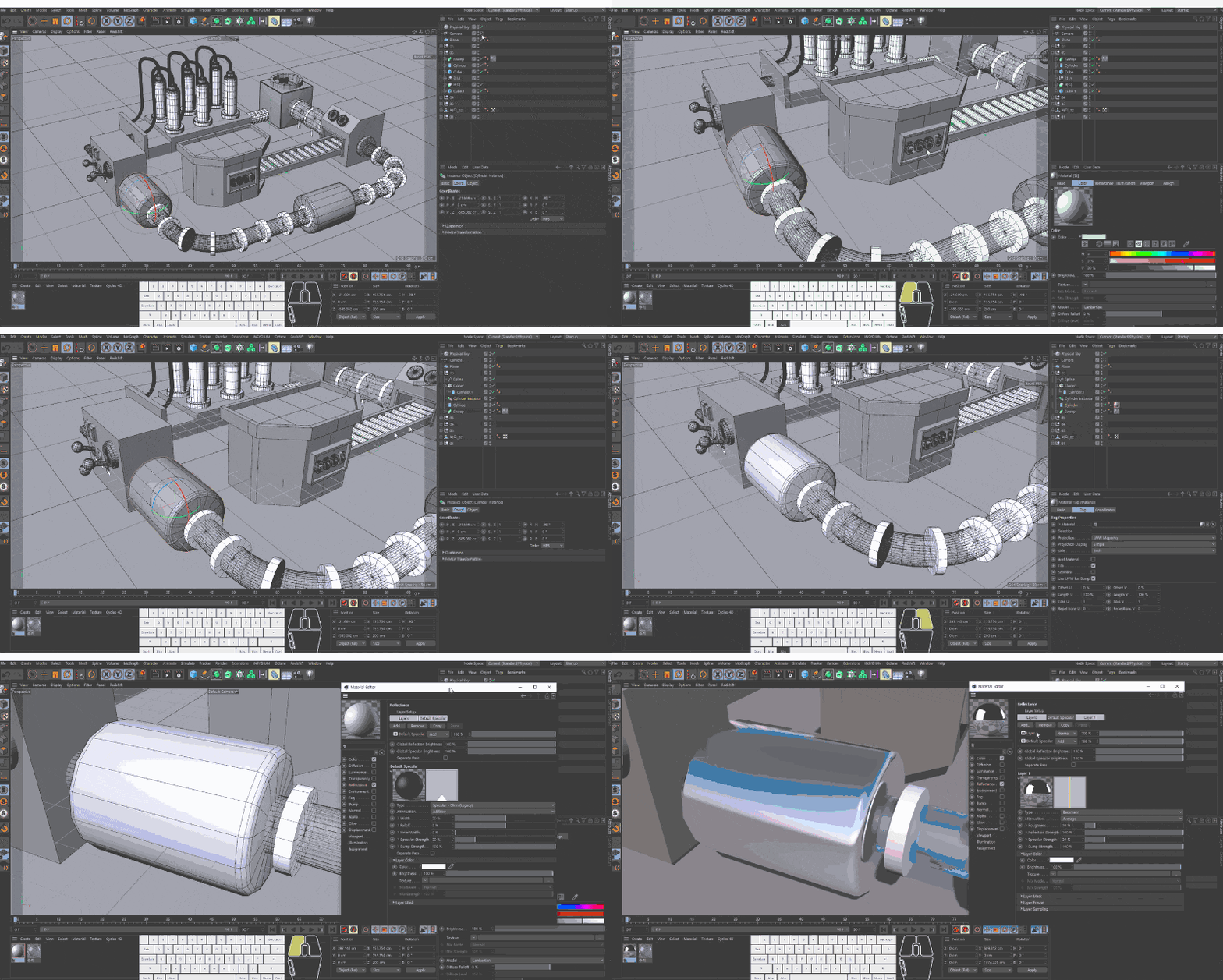
Keyframe - Adding Robot Arm Materials
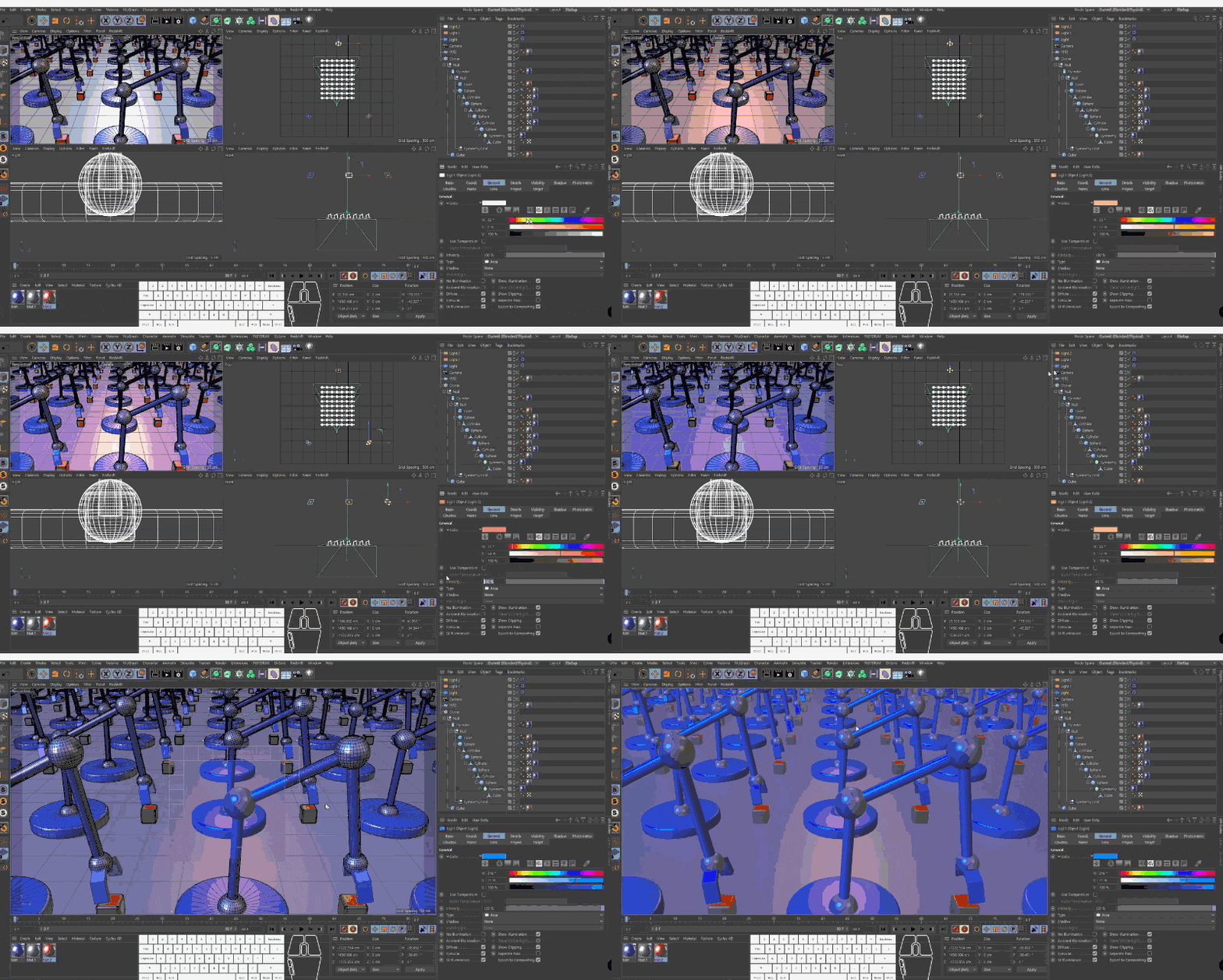
3D Factory
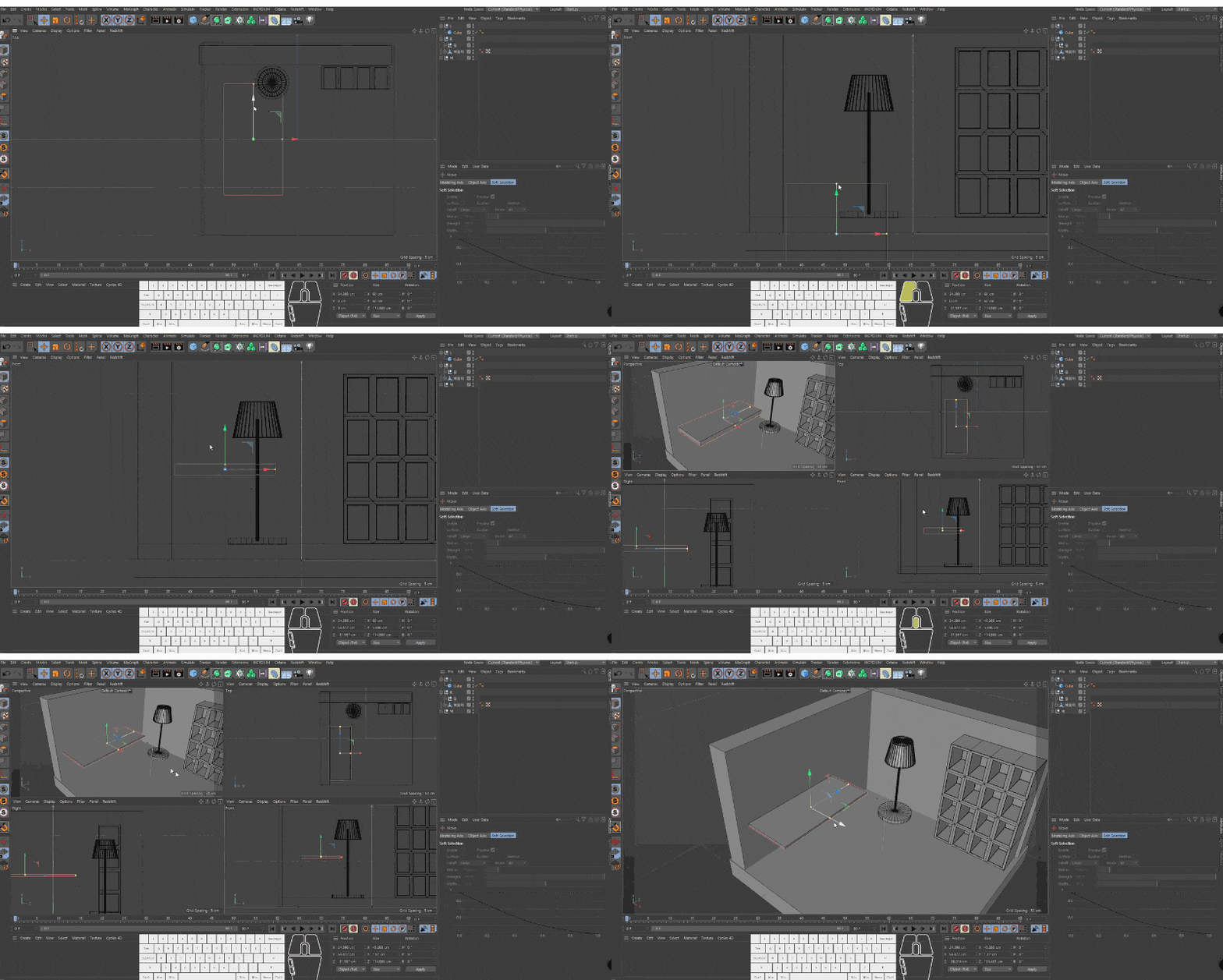
Room Creation - Modeling
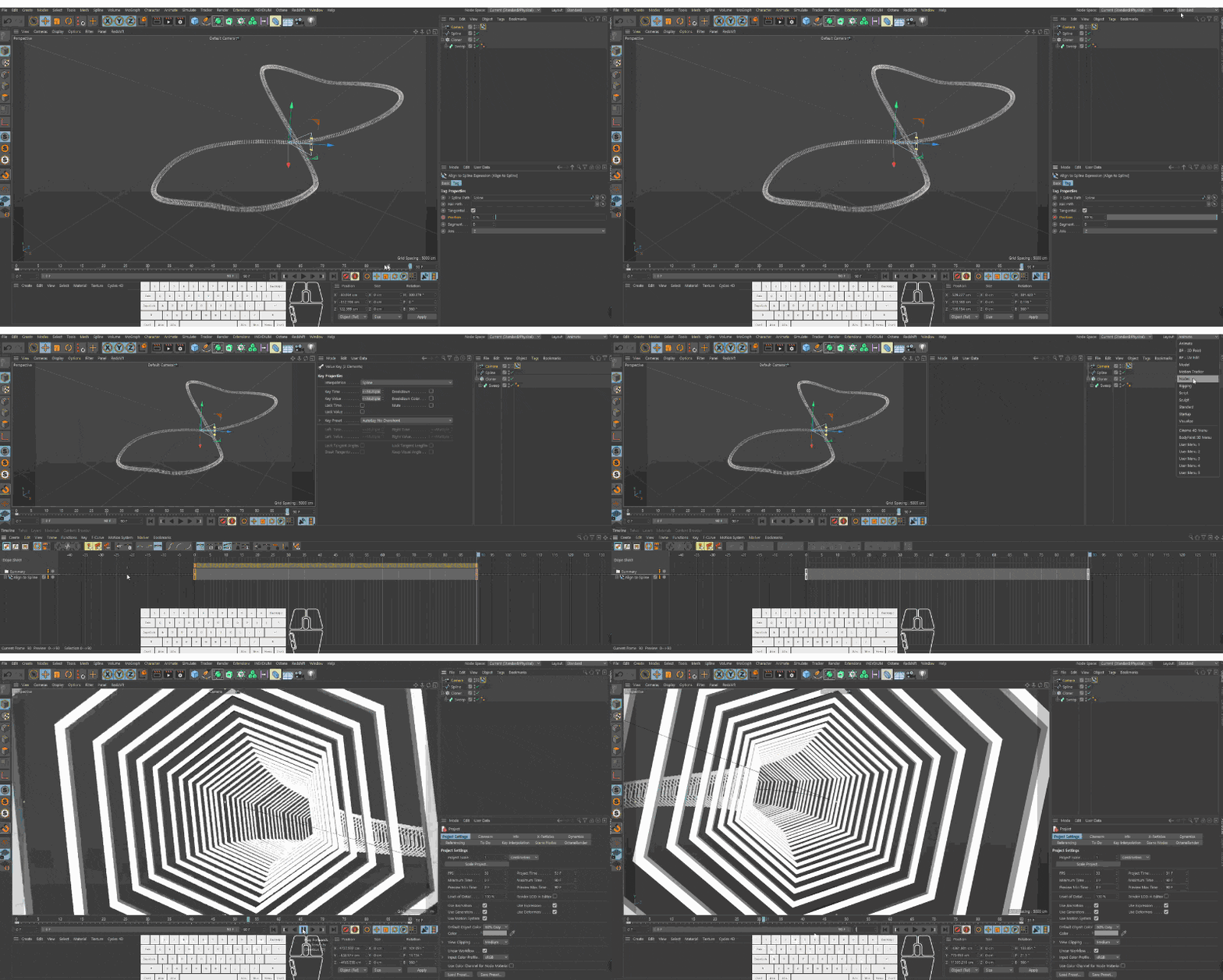
Repetitive tunnel
Meet the instructor who created this course.
Panda Manager
Currently operating the YouTube channel 'Panda Manager'. I have experience working at a post-production and e-learning content production company.
It covers the process from basic interfaces and modeling to rendering. It does not use a separate renderer.
Q. What level of knowledge should I have?
You will need knowledge of the rendering process to video files in Adobe After Effects or Premiere Pro. Additionally, please install C4D before taking the course. (The installation process itself will not be covered.)
Q. Do you have plans to create more courses in the future?
I'm currently considering it based on the response to the current lectures.
C4D, don't just install it and feel overwhelmed anymore!
Hello. I'm Panda, and I currently run the YouTube channel Panda Universe. I created this course to be of help to you all. I have professional experience working in post-production, e-learning, and in-house roles. It’s a pleasure to meet you.
This was so helpful! The length of each video was just right, so I didn't lose focus or give up. I'll now listen to the CAD 100 lectures diligently~ Thank you!
I think it was the level of difficulty I wanted. Usually, in beginner classes, they just make shapes or do basic animations and then end, but in this class, I think I made it to the maximum possible by just watching the tutorial. And the necessary parts were explained in detail so that it was easy to understand, so it was a really good class for beginners!
The advantage is that it explains the basics in a step-by-step manner that is not difficult. However,
it seems like the lecture is a bit loose because it is too considerate of beginners^^; and there are parts that give the impression that it is slightly glossed over.
Overall, it is a pretty good lecture for beginners to listen to.