I liked how you kindly taught me about various color correction methods.
5.0
할수있다
100% enrolled
Thank you, I listened carefully
What you will gain after the course
Concepts and usage of basic Color functions
Partial color correction using Window, Qualifire, and Tracker
Color correction method using Parallel and Layer nodes
Let's learn Davinci Resolve from the beginning, step by step 😊
Check before taking the class!
This course does not provide Q&A with the instructor. Please note this when registering for the course.
Lecture materials and lesson plans can be downloaded from the class [Learning Materials].
Lecture Introduction 📖
Davinci Resolve software from BlackMagic Design is a comprehensive work tool that can handle video editing, effects and compositing, and color correction all in a single software. In this lesson, we will learn how to do basic color correction, focusing on the Color page.
Along with the node-based color correction method, we will also learn about various curve functions including lift, gamma, and gain, how to extract a specific area as a mask with the Qualifire function, and how to apply color correction effects according to a user-created shape with the window function. We will also learn how to make the window coordinate position move according to the moving image with the tracker function, how to add effects with OpenFX, and how to perform efficient playback with the Render Cache function. Through this process, users will learn the most basic, fundamental usage methods of Resolve's Color function .
Learning Objectives✨
You can learn about the concepts and usage of basic Color functions .
You can learn partial color correction methods using Window, Qualifire, and Tracker .
You will learn how to color correct using Parallel and Layer nodes .
Preview the lecture 👀
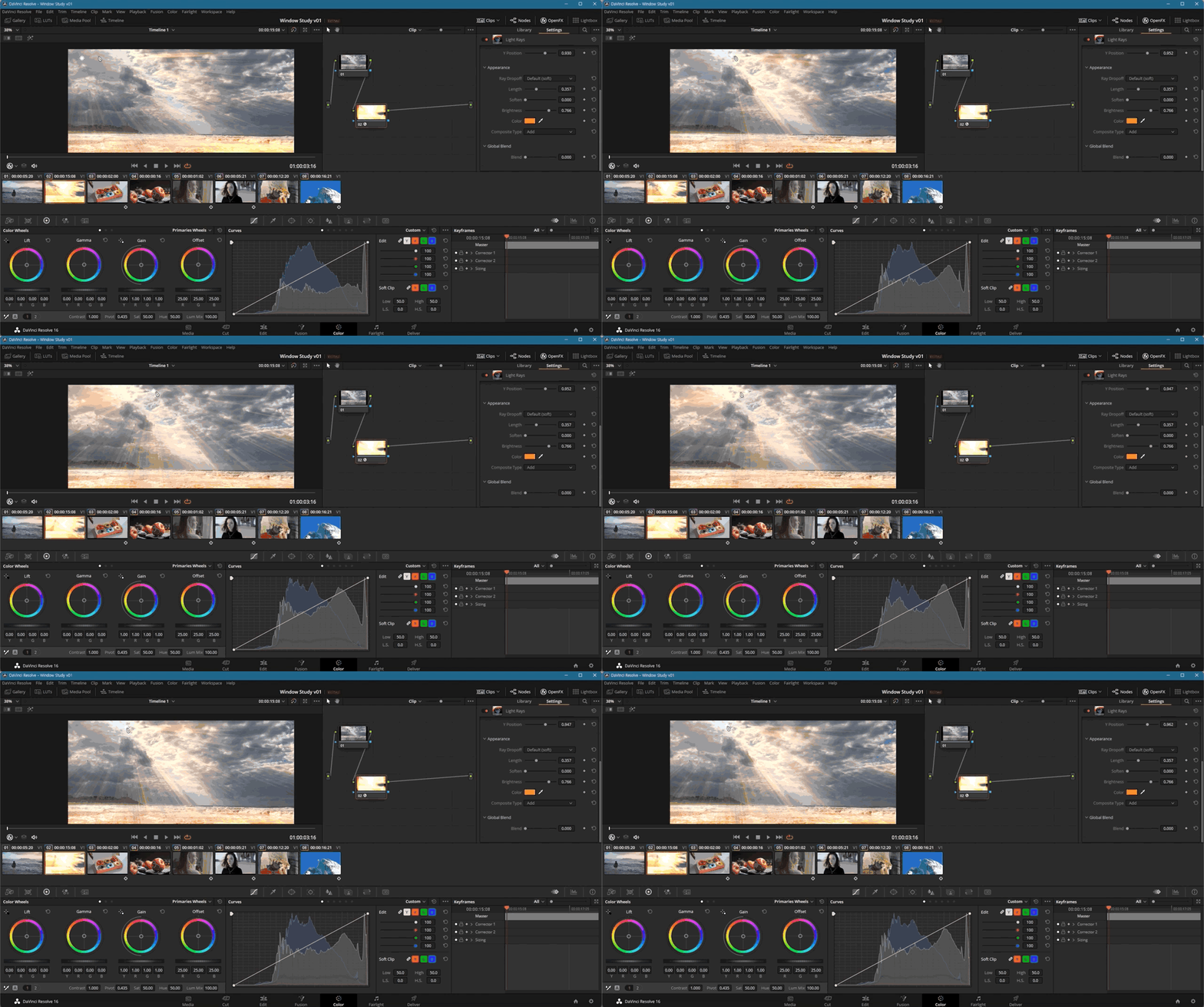
Among the contents of the 'Open FX' lecture
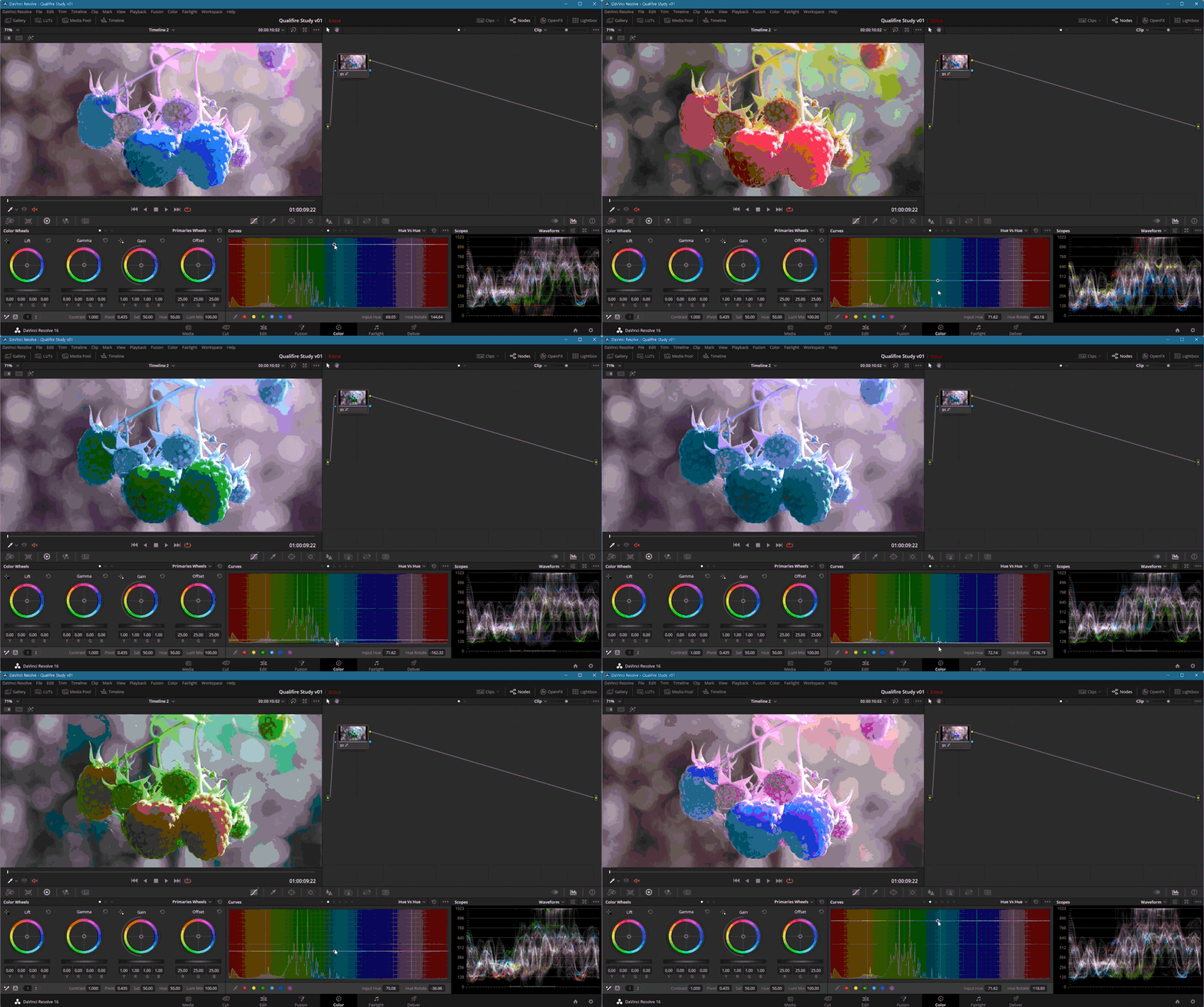
Among the contents of the 'Curve' lecture
Tools covered here 🧰
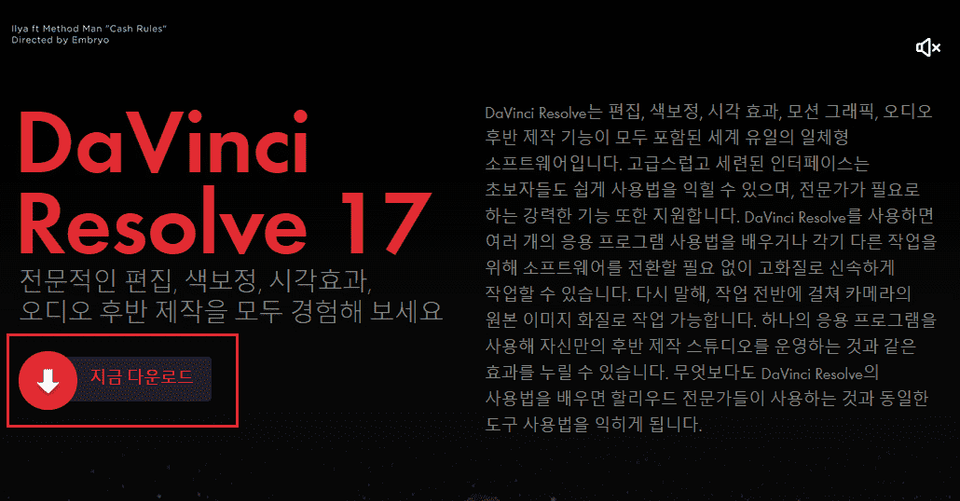
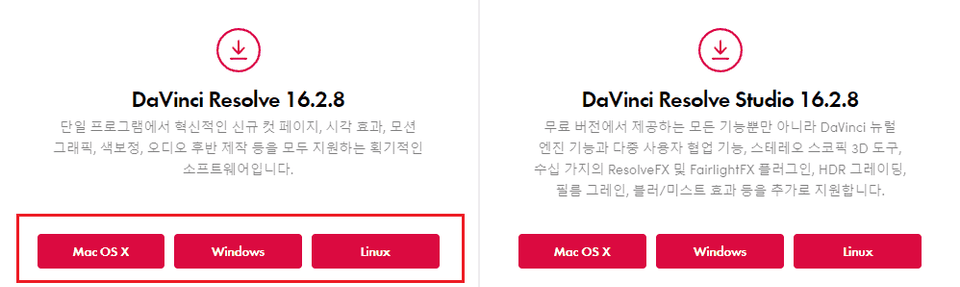
This courseuses the Davinci Resolve 16 English interface, so we recommend that you have that version or higher. You can download and use the free trial version from the official website.Official website link (The difference between the free and paid versions is that the free version does not support multi-GPU and excludes some features provided in the paid version.)