




How to create a blog design?
Is there anyone I can learn blog design from?
You can't use Photoshop or Illustrator?
Can I make a blog as pretty as this?
Those of you who came to read this article probably came here because you were curious about the above content.
Please read this article for 3 minutes, no, just 1 minute.
You will all be able to design your own beautiful blog without paying any money to a company.
Hello, this is Holida.
I am I have been creating Naver blog designs for the past 8 years.
We've created blogs for all industries, including self-employed, professionals (lawyers, accountants, etc.), and everyday blogs.
That's why I want to tell you that I know blog design better than anyone else.

I once took a blog design course.
That lecture was a lecture that taught through Photoshop.
However, because it was that difficult, the quality of students was bound to decline.
And it takes a long time. I didn't want to do that.
Also, many people have asked me to design their blogs.
On the one hand, I thought this.
Do I need to keep paying for blog design?
Of course, I liked it because I was making money.
But surely, there must have been some among them who wanted to make it themselves.
But since you don't know how to design, you leave it to me.
That's why I created this course.
This course will help even beginners learn Naver blog design very easily.
Photoshop? Illustrator? When will you learn how to design again?
Time is of the essence for us.
You can design your blog without professional design tools.
Through Miricanvas.
Huh? You can make it with Miricanvas?
I don't think the design quality will be good...
Some people may think this way.
No, that's not true. Let me show you.
Here are two comparisons: one made with a design tool and one made with Miricanvas.
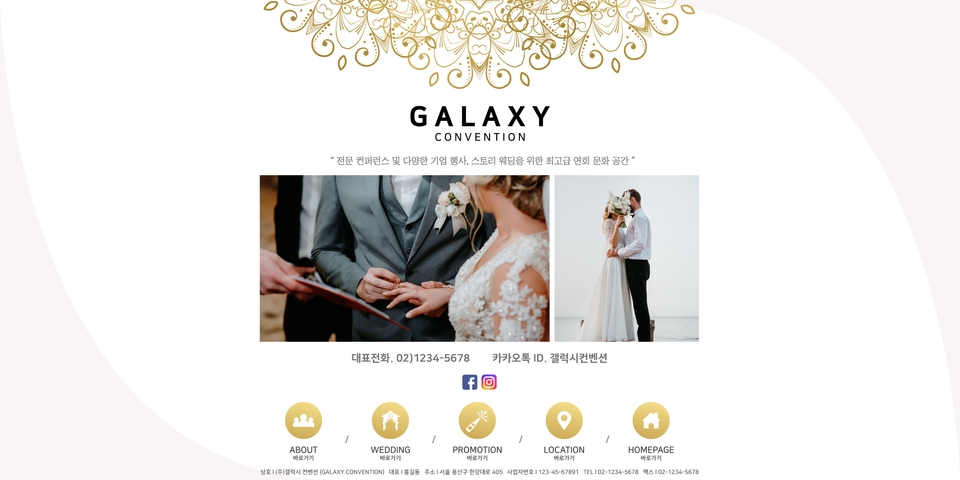
This is a practical assignment I did using a design tool.
Then I will show you what I did with the next preview canvas.
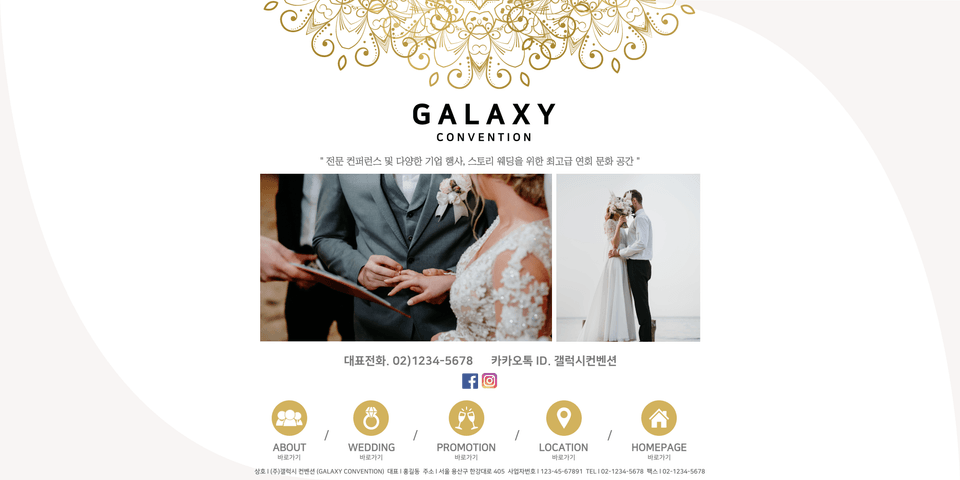
This is the result of working on a blog design using Miricanvas.
Apart from the different icons, there is no significant drop in external quality.
That's why you shouldn't try to learn it with a professional design tool.
One Miricanvas is enough.
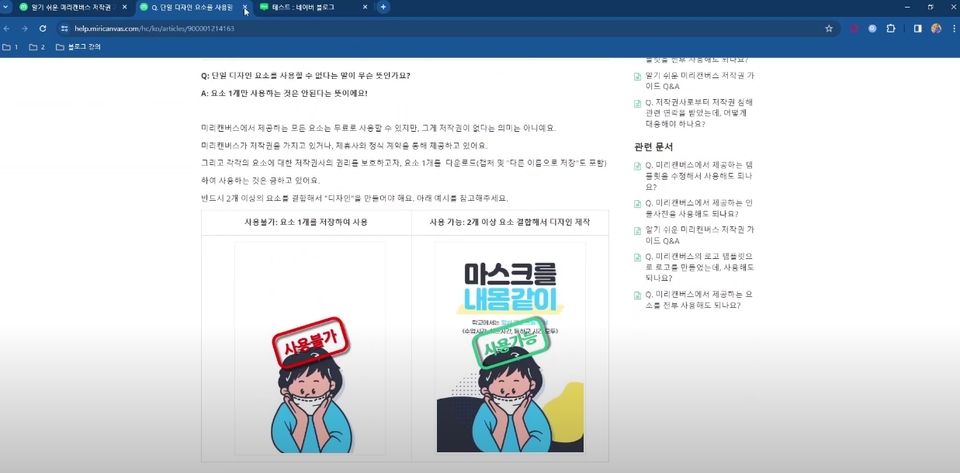
Also , some people are worried about copyright, but don't worry about that either.
Icons and images provided by Miricanvas are available for free use.
It also includes related content!
Okay, I get it, but what about setting up the link?
I don't know how to do it...
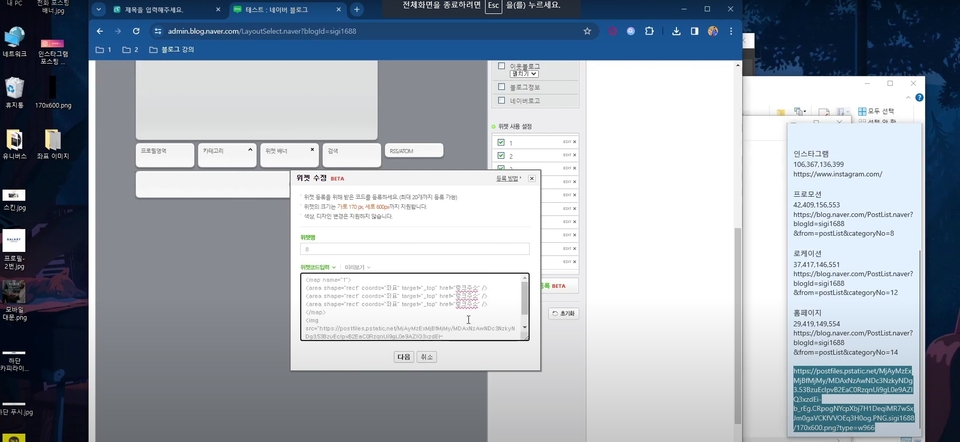
Don't worry, I've got everything covered.
In addition to blog design, you can learn everything you need to run a blog, including thumbnail design, widget banners, and link settings.
That's why you won't have to worry about design at all while running your blog.
Through this lecture You can definitely take all three.
First, Naver blog design skills
Second, how to set up the blog widget HTML
Third, the ability to design everything without design tools.
Thirdly, you might be wondering: I wasn't originally a designer.
All I learned was a little bit at the academy. But now that I know how to design blogs, I can design business cards, banners, and detail pages.
And Miricanvas has all the design forms.
So, if you're already familiar with design skills and start working with Miricanvas, you'll be able to create even higher-quality designs.
So lastly...
How do I solve something that is confusing or difficult?
I've included all the confusing parts in the blog lecture.
If you still have any questions, please feel free to contact us anytime and we will be happy to answer! :)
Don't be afraid. It's normal to have questions.
We'll do our best to resolve all issues. We'll continue to provide feedback.
Ah! For the last time...
But is blog design important?
Is log design important?
Some people who run blogs say that blog design is not important.
There are many different methods in marketing, but design is definitely included among them.
If you have two blogs that are maintained consistently.
A blog has a very pretty design.
There is no B.
Which blog seems more professional?
Can't find the answer?
According to Naver statistics in 2022, the number of Naver blogs created is 32 million.
Shouldn't there be at least one thing that differentiates it from so many other blogs?
The Holida Blog Design Lecture structure is as follows.
Be sure to check it out!
- welcome
greeting
What is a homepage-type blog?
- Pre-canvas
What is Miricanvas?
MiriCanvas Copyright
Preview Canvas function
Pre-Canvas feature practice
- Design practice
First design of a homepage-type blog skin
Second design of homepage-type blog skin
Third design of homepage-type blog skin
Fourth design of homepage-type blog skin
Fifth design of homepage-type blog skin
- Profile photo / mobile banner
Create a profile picture
Creating a mobile homepage
- Bottom copyright / Bottom push
Create a bottom copyright
Create a bottom push
- Create widgets/thumbnails/social media and phone
Create a widget banner
Creating a representative thumbnail for your blog
Create SNS and phone call posting banners
- Design settings
Setting up a homepage-type blog skin
Setting up your profile and mobile homepage
Set copyright at the bottom
Setting up bottom push
- Banner settings
Setting up a widget banner
Setting up a posting banner
- Widget settings
Detailed design summary
Building a skeleton
Creating a transparent widget
Setting the coordinates of a transparent widget
Set up a transparent widget link
- finish
Some confusing parts
Congratulations on your success
✅ We provide video lectures.
You can review sufficiently after class.
It's okay to watch it multiple times.
✅ As I mentioned above, if you have any questions after taking the course, please let me know through Inflearn or the cafe. I will explain everything I know!
You can continue to provide feedback even after class is over :)
Holida
In early 2016, I learned Photoshop and Illustrator at a computer academy and landed a job at a design company. However, the salary was low. Then, I discovered that the designs I created at the company were being sold to customers at high prices. That's when I left and started my own blog design business.
And now, in 2024, many people still want to design and create blogs. The desire to decorate one's blog and make it look attractive and appealing is a fundamental human need. I created this course to help you easily address this need. Don't be afraid. Even complete beginners can do it with just a computer and a pair of hands.
Brief history -
Through my design business, I designed many blogs at Cremon in its early days. Later, I ran a revenue-generating application, implemented performance marketing through viral marketing and Google Ads, and ran an English app with 500,000 downloads. I also taught marketing-related courses. I'm currently working on design projects and continuing to study and manage marketing.
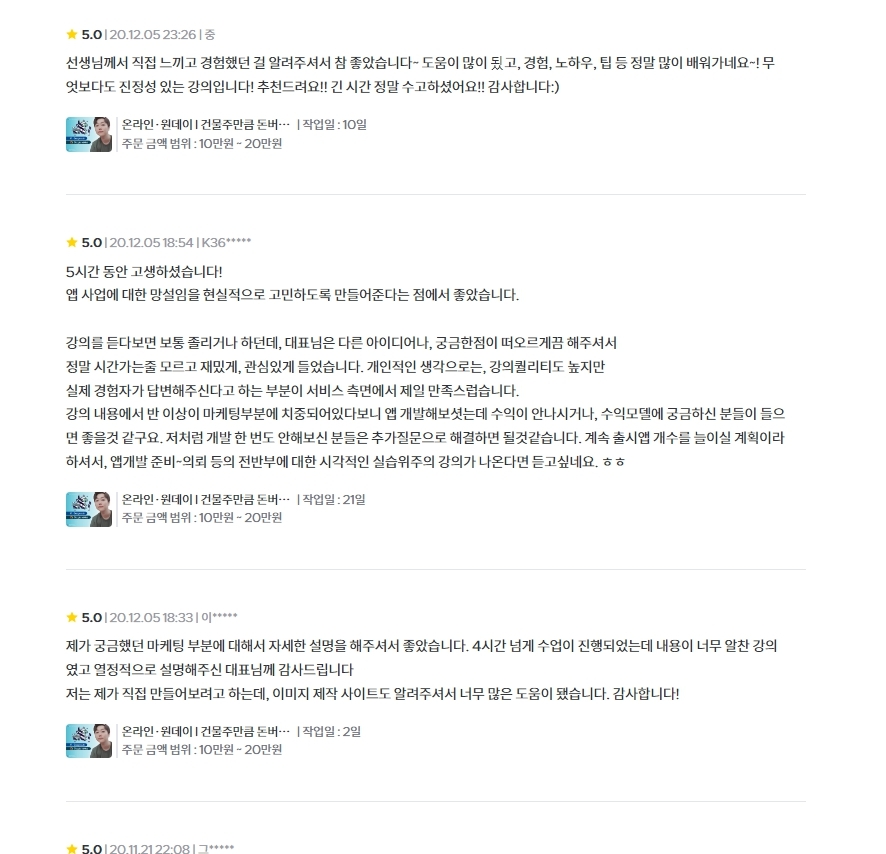
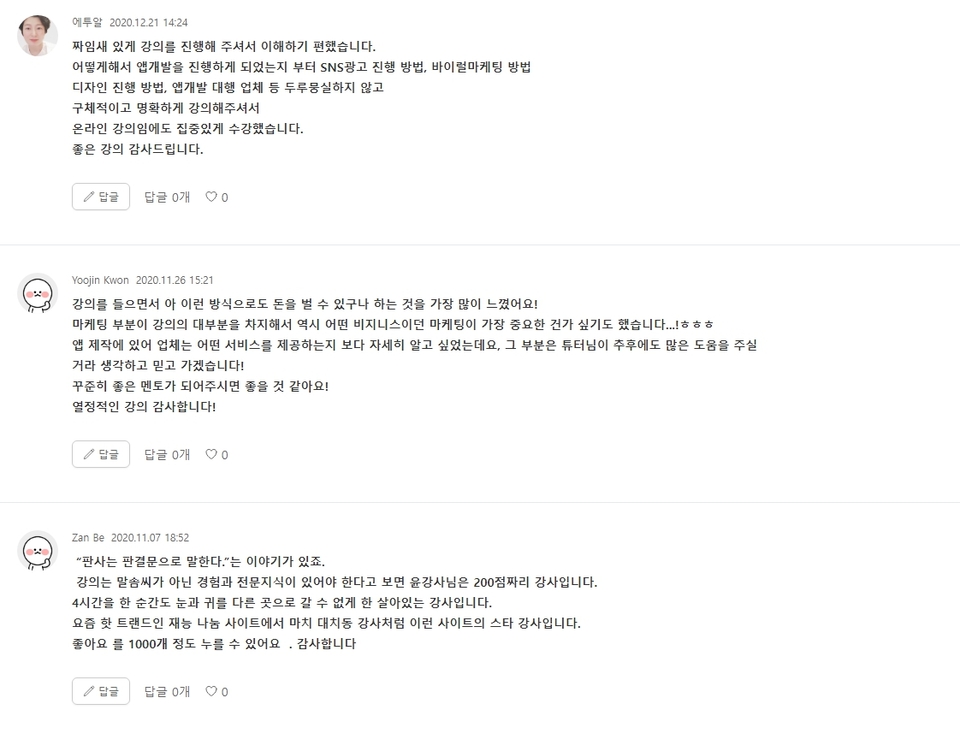

In early 2016, I learned Photoshop and Illustrator at a computer academy and got a job at a design firm. However, I was receiving a low salary. I eventually discovered that the designs I created at the company were being sold to clients at high prices. At that moment, I left the company and started my own blog design business.
And now, in 2024, many people still want and create blog designs. The desire to decorate one's blog and make it look pretty and cool
And now, in 2024, many people still want and create blog designs. The desire to decorate one's blog and make it look pretty and cool is a basic human instinct. I created this lecture because I wanted to provide a clear solution to those needs. Don't be intimidated. Even a complete beginner can do it as long as they have a computer and their own two hands.
Brief History-
Through my design business, I handled numerous blog designs on Kmong during its early stages. Later, I operated profit-generating applications and gained experience in viral marketing and Google Ads.
I handled numerous blog designs on Kmong during its early stages through my design business. Later, I operated a revenue-generating application, executed performance marketing using viral marketing and Google Ads, and managed an English learning app with 500,000 downloads. I have also conducted lectures related to marketing. Currently, I continue to work in design while consistently studying and operating in the marketing field.
I have also conducted marketing-related lectures. I am currently continuing my design work while consistently studying and managing the marketing side as well.


I have also conducted marketing-related lectures. I am currently continuing my design work while consistently studying and managing the marketing side as well.
It was a useful lecture.
