inflearn logo
Challenge
Recruitment Upcoming

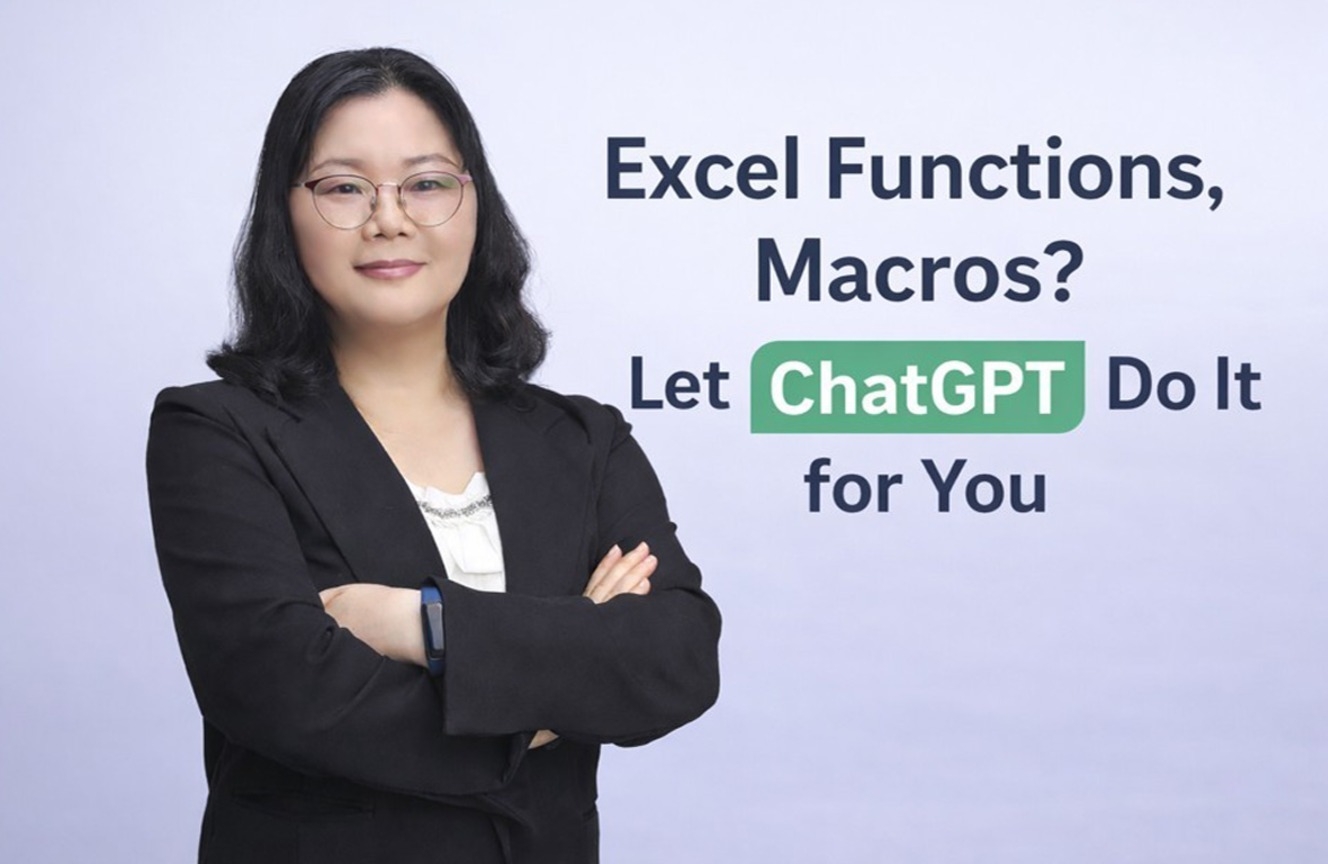
[Enterprise Challenge] Stop doing Excel functions and macros yourself—let ChatGPT do them for you

By using ChatGPT for Excel tasks, you no longer need to worry about complex formulas. Simply saying, "Calculate the sum based on these conditions," will automatically generate the appropriate function for your situation, and you can instantly find and fix the causes of formula errors. Furthermore, you don't even have to write macro codes yourself. If you request, "Create a PDF file for each sheet," ChatGPT will generate the VBA code, and you can refine the necessary parts together. You no longer have to fear complex Excel files created by someone else. If you ask what a formula means or why a certain result is produced, ChatGPT explains it in an easy-to-understand way, allowing you to quickly grasp the file structure and apply it to your work immediately. Moreover, for repetitive tasks, you can use ChatGPT to reduce manual labor while simultaneously increasing both work speed and accuracy.

ChatGPT
Excel
functions
vba-macros
B2B Only Challenge

6개 수업 학습

성취의 증표, 수료증을 발급해요.

질문하고 즉시 답을 얻어요.

추가 자료를 통해 학습을 이어나가요.

dmsgml1030님과 함께해요!

Career Verified

483

Learners

55

Reviews

1

Answers

4.9

Rating

20

Courses


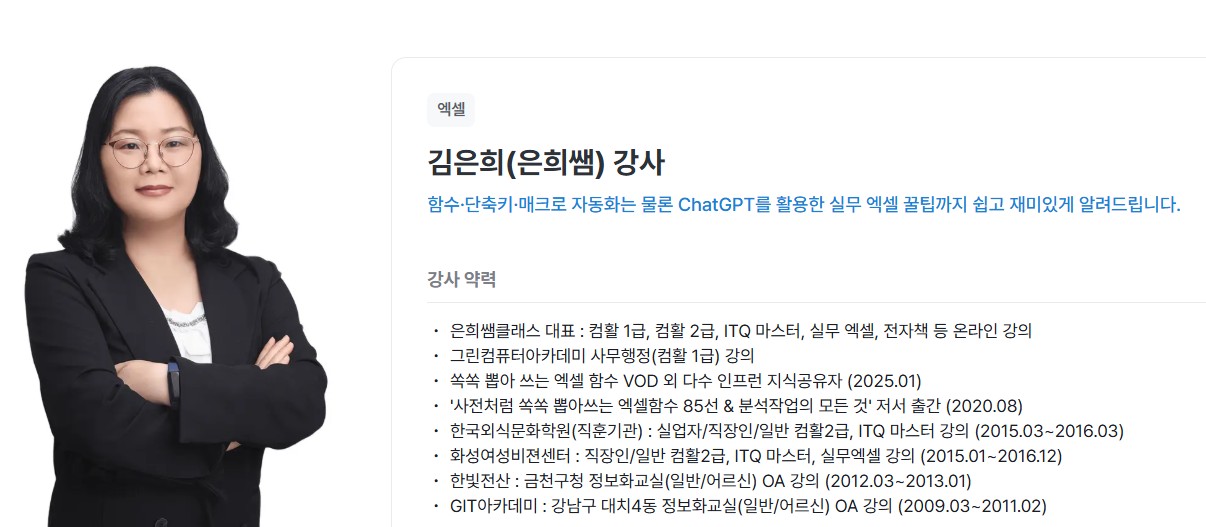
I am teaching office certification courses to help students preparing for employment with their self-development.

And I teach practical Excel classes for office workers to help them improve their job competencies

CEO of Eunhee-ssam Class

■ Professional Qualifications

Vocational Training Teacher Level 2 (General Administration & Office Work) Ministry of Employment and Labor

Vocational Training Instructor (Information Technology Operation & Management) Level 3 Ministry of Employment and Labor

Vocational Training Teacher Level 3 (General Administrative Affairs) Ministry of Employment and Labor

Computer Literacy Level 1 Korea Chamber of Commerce and Industry

ITQ Professional Training Instructor (PTI) Korea Productivity Center

ITQ Hangul A, Excel A, PowerPoint A, Internet A Korea Productivity Center

Computer Utilization Ability Level 2 Korea Chamber of Commerce and Industry

Industrial Engineer Information Processing Human Resources Development Service of Korea

■ Publications

85 Excel Functions to Pick and Use Like a Dictionary & Everything About Analysis Tasks (Bookk 2020)

■ Teaching Experience

Taught OA and ITQ certification courses at the Daechi 4-dong Information Education Center in Gangnam-gu as a member of GIT Academy, commissioned by Gangnam-gu Office 2009.03

Lectured on OA and ITQ certifications for people with disabilities and seniors at Gunpo Welfare Center for the Disabled, March 2011

Conducted OA lectures at the Geumcheon-gu Office Computer Training Center as part of Hanbit Computing, entrusted by Geumcheon-gu Office, 2012.03

Taught OA and ITQ certification courses for people with disabilities and seniors at Seodaemun Welfare Center for the Disabled 2013.03

Taught Computer Literacy Level 2 and ITQ OA Master courses for office workers and the general public at the Hwaseong U&I Center (Women's Vision Center) 2015.01

Taught Computer Literacy Level 2 and ITQ OA Master courses as part of the vocational training program for the unemployed at the Gyeonggi Vocational Education Center, 2015.03

Lectured Computer Literacy Level 1 and 2, and ITQ OA Master courses as vocational training programs for the unemployed at Green Computer Academy 2016.04

Obtained "A" grade in Office Administration Trainee Evaluation, Dec 2018

Awarded Star Instructor at Green Computer Academy 2020.10

Selling practical Excel and certification courses on Inflearn 2022.03

[Teacher Eunhee's Class] Launch of an online lecture site specializing in employment certifications, September 2022

[Mapo Youth Naru] Youth Employment Competency ITQ Excel Special Lecture



More

Lecture History and Publications

85 Excel Functions to Pick and Use Like a Dictionary (Bookk 2020)

[Eunhee Ssam Class] CEO of Excel online lecture site

[Mapo Youth Naru], [Gwangmyeong Youth Dong], [Gimpo Youth Support Center] Excel special lecture for youth competency building

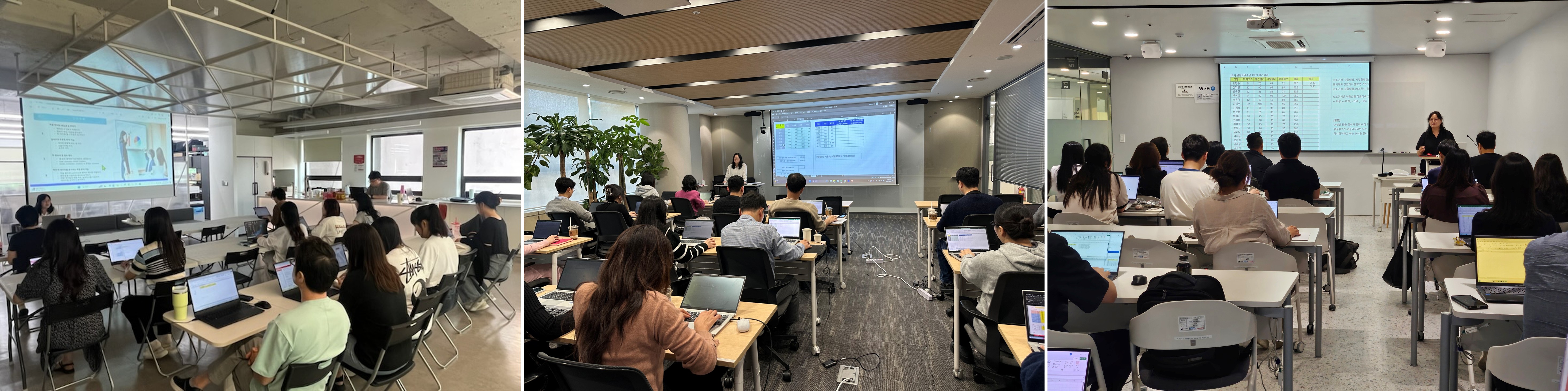
[ONE Korea] [TMCK] [Korea Financial Telecommunications & Clearings Institute] Practical Excel training for employees

[Modulabs] Excel training using ChatGPT for employees in the Daejeon area

[Gyeonggi Siheung Office of Education] [Gyeonggi Gapyeong Office of Education] Core Techniques for Hancom Office Cell & Hangul to Enhance Work Competency

[Korea Housing Finance Corporation] Practical Excel Training for New Employees

[Seodaemun Life Care Lifelong Learning Center] Excel Basic, Intermediate, and Advanced Course

Instructor Introduction

Hello, I am Eunhee Kim.

I conduct Excel functions, macros, and ChatGPT-linked automation training for corporations and public institutions.

Having met countless office workers in the field, I have accurately identified the essence of the inefficiencies they face, such as repetitive reporting, complex formulas, and the burden of macros.
My focus is not on simply delivering functions, but on practical automation design that transforms the work structure itself.

In particular, the core of the lecture is to simultaneously improve the speed and accuracy of the organization's work by integrating ChatGPT into Excel tasks, allowing AI to take over repetitive tasks previously done by humans.

Just like the feedback from the field saying "Excel has become easier" and "Work has become noticeably faster," we provide education proven by results.


Representative Curriculum [Excel Functions and Macros, Now Let ChatGPT Do the Work]

Course Objectives:
This course aims to transform repetitive and inefficient Excel tasks into AI-based smart work processes through practical automation methods that combine Excel and ChatGPT.

The goal is to learn how to work with Excel functions and macros alongside ChatGPT to reduce work hours, minimize errors, and eliminate dependency on specific individuals, thereby simultaneously improving the productivity and work quality of the entire organization.


Target Audience:

  • Office workers and practitioners who frequently work overtime due to repetitive Excel reporting and data organization tasks

  • Employees who want to learn Excel functions and macros but feel overwhelmed and don't know where to start

  • Departments that want to improve an Excel workflow structure that relies on specific employees

  • Personnel in charge at corporations and public institutions promoting digital transformation and task automation

  • Those who want to utilize ChatGPT for work but are struggling because they don't know how to apply it to practical tasks.

5월

16일

챌린지 시작일

2028년 5월 16일 오후 03:00

챌린지 종료일

2028년 5월 31일 오후 02:30

챌린지 커리큘럼

All

6 lectures

챌린지에서 배워요

  • Learn how to question (prompt) ChatGPT to quickly solve repetitive tasks.

  • We provide a new way of practical experience in solving Excel functions and macros with ChatGPT.

  • You can feel a high sense of accomplishment as you complete the automation results yourself and apply them to your work immediately.

  • This is a practical curriculum structured step-by-step, covering everything from ChatGPT utilization to Excel functions and macro automation.

  • You can experience time savings and productivity improvements by applying what you've learned to your actual work immediately after the lecture.

  • You will develop the professional capability to find solutions for Excel errors or complex tasks just by asking questions.

Recommended for
these people

Who is this course right for?

  • Teams that use Excel as a core tool, such as planning, general affairs, HR, accounting, and sales management departments.

  • Organizations with many repetitive Excel tasks such as reports, performance management, statistical data, and budget organization.

  • Office workers who want to automate Excel without any coding knowledge

  • Companies and organizations that want to improve work efficiency and productivity at an organizational level.

  • Departments with a high volume of repetitive reporting and data cleaning tasks

Need to know before starting?

  • It is perfectly fine if you only know basic Excel operations such as cell entry, copy-pasting, and navigating between sheets.

  • It is even better if you have experience using basic functions such as SUM and IF (it's okay if you don't know them perfectly).

Reviews

Not enough reviews.
Please write a valuable review that helps everyone!

FAQs

취소 및 환불 규정
챌린지는 지식공유자가 설정한 수업 최소 정원이 충족되지 않을 경우, 폐강 안내가 고지되며 결제 내역이 자동취소됩니다.

dmsgml1030's other courses

Check out other courses by the instructor!

$169.40