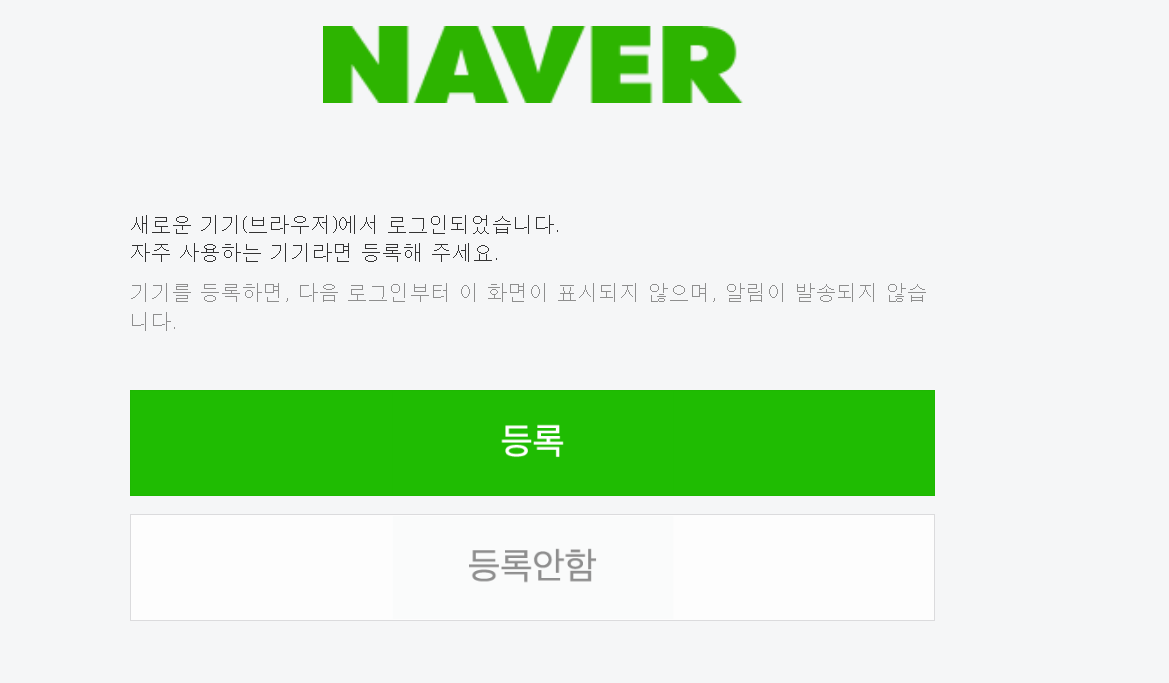
그런데 options에 headless를 주고하면 로그인이 안됩니다 사이트마다 headless막는 경우 user-agent설정을 해주면 된다고 하셨는데 그래도 안되네요 로그인한 후 아래 화면이 떠야 하는데 headless모드에서는 아래화면이 안뜨고 바로 capcha화면으로 넘어가더라구요 방법이 없을까요??
import sys
import io
from selenium import webdriver
from selenium.webdriver.chrome.options import Options
import time
import pyperclip
from selenium.webdriver.common.keys import Keys
from fake_useragent import UserAgent
user_id = 'xx'
user_pw = 'xx'
ua = UserAgent()
print(ua.chrome)
sys.stdout = io.TextIOWrapper(sys.stdout.detach(), encoding = 'utf-8')
sys.stderr = io.TextIOWrapper(sys.stderr.detach(), encoding = 'utf-8')
class NcafeWriteAtt:
#초기화 실행(webdriver 설정)
def __init__(self):
chrome_options = Options()
chrome_options.add_argument('--headless')
chrome_options.add_argument("disable-gpu")
chrome_options.add_argument("user-agent="+ua.chrome)
self.driver = webdriver.Chrome(options=chrome_options)
self.driver.implicitly_wait(5)
#네이버 카페 로그인 && 출석 체크
def writeAttendCheck(self):
self.driver.get('https://nid.naver.com/nidlogin.login')
pyperclip.copy(user_id)
self.driver.find_element('xpath','//*[@id="id"]').send_keys(Keys.CONTROL, 'v')
self.driver.implicitly_wait(3)
pyperclip.copy(user_pw)
self.driver.find_element('xpath','//*[@id="pw"]').send_keys(Keys.CONTROL, 'v')
self.driver.implicitly_wait(3)
self.driver.find_element('xpath','//*[@id="log.login"]/span').click()
self.driver.implicitly_wait(3)
print("로그인 완료")
self.driver.implicitly_wait(3)
self.driver.get('https://cafe.naver.com/AttendanceView.nhn?search.clubid=12730407&search.menuid=99&search.attendyear=2022&search.attendmonth=07&search.attendday=27&search.page=1&lcs=Y')
self.driver.implicitly_wait(3)
self.driver.switch_to.frame('cafe_main')
self.driver.implicitly_wait(3)
self.driver.find_element('xpath','//*[@id="cmtinput"]').send_keys('출석')
self.driver.implicitly_wait(3)
self.driver.find_element('xpath','//*[@id="btn-submit-attendance"]').click()
time.sleep(1)
# 소멸자
def __del__(self):
#self.driver.close() #현재 실행 포커스 된 영역을 종료
self.driver.quit() #Seleninum 전체 프로그램 종료
print("Removed driver Object")
#실행
if __name__ == '__main__':
#객체 생성
a = NcafeWriteAtt()
#시작 시간
start_time = time.time()
#프로그램 실행
a.writeAttendCheck()
#종료 시간 출력
print("---Total %s seconds ---" % (time.time() - start_time))
#객체 소멸
del a