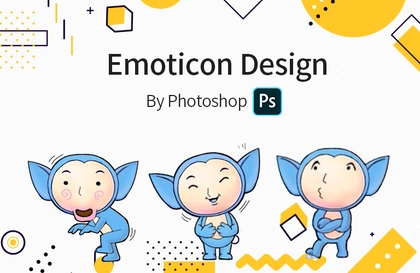
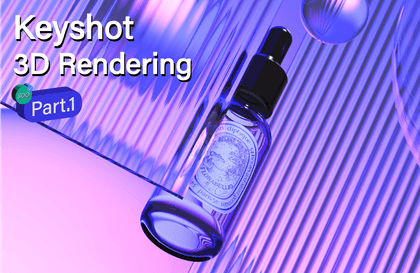
Practical course to improve your Photoshop skills!
This is a practical skill UP course that is different from the Photoshop basic course! After learning by following various examples, you will be able to visually express the design in your head.
Thank you for explaining it so easily and without any difficulty.
5.0
yy2896
76% enrolled
It helped me a lot👍
5.0
jcl
100% enrolled
I'm still watching it. I'm watching it well.
What you will gain after the course
Graphic Design
Illustration work
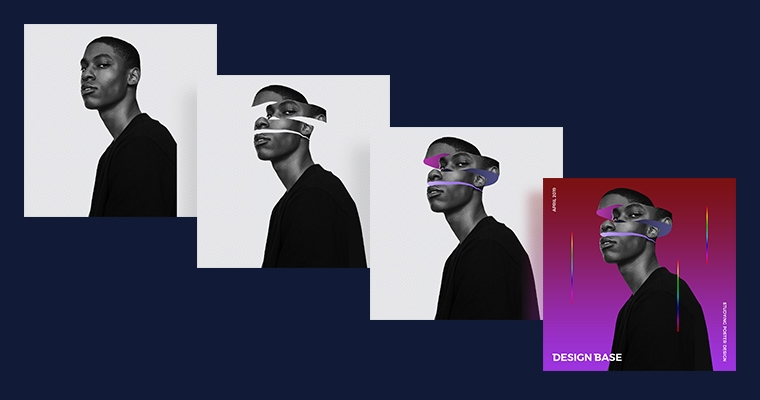
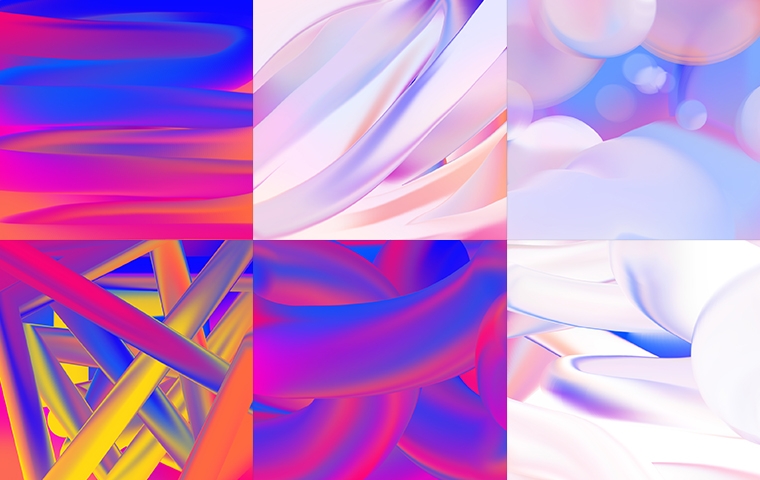
Advanced texture design
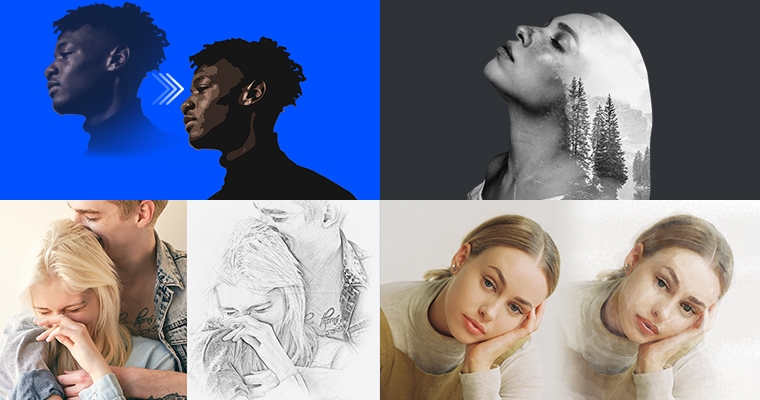
Synthetic work
From now on, it's real... From Photoshop basics to practical skills UP!
🗒 Course Introduction
Hello everyone! You've seen my Photoshop basics tutorial, right?! I always believe the most important thing is the fundamentals. If you don't have a strong enough foundation when building a tower, it's difficult to build it high. I'm starting this tutorial assuming you already understand the basic concepts and functions covered in the Photoshop basics tutorial!
I'll be learning Photoshop techniques while working on higher-quality projects. Follow along closely, and you'll be able to fully visualize the designs you have in mind! : )
🙌 Tools covered here
This course uses Photoshop CC. If you use a different version, there may be slight differences in functionality.
And since it's running on Mac OS, Windows users can press Ctrl instead of Cmd and Alt instead of Option.
🙋🏻♂️ Expected questions related to the lecture (similar to Photoshop introduction)
Q. Can non-majors also learn?
A. Even non-professionals can easily follow along. However, you should definitely take the introductory Photoshop course!
Q. What can I do after completing the Photoshop Practical Course?
A. You can edit your own photos or create your own art for your blog, Instagram, YouTube channel, and more. You can even create photomontages. Visually express the designs you have in mind!
Q. If I learn Photoshop, will I be able to do design well?
A. Just as knowing how to hold a pencil doesn't guarantee you'll be able to draw, the ability to use Photoshop is a tool for expressing your thoughts. To actually design, you need to study for a specific purpose. If you're not a designer, set more specific goals!
For example, if you set a goal like, "I'm going to learn Photoshop to create YouTube channel art and video thumbnails," you'll need to study accordingly. Beyond the YouTube channel art standards and how to express the desired feeling, you'll also need to study basic concepts like color, typography, spacing, and layout.
Q. After learning Photoshop, what else do I need to learn?
A. If you have learned everything from the basics to the practical courses of Photoshop, I recommend learning Illustrator.
Q. What is the difference between Photoshop and Illustrator?
A. Basically, bitmap (pixel)-based work like photographic images is done in Photoshop, while vector-based work like logos or banners that should not break when enlarged is done in Illustrator.
With Photoshop, I mainly work on photo retouching, compositing, graphic design, web design, and web banner design, and with Illustrator, I mainly work on logos, business cards, banners, posters, and characters.
Recommended for these people
Who is this course right for?
For those who want to improve their Photoshop skills
Those who have completed the Photoshop introductory course
People who want to try their hand at graphic design
Design Base creates design courses so that anyone can easily learn design. I am currently working as a UX/UI designer in the field, and because I understand the perspective of beginners well, I produce lectures containing only the most essential content. I possess knowledge of various tools and coding required as a product designer, in addition to Photoshop and Illustrator. 😊
- 31,000 Inflearn students / 4.8-star course rating - 8th-year professional designer (Startup founder, Agency, In-house) - 129,000 YouTube subscribers
I will provide accurate content and high-quality lectures so that you can apply them immediately in the field. 📖