

![Making [R shiny app] as told by DadCourse Thumbnail](https://cdn.inflearn.com/wp-content/uploads/rshiny1.jpg?w=420)
Making [R shiny app] as told by Dad
jeehyoung
Free
Basic / Web Application, R
4.9
(34)
1,300+
R shiny allows you to implement R's infinite functions on a web app in the simplest way possible, making it easy to learn and use.

Basic
Web Application, R

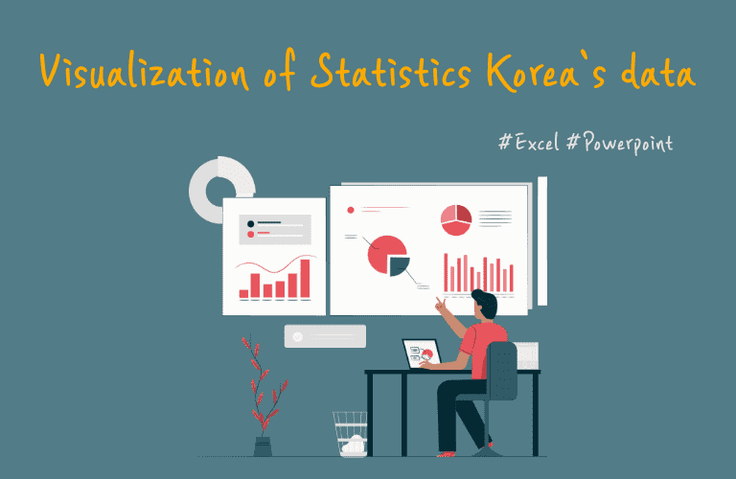
Let's create and present visualizations using Excel and PowerPoint.

Almost 80-90% of the visualizations you encounter can be easily created in Excel. Let's learn these concepts together, which are convenient if you know them but incredibly difficult if you don't. You might be surprised to find such features hidden in the familiar PowerPoint!
1. Let's download public data and easily visualize it in Excel .
2. Let's make a presentation easily in PowerPoint .
3. Learn the common mistakes to avoid when transferring Excel charts to PowerPoint .
4. Make your presentation more engaging by using chart animations in PowerPoint!
5. Let's learn about and resolve cases where the quality of a well-made chart deteriorates and editing is poor when transferred to PowerPoint or Word .
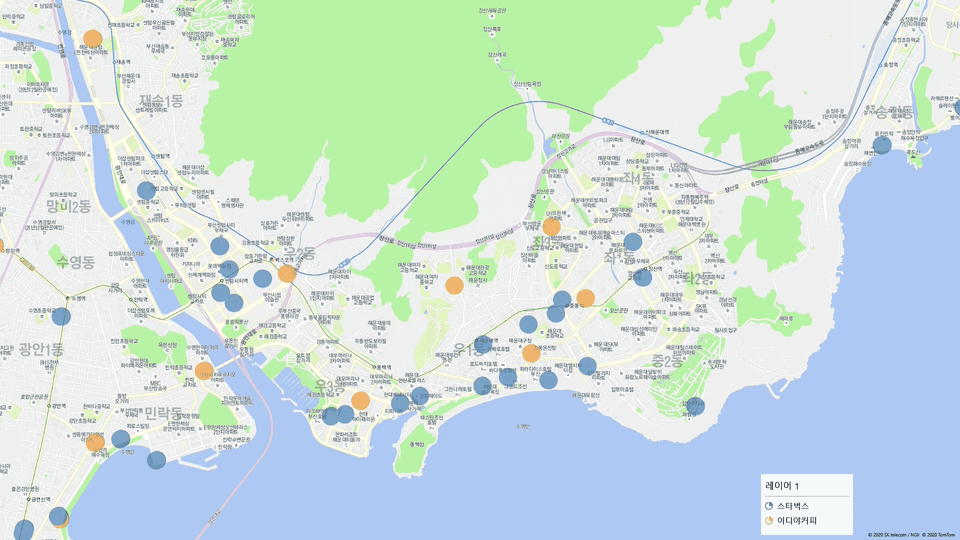
6. Is Ediya really near Starbucks?
Let's visualize maps without coding, much easier than with Python or R.
Let's learn about the unique advantages of Excel maps that cannot be found in Python or R, including the ability to explore them as if traveling.
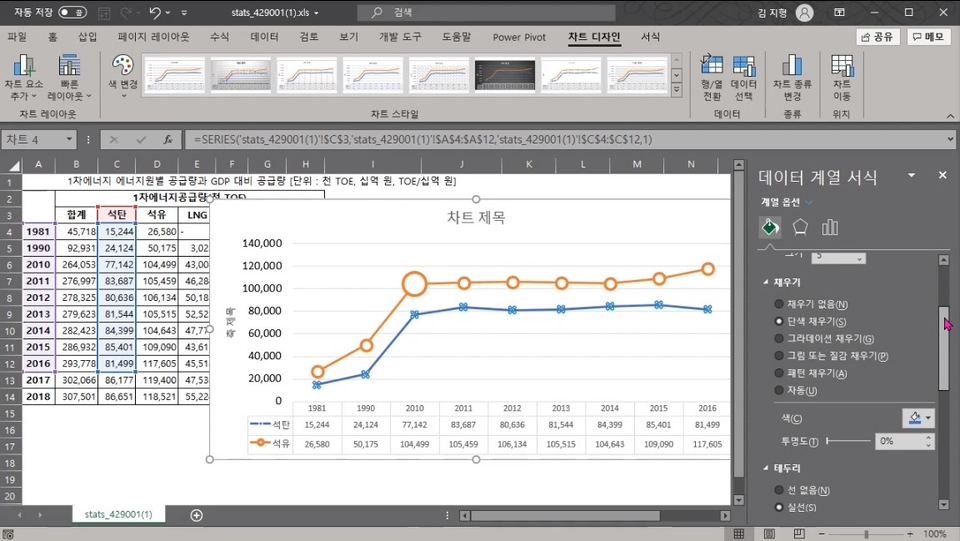
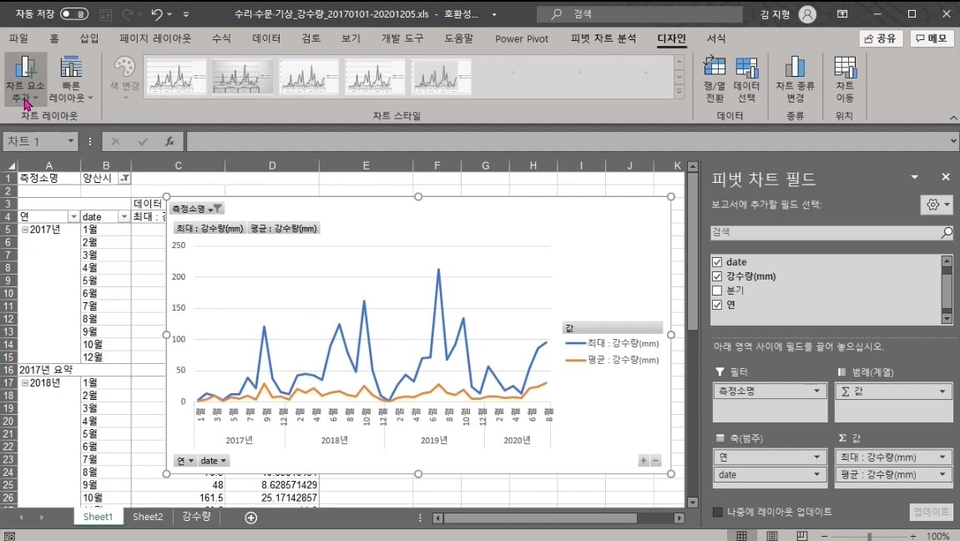
In class content

Okay, I learned a lot.
I will use it well in my work.
It seems like a suitable lecture for the purpose of seeing the actual process of receiving data and visualizing it. It seems like a lecture that can be seen as a warm-up for creating an actual report because it is difficult to see the in-depth contents of each program. In addition to this lecture, I think I need to practice the necessary contents and go deeper. Thank you.
This was a very useful lecture as I was able to learn many functions that I had never used before while using Excel.



![Easy and fun [Data visualization] with over 80 examplesCourse Thumbnail](https://cdn.inflearn.com/wp-content/uploads/data-visual.png?w=420)





![[Work Automation Using Free MS RPA] Power Automate Desktop BasicCourse Thumbnail](https://cdn.inflearn.com/public/courses/329047/cover/35cb417d-cd84-47f8-a20f-653724b03a77/329047-eng.png?w=420)

![[For Beginners] Data Visualization with Power BICourse Thumbnail](https://cdn.inflearn.com/public/courses/327055/cover/455b54c1-3e63-439b-9b60-5d12e12bc303/PowerBI-001 (1).png?w=420)







