It was helpful for me to study because you explained it with good examples.
5.0
Minyoung Choi
100% enrolled
It was a very helpful lecture because it taught only the necessary parts.
What you will gain after the course
Adobe Illustrator
Editing design, print production method
Learn Editing Design by Following Examples 📑
🗒 Course Introduction
(Please note that this lecture does not provide instructor-led answers.)
Want to learn editorial design? Then try creating a variety of outputs with Adobe Illustrator , a vector-based graphic design tool. You can quickly learn Illustrator's features by following examples of business cards, placards, leaflets, catalogs, posters, and more.
First, the lecture is structured to explain the main theories in an easy-to-understand manner through the textbook, and then, after learning the concepts, to allow practice of key use cases through videos. Anyone who wants to learn Illustrator editing design and print production can take this course.
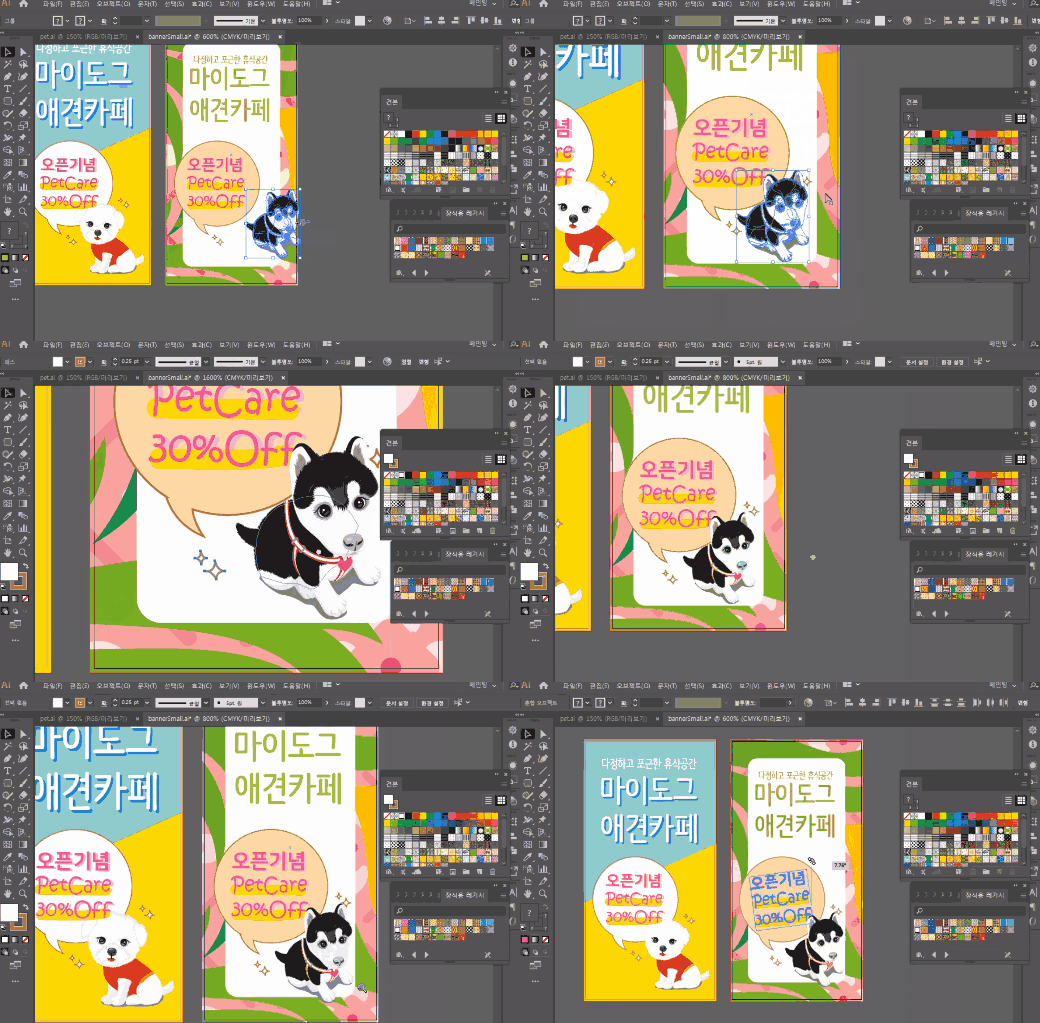
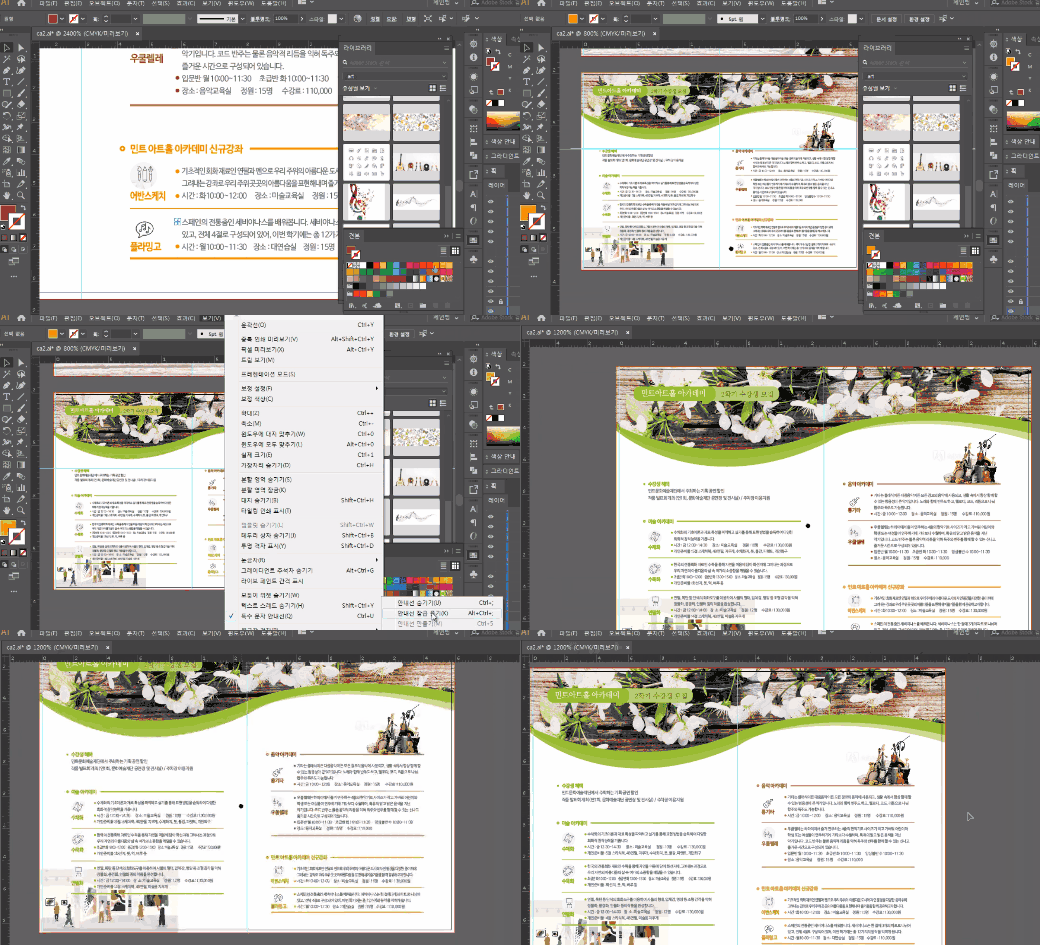
🌈 You can make things like this!
🙌 Tools covered here
Adobe Photoshop CC
Adobe Illustrator CC
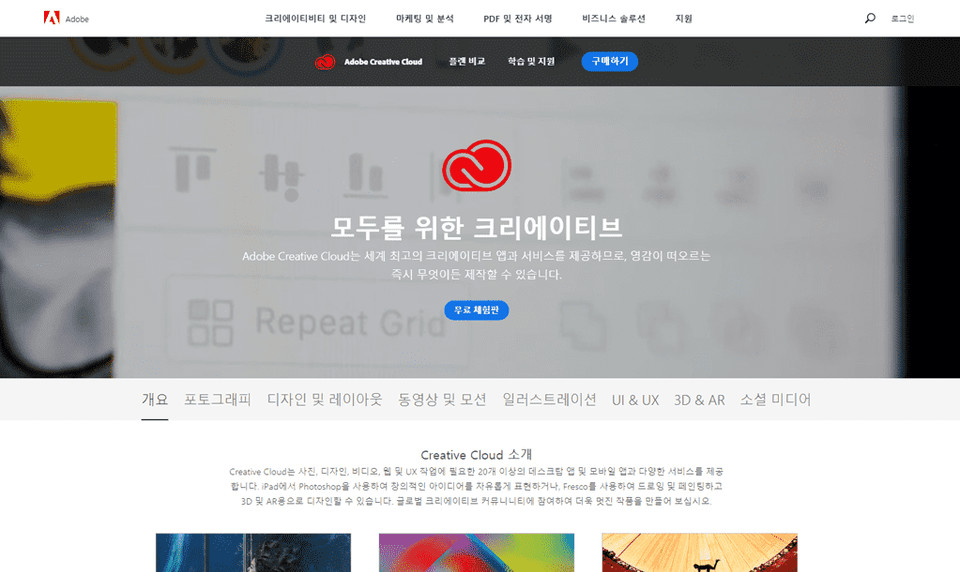
Adobe Creative Cloud
This course uses Adobe Creative Cloud (CC) 2019 , so we recommend that you have that version or higher. (At least CC 2014 is required.) You can download and use a free trial version from the official website. Official site link
🙋🏻♂️ Expected questions related to the lecture
Q. Can non-majors and beginners also take the course? A. This course is structured step-by-step, starting with the easy steps of installing Adobe Illustrator. Anyone interested in editorial design and publication production can take it.
Q. Can I receive sample lecture files? A. Yes, you can download example files by clicking the cloud-shaped icon on the left tab while watching the lecture. The files are attached to the second lecture of each part.
Recommended for these people
Who is this course right for?
Those who want to learn various print production practices as an illustrator
For those who want to create prints using Illustrator





![[Photoshop Revolution Broadcast] Photoshop Basics Complete강의 썸네일](https://cdn.inflearn.com/wp-content/uploads/photoshop002.jpg?f=avif&w=420)


![How to Make a Unity 2D Roguelike Game [Korean Subtitles]강의 썸네일](https://cdn.inflearn.com/wp-content/uploads/unity003.jpg?f=avif&w=420)
![[Photoshop Revolution Broadcast] Photoshop Intermediate Complete강의 썸네일](https://cdn.inflearn.com/public/courses/324136/course_cover/6bafe72e-0196-41d1-ad2c-b3bcbf583407/free_photoshop.png?f=avif&w=420)