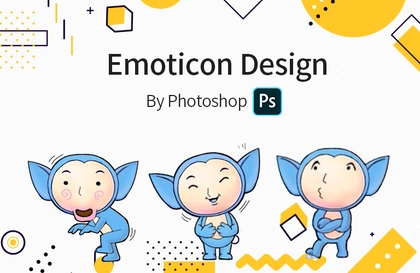
Anyone Can Do Emoticon Design Part 1
usefulit
$46.20
Beginner / emoticon, Photoshop, Character Design
4.0
(24)
82,100+
How to Make Emoticons That Even Beginners Can Turn into Experts

Beginner
emoticon, Photoshop, Character Design

Anyone can become a LINE sticker creator, even without drawing skills. You can create stickers from doodle-like drawings, as well as photos, handwriting, and even children's artwork. Learn everything step-by-step, from basic design tool usage to the LINE Creators Market registration and sales process, and discover the know-how to monetize your unique stickers!
57 learners
Level Beginner
Course period Unlimited
Reviews from Early Learners
5.0
노영주
This is very helpful. Thank you haha
5.0
뇽뇽
I was feeling lost since it was my first time, but your detailed explanation was very helpful. I'm not quite used to drawing yet, so I'm going to try making emoticons with photos first! Great content. Thank you! + On a side note, I think it would be easier to follow if you used a pen-like pointer instead of the mouse cursor during the theoretical explanations!
All information on LINE emojis/stickers
How to create emoticons using various methods and tools, such as photos, hand-drawn sketches/lettering, and digital drawing.
LINE Creators Monetization Know-how
How to plan and create emoticons using AI tools
Hello. I am Gody, an emoticon creator.

To date, I have released a total of 10 emoticon sets and have participated in promotional webtoons, characters, and illustration projects across various other domains.
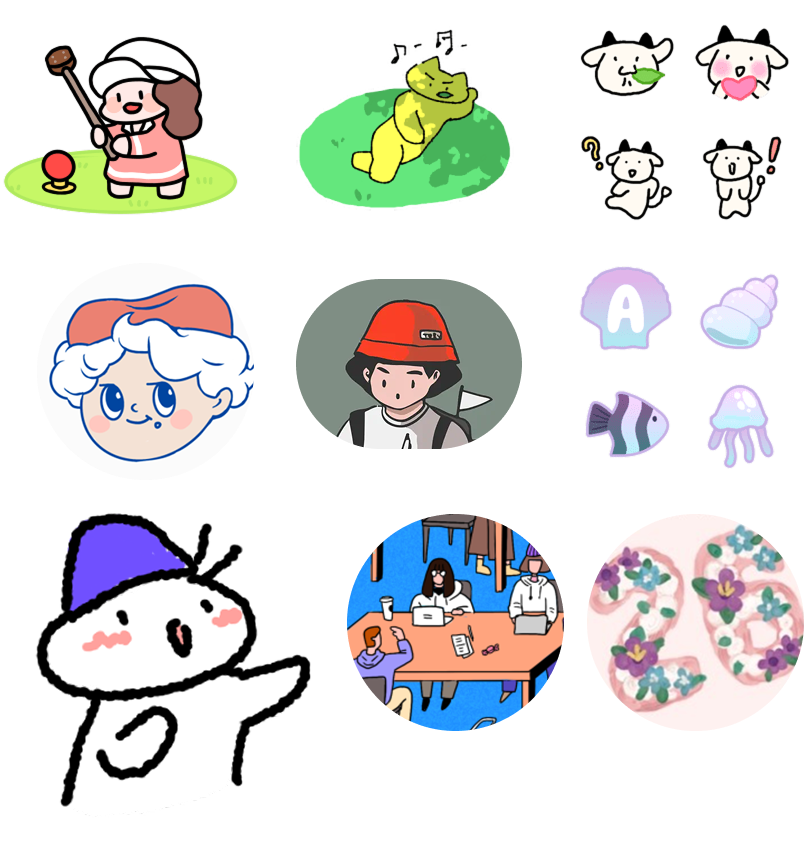
Released 10 emoticon sets, including OGQ, LINE, and iMessage stickers
Produced emoticons for academies in Gangnam and Jongno, and lectured on Photoshop/Illustrator
Yongsan Tour Guidebook Illustration
1st Place in Seoul Business Agency Card News Contest (Illustration Participation)
Participated in the production of Company N's game GM webtoon
Character and illustration production for numerous brands in F&B, IT, AI, Healthcare, etc.
Current software engineer who draws
You can check the details of my work history at the links below.
Emoticon work list 👉 https://litt.ly/godee
Other illustration and design work list 👉 https://kim-dee.tumblr.com/
If a beginner starts by targeting other platforms with high difficulty or low approval rates, they may fail to grow steadily as an emoticon creator and instead quickly give up or face frustration.
If you dream of creating emoticons for monetization and self-actualization, you must be able to start easily from the very beginning.
First, build a steady stream of successful experiences through Line, where you can experience monetization tailored to a global platform with a high approval rate and challenge yourself with a set of just 8 emoticons—the smallest requirement.
In fact, you can see that even the famous emoticon creators we know consistently submit their proposals to Line Creators.
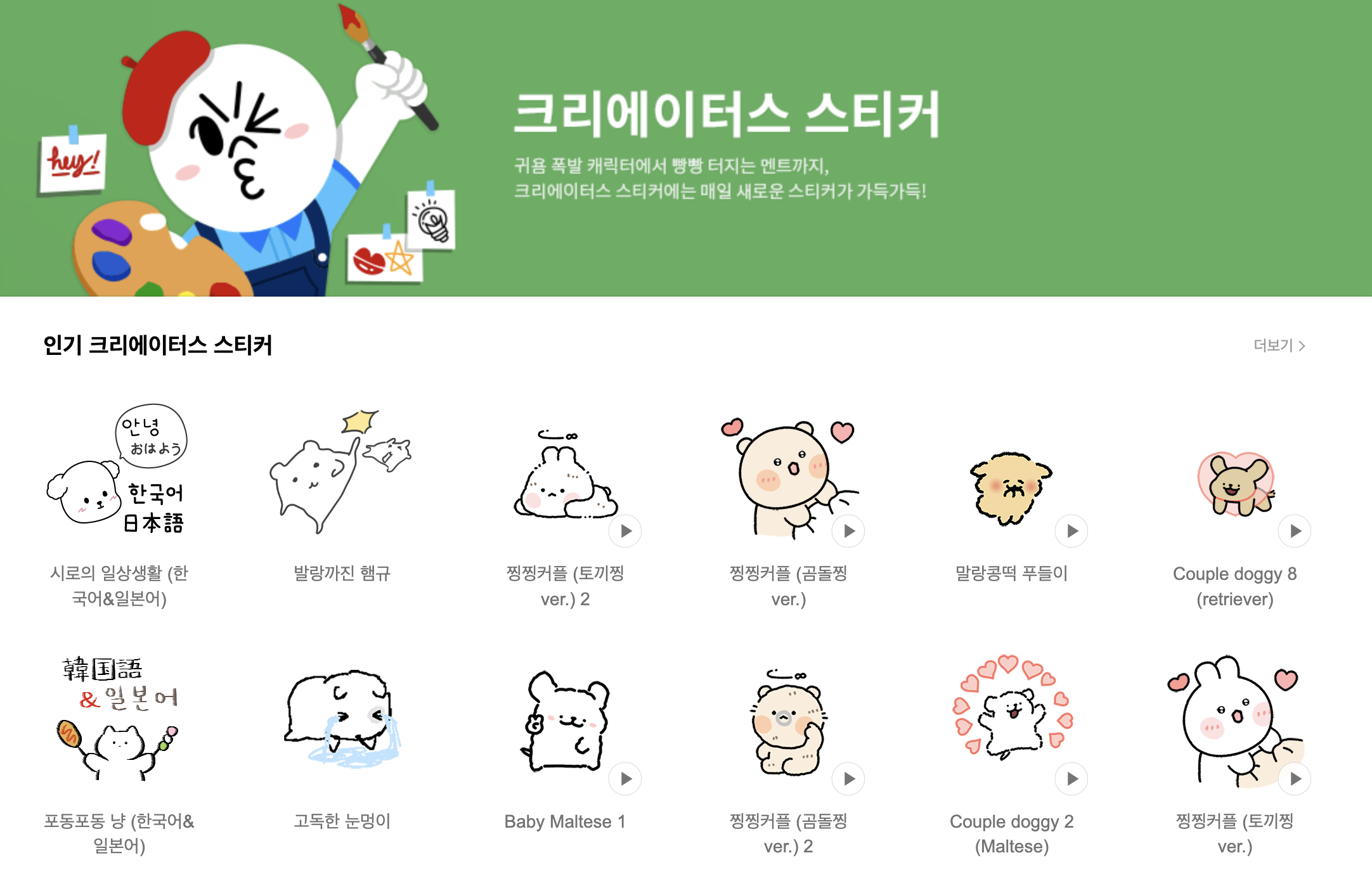
Line has the highest approval rate and the lowest minimum submission requirement among all platforms.
In fact, among the students who took my offline classes, there was a case where an emoticon was approved after just the second session using the template I provided.
Among the students who took the offline classes, there was someone who used the class templates to release an emoticon after just two sessions, and others who not only launched on OGQ/LINE but also won awards in emoticon contests.
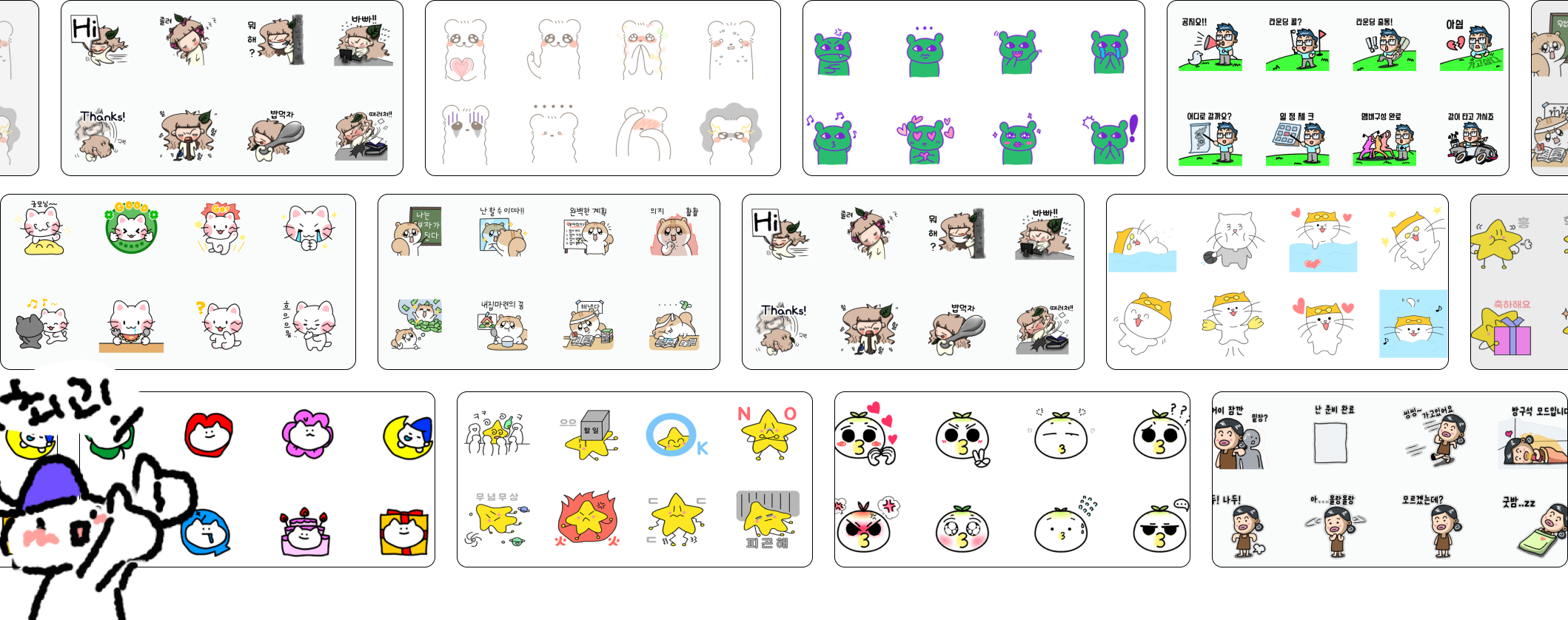
Of course, there were those who already enjoyed drawing and were familiar with the tools, but there were also those who were using the tools for the first time yet managed to create and release an emoticon set by following the lessons step-by-step.
In this lecture, we will guide you through various methods of creating emoticons, starting from how to make them immediately even without drawing skills or any knowledge of tools, to using AI tools, Procreate, Adobe programs, the LINE Creators app, and scanning handwritten text or hand-drawn illustrations.
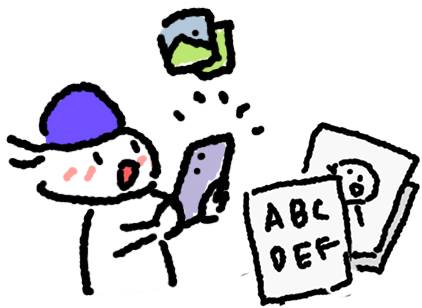
Beginners who are not familiar with the tools
A method of working using photos, handwriting, or hand-drawn illustrations

Intermediate users who have or are interested in digital drawing tools
A method of digital drawing using a stylus pen or tablet

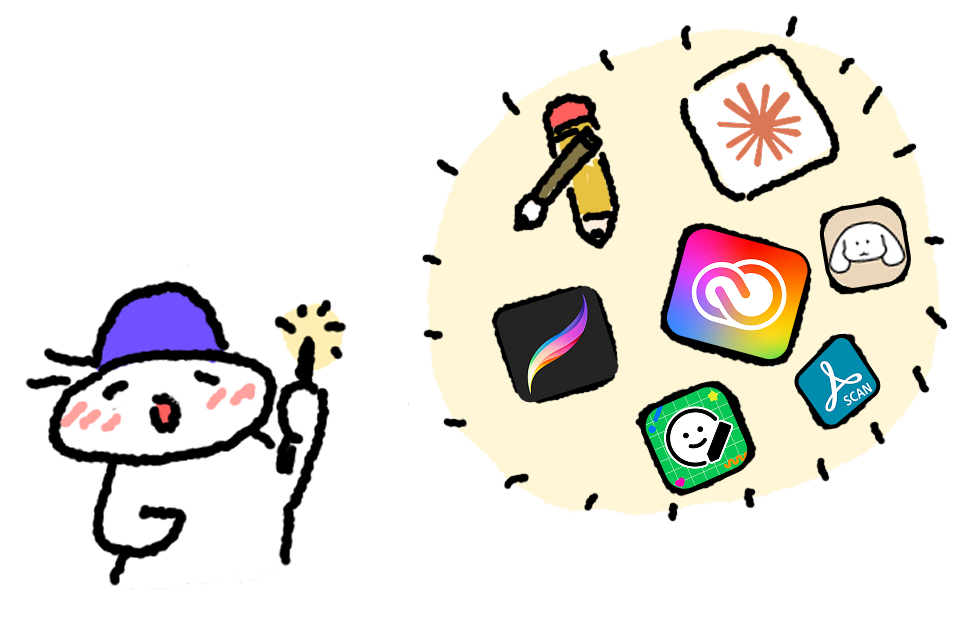
Intermediate level or higher with PC digital drawing tools
A method of using programs and drawing with a PC, tablet, and mouse
In addition to simply creating emoticons, I will also show you how to propose and launch your own emoticons on the global messenger platform, LINE.
I will guide you on how to use AI for simple planning, reverse engineering, and even planning emoticon sets, but...
For those who feel that isn't enough, I will introduce an AI platform specialized for emoticons and guide you on how to use it to easily create animated emoticons.
Actual animated emoticons created with a single still image and a prompt
Don't prepare anything before the class!
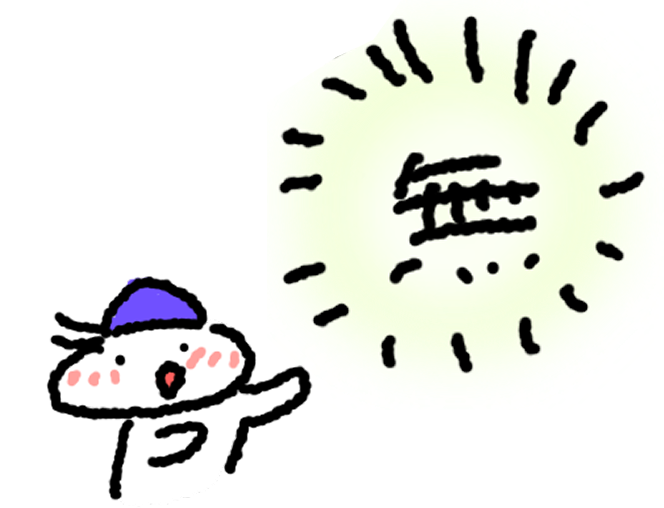
You can create and suggest emoticons using nothing but your smartphone, and it is not too late to purchase tools and software after lightly listening to the class first.
In the class, I will guide you through various ways to create emoticons as follows, so try listening first and then choose your favorite method or prepare your tools!
Additionally, we are providing various kits, templates, and reference materials in the class so that you can start working on Line emojis right away.

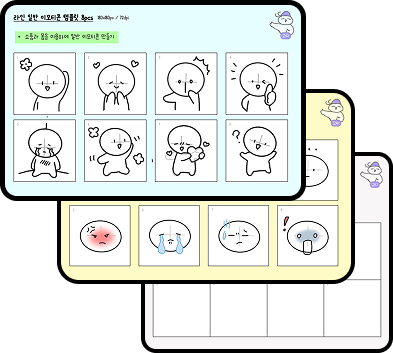
LINE Emoji Templates and Planning Sheets
- 2 types of 8-set templates (Full body, Face)
- 1 type of LINE Emoji set planning sheet
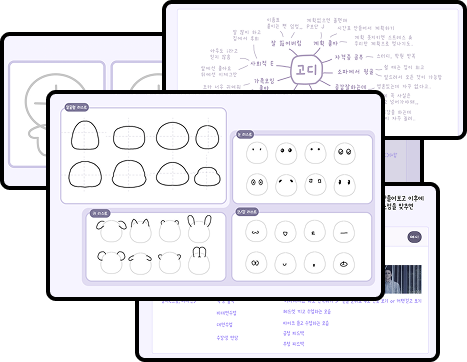
Character Planning and Design Sheets
- Character Design Templates (2P)
- Character Planning Sheets (4P)
- 3 types of Turnaround Templates, etc.
Reference Materials and Guide PDF
- Line Emoticon Tag Collection
- Text Emoticon Collection (6 Types)
- Sticker Submission Guide
- Reference Papers, etc.
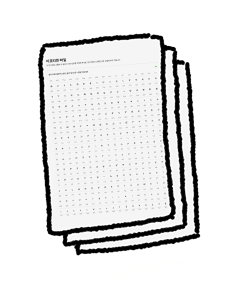
(Special) Character Artist Business Card KIT
- Business card template
- Tutorial video (From working on the business card template to placing an order)
We will provide lifetime updates for various emoticon resources, tool usage guides, and other new materials.
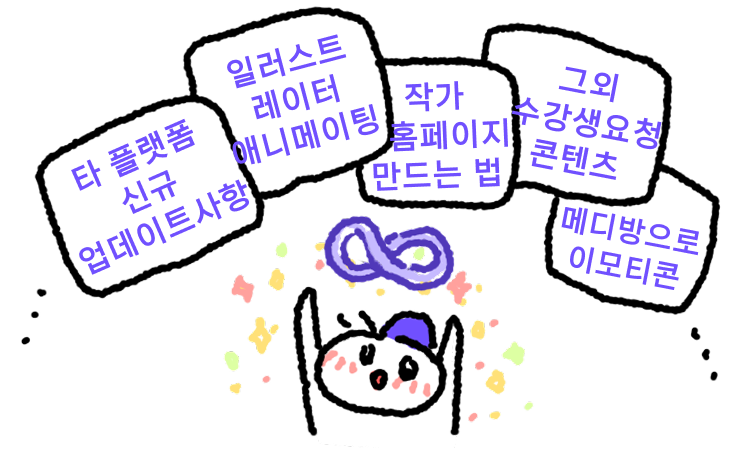
Let's become emoticon creators together.
Who is this course right for?
Adult Beginners: Those who want to start a new hobby or side hustle even if they lack confidence in their drawing skills.
College Students & Office Workers: Those who want to create their own character to use for social media or side income
Parents: Those who want to preserve their children's drawings or handwriting as special emojis.
Elementary school students and older teenagers: Friends who want to enjoy expressing themselves through daily doodles, photos, and writing.
Need to know before starting?
Anyone can create emoticons as long as they know how to use a smartphone.
Just having an interest in drawing is enough.

Career Verified
A developer who draws.
I started drawing by creating webtoons for a game company's website.
Currently working as an app developer.
Released 10 sets of emojis - 2 for OGQ, 6 for LINE, and 2 for iMessage stickers
3 self-published books - a short comic, an essay, and a children's book
Independently developed 3 iOS apps and participated in the development of over 10 apps.
I enjoy explaining things and love studying various domains.
🔗 Portfolio: https://litt.ly/godee
All
64 lectures ∙ (5hr 42min)
Course Materials:
All
2 reviews
5.0
2 reviews

Reviews 1
∙
Average Rating 5.0
5
I was feeling lost since it was my first time, but your detailed explanation was very helpful. I'm not quite used to drawing yet, so I'm going to try making emoticons with photos first! Great content. Thank you! + On a side note, I think it would be easier to follow if you used a pen-like pointer instead of the mouse cursor during the theoretical explanations!
Hello Nyongnyong! Thank you for listening so well! A full 100% completion...! I'll hurry up and film/edit the content to be updated soon haha. I'll try to add more diverse content for those who aren't familiar with drawing. Also, regarding the theory part you mentioned, I'll reflect your feedback and try to film with highlights to make it easier to follow next time. Thank you for the feedback!
Reviews 1
∙
Average Rating 5.0
5
This is very helpful. Thank you haha
Thank you, Youngju! I was always grateful for how hard you listened during the offline classes, and now a review for the online one too... ㅠㅠ Thank you so much. Please feel free to reach out anytime if you have questions or want feedback on the emoticons you're working on! Good luck with your work!
Explore other courses in the same field!
25% off for new members
$20.80
25%
$30.80
![[Introduction] Let's draw a picture quickly and easilyCourse Thumbnail](https://cdn.inflearn.com/public/courses/325162/course_cover/7171587f-39b0-4d57-9ae0-dd33faa45229/Poster.jpg?w=420)




![[Master] Solid Basics After Effects CC CourseCourse Thumbnail](https://cdn.inflearn.com/public/files/courses/333257/cover/ai/2/cc466790-af2d-4198-b5e8-1795be65e85a.png?w=420)
![[Basic King] Let's draw a picture quickly and easilyCourse Thumbnail](https://cdn.inflearn.com/public/course-325485-cover/77a76da4-58d3-4a0b-8018-49b0b9c6d1fc?w=420)