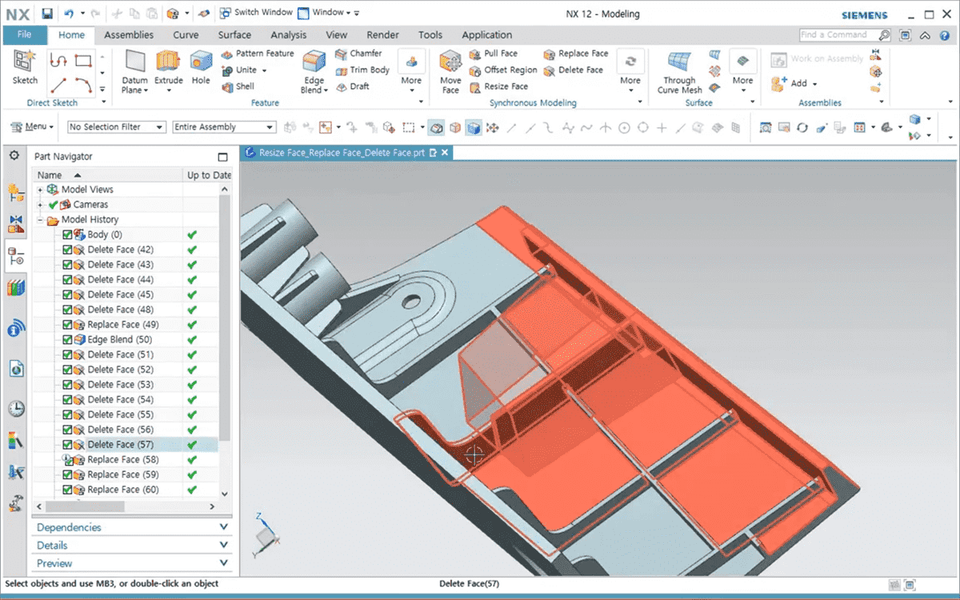

Learn Siemens NX 12.0 Synchronous Modeling with Video

Learn how to use the Synchronous Modeling commands in Siemens NX 12 to modify design geometry for parametric modeling and non-parametric modeling, such as imported IGS or STEP files.

(5.0) 1 reviews

21 learners

Level Basic

Course period Unlimited

Siemens NX
Siemens NX
Siemens NX
Siemens NX

What you will gain after the course

  • Concept and utilization of NX synchronous modeling (synchronous modeling)

  • NX Synchronous Modeling Related Commands and Detailed Examples for Each Option (Follow-Up Instructions)

Easy and fast with Siemens NX,
Learn Synchronous Modeling with Examples!

Lecture Introduction 🚩

Siemens NX?

Advanced high-end CAD/CAM/CAE, etc.
Boasting powerful modeling capabilities
It's design software .

Siemens NX provides an integrated development environment for more efficient, flexible, and rapid product design and validation in rapidly changing market environments. As a platform that provides full product lifecycle management (PLM) for product development, it is evolving into a 4th Generation Design (4GD) tool that not only facilitates engineers' design but also enables faster response to customer requirements. Equipped with diverse functions such as design, simulation, manufacturing, and CAM, it ensures design consistency.

Learn Siemens NX 12.0 Synchronous Modeling with Video

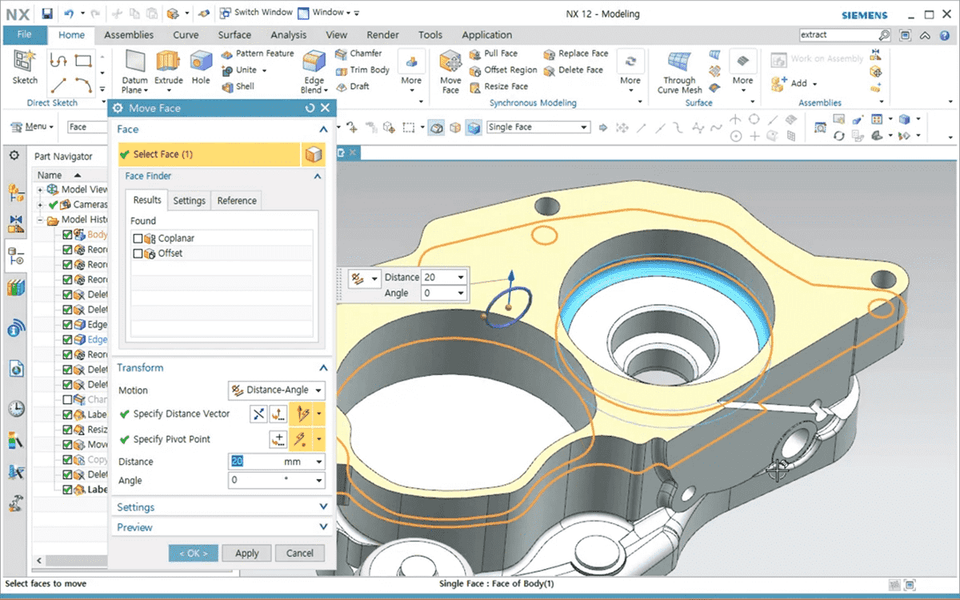
In this lecture, we will cover how to change the design geometry of parametric modeling and non-parametric modeling such as externally imported IGS and STEP files using the Synchronous Modeling technique command of Siemens NX 12.

Using synchronous modeling commands in NX, you can directly apply modifications to faces, edges, and cross sections of a model, or make simple geometry modifications, significantly accelerating downstream simulation and manufacturing processes. Manufacturing engineers can also use synchronous modeling directly to quickly prepare part models for mold and NC machining.


Course Features 📚

  • Textbook files (PowerPoint files) provided for each course
  • Provides practice files for each course to practice along with

Program version 💻

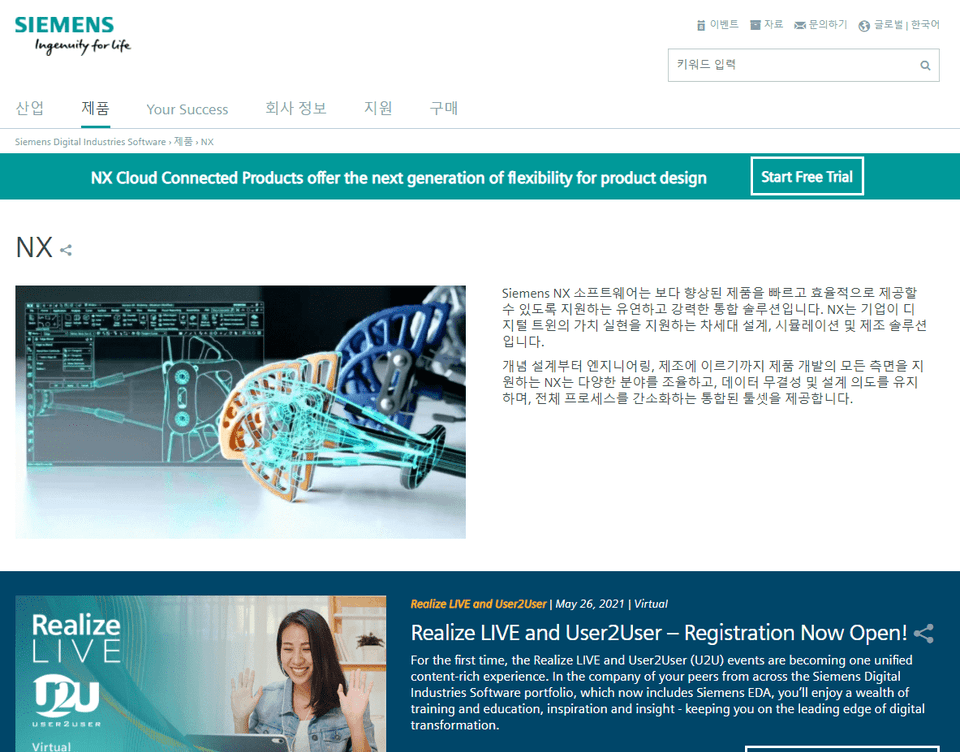
Siemens official page (click)

This course uses Siemens NX version 12. You can access a 30-day free trial from the official website or purchase a paid solution.

Recommended for
these people

Who is this course right for?

  • Anyone who wants to learn about NX synchronous modeling

  • Those who want to freely implement editing of external data (IGES, STEP)

Need to know before starting?

  • Overview of the basic NX interface

  • Basic design capabilities to model basic single parts and assemblies in NX

Hello
This is gypsum

1,467

Learners

119

Reviews

9

Answers

4.9

Rating

49

Courses

Graduated from Yonsei University Graduate School
(Former) Visiting Professor, Department of Visual Communication Design, Konyang University
(Former) Visiting Professor, Department of Computer Science, Seoul Health College
(Current) Adjunct Professor, Department of Future Automotive Engineering and Department of Semiconductor/Display Engineering, Gachon University
(Current) Director, Shin Jungang Computer Academy
(Current) Full-Time Instructor in 3D Design using AutoCAD,Catia,Solidworks,Siemens NX,Inventor,Rhino,ZW3D,SolidEdge

More

Curriculum

All

29 lectures ∙ (6hr 43min)

Course Materials:

Lecture resources
Published: 
Last updated: 

Reviews

All

1 reviews

5.0

1 reviews

  • innotech1238님의 프로필 이미지
    innotech1238

    Reviews 5

    ∙

    Average Rating 5.0

    5

    100% enrolled

    gypsum's other courses

    Check out other courses by the instructor!

    Limited time deal ends in 02:03:58

    $23,100.00

    30%

    $26.40