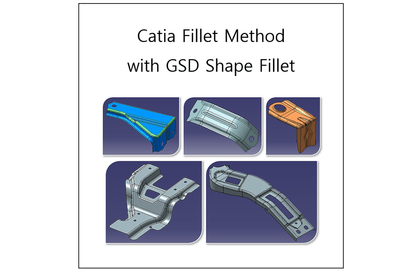
Catia Fillet Method
gypsum
This lecture covers methodologies for applying fillets in various cases using only the Shape Fillet feature from the Generative Shape Design (GSD) workbench, which is widely utilized in practical work.

Beginner
Catia
Learn how to use the Synchronous Modeling commands in Siemens NX 12 to modify design geometry for parametric modeling and non-parametric modeling, such as imported IGS or STEP files.
Concept and utilization of NX synchronous modeling (synchronous modeling)
NX Synchronous Modeling Related Commands and Detailed Examples for Each Option (Follow-Up Instructions)
Easy and fast with Siemens NX,
Learn Synchronous Modeling with Examples!
Advanced high-end CAD/CAM/CAE, etc.
Boasting powerful modeling capabilities
It's design software .
Siemens NX provides an integrated development environment for more efficient, flexible, and rapid product design and validation in rapidly changing market environments. As a platform that provides full product lifecycle management (PLM) for product development, it is evolving into a 4th Generation Design (4GD) tool that not only facilitates engineers' design but also enables faster response to customer requirements. Equipped with diverse functions such as design, simulation, manufacturing, and CAM, it ensures design consistency.
In this lecture, we will cover how to change the design geometry of parametric modeling and non-parametric modeling such as externally imported IGS and STEP files using the Synchronous Modeling technique command of Siemens NX 12.
Using synchronous modeling commands in NX, you can directly apply modifications to faces, edges, and cross sections of a model, or make simple geometry modifications, significantly accelerating downstream simulation and manufacturing processes. Manufacturing engineers can also use synchronous modeling directly to quickly prepare part models for mold and NC machining.
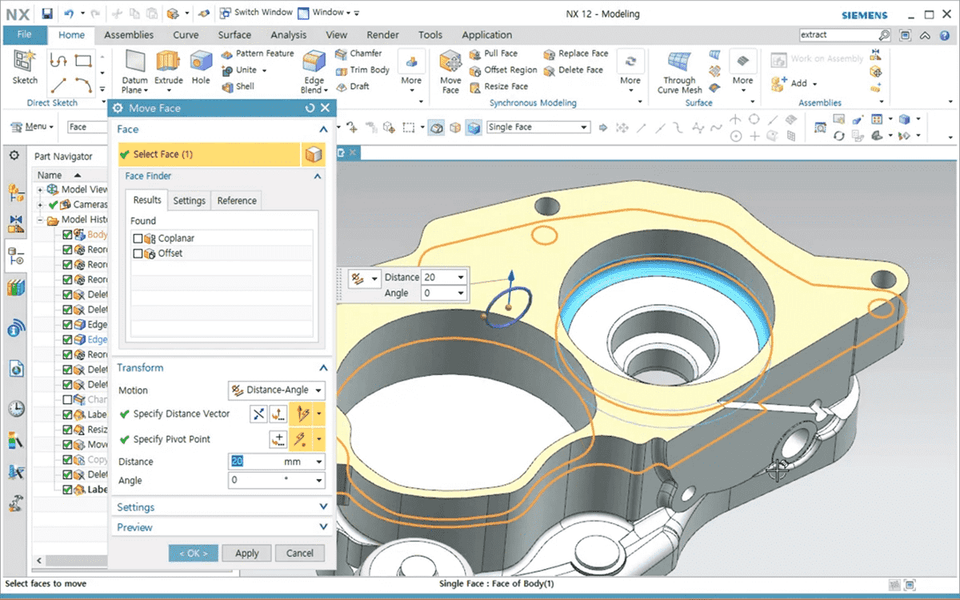
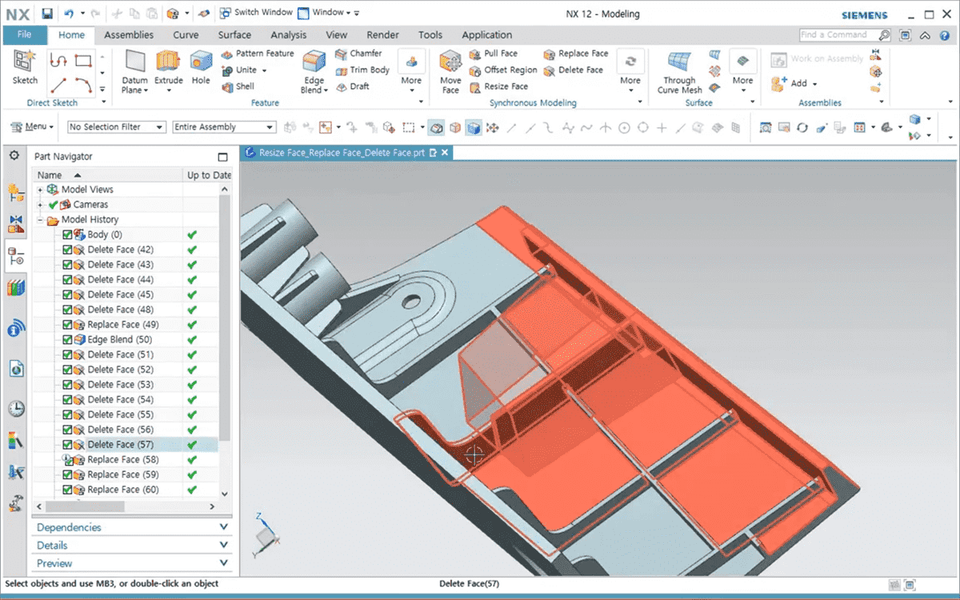
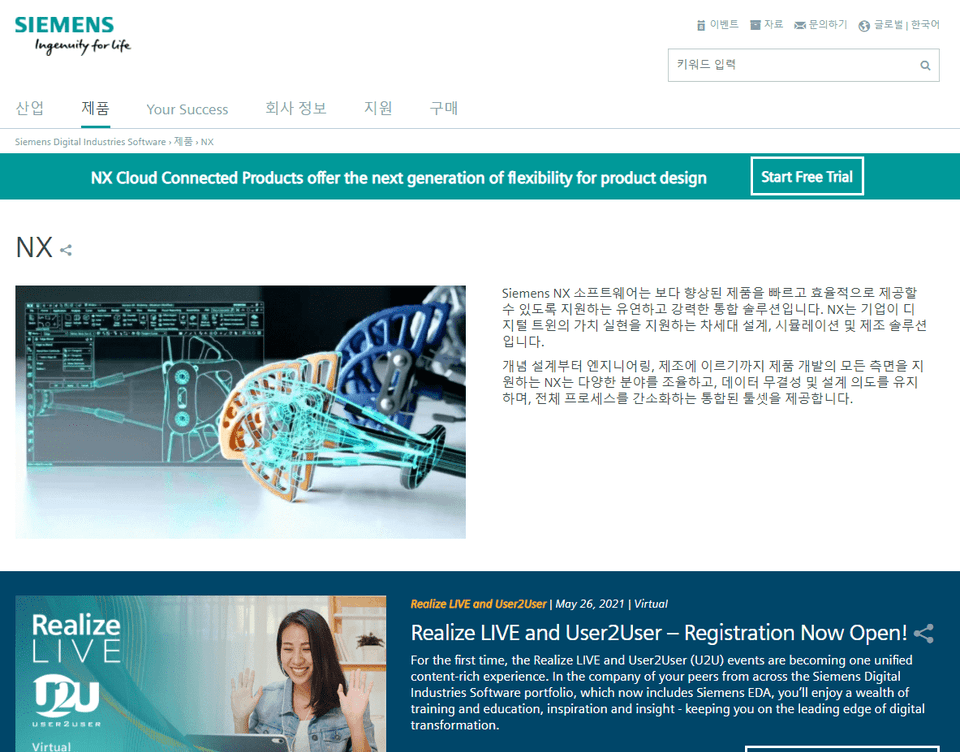
This course uses Siemens NX version 12. You can access a 30-day free trial from the official website or purchase a paid solution.
Who is this course right for?
Anyone who wants to learn about NX synchronous modeling
Those who want to freely implement editing of external data (IGES, STEP)
Need to know before starting?
Overview of the basic NX interface
Basic design capabilities to model basic single parts and assemblies in NX

1,188
Learners
96
Reviews
9
Answers
4.9
Rating
41
Courses
Key Experience: Graduate of Yonsei University Graduate School
(Former) Adjunct Professor, Department of Computer Science, Seoul Health College
(Former) Instructor, Future Talent Development Center, Inha University
(Current) Adjunct Professor, Gachon University, etc.
All
29 lectures ∙ (6hr 43min)
Course Materials:
All
1 reviews
Check out other courses by the instructor!
Explore other courses in the same field!
$26.40