
inflearn logo

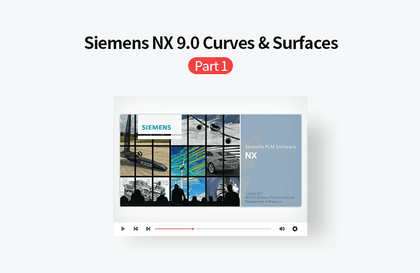
Learning Siemens NX 9.0 Curves & Surfaces through Videos, Part 2

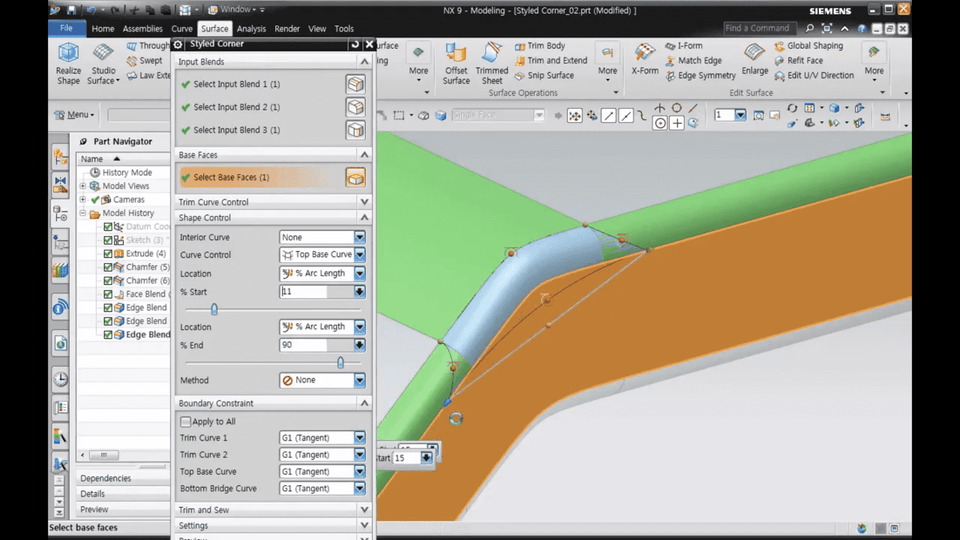
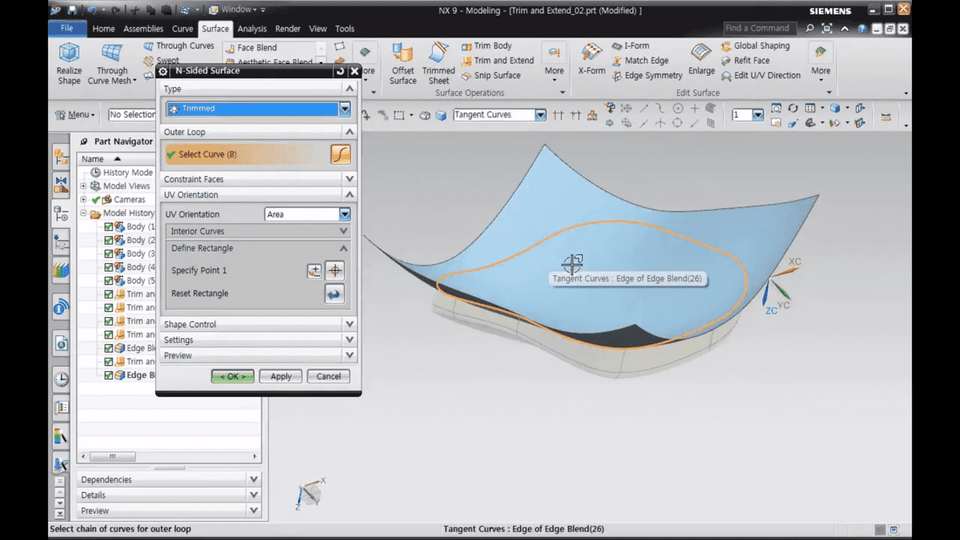
In the NX 9.0 Curves and Surfaces Modeling course, you will study the commands necessary for creating and managing various curves and surfaces, and learn how they are applied through practical exercise examples. (PART 2)

9 learners are taking this course

Level Basic

Course period Unlimited

Siemens NX
Siemens NX
Siemens NX
Siemens NX

What you will gain after the course

  • Various methods for designing curves and surfaces using NX

  • Various tools and detailed options for creating curves and surfaces

Fast and efficient 3D modeling,
solve it all at once with Siemens NX!

Course Introduction 🚩

Siemens NX?

It is a design software that boasts powerful modeling functions,
including advanced high-end CAD/CAM/CAE.

Siemens NX provides an integrated development environment that allows for more efficient, flexible, and rapid product design and validation in a rapidly changing market. As a platform that offers comprehensive Product Lifecycle Management (PLM), it is evolving into a 4th Generation Design (4GD) tool that not only enhances design convenience for engineers but also allows for faster integration of customer requirements. In other words, it incorporates various functions such as Design, Simulation, Manufacturing, and CAM, playing a key role in ensuring design consistency.

Learning Siemens NX 9.0 Curves & Surfaces through Videos - Part 2

Therefore, in this <NX 9.0 Curves and Surfaces Modeling> course, for those who have learned the basics of Siemens NX, we will learn about the commands required to create and manage curves and surfaces and how they are utilized through practical examples. In particular, following the previous part, you will learn in earnest how to create surfaces and manipulate them.


Course Features 📚

  • Instructional materials (PowerPoint files) provided for each lecture
  • Practice files are provided so you can follow along with each lesson.

Program Version 💻

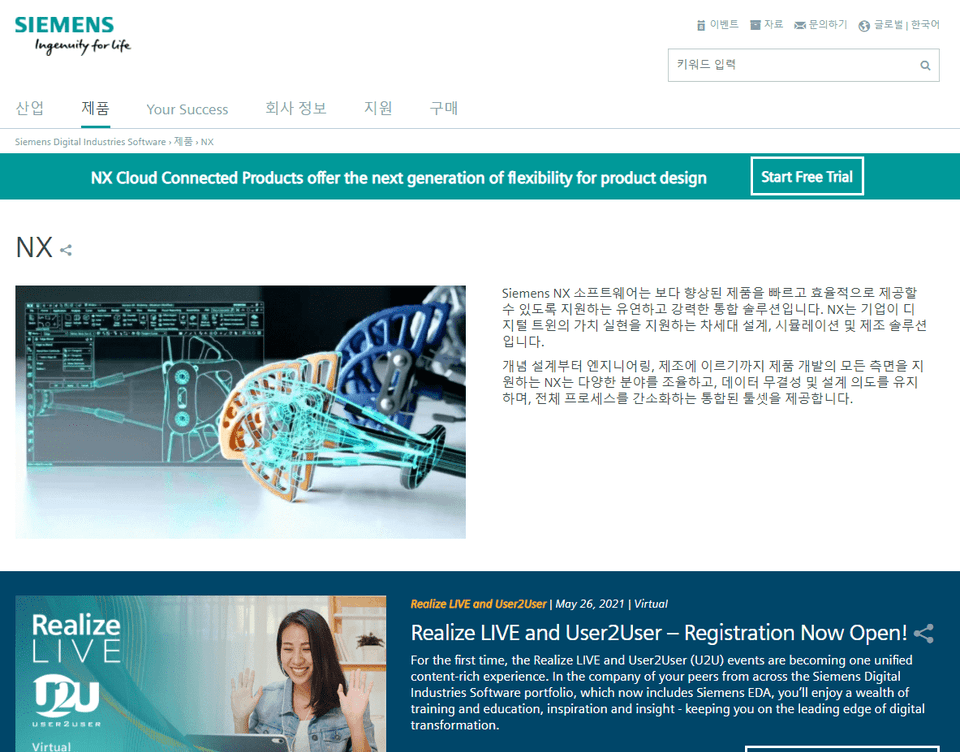
Siemens Official Page (Click)

This lecture uses Siemens NX version 9.0. You can use the 30-day free trial from the official page or purchase a paid solution.

Recommended for
these people

Who is this course right for?

  • Those who wish to perform surface design using NX

  • Those who wish to learn commands related to complex shape design using NX

Need to know before starting?

  • Basic NX operation and interface usage

Hello
This is gypsum

1,482

Learners

121

Reviews

10

Answers

4.9

Rating

49

Courses

Graduated from Yonsei University Graduate School
(Former) Visiting Professor, Department of Visual Communication Design, Konyang University
(Former) Visiting Professor, Department of Computer Science, Seoul Health College
(Current) Adjunct Professor, Department of Future Automotive Engineering and Department of Semiconductor/Display Engineering, Gachon University
(Current) Director, Shin Jungang Computer Academy
(Current) Full-Time Instructor in 3D Design using AutoCAD,Catia,Solidworks,Siemens NX,Inventor,Rhino,ZW3D,SolidEdge

More

Curriculum

All

47 lectures ∙ (14hr 12min)

Course Materials:

Lecture resources
Published: 
Last updated: 

Reviews

Not enough reviews.
Please write a valuable review that helps everyone!

gypsum's other courses

Check out other courses by the instructor!

25% off for new members

$16.40

25%

$26.40