Getting started with Webflow - Create high-freedom prototypes without coding
Create your own cool website and prototype with Webflow! We'll help you get started quickly and easily by organizing key concepts and templates/plugins that you can refer to.
It's helpful because you teach everything step by step from the basics and explain it in an easy-to-understand way. I plan to fully listen to the course once, and then practice along during the second time. Thank you.
5.0
ANDY DAESUNG Lee
97% enrolled
I quickly read it once to get a general idea of the flow.
Now I'm going to try taking the course while actually doing it.
Thank you!
5.0
백예리
61% enrolled
This is very fun. I think I can follow it easily.
What you will gain after the course
Create a website with Webflow
Creating a prototype with Webflow
How to use templates and plugins to quickly start your Webflow project
The big picture of IT development, including databases, front-end, and back-end
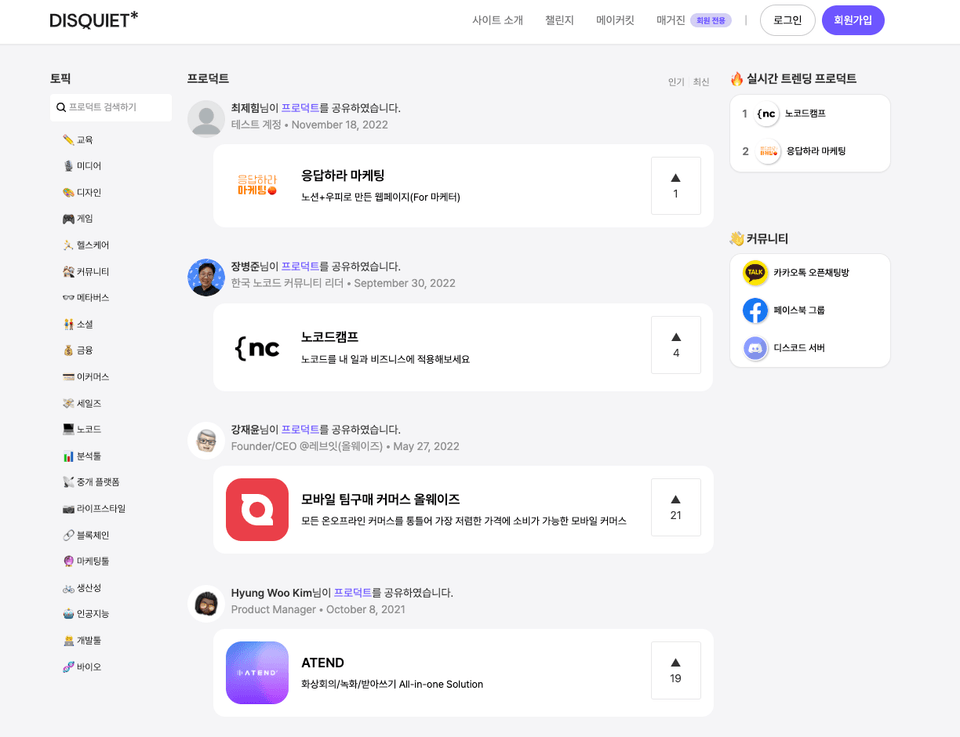
Using Webflow, a powerful website builder Let's create a Disquiet website! 🙋
I recommend this to people like this 👀
Beautiful web pages Those who want to make
At least with a minimum degree of completion Anyone who wants to create an MVP
SEO of my service Someone who thinks it's important
A solo entrepreneur without a developer, Startup practitioner
This is a working prototype, so you can sign up and test it out.
We will implement member registration, logic based on permissions, filters, search, payment, comments, notifications, etc.
The most powerful No-code tool, Webflow
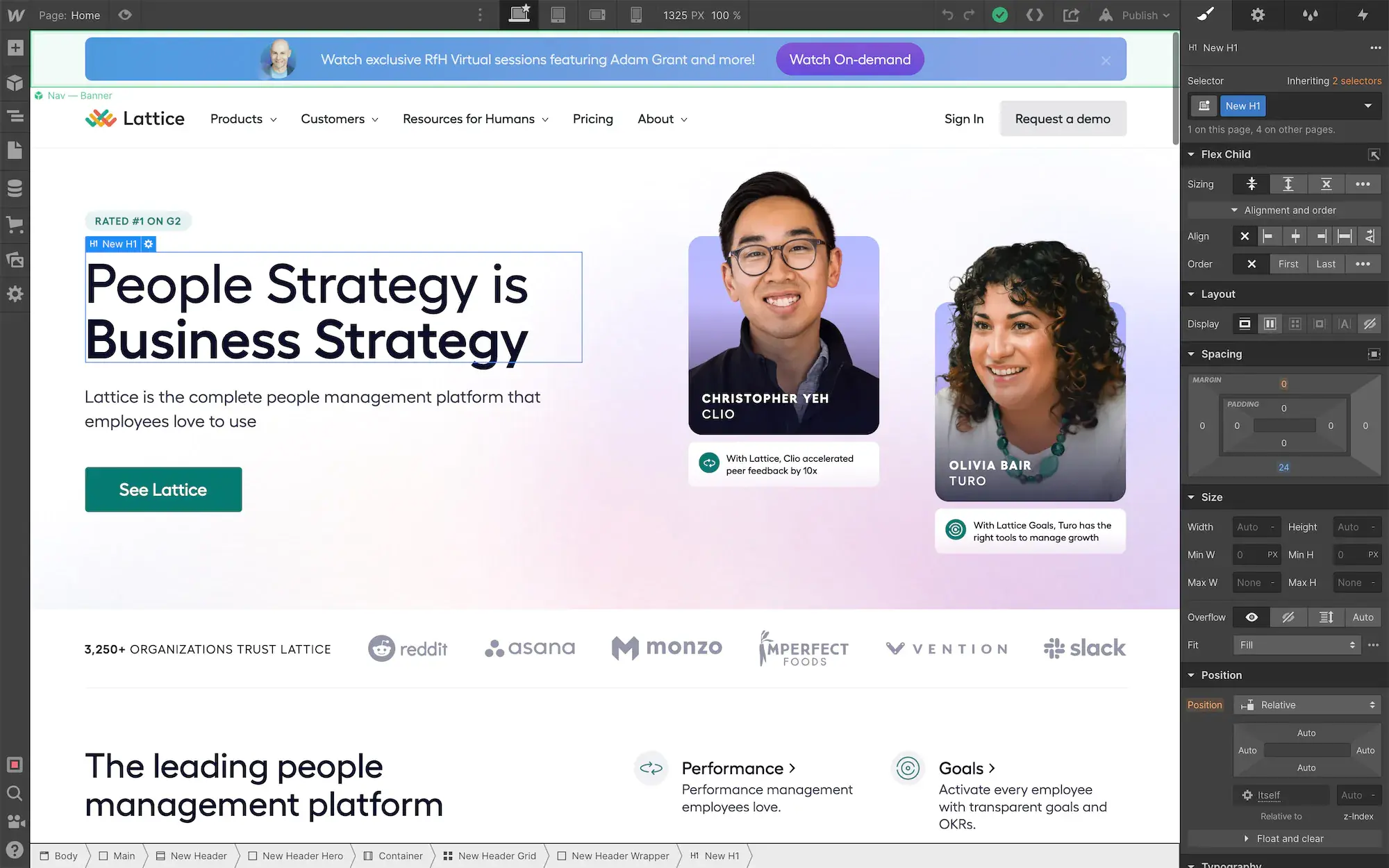
Webflow is the most popular and powerful no-code tool in the no-code community. With just Webflow, you can create almost any website you can imagine—beautiful sites optimized for PC, tablet, and mobile!
For those who have previously used WordPress, Wix, or I'mWeb and found them limiting, or who desire more freedom and powerful features than entry-level no-code tools like Glide and Softr, Webflow is a great alternative. Furthermore, Webflow boasts the best search engine optimization (SEO) performance among no-code tools, ranking well on search engines like Google and Naver. With SEO emerging as a key topic in digital marketing, Webflow is arguably the most useful no-code website builder.
This course will teach you how to create your own amazing service using Webflow, a website builder more powerful than WordPress or Wix. We'll walk you through everything from simple landing pages to complex prototypes. To help you minimize trial and error and achieve results quickly, we'll also introduce useful plugins that work with Webflow, as well as excellent, free design templates and libraries. We'll pack in Webflow's core concepts and helpful tips to help you get started quickly and easily!
What you will learn in class ✍️
#1. Key concepts of Webflow Take a look
Webflow is a tool that allows you to freely manipulate HTML, CSS, and JavaScript to create websites. However, you don't need to master the complexities of HTML, CSS, and JavaScript to use it. Furthermore, Webflow projects often start from templates rather than a blank slate, so you only need to learn enough to understand what you're seeing. From the perspective of this no-code user, I've quickly summarized the core concepts.
#2. To get started quickly Templates and plugins
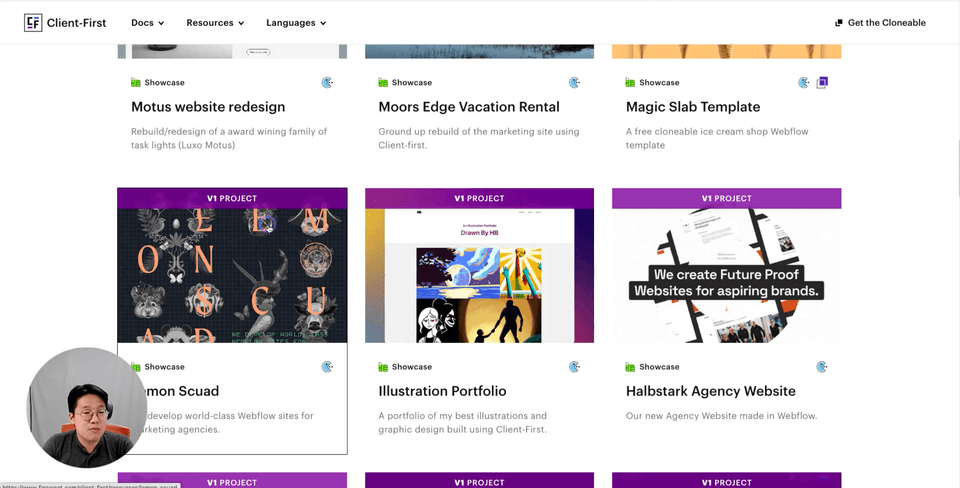
We'll show you how to easily explore templates and plugins created by experts and import them into your own projects. Knowing these methods will make starting your own projects much easier.
#3. Simple practice projects, etc. Various practical training
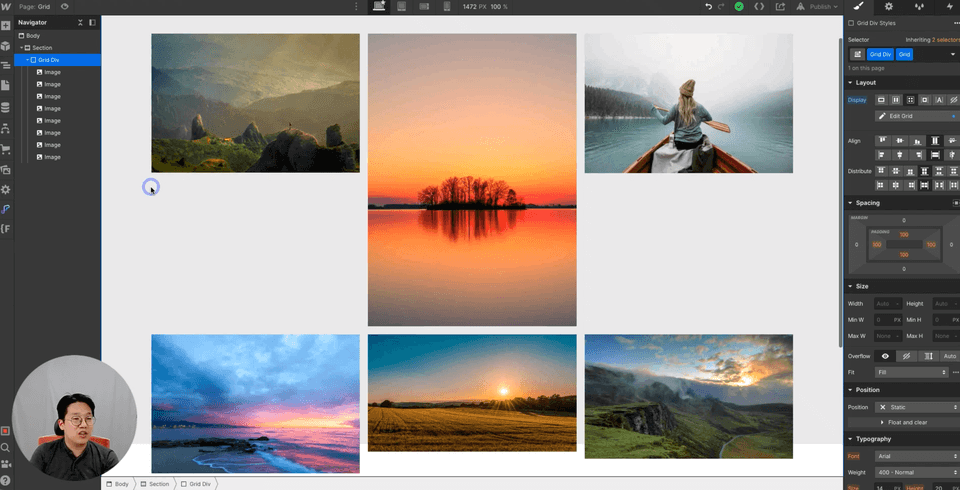
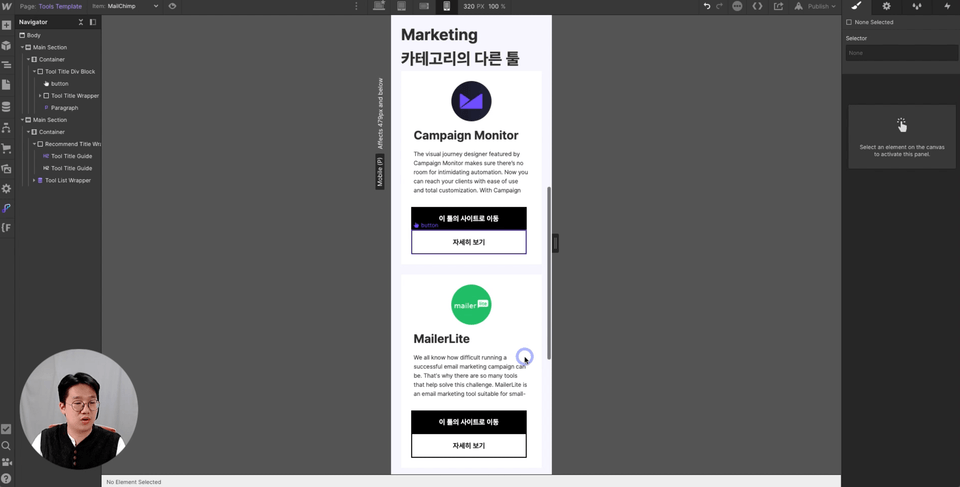
Before diving into complex prototype development, we'll create a simple landing page and a simple directory site. This is designed to help you practice and familiarize yourself with the basic concepts you've learned previously.
#4. Clone Disquiet Creating a prototype
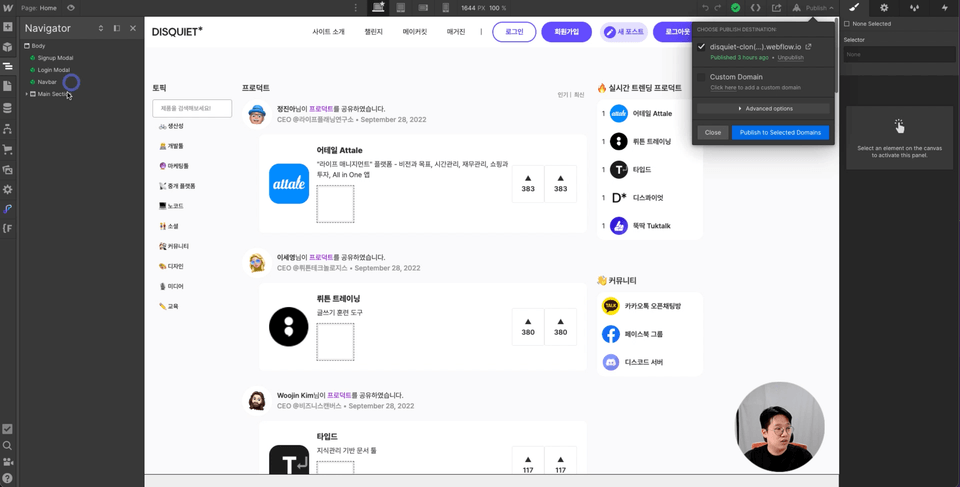
Feeling somewhat proficient with Webflow? Now, let's replicate a service called Disquiet and create a community platform that supports member registration, permission management, multiple filters, search, new post creation, likes, and comments.
Expected Questions Q&A 💬
Q. Do I need any prior knowledge of IT?
This course was designed with beginners in mind. Even those new to IT development can easily follow along. While there's no coding involved, the course aims to produce results similar to coding. Therefore, concepts related to web development, such as HTML, CSS, and databases, will be covered. I believe it's a good idea to learn about web development through these no-code courses.
Q. Then, do I need to study the concepts separately?
You can do this without any prior computer science background. Rather, I believe this course will help you grasp programming concepts and develop programming thinking skills. I believe NoCode is a truly valuable educational resource for non-developers working in the IT industry.
Q. How much does it cost to create a prototype using Webflow?
To create Webflow project deliverables that integrate with the database covered in the course, you must purchase the minimum CMS plan ($29 per month). Additionally, to add membership registration and tracking features, you'll need to purchase MemberStack ($29 per month), a membership management plugin. Webflow's free features only allow you to create a one-page website.
Q. In what cases do you recommend Webflow?
When you want to freely customize the design
When filtering and searching functions are important in the list (complex filtering, filtering by image, etc.)
If you consider search engine optimization (SEO) important
Q. Do you provide separate consulting or coaching?
While separate one-on-one coaching for VOD is difficult, if you leave a comment, I'll provide feedback. For communication and feedback on no-code, I run the "Korean No-Code Community" website and KakaoTalk open chatroom, so I recommend joining. It's free, and I'll provide real-time feedback.
Introducing the Knowledge Sharer ✒️
Hello, I am Jang PM, a no-code evangelist and hard worker.
I, too, was a liberal arts graduate and an IT industry planner. Despite building a career spanning ten years, I often felt frustrated and frustrated because I didn't know anything about coding or IT development. Then, I discovered a new technology trend called "no-code." Now, I've proven to myself that, as long as you have an idea, you can create amazing results in the digital world, even without coding knowledge.
No-code technology is a new trend that's just starting to emerge. I believe that by learning no-code and applying it to your work and business, you'll achieve much greater results and career fulfillment. No-code is much easier than coding. While it doesn't offer the same level of freedom, it allows you to create high-quality results much more easily. Therefore, students produce results much faster and feel a greater sense of accomplishment and enjoyment. We're not professional developers, after all. Don't get tired of learning difficult things. Learn with no-code, have fun, and quickly apply it to your work!
I’m Jang PM, a no-code evangelist and productivity expert. Throughout my career, I have primarily focused on finding Product-Market Fit at early-stage startups. As a leader of Korea’s no-code community and the operator of No-Code Camp, I work as a no-code evangelist to promote no-code widely. With a focus on rapid execution, I teach courses on topics such as building MVPs with no-code and automating work.
- Leader of Korea’s no-code community - Operator of the no-code course site “No-Code Camp” - Operator of the no-code-related YouTube channel “Jang PM, the Productivity Expert” - Former leader of the Business Development Team at Teamblind - Former Product Manager at Soundly - Former Sales Manager at SK Telecom - Graduated from Seoul National University’s Department of Economics (a true humanities person!)
It's helpful because you teach everything step by step from the basics and explain it in an easy-to-understand way. I plan to fully listen to the course once, and then practice along during the second time. Thank you.













![[AI Practical Workflow] Create a Service Planning Figma UX Flow in Just 10 MinutesCourse Thumbnail](https://cdn.inflearn.com/public/files/courses/340323/cover/01kev8vd8z1tkyrehkk9k5s1x8?w=420)