Done! Square iPad Drawing with Procreate
easyspub
Free
Beginner / Procreate
4.8
(18)
1,100+
Start drawing/calligraphy/designing with the authors of “Do it! Square iPad Drawing with Procreate”!

Beginner
Procreate

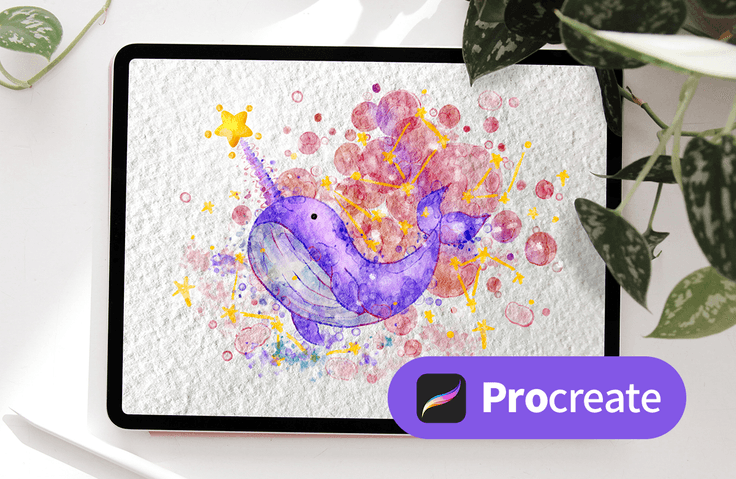
I took out the iPad that was rolling around at home.
Let's draw a watercolor illustration! 🎨
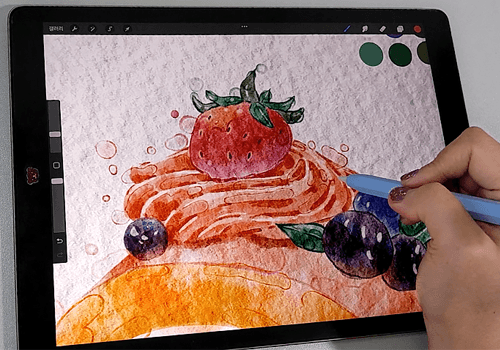
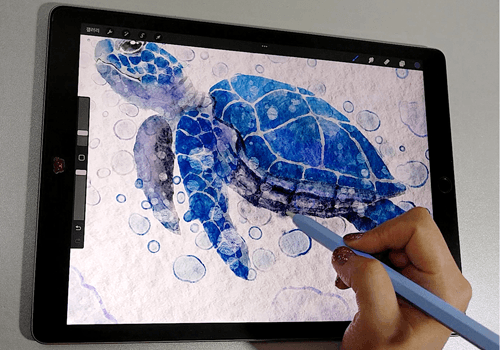
What do you do that makes you happy? I often find joy when I persevere through difficult tasks. To enhance my quality of life, I enjoy a variety of enjoyable hobbies, such as attending performances, going to exhibitions, and painting. I believe I'm enjoying these hobbies in a fulfilling way.
Sharing your drawings on social media, creating and selling merchandise, and engaging in other enriching and meaningful hobbies can help you spend your precious time developing yourself in a special way. Learn how to draw by drawing watercolor illustrations with me on your iPad!
This is your first time drawing on an iPad... Are you worried about watercolor painting being too difficult? The course curriculum begins with line drawing exercises and a basic introduction to the Procreate app. We'll work together from the beginning, step by step, and progress through the levels of difficulty from beginner to intermediate to advanced . Learn together, and as you draw, you'll complete your painting.
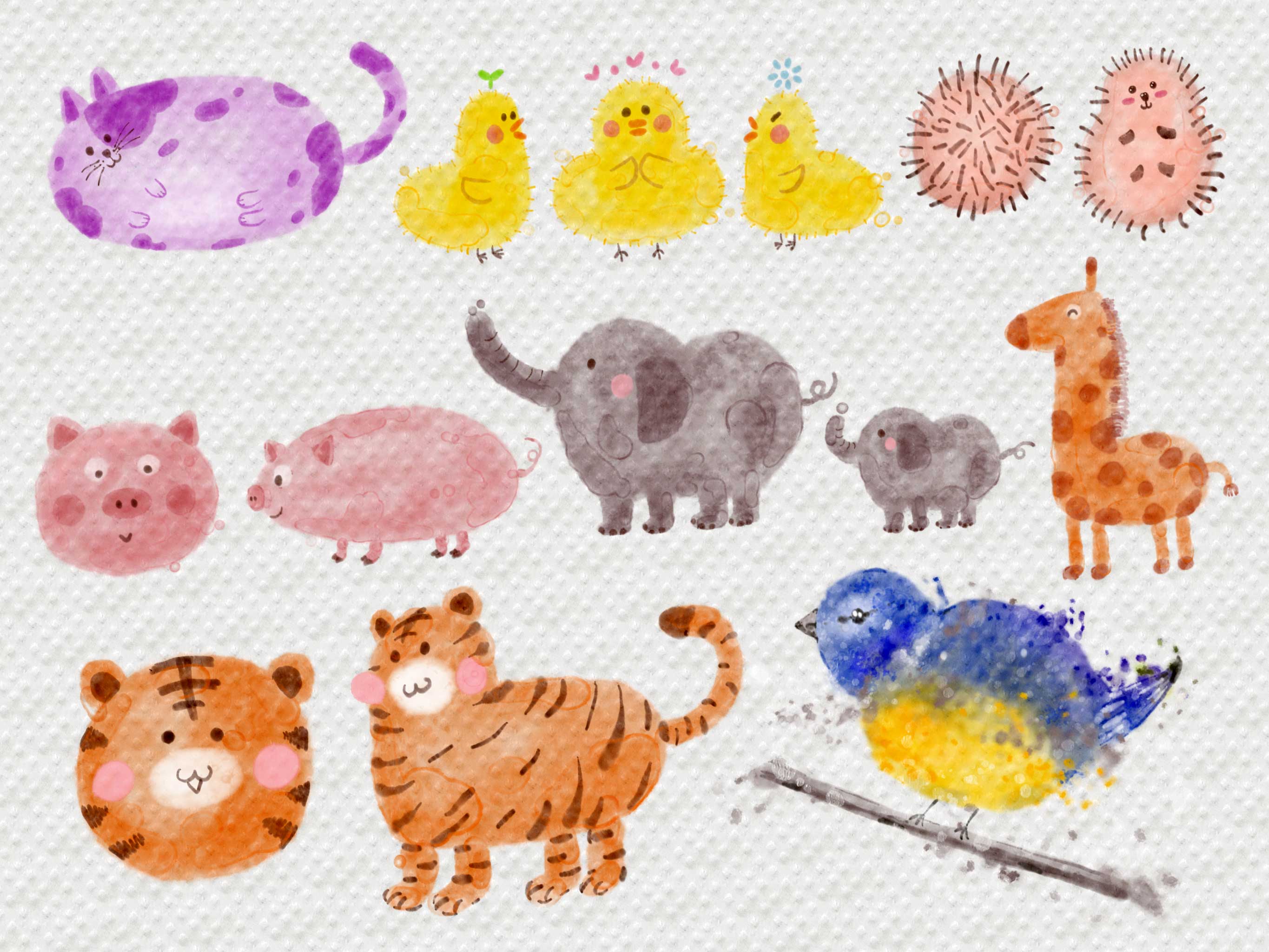
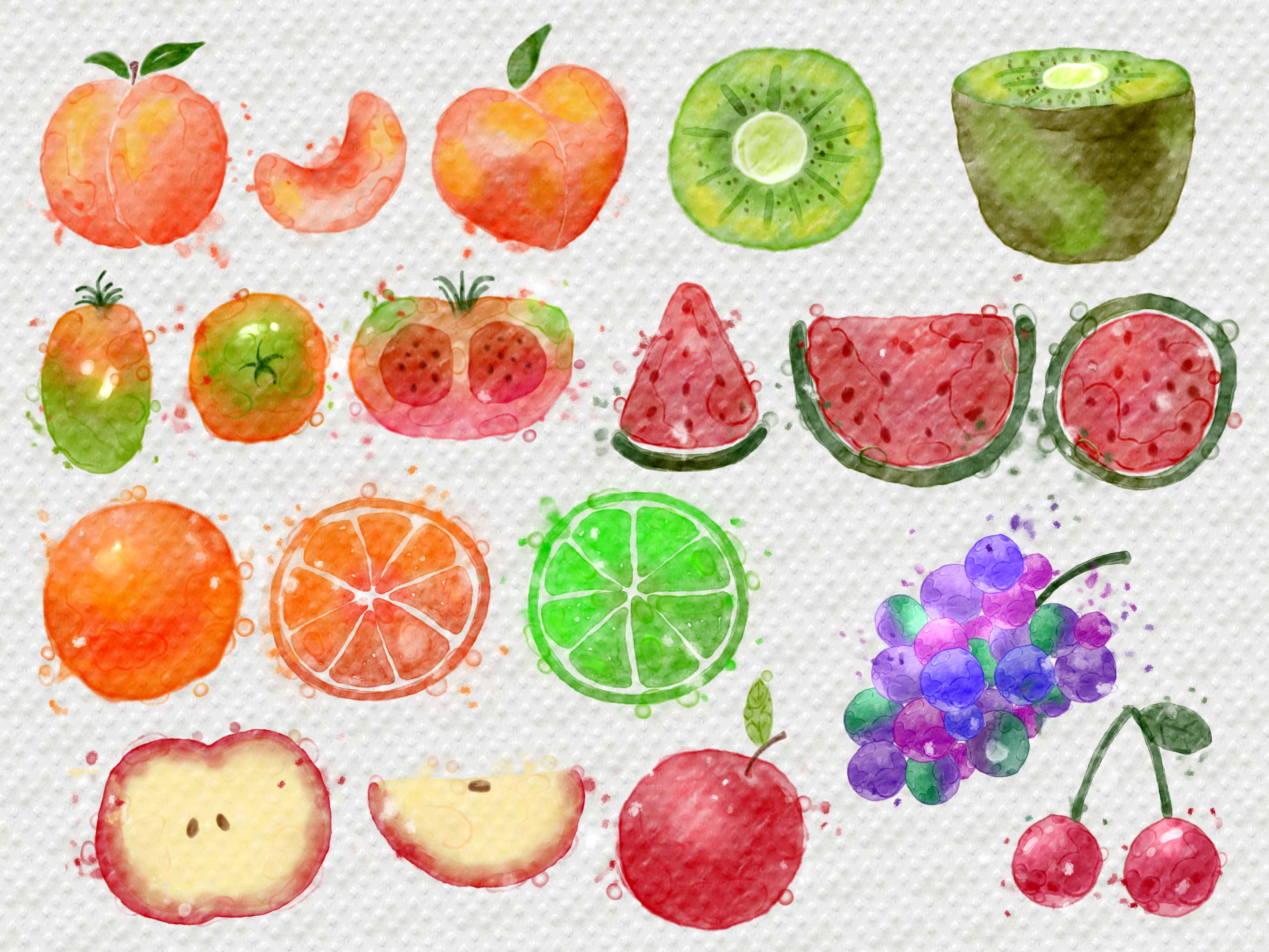
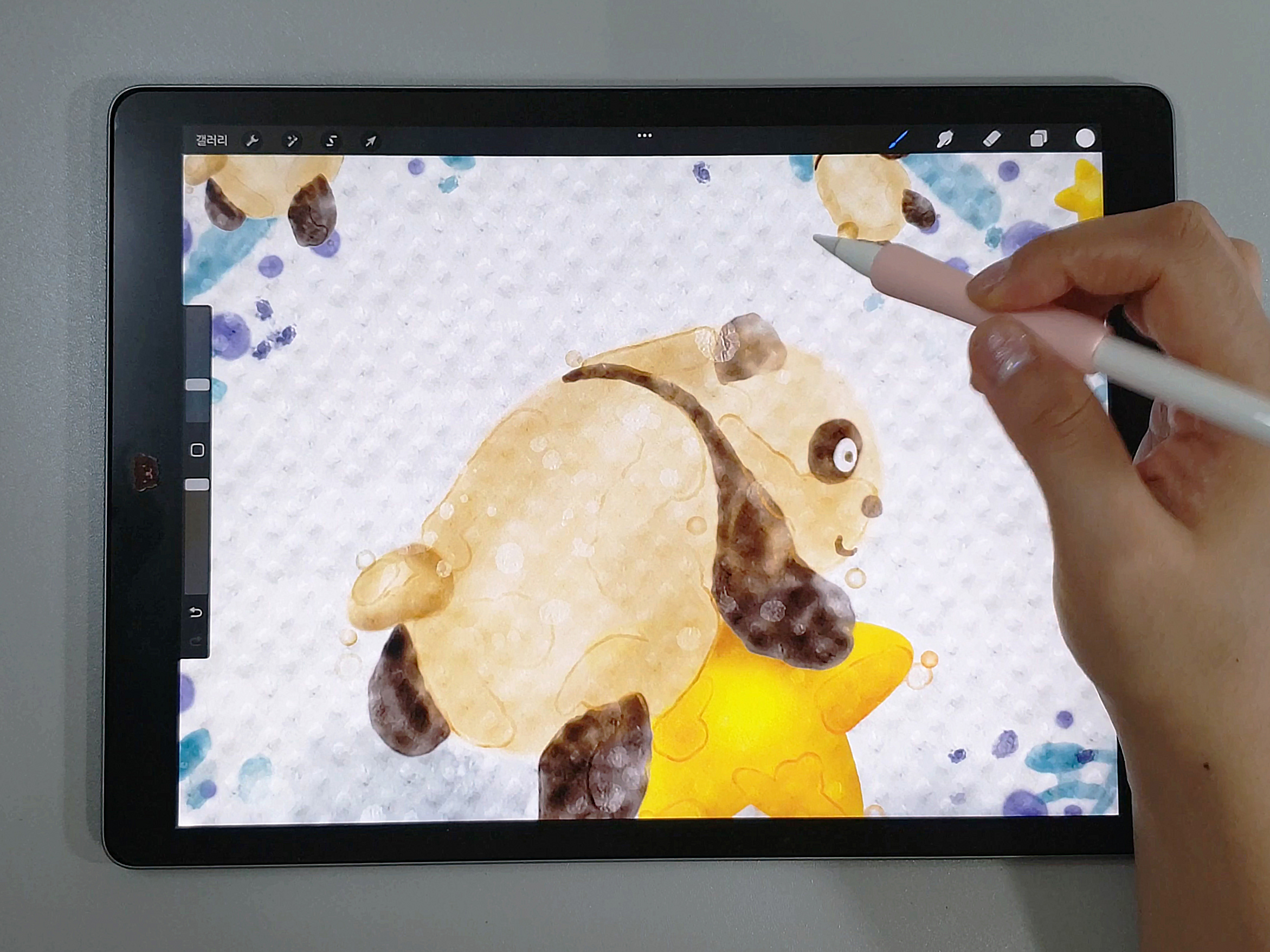
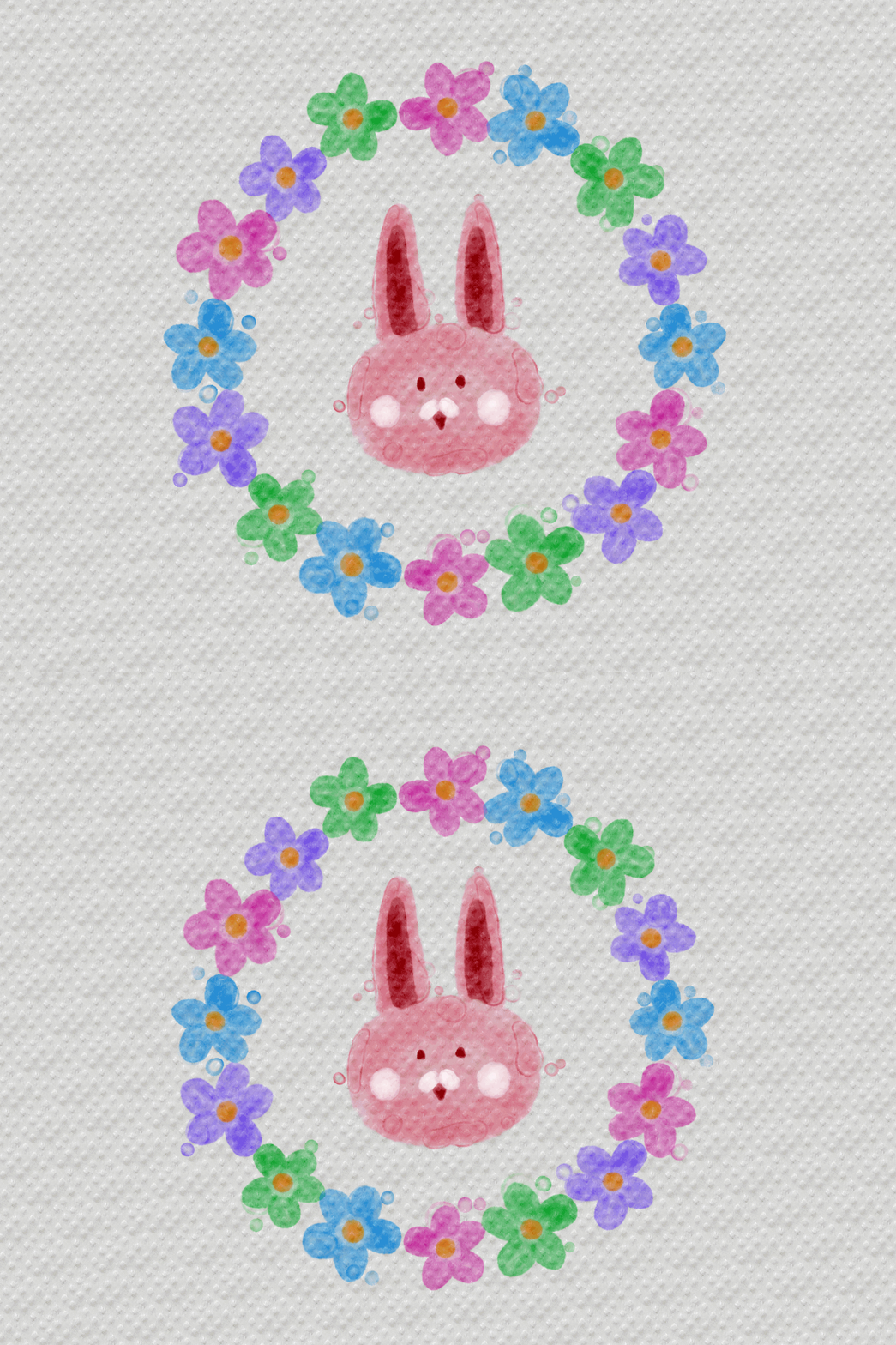
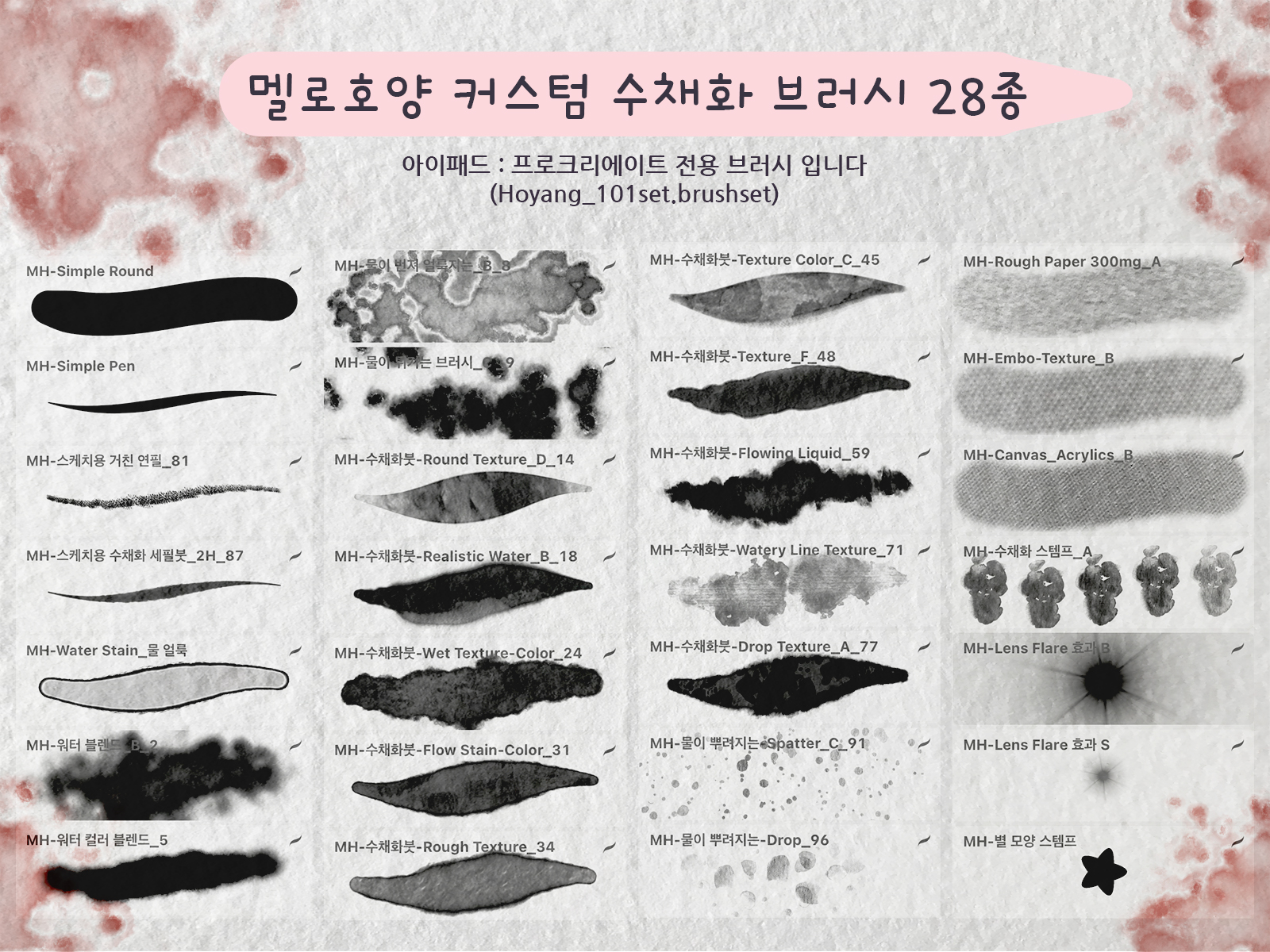
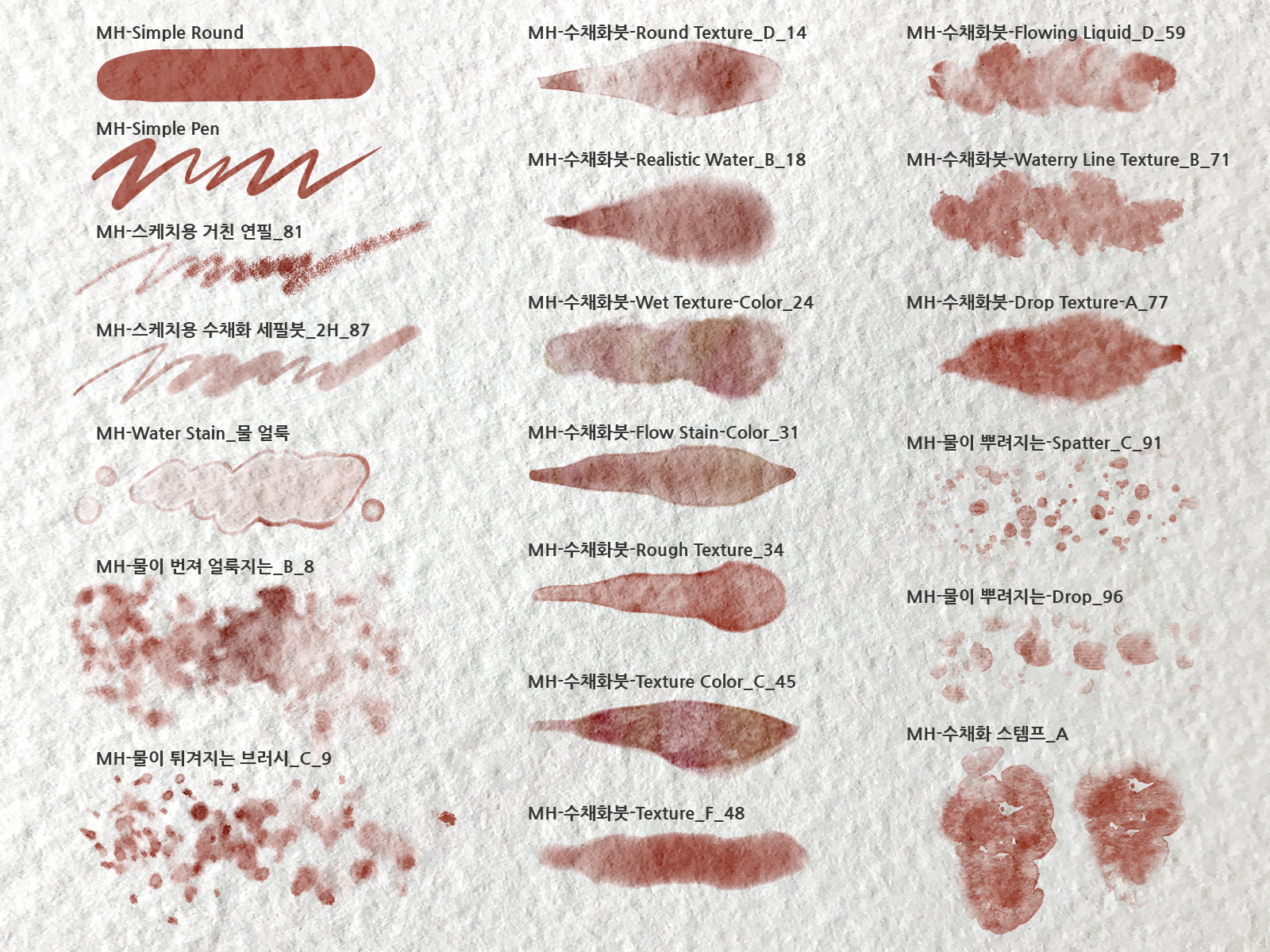
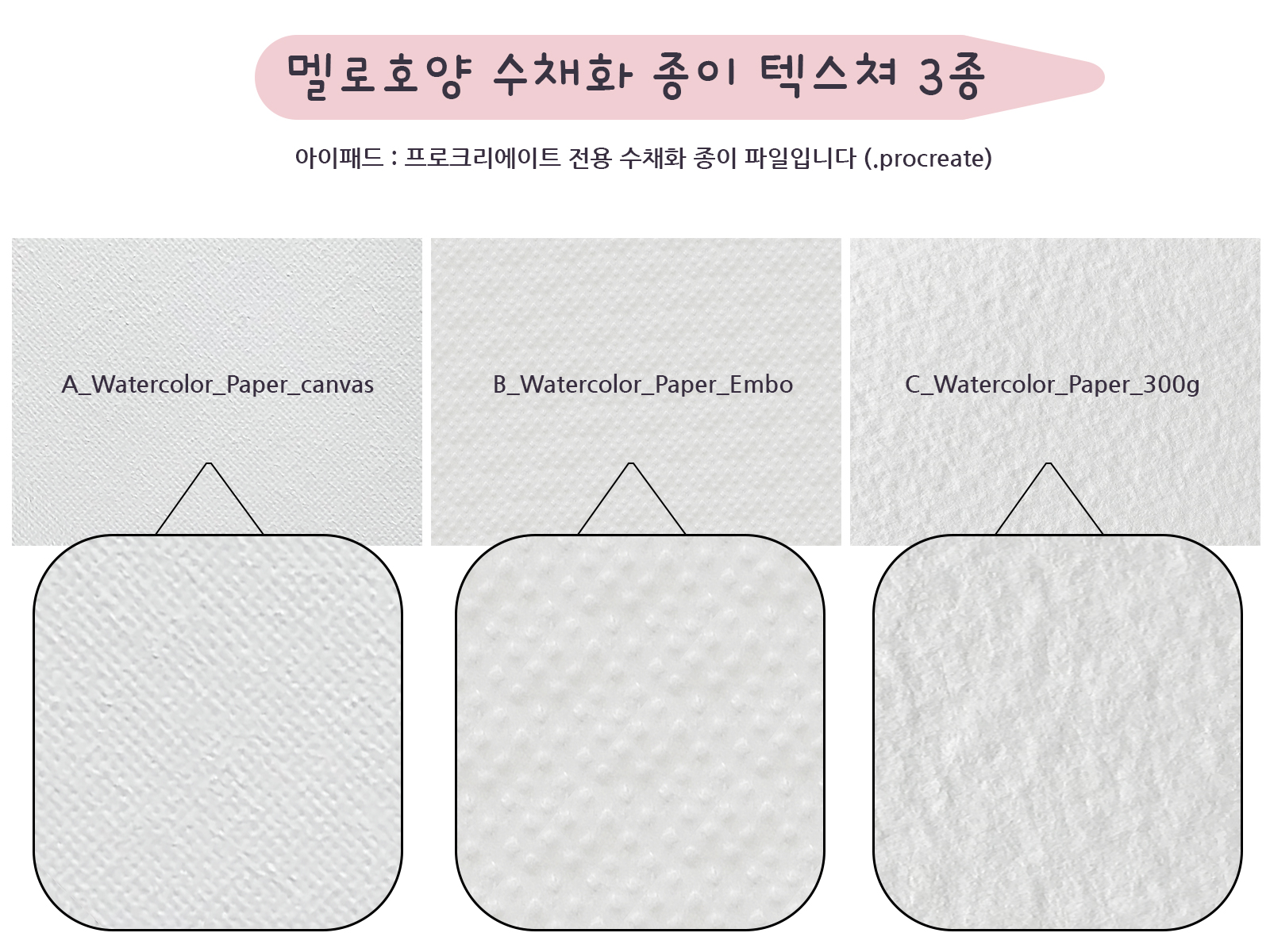
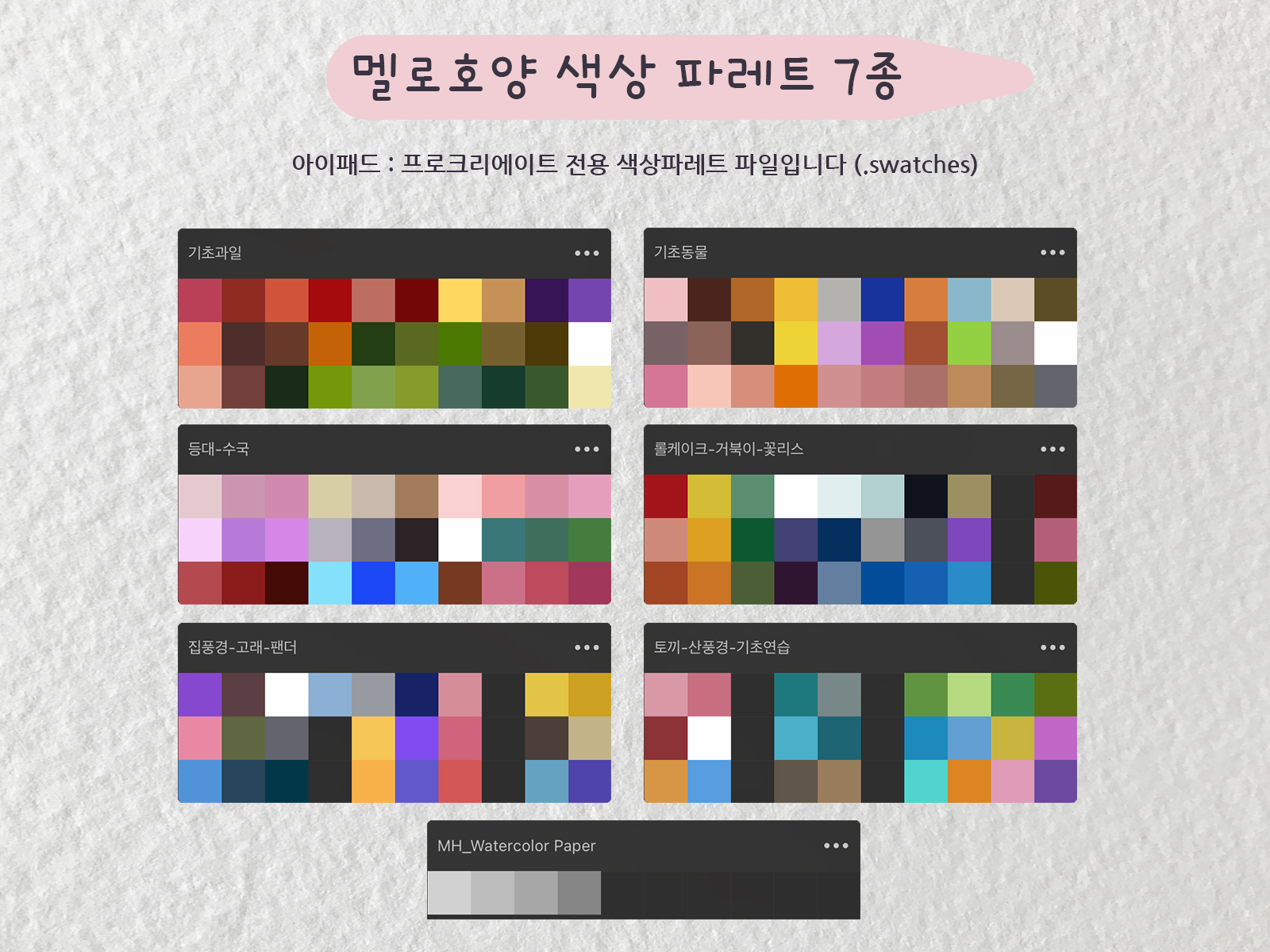
We're giving away 28 Melohoyang custom watercolor brushes, three watercolor paper textures, and seven vibrant palettes . We'll teach you how to use these to create merchandise with your own drawings, and how to monetize these digital images.
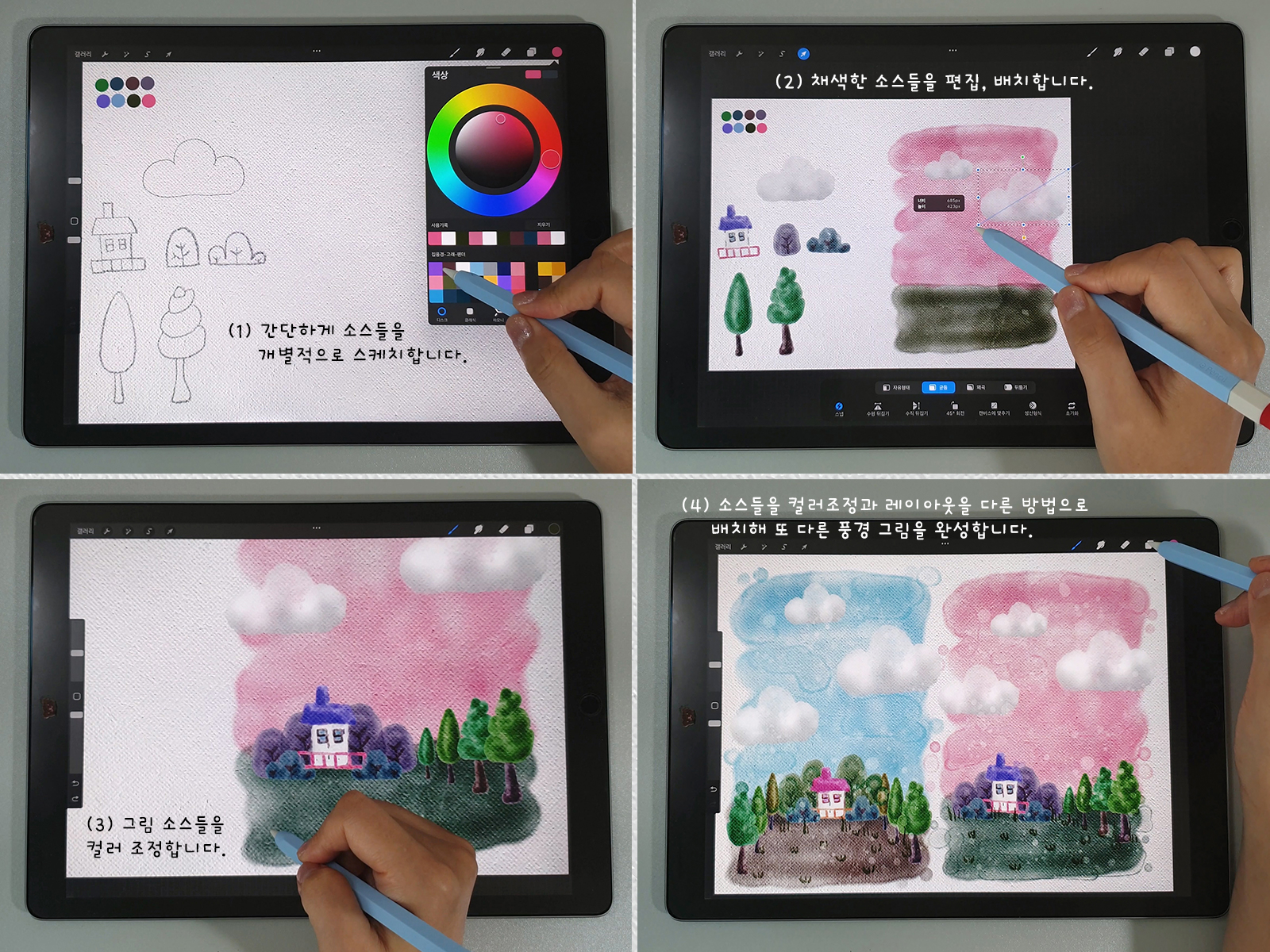
Using the editing function, which is an advantage of digital design, we create each source and complete various pictures.
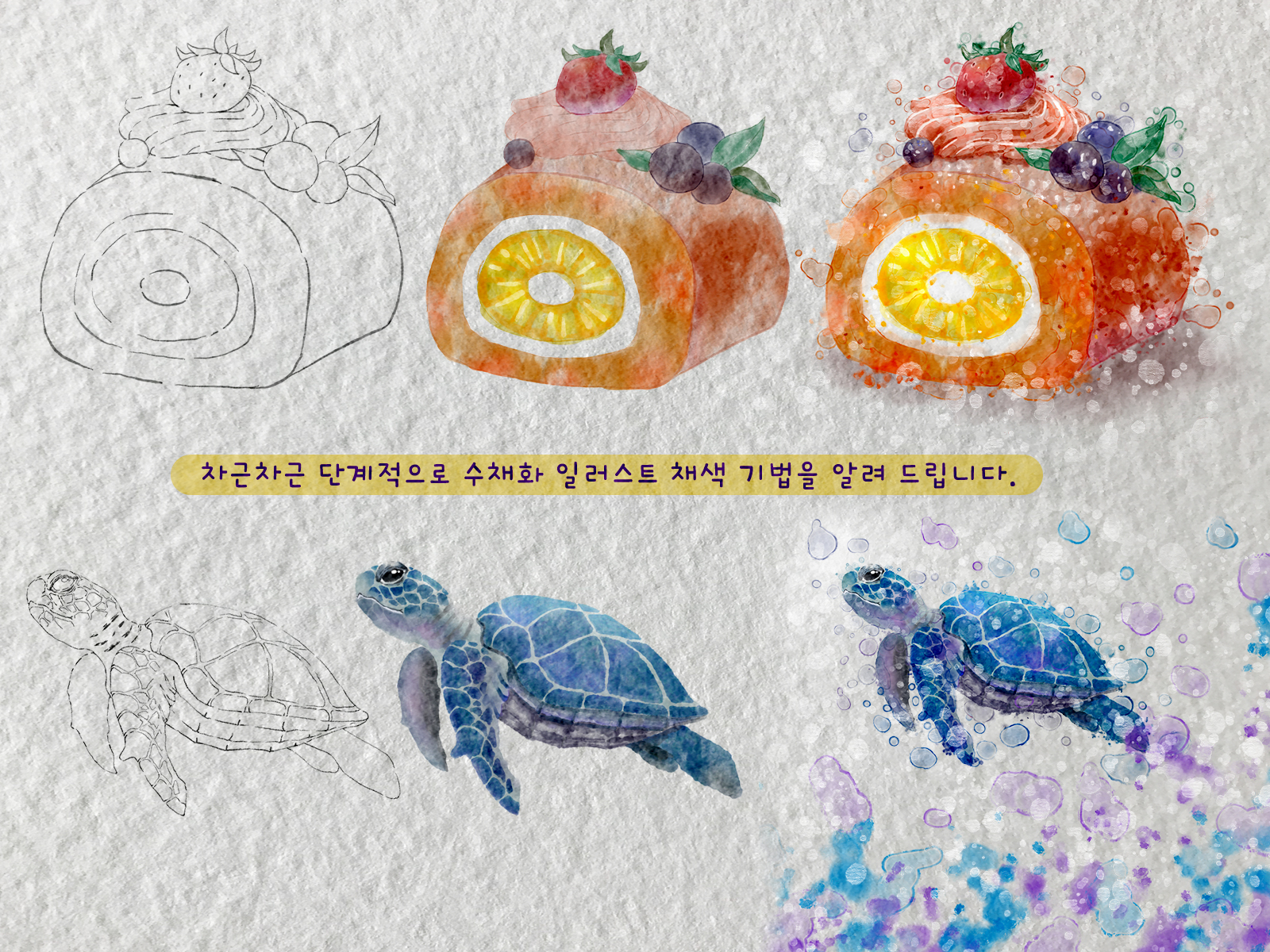
I will teach you watercolor illustration coloring techniques step by step, so you can learn very easily just by following along.
When I'm feeling depressed and exhausted, looking at my drawings often magically lifts my spirits. That's why so many people embrace art therapy as a hobby. So, take out your iPad and start enjoying this fun, digital art therapy hobby!
Q. What materials do I need for the lecture?
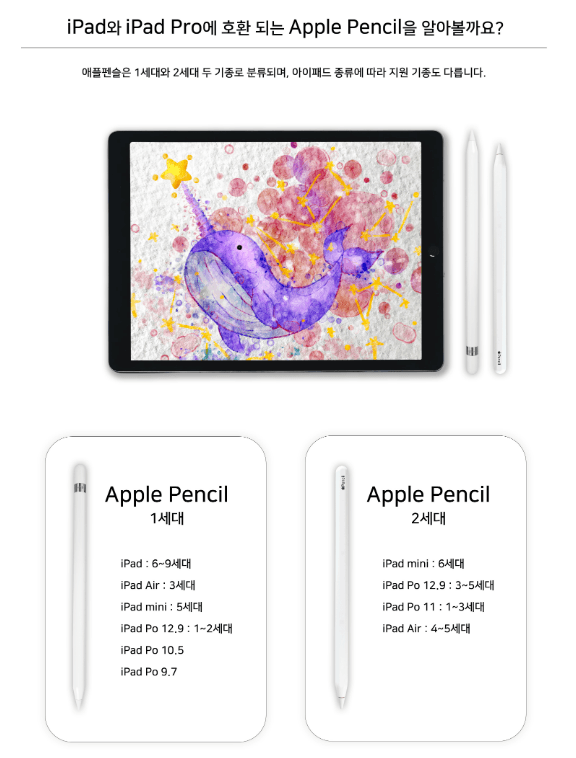
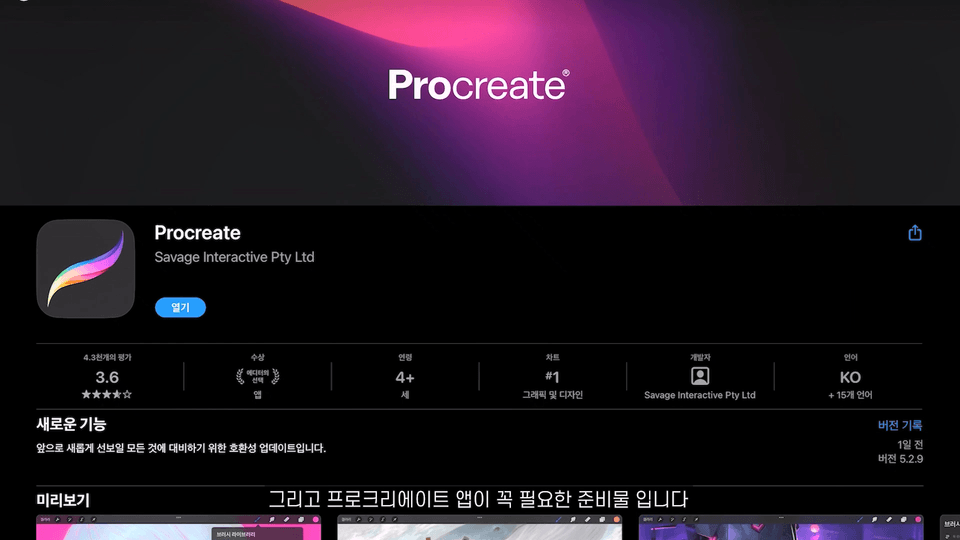
Requires iPad, Apple Pencil, and Procreate.
Q. Can even a complete beginner who is just starting to learn how to draw learn?
Yes! This course covers everything from basics for absolute beginners just starting out with drawing to advanced skills.
Q. What are the free supplies provided?
It comes with 28 Melohoyang custom watercolor brushes, 3 watercolor paper textures, and 7 color palettes.
Hello, this is Melohoyang . Do you want to draw on your iPad but find it difficult? If you're looking to dedicate some precious time to improving your skills, why not start watercolor drawing on your iPad with me? I'll help you easily complete your iPad watercolor painting with the digital watercolor brushes I'm providing for free!
iPad (all models that support Apple Pencil), Apple Pencil, Procreate