Learn about the cloud with Azure virtual machines! Learn by following along one by one.
Cloud, no more It is a 'must', not an option.
Popular cloud solution, Azure!
Hybrid cloud environment, through Azure Create a virtual machine Learn how to operate.
In the IT industry, the cloud is no longer an option, but a necessity. Many existing companies are migrating from on-premises environments to the cloud or transitioning to hybrid cloud environments to achieve more flexible business responses.
One of the most popular solutions in the cloud market is Microsoft Azure . This course will teach you about Azure VM (Virtual Machine), one of Azure's core services.
Who is this lecture for?
First time in the cloud People you come into contact with
Azure Cloud First time encountering
Azure Cloud VM Anyone who wants to learn operations
This course is suitable for those who are new to the cloud or have experience with other virtual machines such as AWS EC2 or GCP Google Compute Engine and want to learn the basic operation of Azure Virtual Machine, a cloud-based virtual server.
Features of this lecture Check it out.
For students who are new to Azure VMs, the lectures are structured so that they can follow along step by step.
Rather than focusing on theory, the course content was prepared so that students can use the features of Azure VMs in the Azure Portal and apply them in actual operating environments.
If you follow this course carefully, I believe you will be able to understand all the basics about Azure VMs.
In the following order I'm learning.
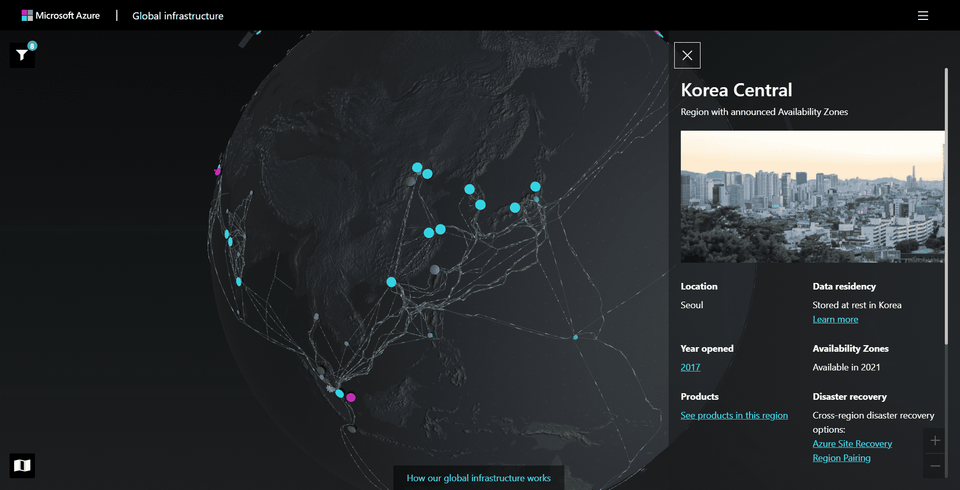
First, you will learn about the configuration of Azure's infrastructure and the concepts of account and resource structure.
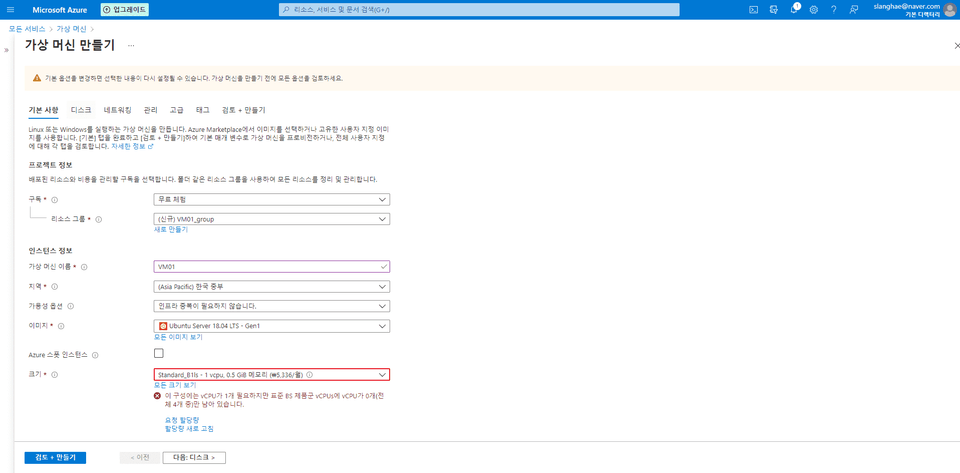
You will learn through hands-on practice what each option is for creating an Azure VM.
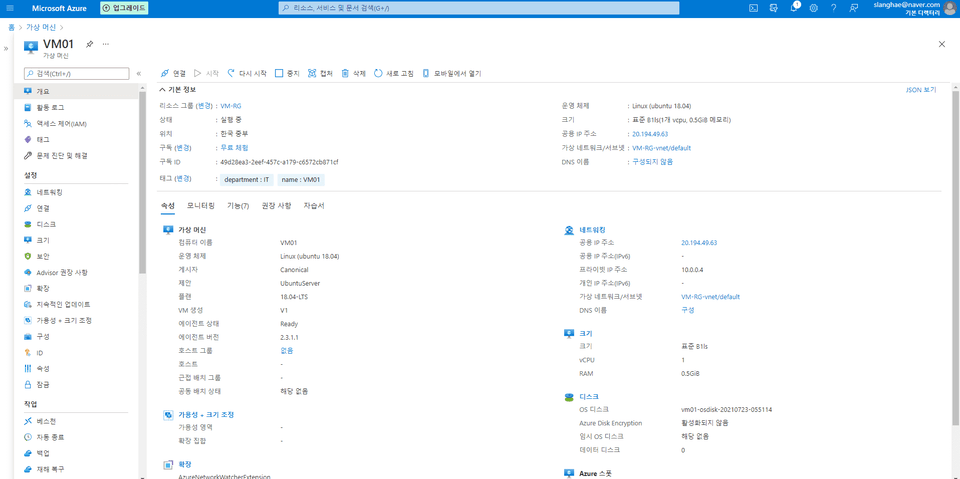
Learn about each feature required to operate Azure VMs.
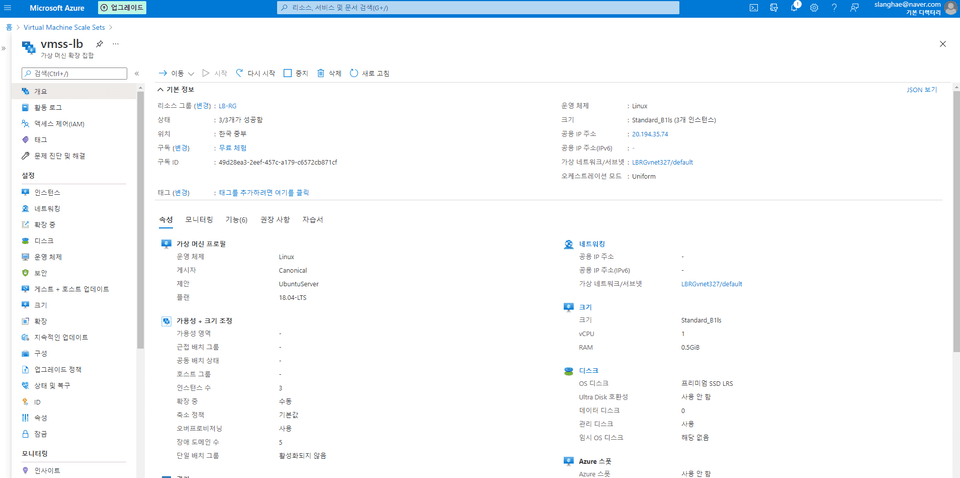
Get hands-on learning about Virtual Machine Scale Sets, a feature that lets you create and manage tens to thousands of Azure VMs at scale.
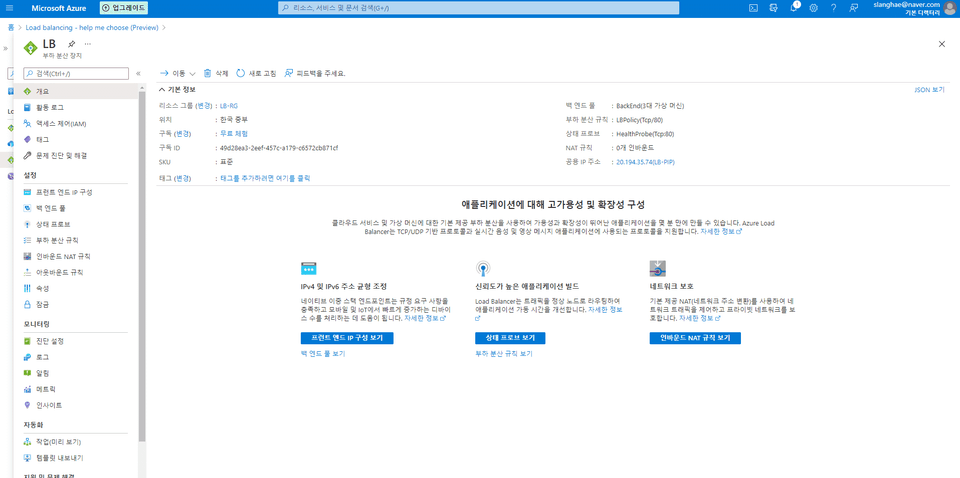
Learn how to use Load Balancing, a feature for handling large-scale application systems and traffic from large numbers of users running on Azure VMs, through hands-on training.
Frequently Asked Questions 💬
Q. Are there any environment settings required to take the course?
No. Azure operates 100% in a cloud environment, so all you need to practice is a web browser like Chrome and an internet connection.
Q. Will there be additional costs for using Azure during lectures?
No. New Azure users can receive a $200 credit for 30 days of free use. This is enough to experience Azure, so there's no additional cost involved.