



Vue3 Perfect Master: From Basics to Practice - "Basic Edition"
gymcoding
Based on the official documentation, this course covers the Vue 3 specifications in detail and in depth to enable web development with Vue.js 3.

Basic
Vue.js
This is a lecture for those who are learning Vue.js for the first time. It is well explained with simple examples and pictures so that you can easily understand the official documentation.

Reviews from Early Learners
5.0
sftblw
- Editing: ★★★★★ 5.0 Artistic. Excellent level that goes without saying - Description: ★★★★☆ 4.5 Excellent. There are some parts where the quality of the concept explanation is lacking or rushed, but it does not miss out on going over the concept itself, and the lacking parts are covered with editing. - Self-directedness: ★★★★☆ 4.5 Excellent. At the end of each lecture, an assignment is given, and the correct answer is shown in the next lecture, so you can review it. It is well organized to fit the single purpose of creating a blog. - Lecture target selection: ★★★★_ 4.0 It is a bit disappointing. It seems that the target is considered to be beginners, but there are some parts where the concept explanation is subtly lacking. If you already know similar concepts, you can move on smoothly. - Recommended candidates: People who have experience using JavaScript in the workplace but have never used Vue.js; People who have used other UI frameworks and want to learn Vue.js; Beginner learners who are confident that they can learn concepts they do not understand by searching or asking the instructor; Employees of Inflearn Business member companies who need to use the course quickly in practice but find the official documentation too long to read it one by one
5.0
김민환
I'm learning something new, and I like that I can learn in detail!! The screen is organized neatly so it's easy to see, and it's organized so that it's easy to follow. It's organized so that it's easy to refer to when learning something new or when you're confused!!
5.0
cuhexa
It's great that the course is well-organized and runs according to the curriculum, from course planning to execution. It's not a course where you just show off your knowledge and the lecture is cut off if you make a mistake, but it's a great course that doesn't leave out even the smallest animation effects. In particular, it was great that it didn't just install with the npm package, but explained the basic principles and npm methods separately. This person's course is something I want to listen to again even if other information comes up.
Vue3 basic concepts (reactivity, data binding, components, etc.)
How to develop a Composition API
Importing Notion data via the vue-notion package
This lecture is based on the official Vue.js documentation and is designed to be easy to understand .
✅ We will provide you with only the necessary information quickly and neatly!
✅ No more unnecessary dragging and dropping (writing code, rewriting incorrect code)!
✅ Most lectures are under 10 minutes, so they're concise and concise! But they're also condensed to provide detailed information!
✅ Time spent just talking while looking at the screen? Almost none! You need to focus!
This course has assignments for each lecture starting from Section 2.
Section 4 is for practice, and if you consistently do your homework from Section 5 onwards, you can create a site like this.

Are you curious about what you will learn beyond the detailed explanations?
Let's find out right below!
Before we begin, let's cover what you need to install and set up on your computer.

Install Chrome , Vue.js Devtools , VSCode , and Node.js , which are required for development.
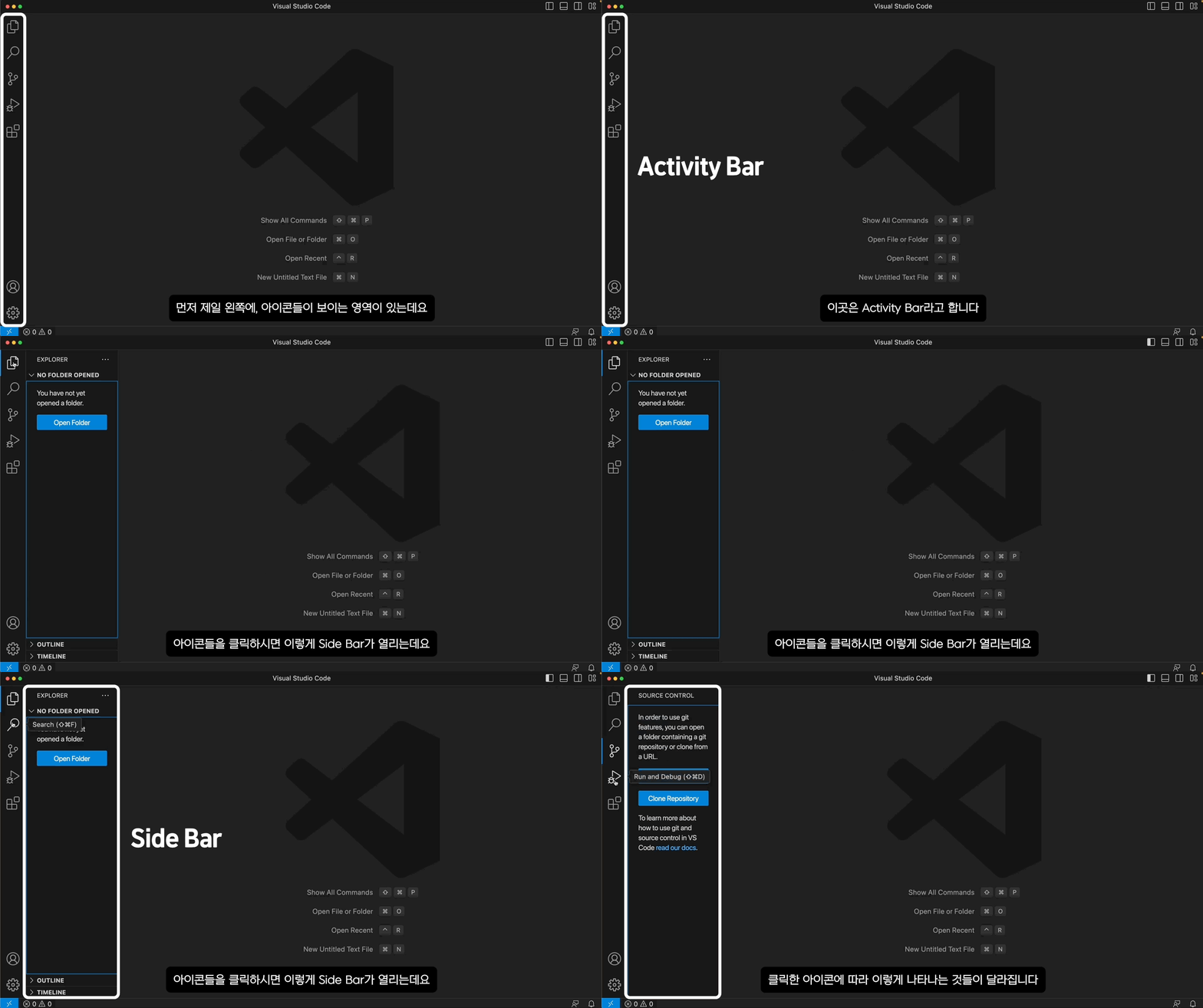
For those who are unfamiliar with Visual Studio Code, I will explain briefly how to use it.
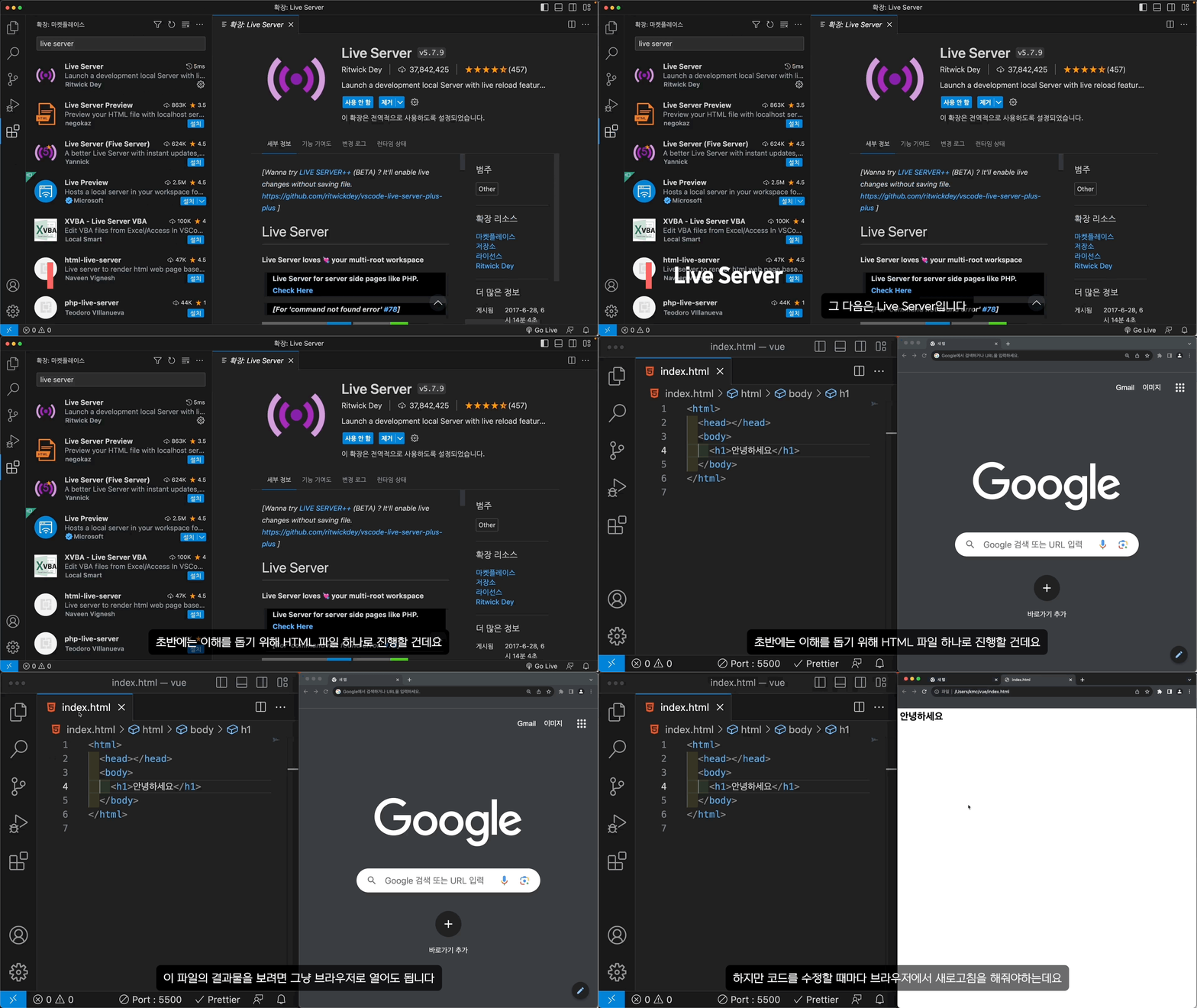
Install extensions that are good to use while using VSCode .
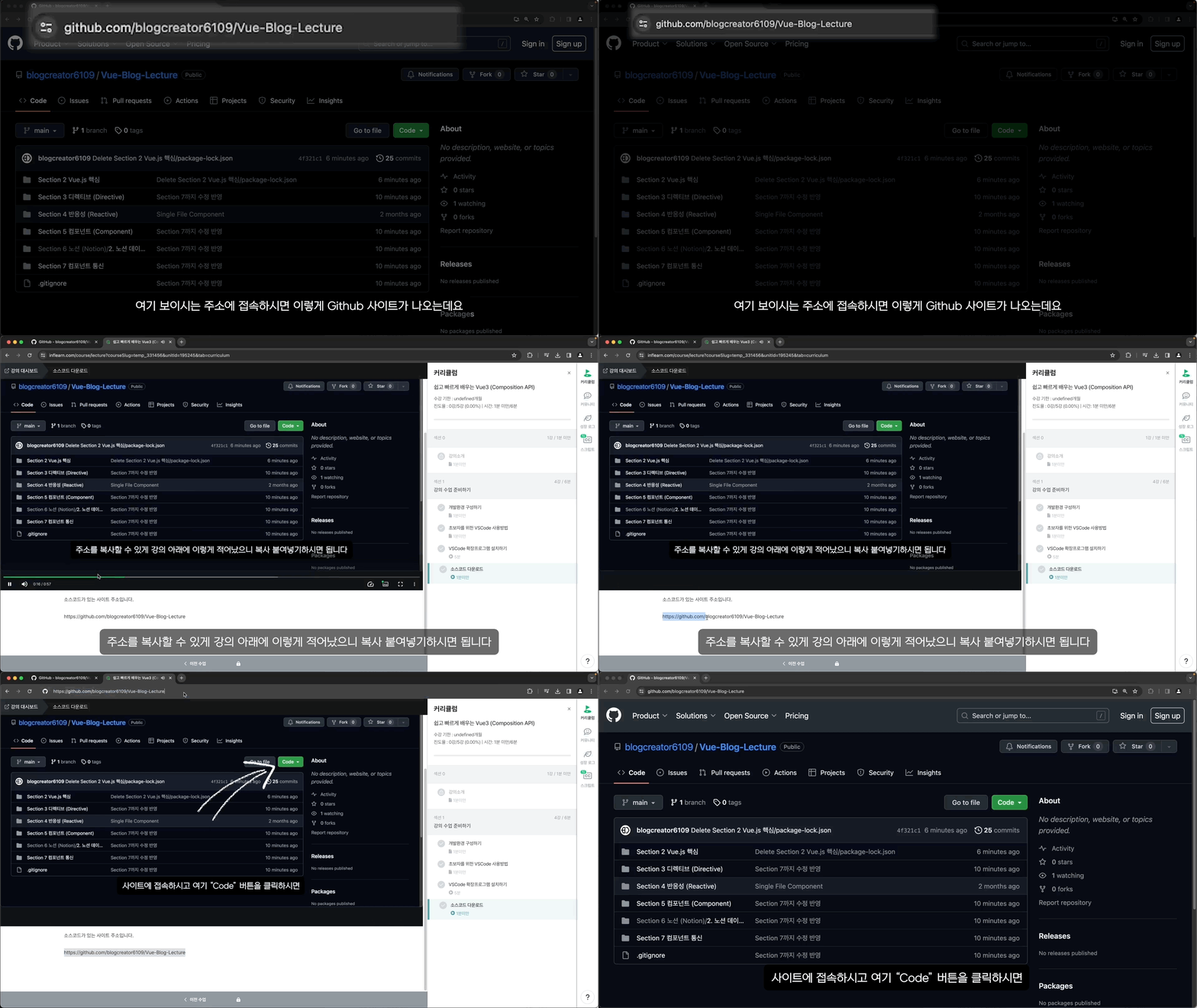
Covers how to download files containing example code .
We're starting to get into the Vue.js syntax in earnest.
To help you understand, we'll proceed with just one HTML file.
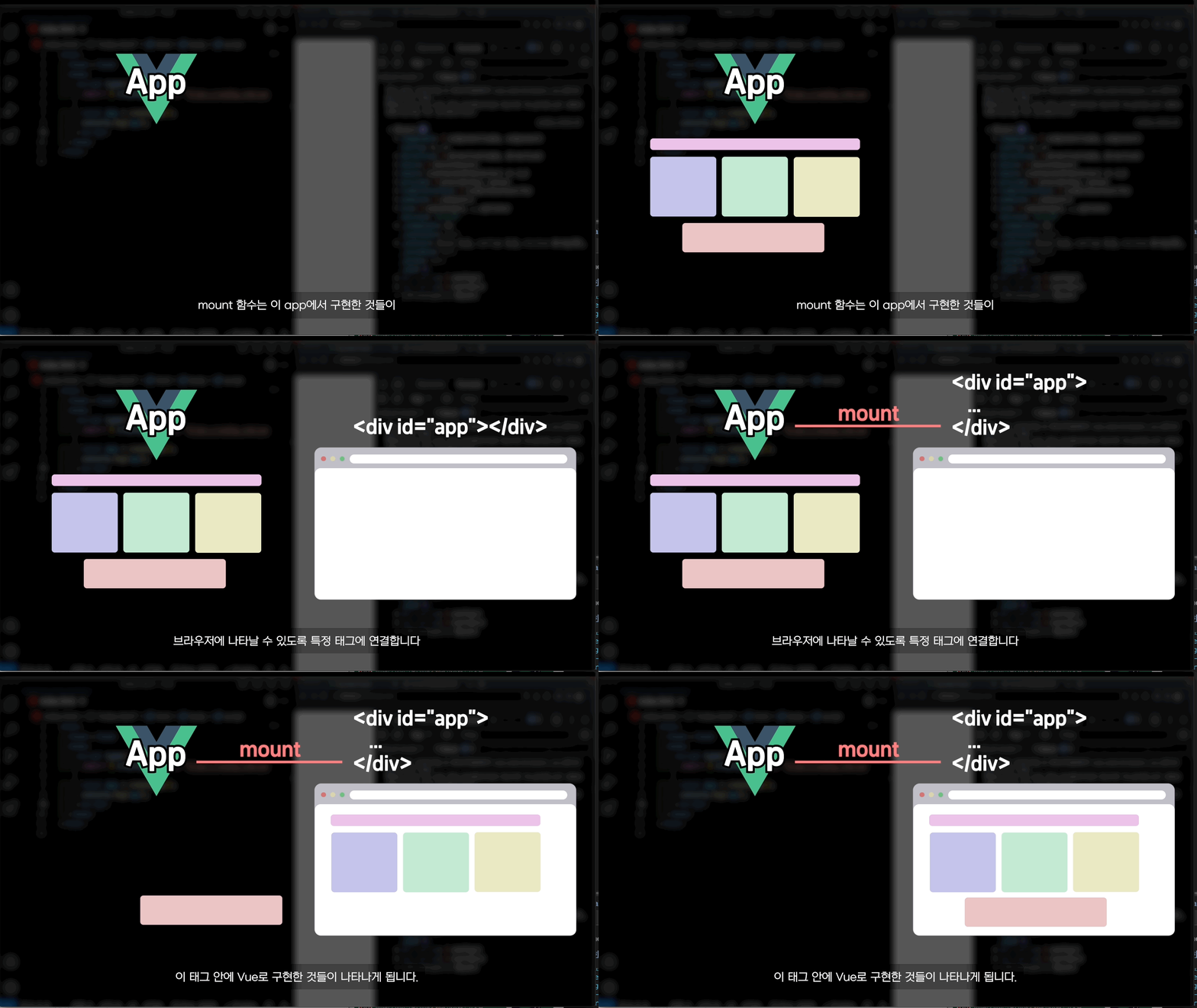
To get started with Vue, we'll learn how to call the createApp function and create an app.
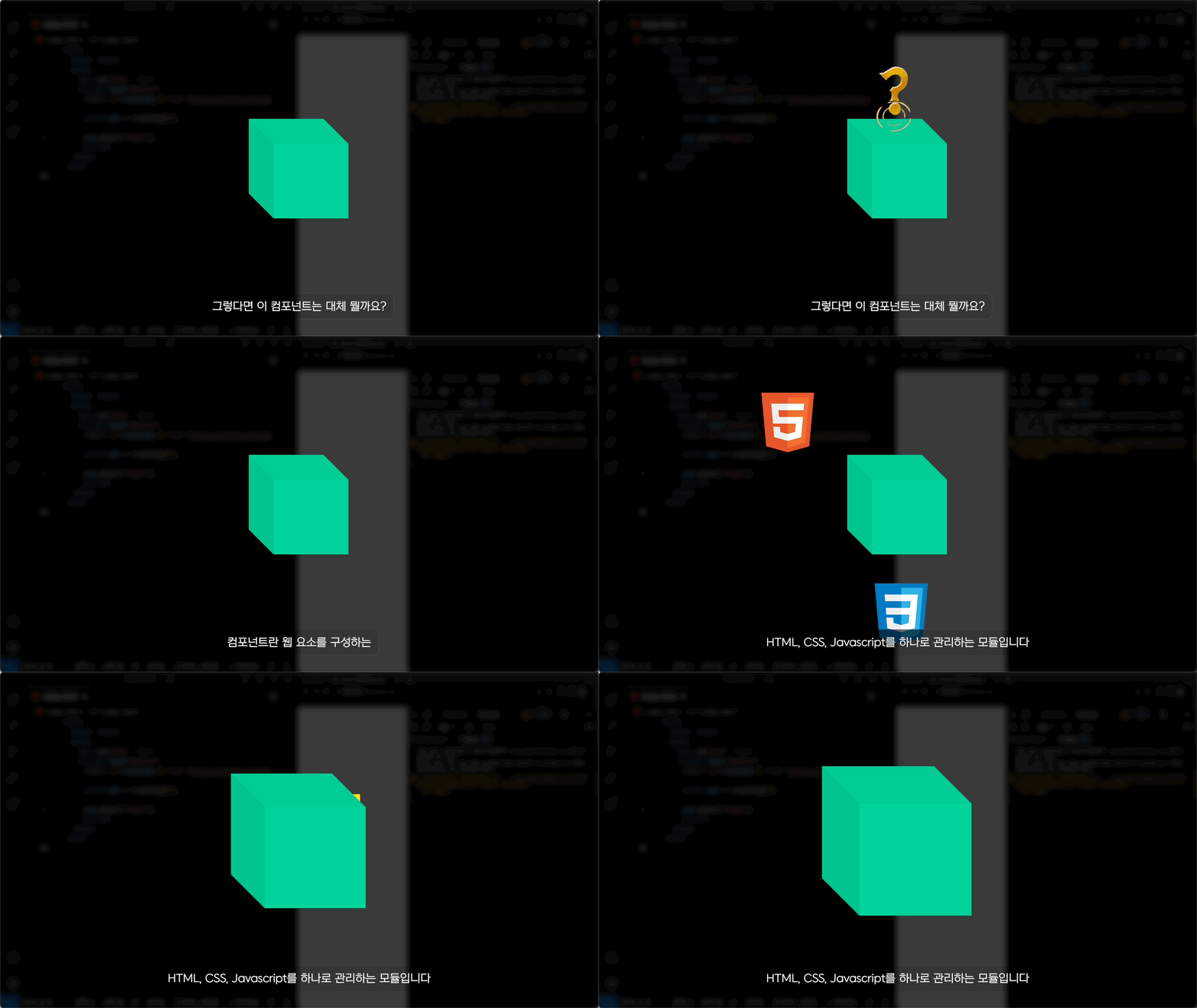
We will cover components , which are a core concept in Vue.js.
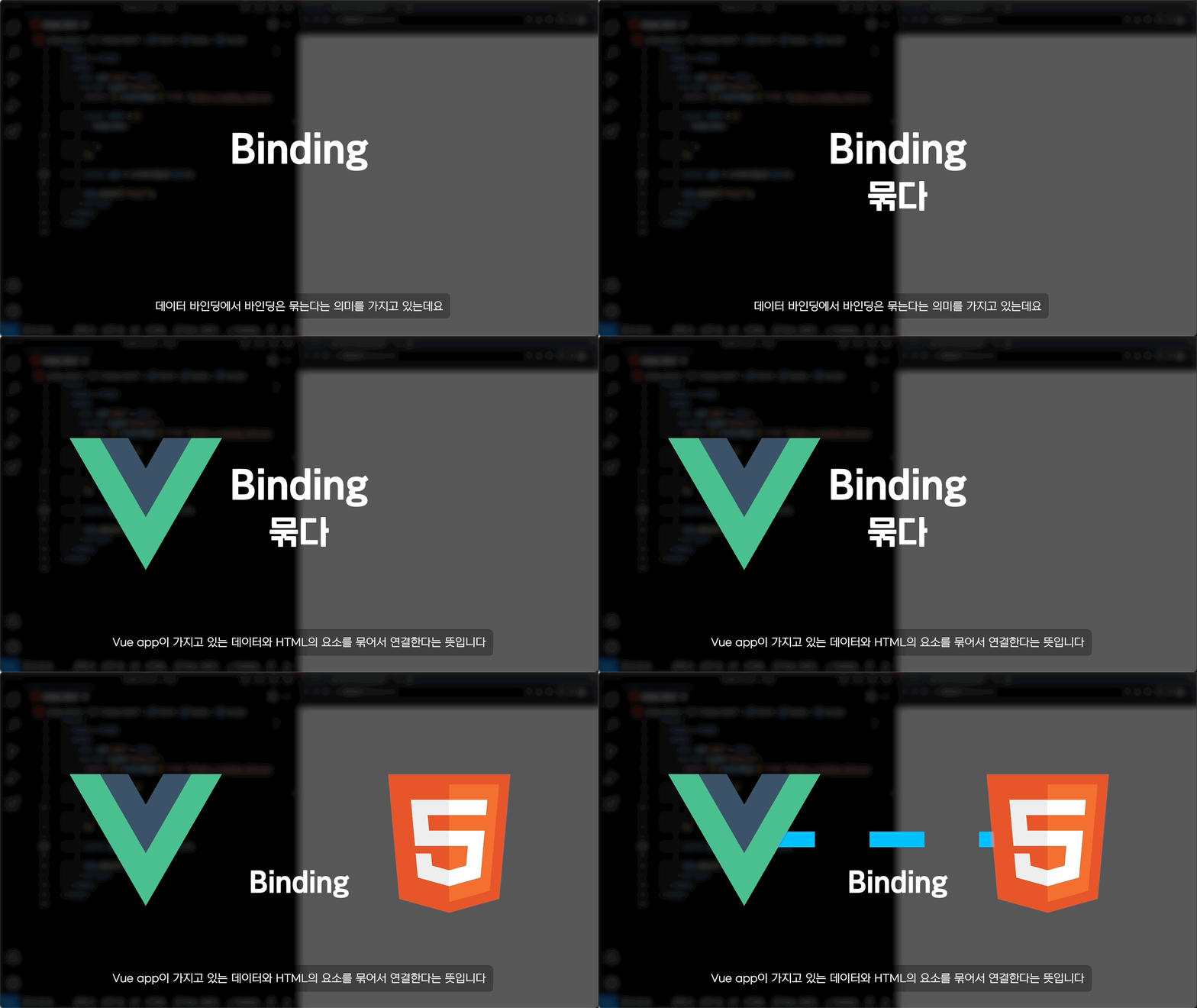
Learn data binding to draw HTML more efficiently within components .
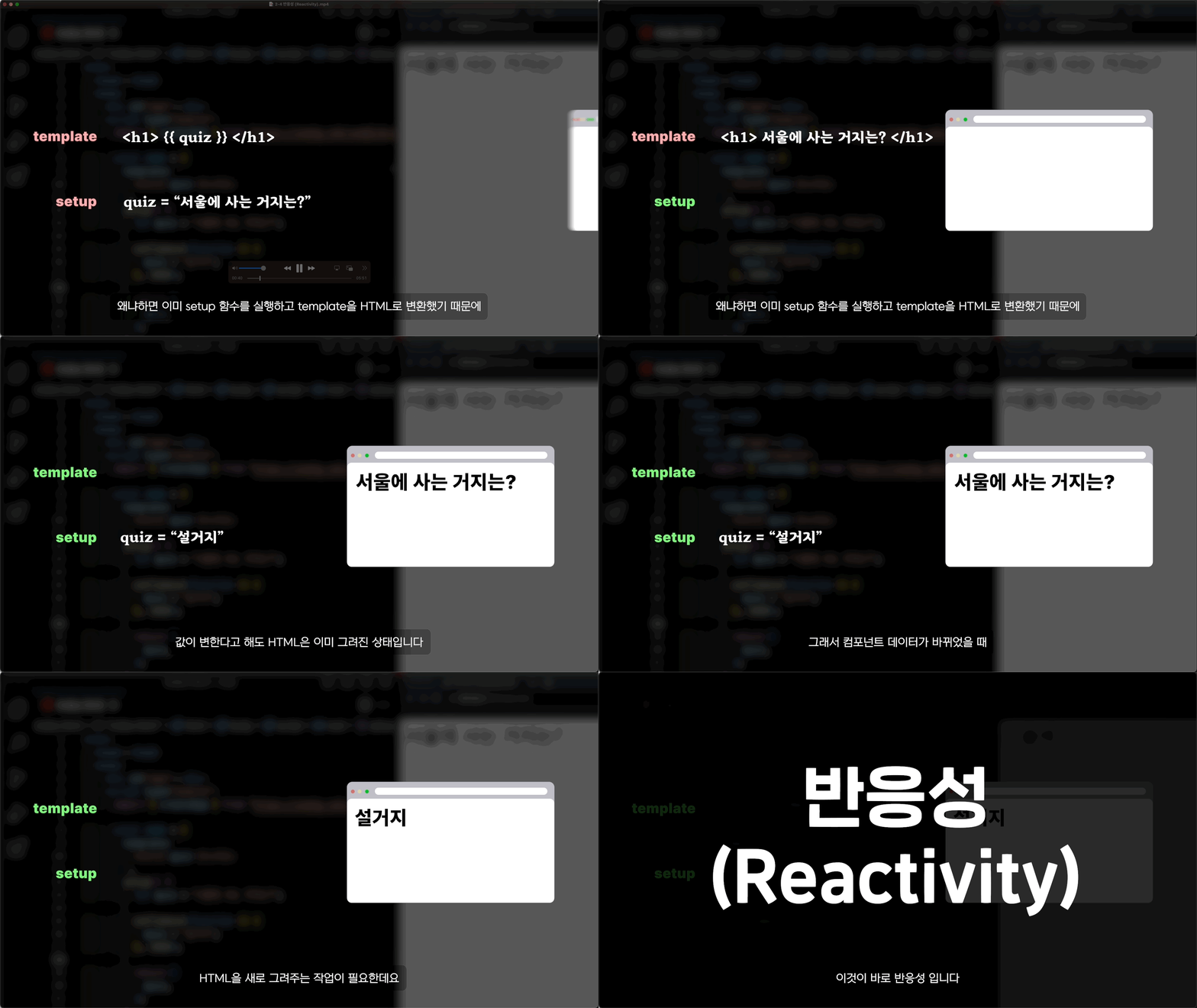
We cover the concept of reactivity, which is necessary to create a more dynamic web through interaction.
We'll cover directives that allow you to work with HTML elements in various ways within your components.
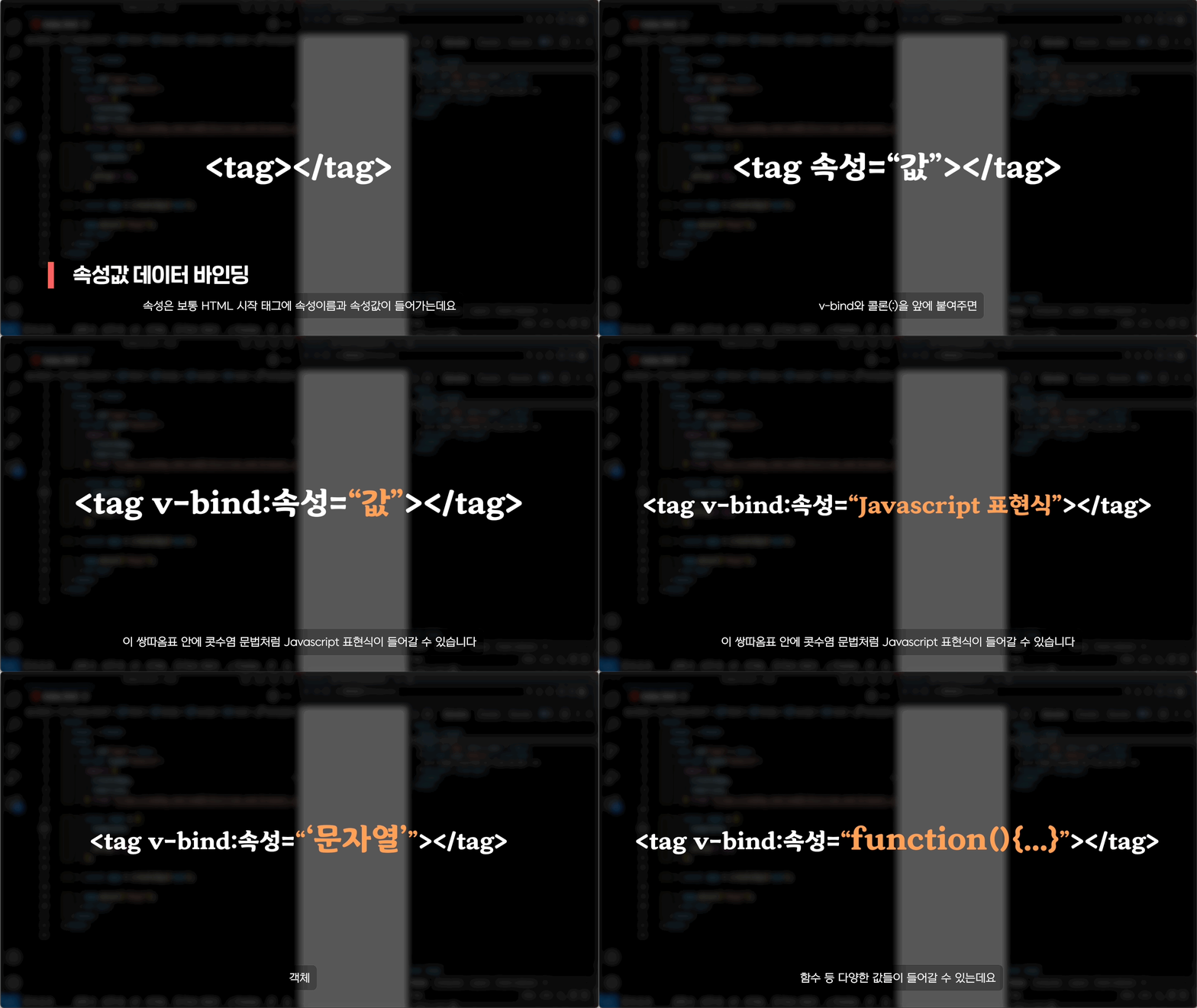
We will learn about v-bind , which can be used to data bind properties !
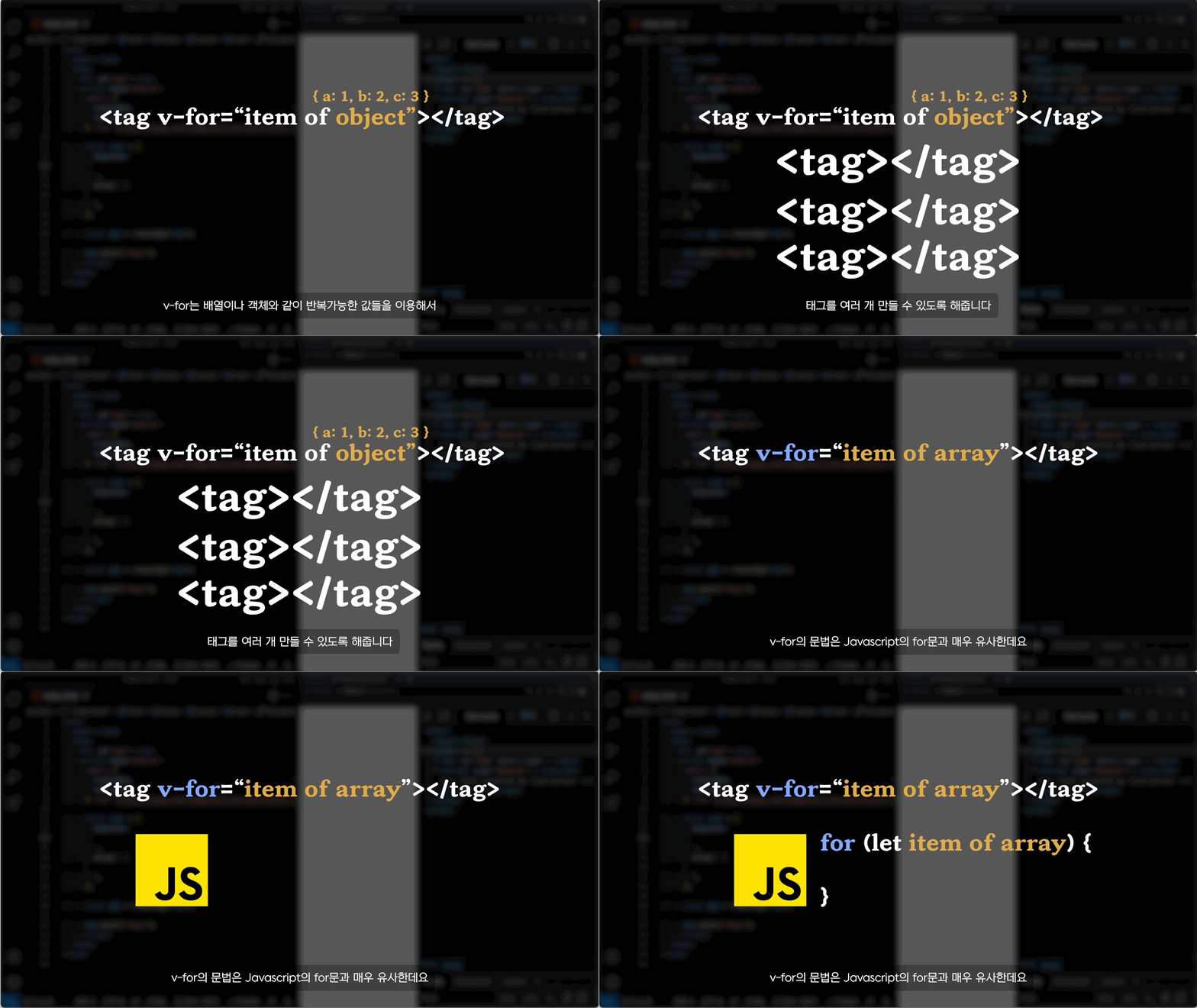
Let's cover how to create tags repeatedly using v-for .
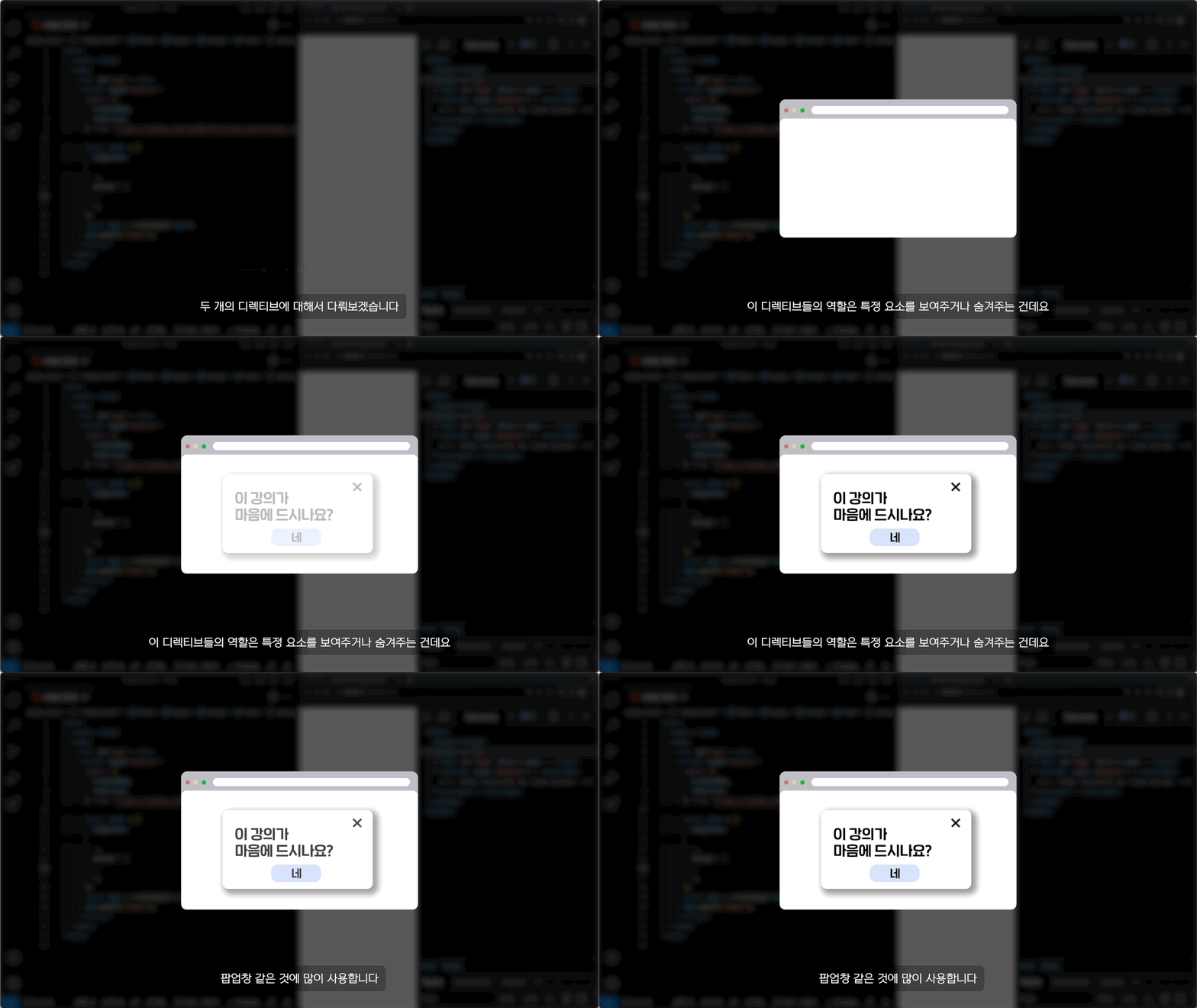
You can make tags appear or disappear depending on conditions using v-if or v-show .
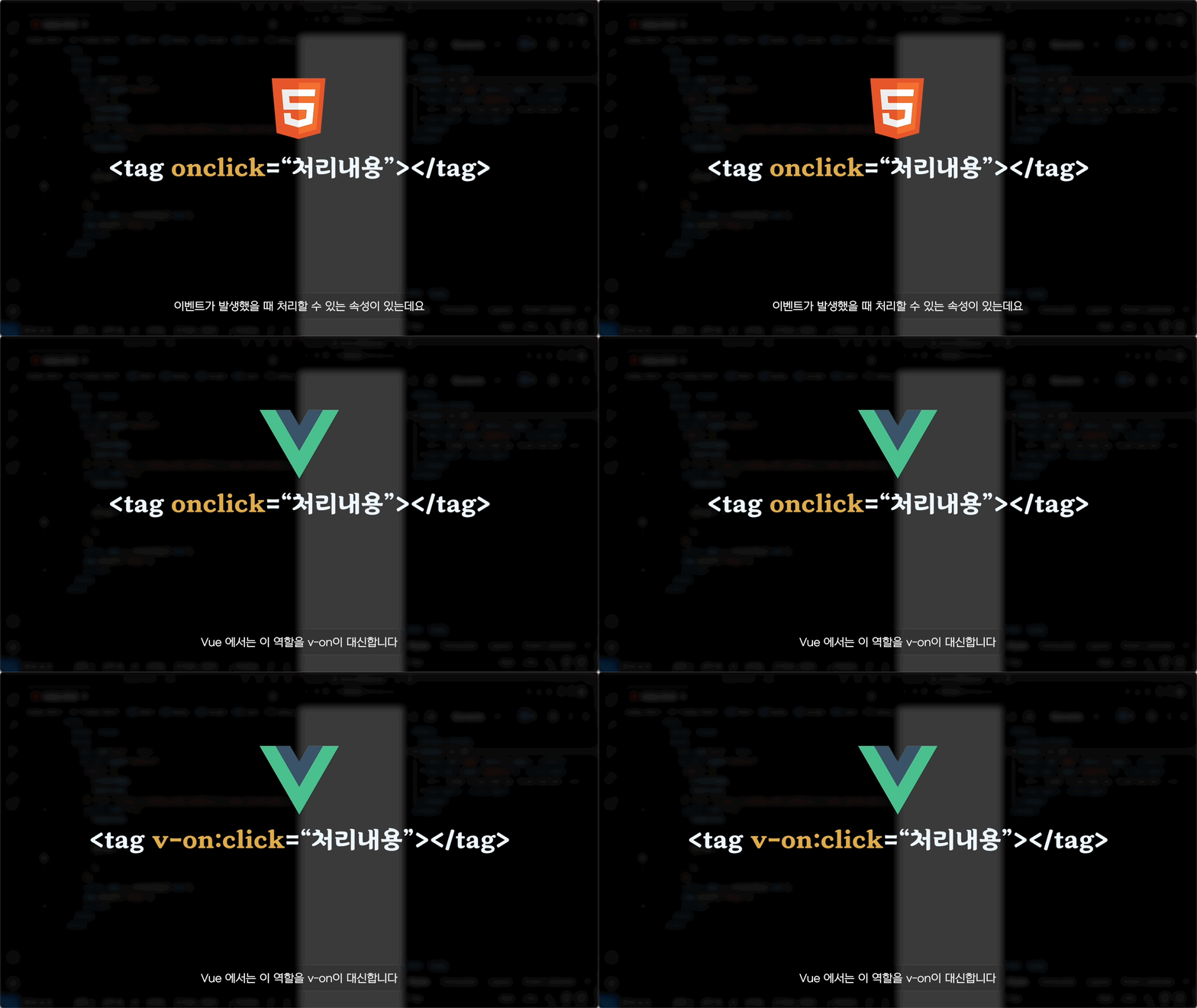
We'll cover v-on , which helps you handle events in tags.
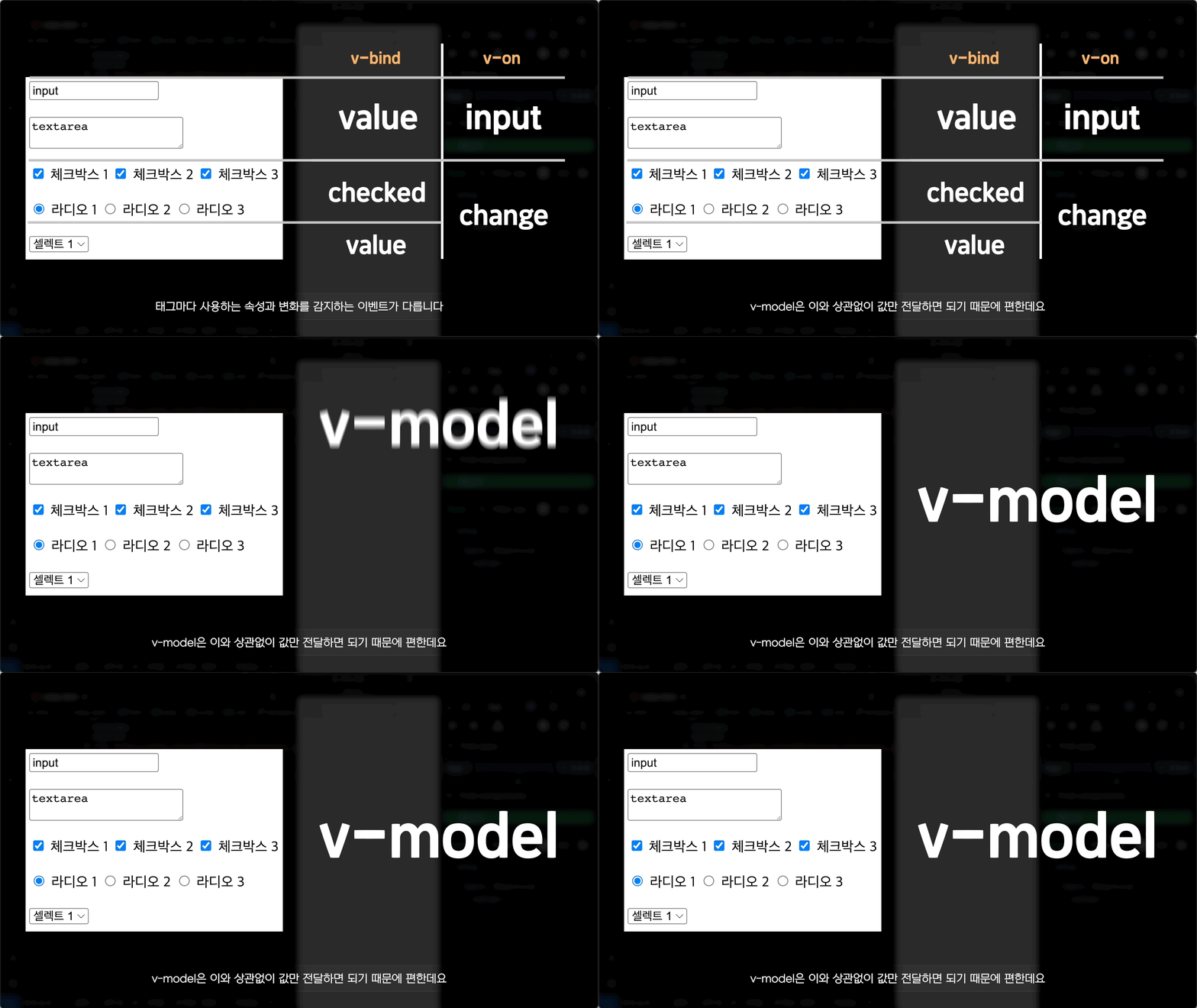
We'll cover v-model , which allows you to bind data to input forms that users can change through interaction .
We will cover ref and reactiv e , which can take advantage of reactivity, and computed and watcher , which can be used to perform additional tasks.
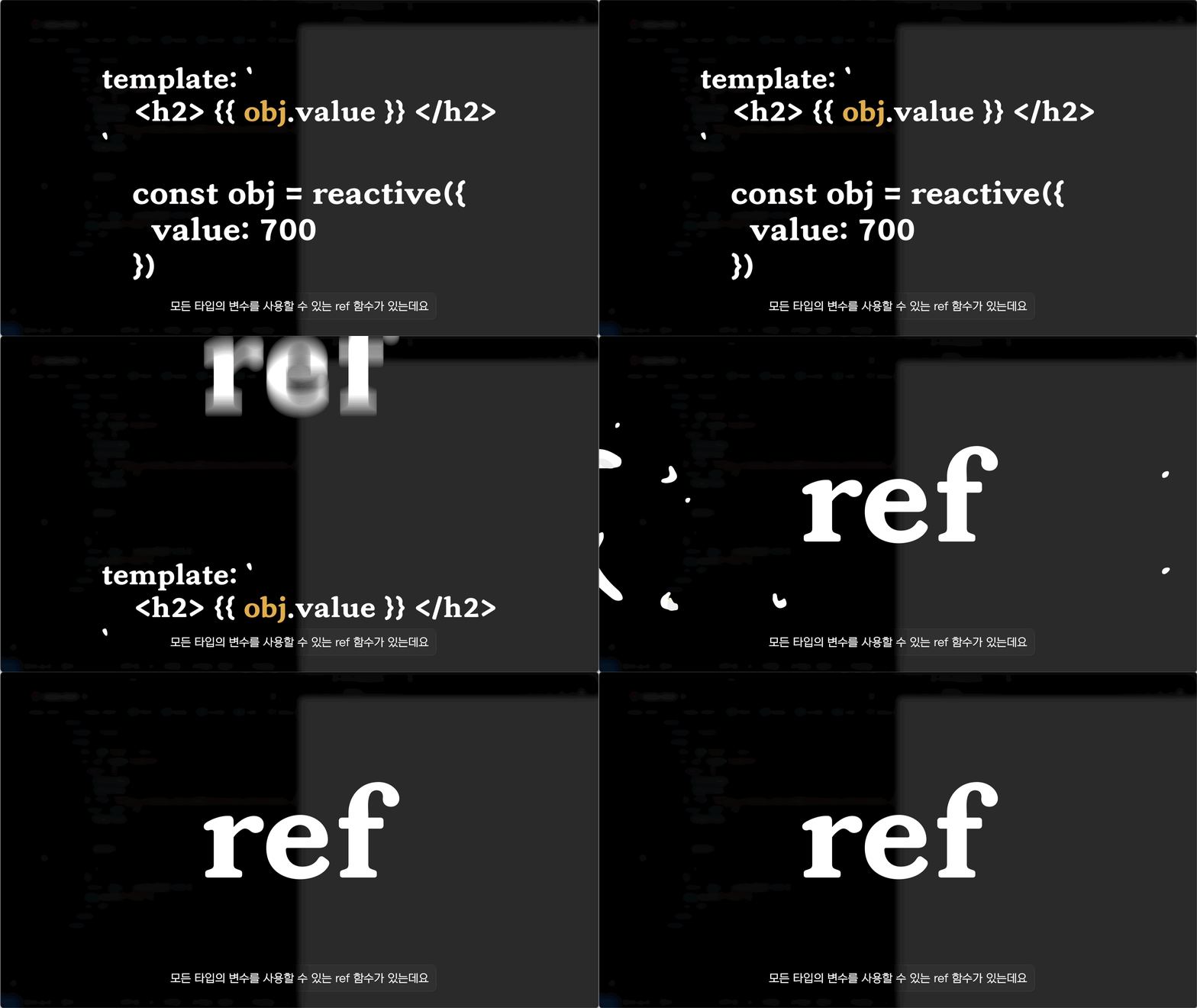
We will compare reactive and ref , which are reactive objects, and discuss how they differ.
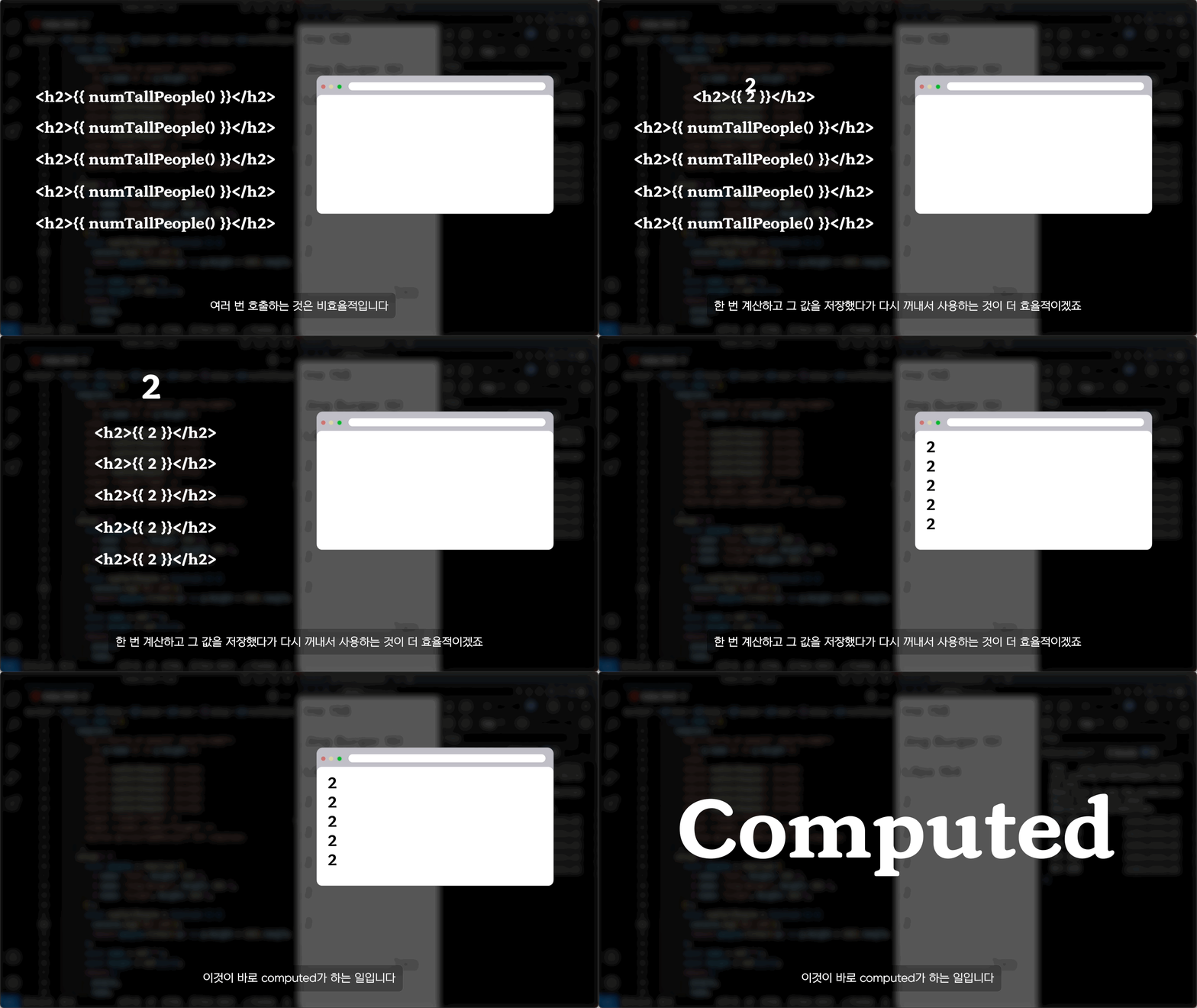
We'll cover computed , which uses reactive objects to create another value.
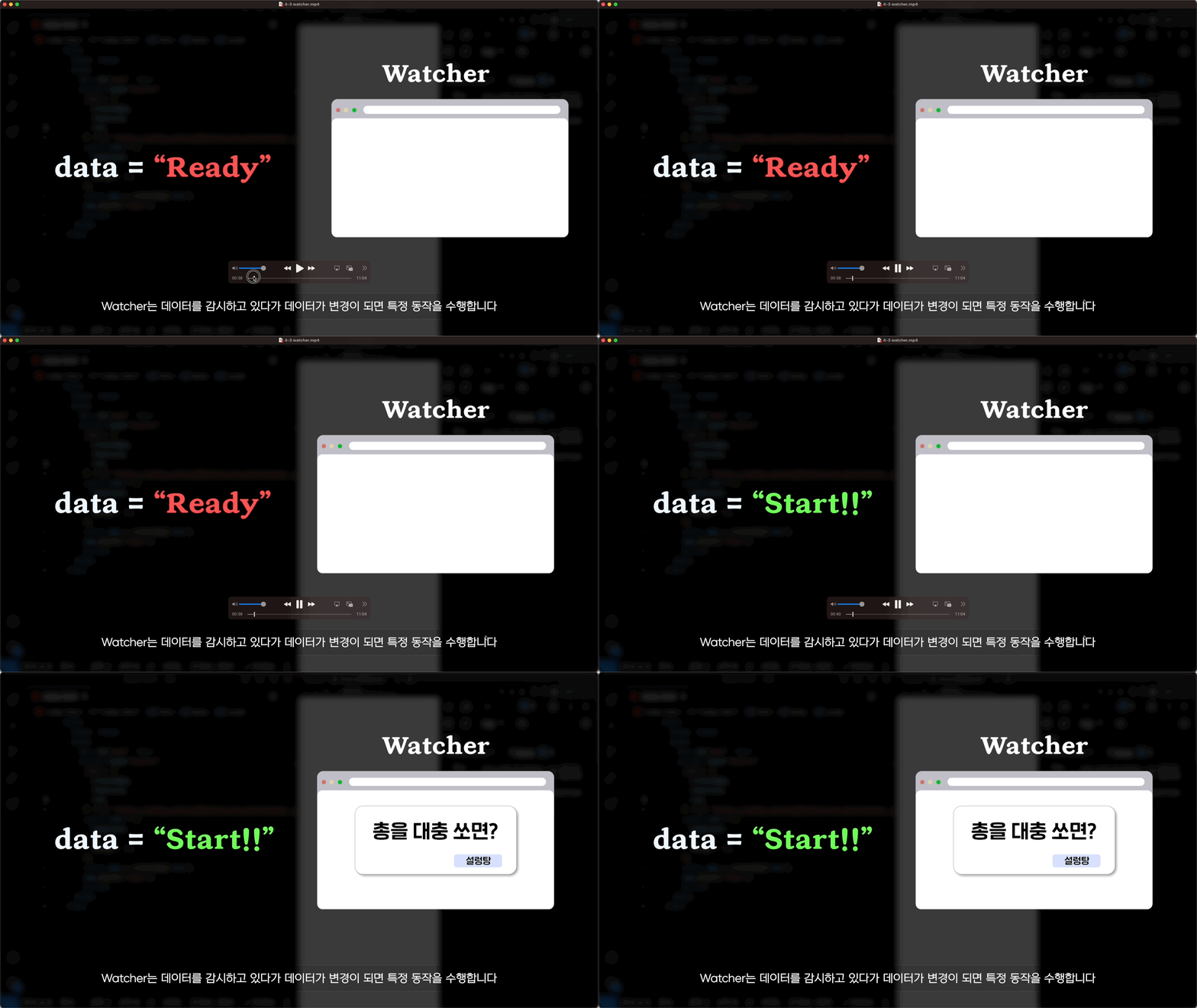
We'll cover Watchers , which allow you to perform additional tasks based on changes in reactive objects.
Let's create a component file (.vue) and delve into components in more depth.
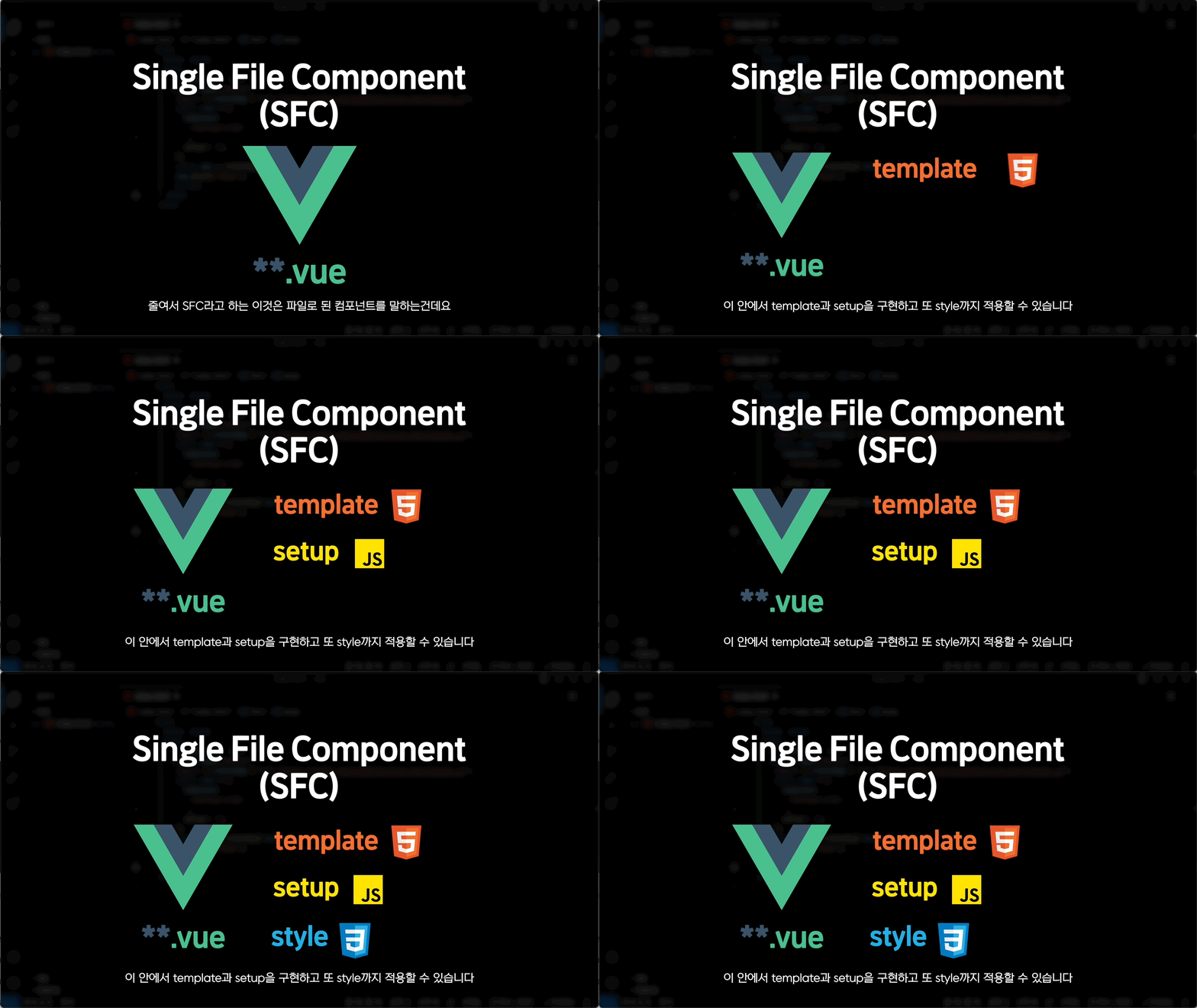
A vue file that allows you to utilize components more, Single File Component !!
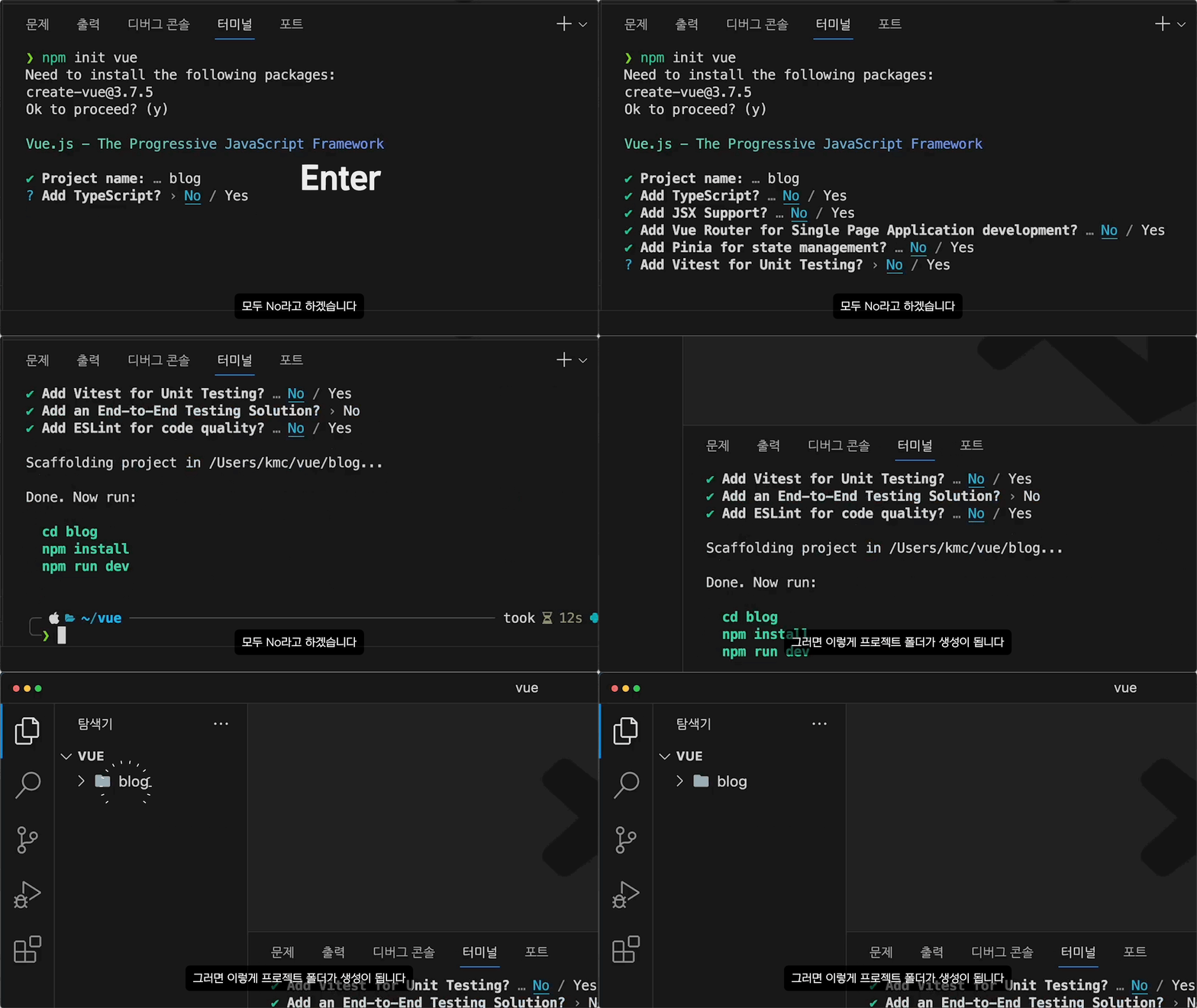
Learn how to create a project that's perfect for Vue development using npm .
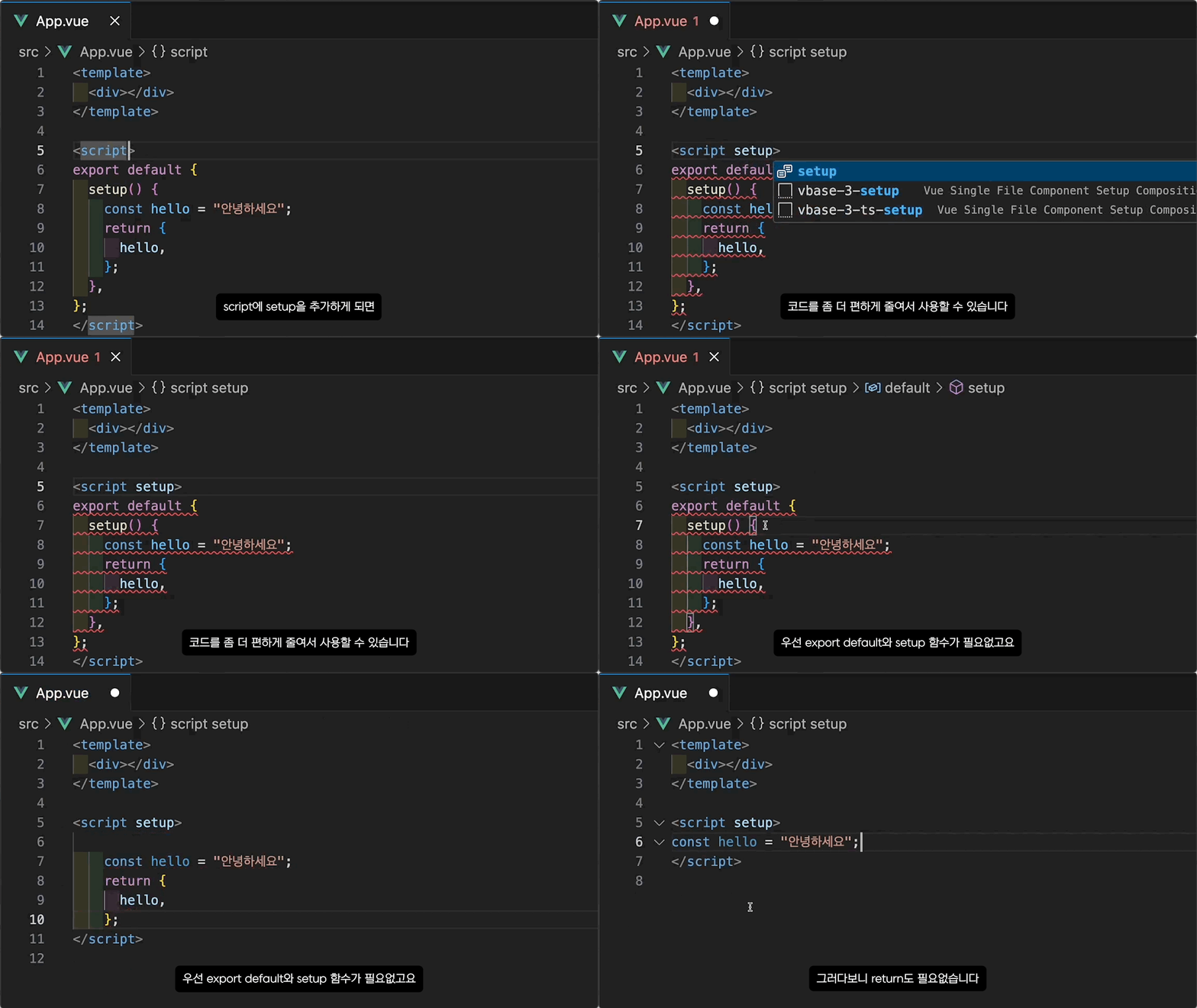
Script setup to use scripts more efficiently
Style scoped, which applies style only within the component
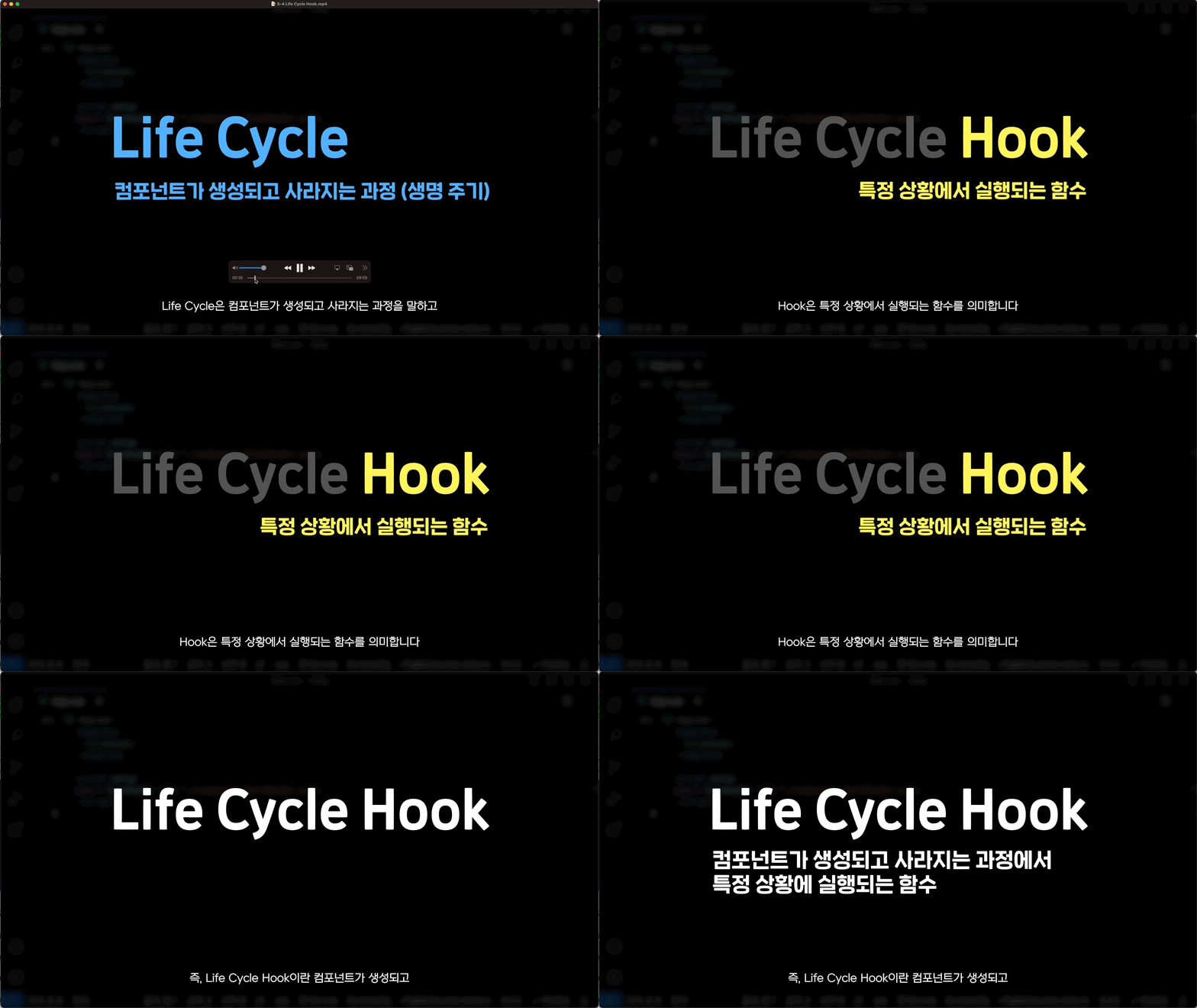
Learn about Life Cycle Hooks , which allow you to perform specific tasks as components are created and destroyed .
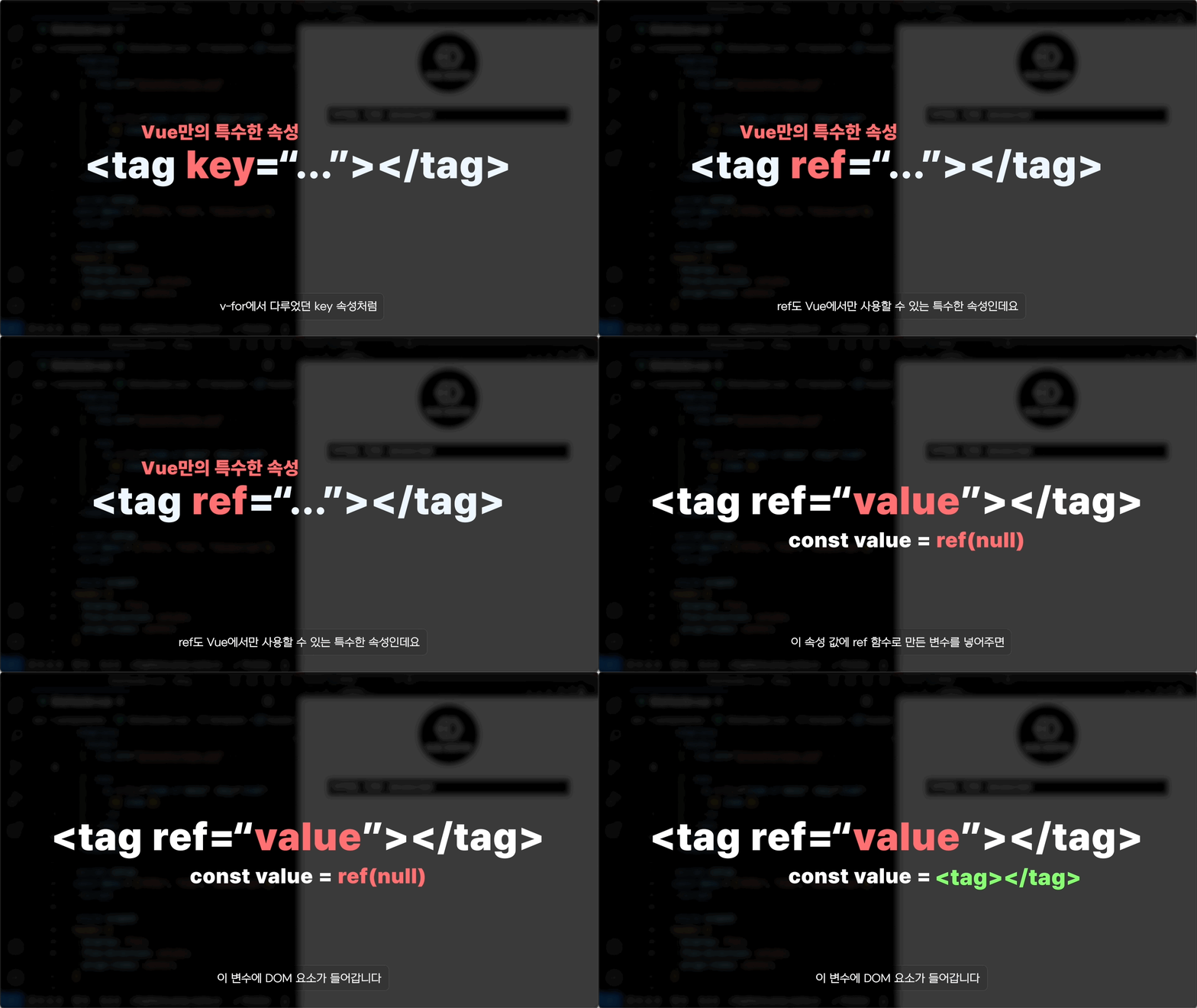
Let's manipulate the DOM using ref in the template!
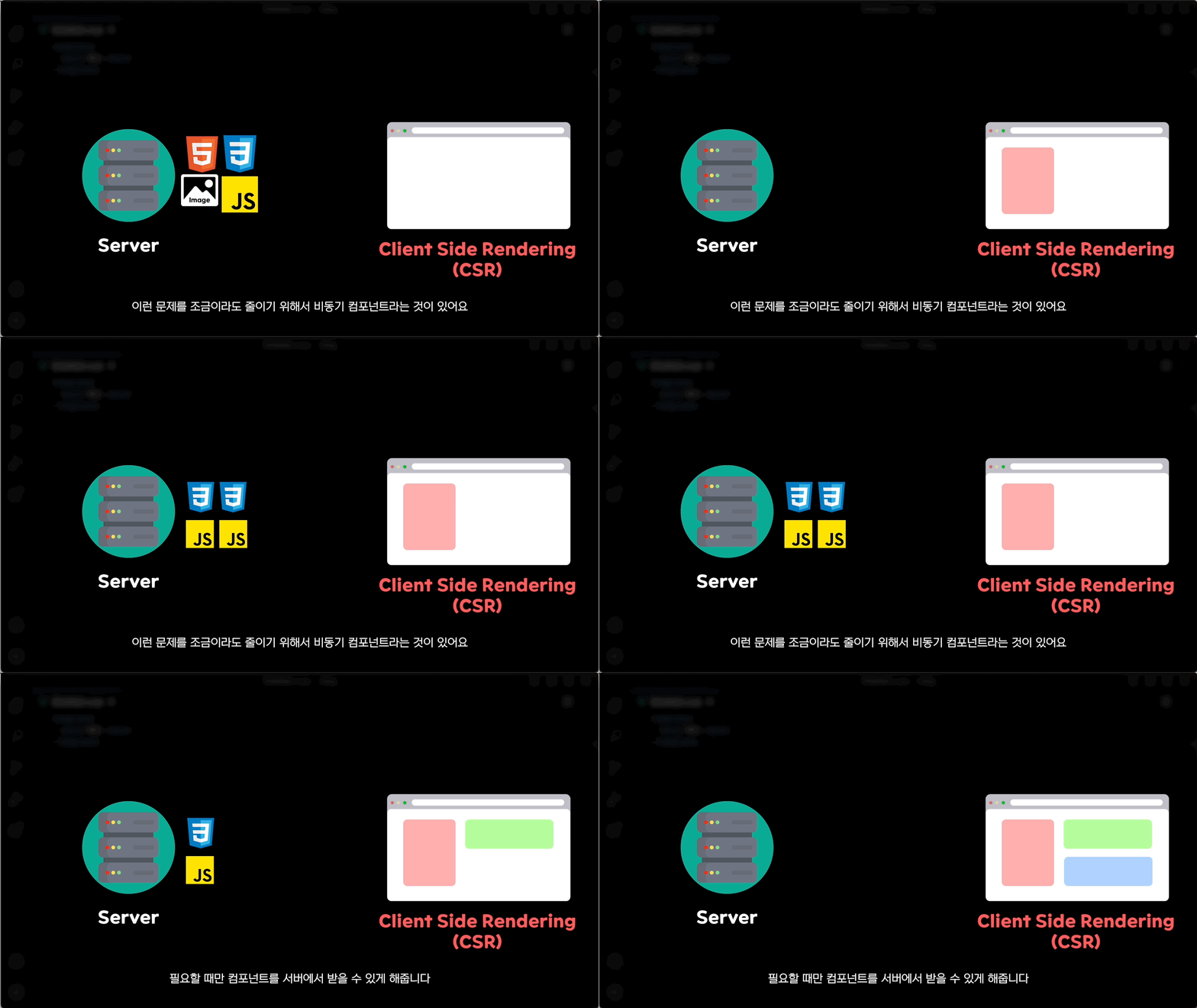
Asynchronous components that call the required components from the server asynchronously.
Learn about dynamic components , which allow you to draw components dynamically.
Learn how to use Notion as an editor, like a blog.
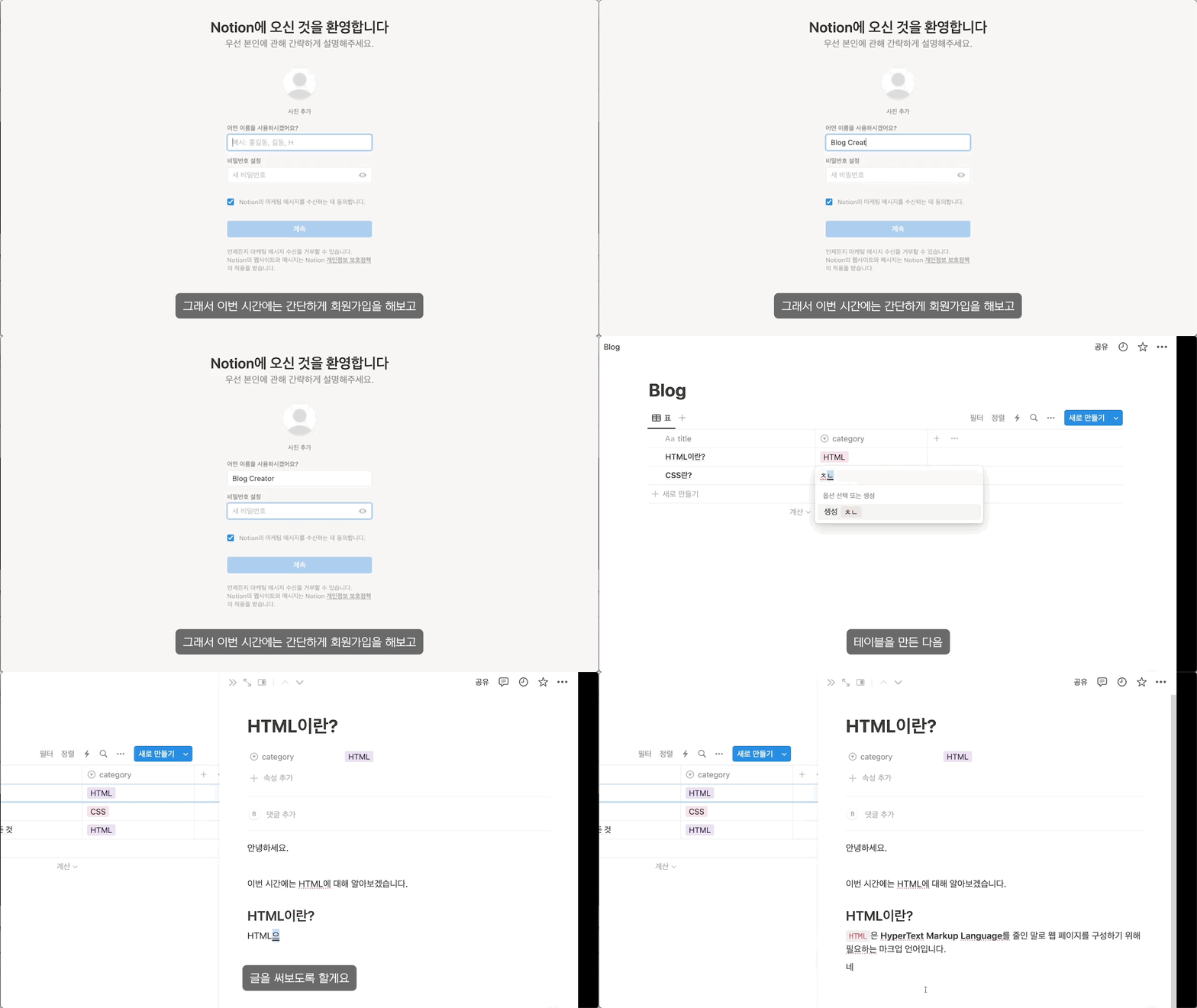
For those who are unfamiliar with Notion , we cover everything from signing up to simple usage !
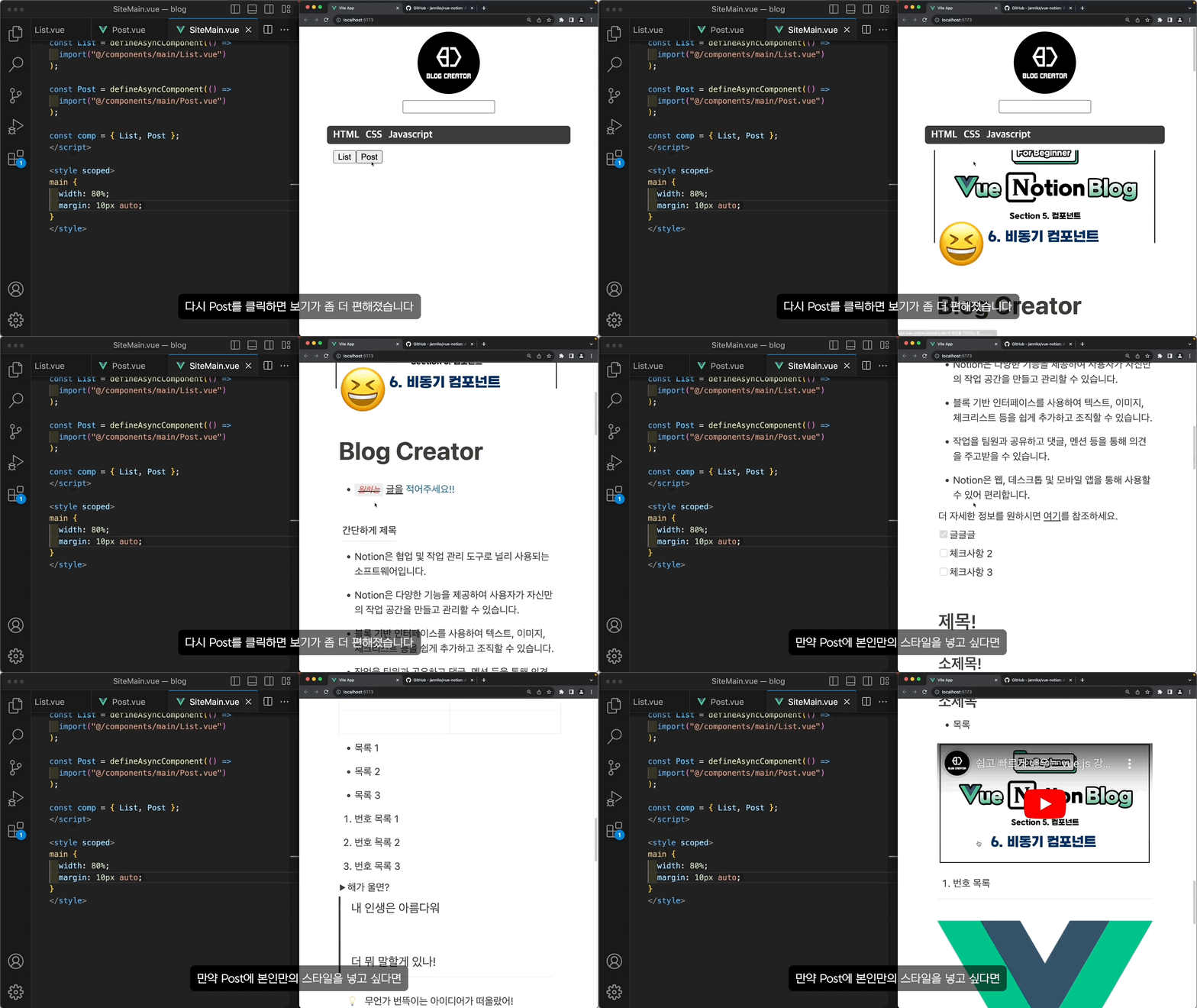
Learn how to import Notion data using the vue-notion package .
Covers various ways to pass data between components.
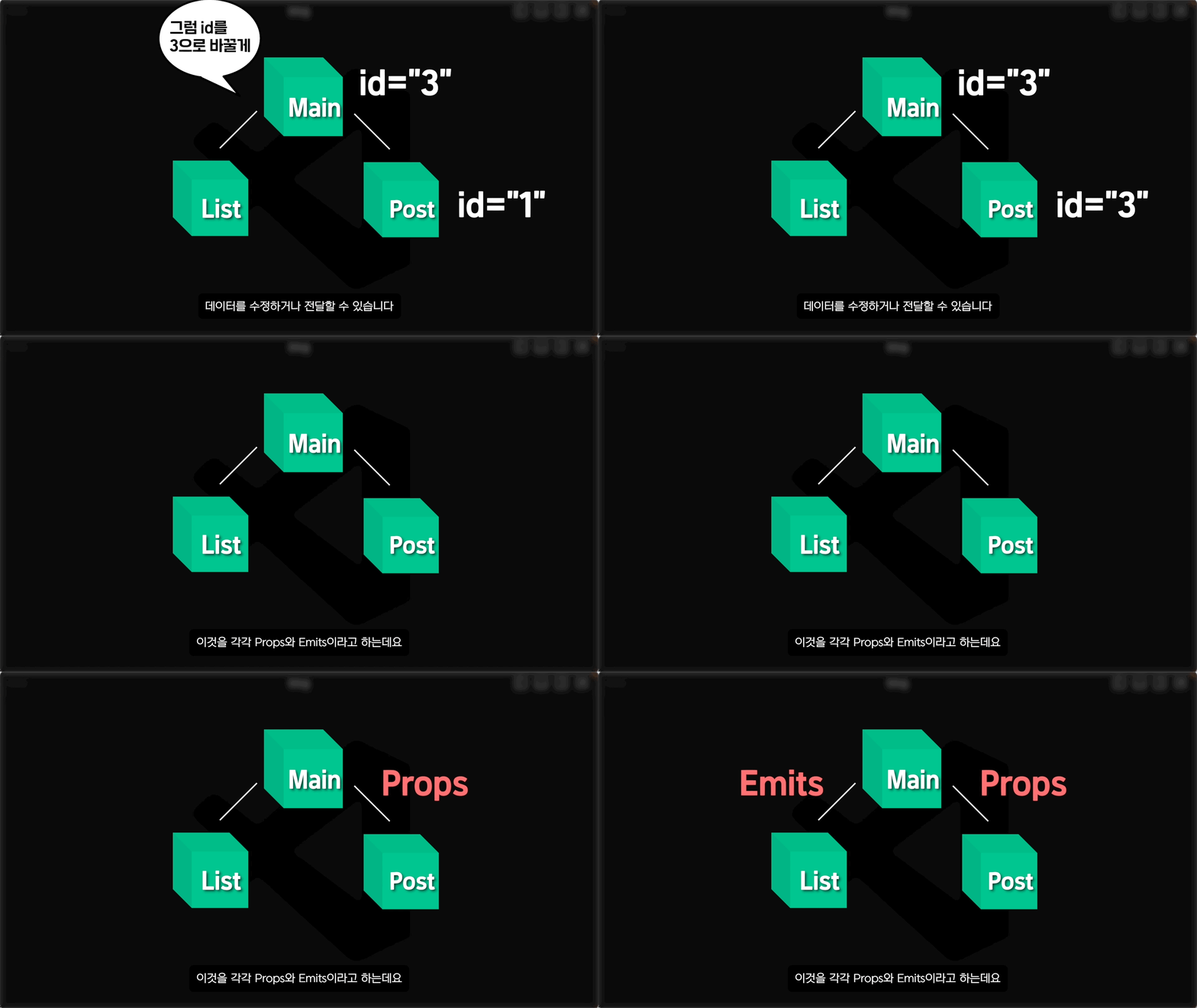
Learn about Props , which pass data from parent components to child components.
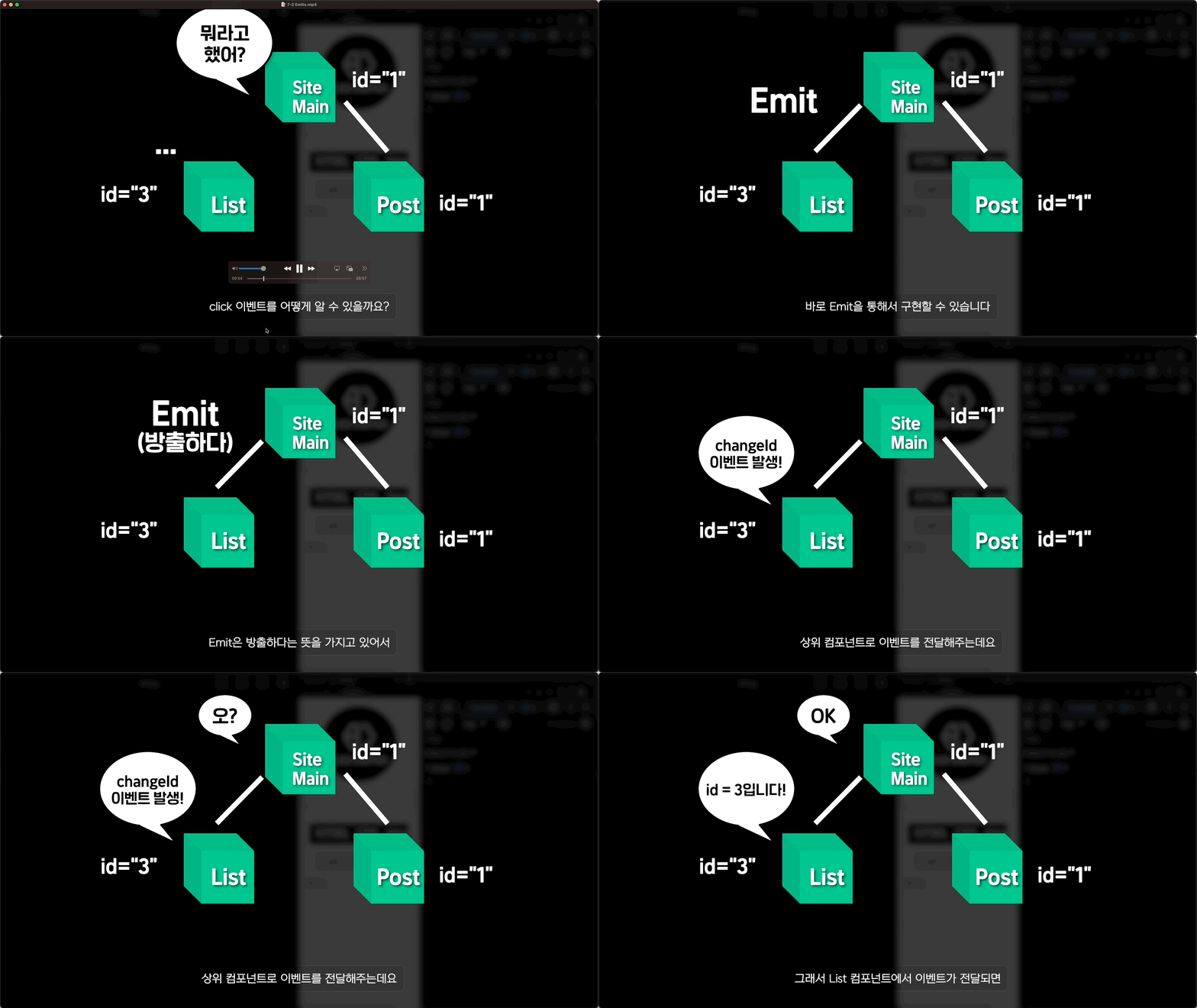
Learn about Emits , which pass events from child components to parent components.
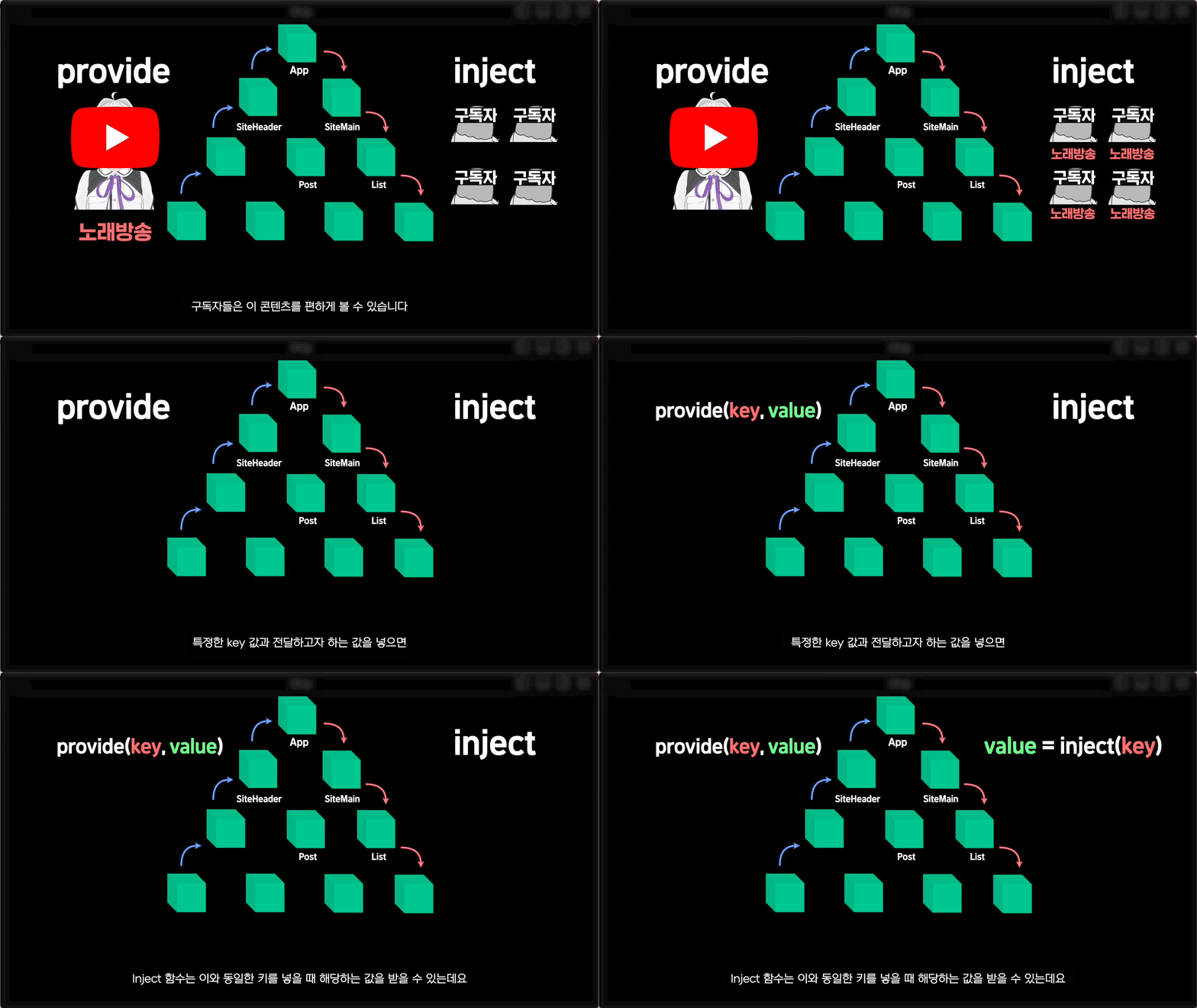
We will cover Provide and Inject , which allow you to pass data from a parent component to a deep child component.
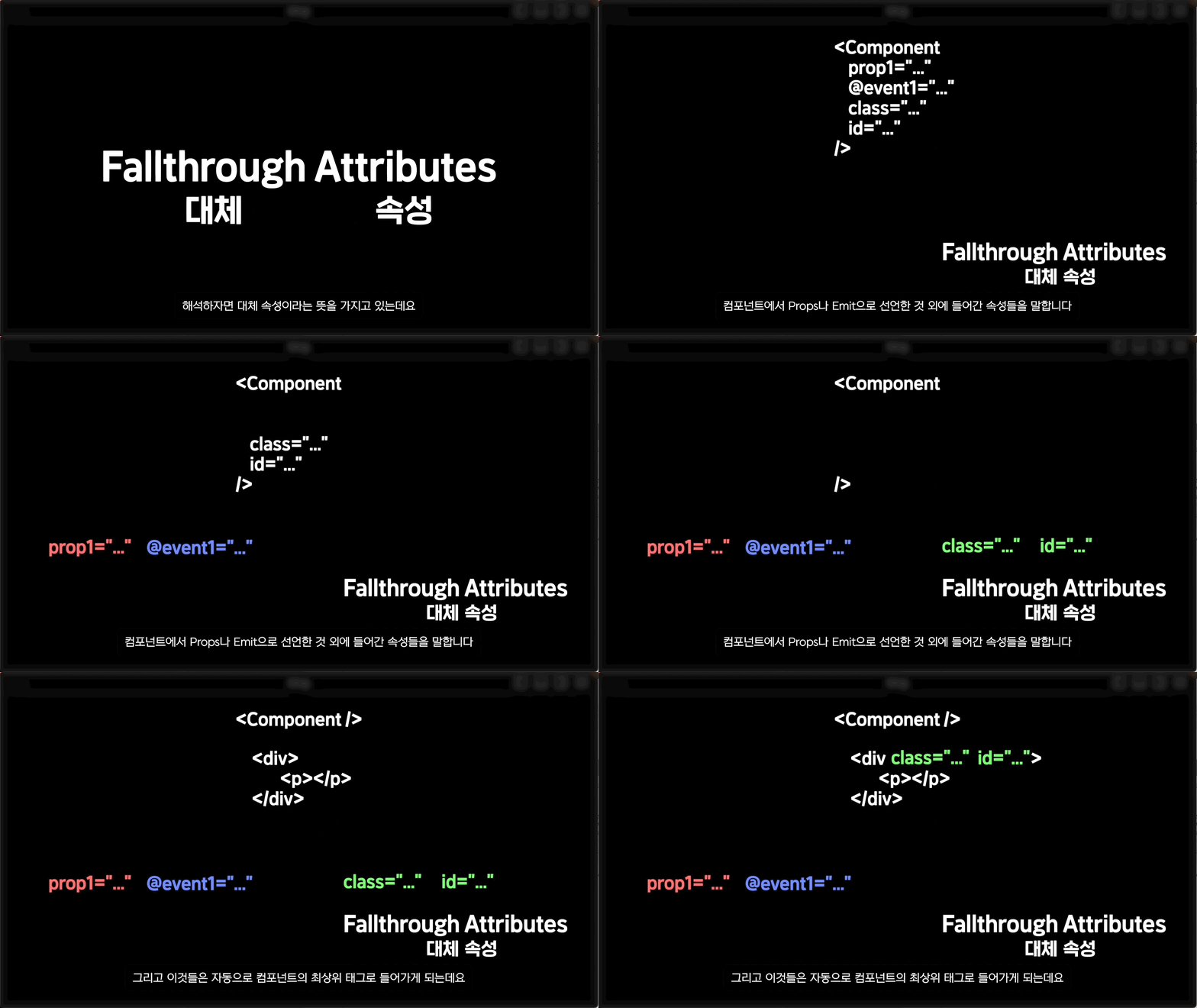
Let's learn how to handle the properties placed in a component through attrs .
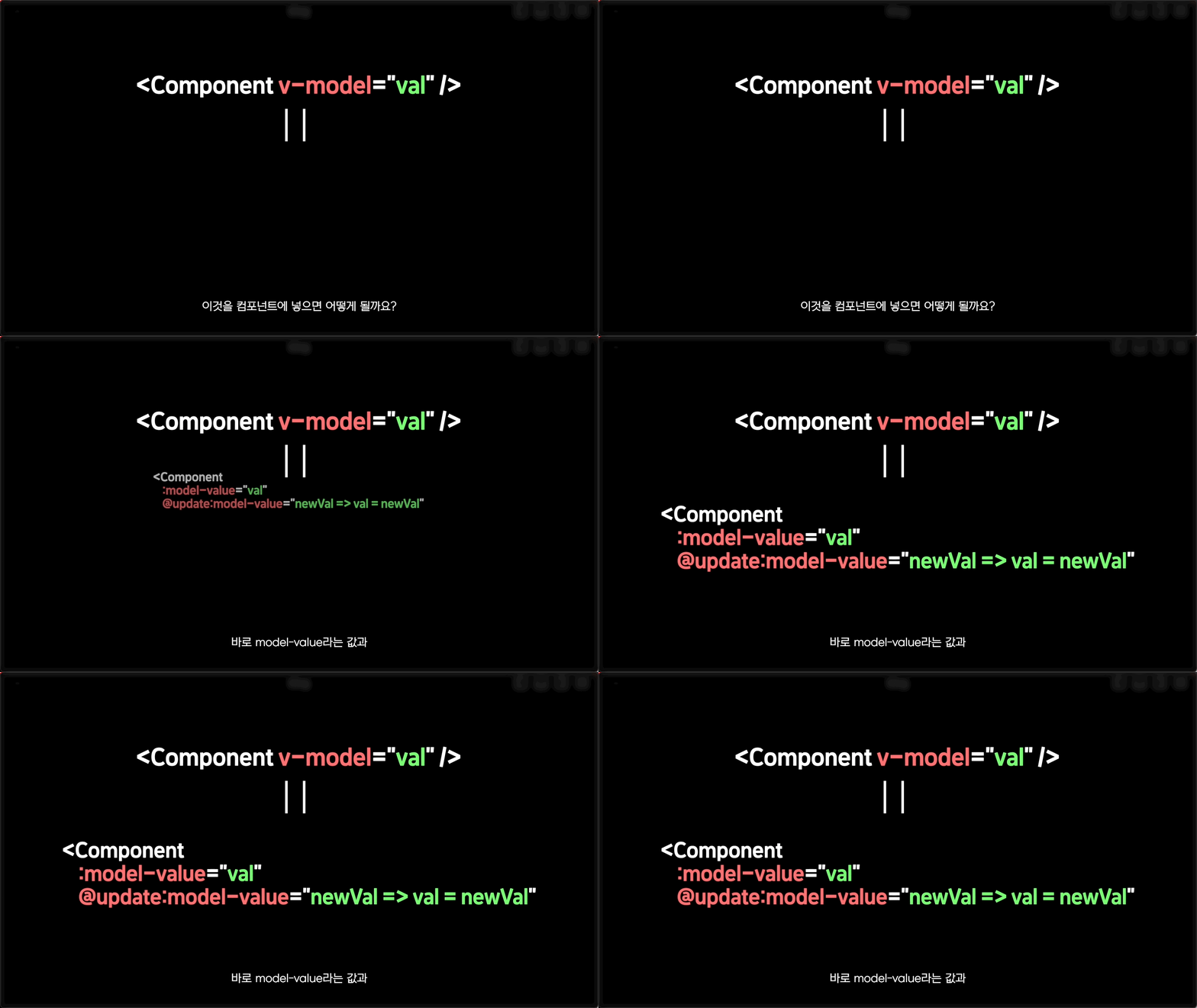
Learn how to use v-model in your components .
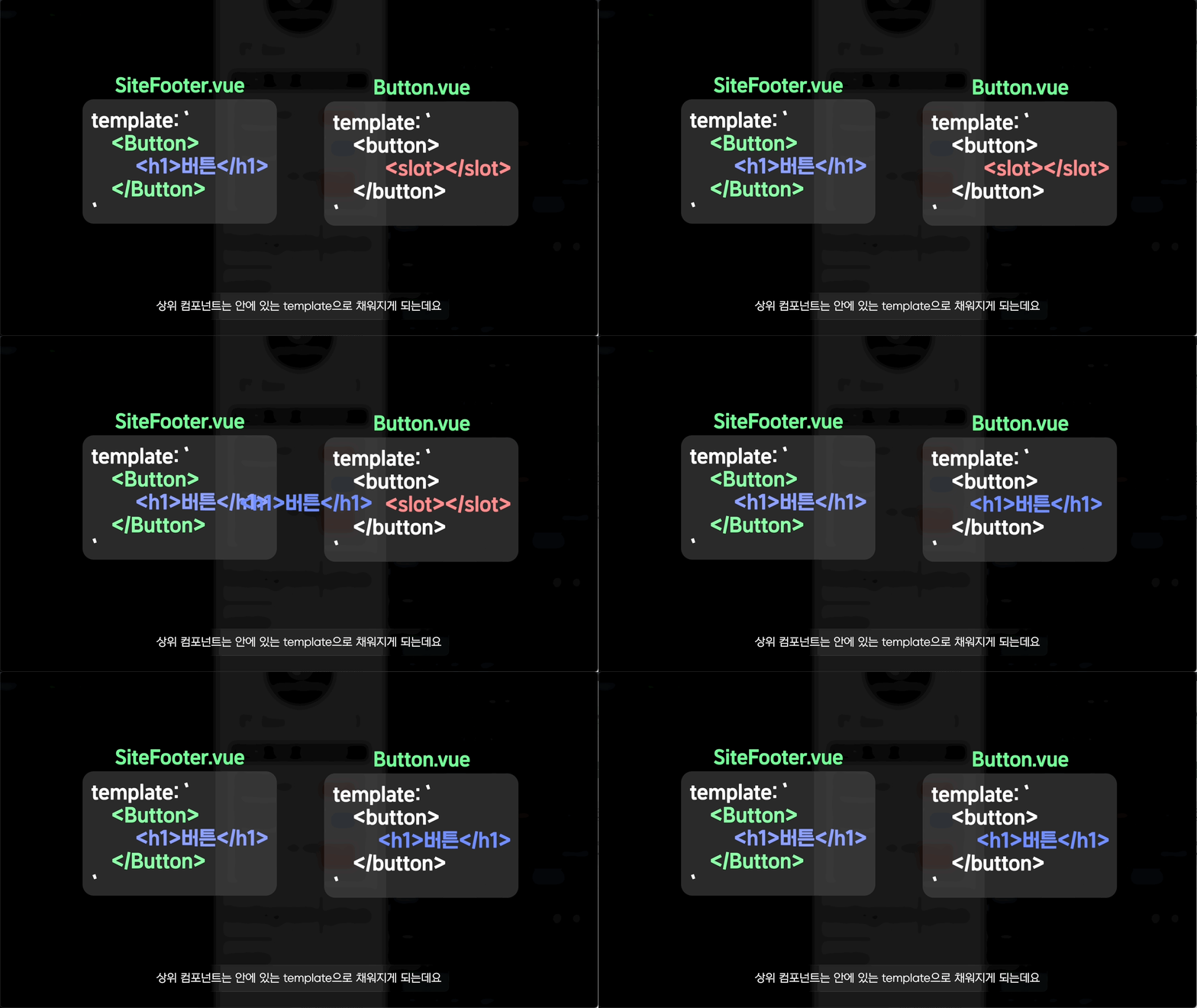
We will cover slots that allow the template of a component to be handled by the parent component.
If you still don't understand, I recommend watching a few free lectures!
You'll know exactly what it feels like❗️
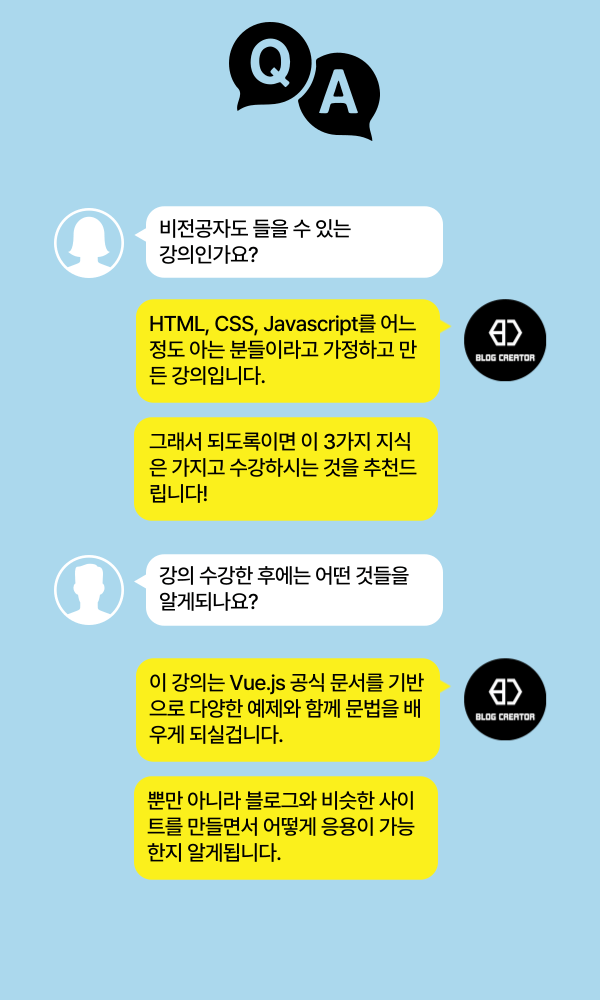
Who is this course right for?
People who find the Vue.js documentation difficult or bothersome to read
For those who are new to Vue.js
Frontend beginner
Need to know before starting?
HTML Basics (Do you know how to use the value attribute in the input tag?)
CSS basics (knowing border, margin, padding, etc.)
Javascript basics (knowing console.log or arrow functions)
All
32 lectures ∙ (3hr 20min)
All
11 reviews
4.5
11 reviews

Reviews 3
∙
Average Rating 4.7
5
- Editing: ★★★★★ 5.0 Artistic. Excellent level that goes without saying - Description: ★★★★☆ 4.5 Excellent. There are some parts where the quality of the concept explanation is lacking or rushed, but it does not miss out on going over the concept itself, and the lacking parts are covered with editing. - Self-directedness: ★★★★☆ 4.5 Excellent. At the end of each lecture, an assignment is given, and the correct answer is shown in the next lecture, so you can review it. It is well organized to fit the single purpose of creating a blog. - Lecture target selection: ★★★★_ 4.0 It is a bit disappointing. It seems that the target is considered to be beginners, but there are some parts where the concept explanation is subtly lacking. If you already know similar concepts, you can move on smoothly. - Recommended candidates: People who have experience using JavaScript in the workplace but have never used Vue.js; People who have used other UI frameworks and want to learn Vue.js; Beginner learners who are confident that they can learn concepts they do not understand by searching or asking the instructor; Employees of Inflearn Business member companies who need to use the course quickly in practice but find the official documentation too long to read it one by one
Reviews 1
∙
Average Rating 5.0
Reviews 2
∙
Average Rating 5.0
5
It's great that the course is well-organized and runs according to the curriculum, from course planning to execution. It's not a course where you just show off your knowledge and the lecture is cut off if you make a mistake, but it's a great course that doesn't leave out even the smallest animation effects. In particular, it was great that it didn't just install with the npm package, but explained the basic principles and npm methods separately. This person's course is something I want to listen to again even if other information comes up.
Reviews 1
∙
Average Rating 5.0
5
Thank you for explaining the difficult coding-related terms and content to non-majors in a really easy-to-understand way! I needed to study development in these difficult times when job preparation is difficult, and this lecture was just right for me. I'll listen to the next lecture when it comes out (I think you have a nice voice)
Reviews 1
∙
Average Rating 5.0
Explore other courses in the same field!


![Planner, how about learning this level of web development? [Theory + Practice]Course Thumbnail](https://cdn.inflearn.com/public/courses/333579/cover/5bfdb903-721c-4e32-803b-ed0d4cfc28b7/333579.png?f=avif&w=420)

