

inflearn logo

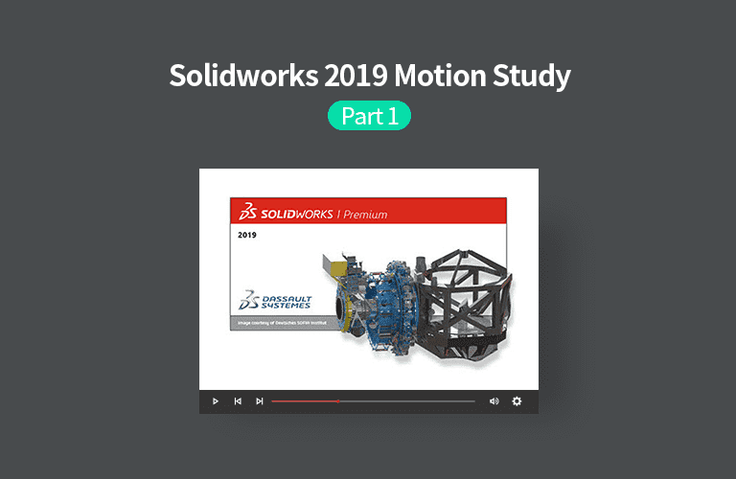
Solidworks 2019 Motion Study with Video, Part 1

Learn how to implement various keyframe-based assembly animations using the Motion Study feature in SolidWorks.

(4.0) 1 reviews

29 learners

Level Basic

Course period Unlimited

SOLIDWORKS
SOLIDWORKS
SOLIDWORKS
SOLIDWORKS

What you will gain after the course

  • Implementing motion animation using Solidworks

  • Various ways to implement motion using Solidworks assemblies

Easier and more certain with video!
Fun SolidWorks Motion Study.

Lecture Introduction 🚩

SOLIDWORKS?

Even complex parts are fast!
For easy and simple 3D model design
It is a CAD solution tool .

The SOLIDWORKS 2019 Premium product line includes various add-in programs such as Motion Study for implementing assembly movement, Simulation for shape analysis, and Flowworks for fluid analysis, in addition to functions for shape design and assembly design.

Motion Animation?

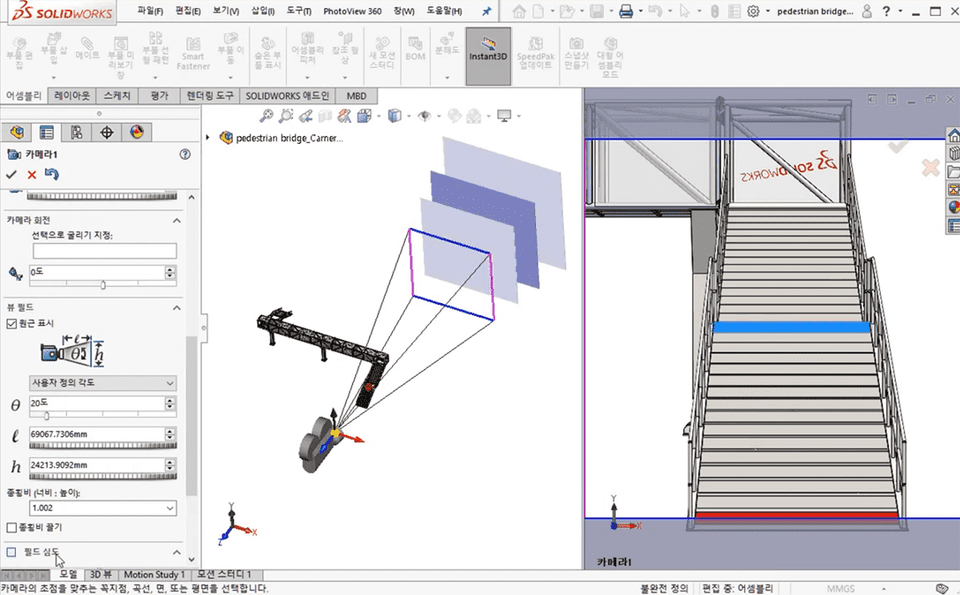
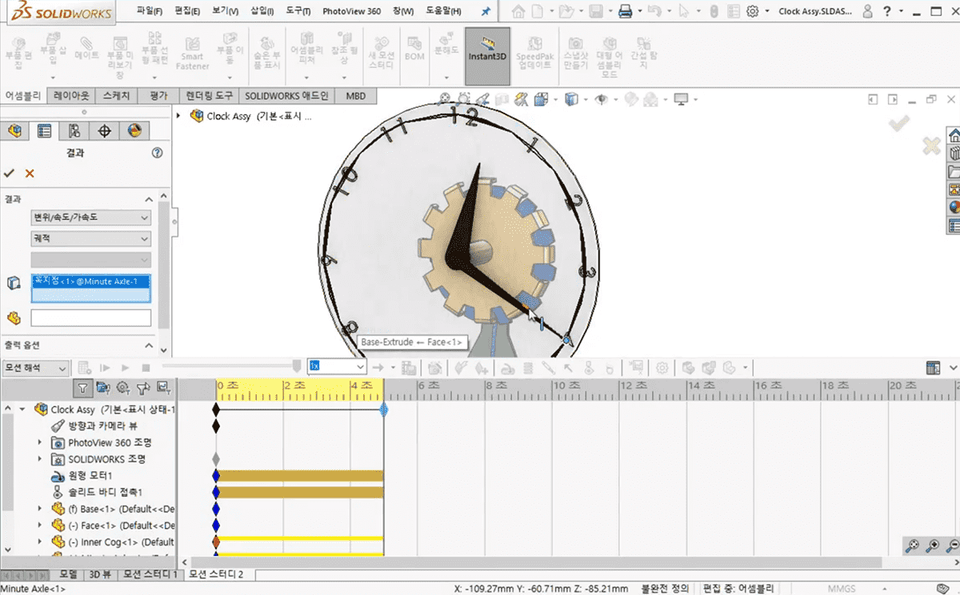
This course covers Motion Animation. You'll learn how to analyze and use various timeline elements, keyframe-based assembly disassembly/assembly motion, walkthroughs, camera usage, flexible wiring, belt motion, spring animation, cable chains, roller chains, and other animation techniques. You'll practice creating dynamic movements from static assemblies using examples.


Course Features 📚

    • Textbook files (PowerPoint files) provided for each course
    • Provides practice files for each course to practice along with

Program version 💻

SOLIDWORKS official page (click)

This course uses Dassault Systems - 3DEXPERIENCE SOLIDWORKS 2019 version .
You can purchase various solutions for commercial, educational, research, and student use, or use trial versions, on the official website.

Recommended for
these people

Who is this course right for?

  • Anyone who wants to run an assembly in SolidWorks

  • Anyone who wants to learn about the various options related to operation in SolidWorks

Need to know before starting?

  • Solidworks Basic Operations

Hello
This is gypsum

1,481

Learners

121

Reviews

10

Answers

4.9

Rating

49

Courses

Graduated from Yonsei University Graduate School
(Former) Visiting Professor, Department of Visual Communication Design, Konyang University
(Former) Visiting Professor, Department of Computer Science, Seoul Health College
(Current) Adjunct Professor, Department of Future Automotive Engineering and Department of Semiconductor/Display Engineering, Gachon University
(Current) Director, Shin Jungang Computer Academy
(Current) Full-Time Instructor in 3D Design using AutoCAD,Catia,Solidworks,Siemens NX,Inventor,Rhino,ZW3D,SolidEdge

More

Curriculum

All

38 lectures ∙ (10hr 22min)

Course Materials:

Lecture resources
Published: 
Last updated: 

Reviews

All

1 reviews

4.0

1 reviews

  • ejewelstar6526님의 프로필 이미지
    ejewelstar6526

    Reviews 1

    ∙

    Average Rating 4.0

    4

    34% enrolled

    I'm a beginner so I don't know

    gypsum's other courses

    Check out other courses by the instructor!

    25% off for new members

    $16.40

    25%

    $26.40