inflearn logo

Introduction to Digital Planning Using Figma

Make your stressful and headache-inducing collaborative planning work easier, at least with the right tools. Giving experts more opportunities to unleash their creativity, and non-experts a sense of design!

(4.3) 15 reviews

150 learners

Level Beginner

Course period Unlimited

Figma
Figma
Prototyping
Prototyping
Figma
Figma
Prototyping
Prototyping

Reviews from Early Learners

Reviews from Early Learners

4.3

5.0

jcs0717

100% enrolled

I was able to listen comfortably because the explanation was simple and concise.

5.0

ykyoon0627

97% enrolled

This was a really great lecture because it taught me the basics of Figma.

5.0

강승훈

100% enrolled

I heard you well.

What you will gain after the course

  • Basic concepts and usage of Figma

  • Structure of an Agile work process

  • Unleash limitless design imagination through real-world projects

  • Use templates created by designers from all over the world

Figma is OK as long as you have internet!
Grow your digital marketing skills with easy tools 🌱

Figma💻 

Figma is currently the most talked-about design tool among both web designers and developers. In the UX tools survey, Figma was selected as the most exciting tool with the highest expectations for growth. In particular, there are predictions that it will establish itself as a popular software on par with the status of Photoshop in the past, serving as a ""design software"" rather than being limited simply to the field of UI design.

It is accessible from Windows, Mac, and web browsers, and since it is a web-based program that does not require a separate installation, it has a wide range of applications. By providing real-time collaboration features, it can increase work efficiency by shortening work time and generating various ideas.

Unique Features of This Course 🔆

  • 1️⃣ Figma의 개념부터 활용까지 알찬 기초 다지기
    • Even those who don't know Figma at all, or those who are learning it but find it difficult, can start without any pressure.
  • 2️⃣ 유기적인 흐름의 제작 방식 익히기
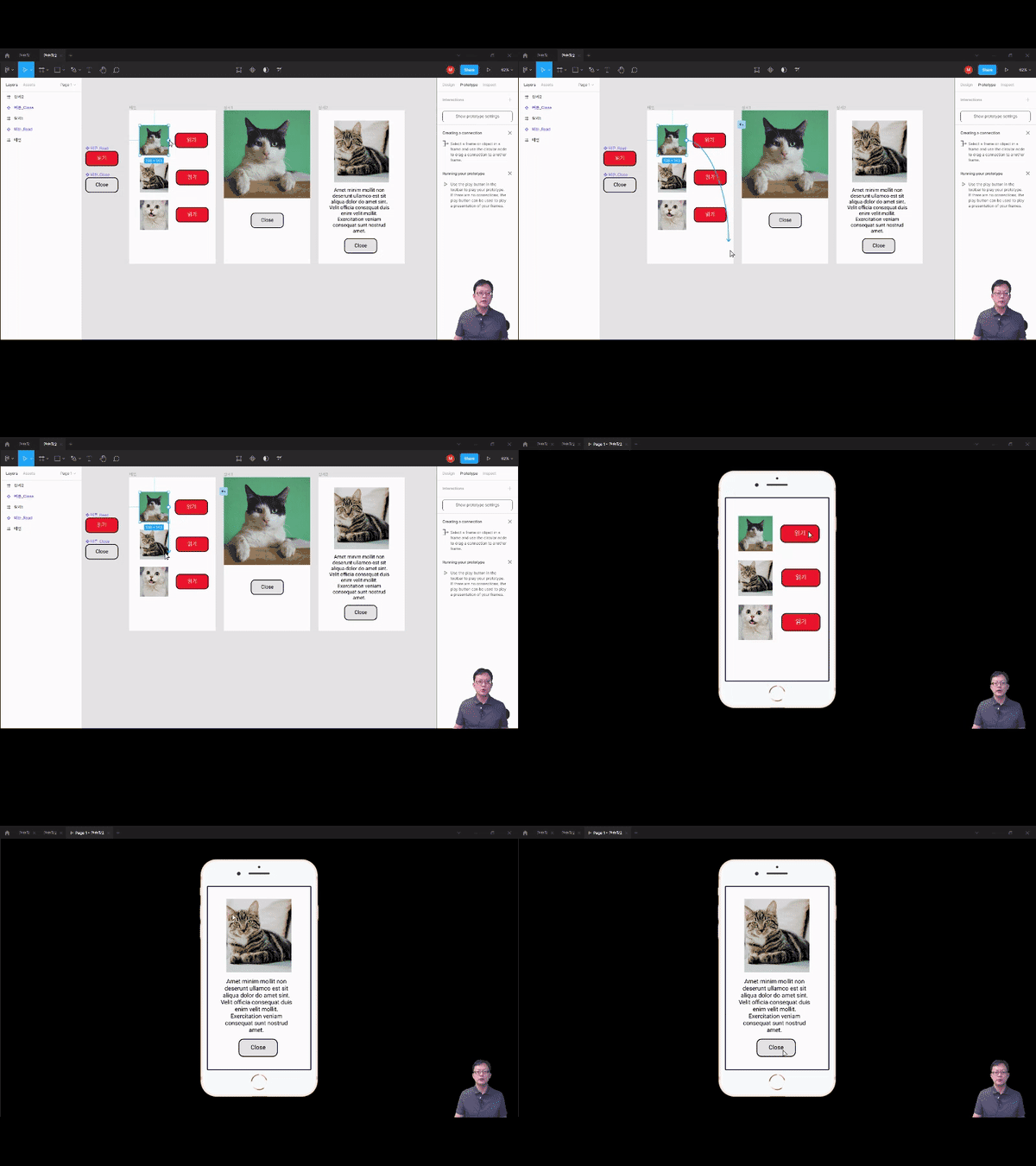
    • Stop making linear presentation materials that only move forward or backward! You can jump to any page you want and easily edit and arrange image or video materials with precision.
  • 3️⃣ 사내 인사이트 공유를 넘어 실전 기획까지
    • Real-time collaboration is Figma's greatest strength. You can learn how to utilize community templates and apply them to real-world projects to create high-quality results.

Recommended for these people 🙌

Those who want to do digital planning or share insights using Figma

Those who want to learn how to share work in the on-tact era

Those who want to quickly learn functions that are applicable to practical work

Those who want to maximize work efficiency and productivity with simple tools

It doesn't matter if you're a design major or not! We help even those who know nothing about Figma master everything from the basics to practical application


Figma After listening to 🏆

After completing Maso Campus's <Introduction to Digital Planning Using Figma> course, you will be able to acquire the following capabilities.Maso Campus, các bạn sẽ có thể đạt được những năng lực sau đây.

1.    Understanding Figma: Overall understanding of the powerful features Figma offers

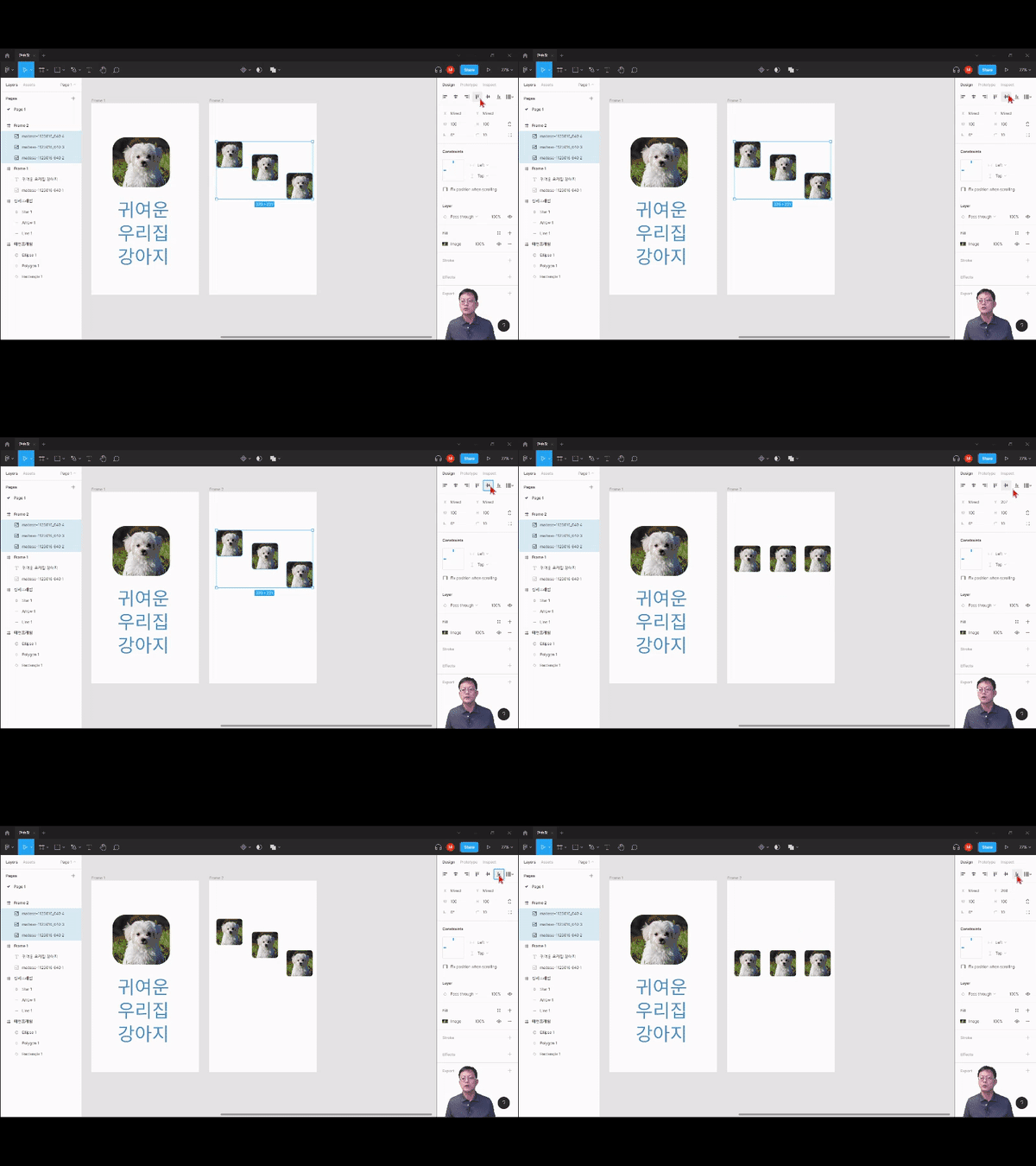
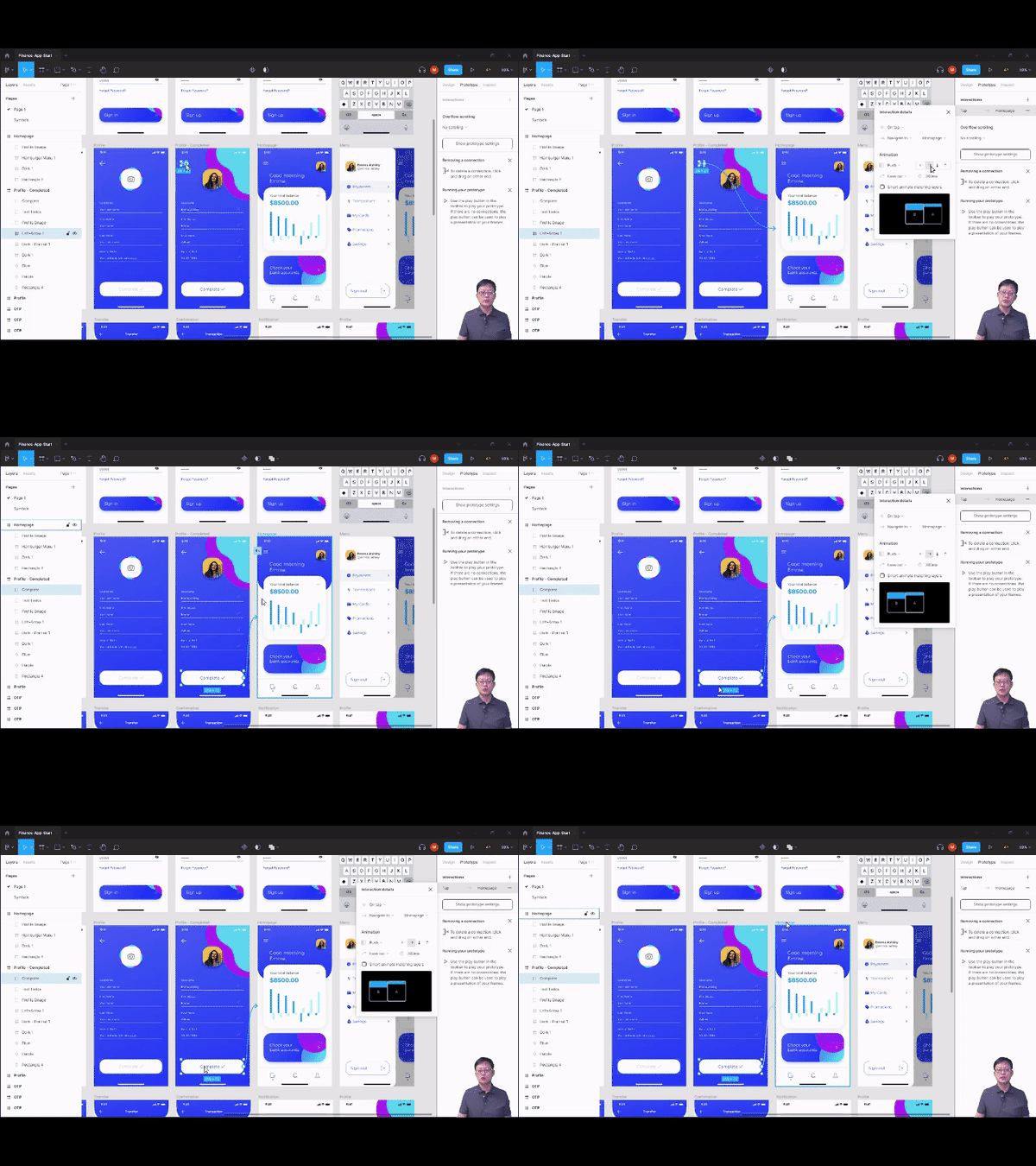
2.    Utilization of Various Tools : Ability to understand various features such as adapted layouts, plugins, and components

3.    Understanding Community Templates: Improving work productivity through design resources shared by numerous designers

You can develop all the essential skills for the digital age.
Try to completely master Figma faster and more solidly than anyone else.

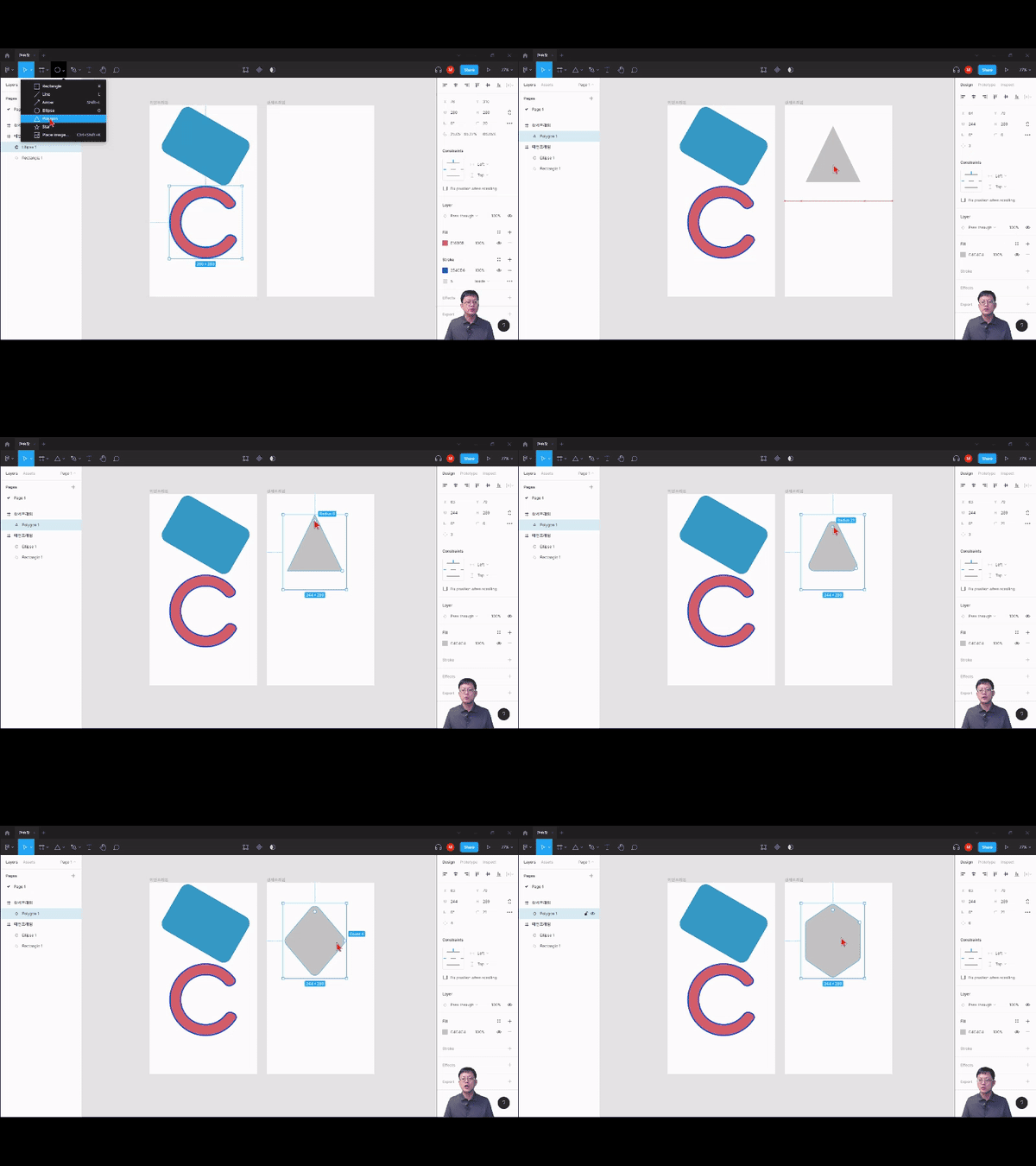
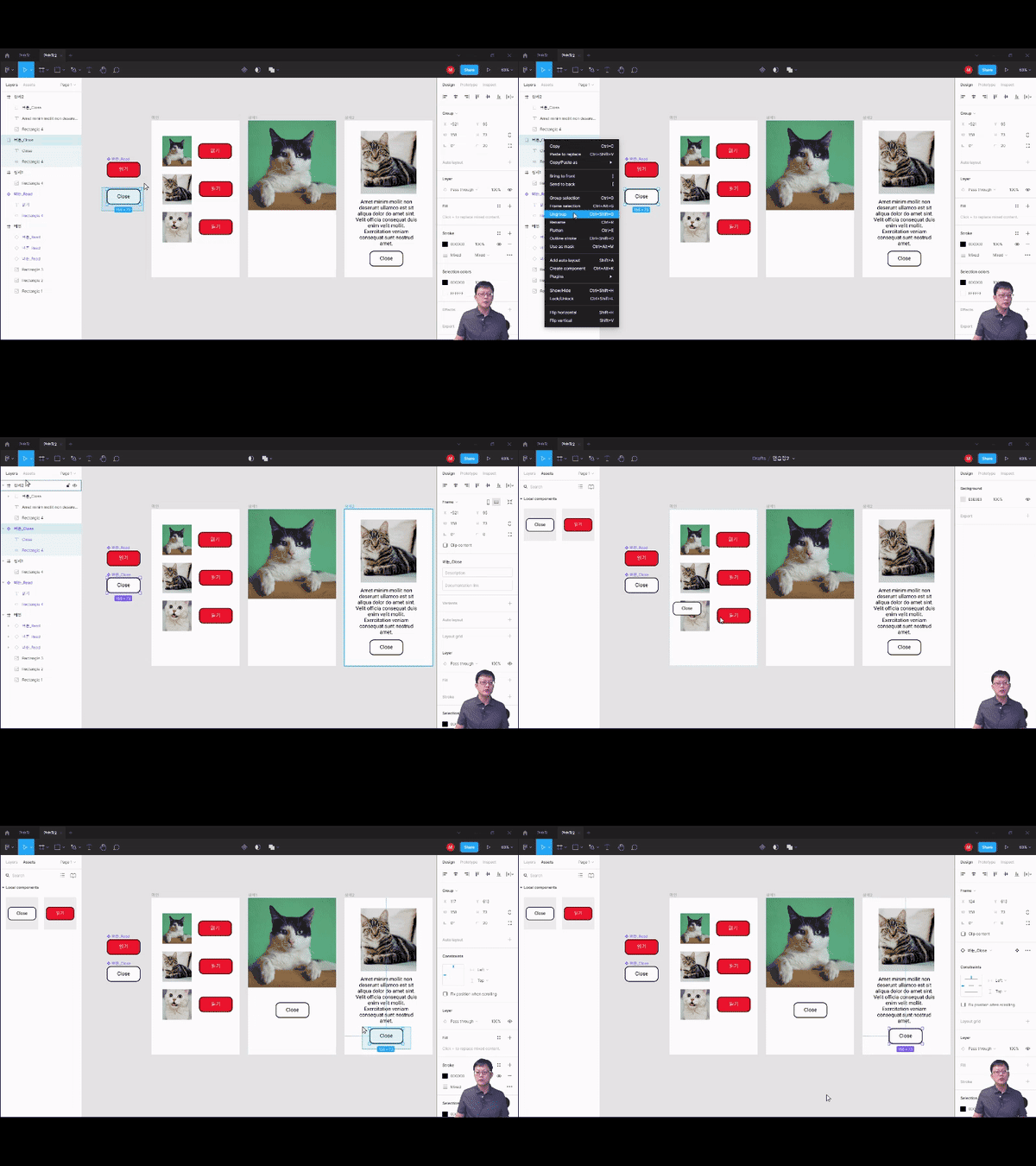
PRACTICE 1. Getting Familiar with Figma


PRACTICE 2. Starting a Project


PRACTICE 3. Intermediate Figma Skills


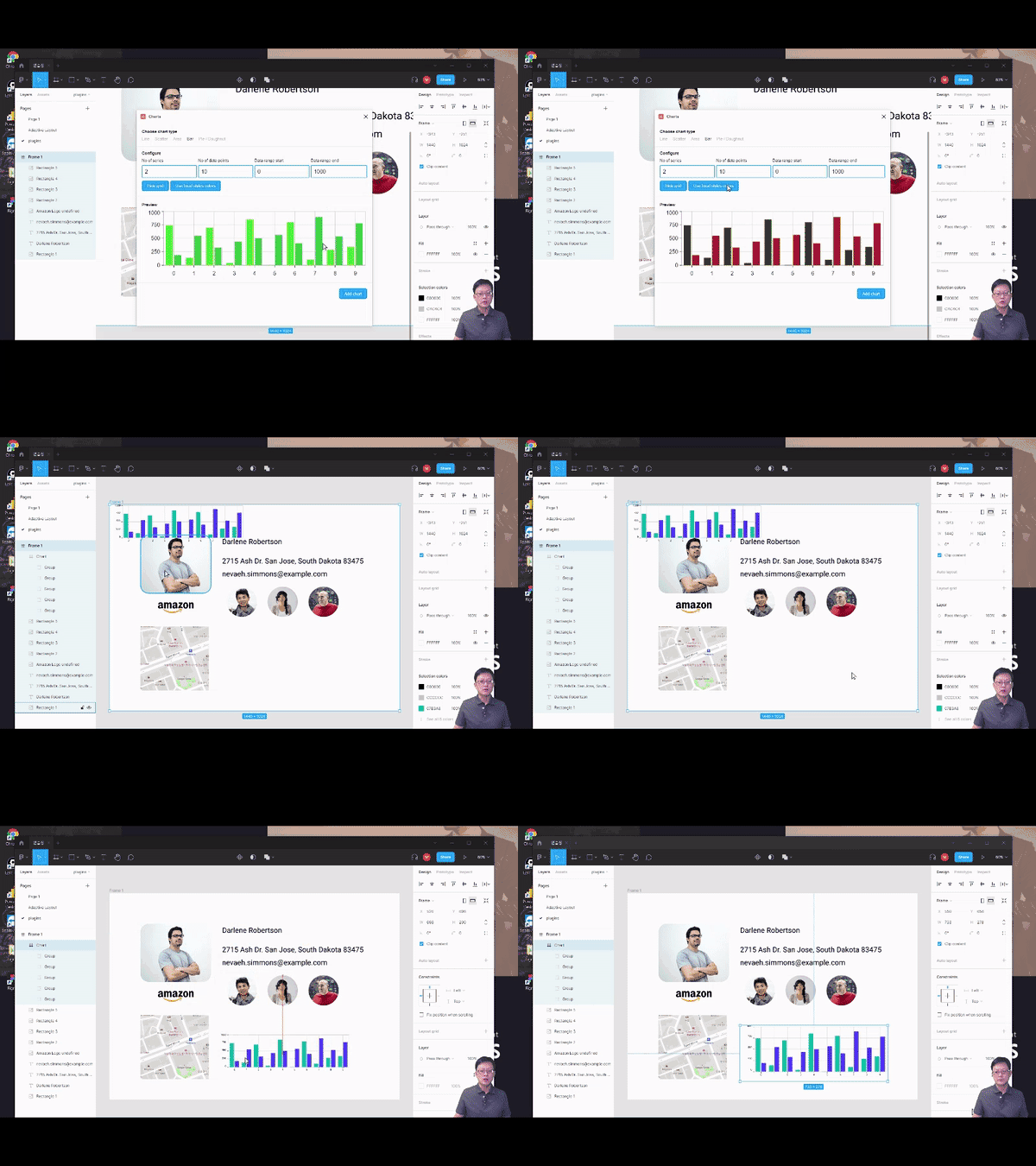
PRACTICE 4. Figma Real-world Project


📢 Please check before taking the course!

  • Since this is a practice-oriented course, it is recommended to prepare a dual monitor or an extra device to separate the lecture screen from the practice screen.
  • Since the practice sessions are conducted based on Windows OS, we recommend taking the course in a Windows environment.
  • The lecture materials are located in the <0. Textbook Download Center> section. Please click the cloud icon to download them.

Frequently Asked Questions Q&A 💬

Q. Figma Do I need any prior knowledge of Figma?

None at all! This course provides kind and detailed explanations so that even non-majors and beginners can easily follow along. So don't worry and just give it a try. After finishing the course, you'll be able to 'properly' understand and utilize the design environment!

Q. Are there any requirements or prerequisites for taking the course?

Since this is a practice-oriented course, it is recommended to have a dual monitor or an extra device to separate the lecture screen from the practice screen. Additionally, as the practice sessions are conducted based on Windows OS, we recommend taking the course in a Windows environment.


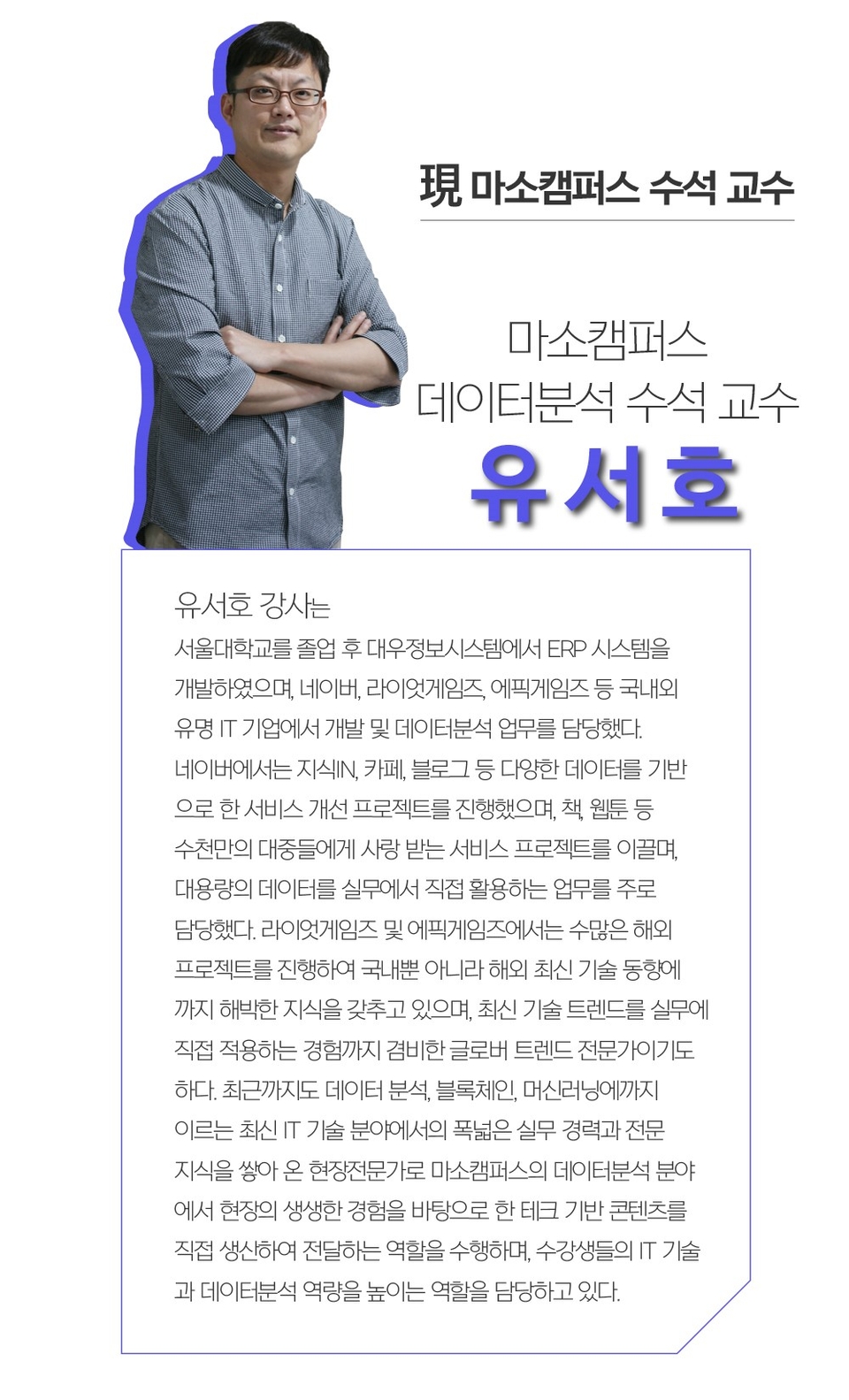
Instructor Introduction ✒️


Recommended for
these people

Who is this course right for?

  • Those who are new to UX design

  • Office workers who need to produce meaningful results

  • Those who dream of starting or switching to a career in marketing

  • Business professionals who want to communicate smoothly with software developers

Hello
This is Masocampus

10,784

Learners

1,530

Reviews

131

Answers

4.7

Rating

104

Courses

"I will grow more than yesterday. And, I will help those who strive to grow more than yesterday."

With Actionable Content that embodies the sincerity and aspirations of Maso Campus,

100 million cumulative hours of lectures shared online and offline since 2013!

This precious experience and time are always the source of growth for both Maso Campus and our students.

The Miso Campus team strictly adheres to two principles for the growth of us all. 1. Actionable Content that can be put into practice immediately after learning. 2. Respecting the time and effort of participants.

The Miso Campus team strictly adheres to two principles for the growth of us all.

1. Actionable Content that you can actually use after learning 2. Time-Saving Curriculum that respects the participant's time and effort Grow with Miso Campus's Actionable and Time-Saving Curriculum

1. Actionable Content that you can surely use once you learn it

2. Time-Saving Curriculum that respects the time and effort of participants

We hope you will walk the path of growth together with Masocampus's Actionable and Time-Saving Curriculum.

We hope you will walk the path of growth together with Maso Campus's Actionable and Time-Saving Curriculum.

More

Curriculum

All

32 lectures ∙ (3hr 9min)

Course Materials:

Lecture resources
Published: 
Last updated: 

Reviews

All

15 reviews

4.3

15 reviews

  • ykyoon06278061님의 프로필 이미지
    ykyoon06278061

    Reviews 1

    Average Rating 5.0

    5

    97% enrolled

    This was a really great lecture because it taught me the basics of Figma.

    • masocampus
      Instructor

      I'm glad you enjoyed the lecture😊 Thank you for finding it useful!

  • dasomjang5660님의 프로필 이미지
    dasomjang5660

    Reviews 2

    Average Rating 5.0

    5

    100% enrolled

    As a user who is learning the Figma tool for the first time, I liked the easy-to-understand explanation.

    • masocampus
      Instructor

      Hello😊 I'm glad that you were satisfied with the lecture. I'm glad that you found it easy to understand! I hope to see you in another lecture^^

  • ksh905123님의 프로필 이미지
    ksh905123

    Reviews 1

    Average Rating 5.0

    5

    100% enrolled

    I heard you well.

    • masocampus
      Instructor

      Thank you for leaving a review😊 It feels like the hard work paid off. Maso Campus will always do its best!

  • jcs07179779님의 프로필 이미지
    jcs07179779

    Reviews 2

    Average Rating 5.0

    5

    100% enrolled

    I was able to listen comfortably because the explanation was simple and concise.

    • masocampus
      Instructor

      I'm so glad that the lecture was well delivered! Thank you. 😊

  • w5716w3822님의 프로필 이미지
    w5716w3822

    Reviews 1

    Average Rating 5.0

    5

    100% enrolled

    It was an opportunity for me to easily approach the program because it thoroughly explained the functions necessary for the basics. What was disappointing was 1. The current version and the version of the program in the lecture were different. The other functions were similar, so I was able to follow along quickly, but the way the plugin installation was done in the beginning was different from the lecture, so it was confusing. 2. If you also explained the shortcuts when explaining the functions, it would be more helpful for me to use the program on my own in the future. Thank you for the long and great lecture:)

    Masocampus's other courses

    Check out other courses by the instructor!

    Similar courses

    Explore other courses in the same field!

    $26.40