[Notion, Say Goodbye to Mistakes!] 1-Week Masterclass for Document Writing & Sharing
Notion is a growing tool that is still evolving and filling in its gaps. I've summarized the core essentials, from basic usage to key precautions when sharing documents. Just stick with it for one week. Your life before 😵💫 and after 😎 the lecture will be completely different!
I like that the class lectures aren't too long. They explain things kindly. But I'm curious about how many things are left on the list (how much more I have to listen to). It would be nice to see a table of contents.
5.0
v2rson
32% enrolled
I listened to the explanation carefully.
5.0
fortytwo
100% enrolled
I have been using Notion for a while, but I am more familiar with it because I can remember it better by following the examples. I learned it without any burden because you introduced it by function in an appropriate amount. I would appreciate it if you could also introduce templates using Notion's database function and make a lesson accordingly.
What you will gain after the course
Paid Notion templates? NO🙅! You can design your documents exactly as you imagine them.
You can prevent common mistakes when sharing Notion documents.
Clearly explains the unique characteristics of Notion that are subtly different from other document tools.
You can discover tools that work well with Notion and easily apply them to your documents.
I'll become a Notion expert in just one week! Learn quickly and simply, yet perfectly 💡
Mastering Notion 📖
Notion
차근차근, 하지만 요점만 빠르게
For those who already know a bit about Notion, the course content is condensed into core essentials, while for complete beginners, I will proceed step-by-step using on-screen buttons rather than shortcuts.
문서를 보는 사람이 중요하게 여기는 부분도 분석
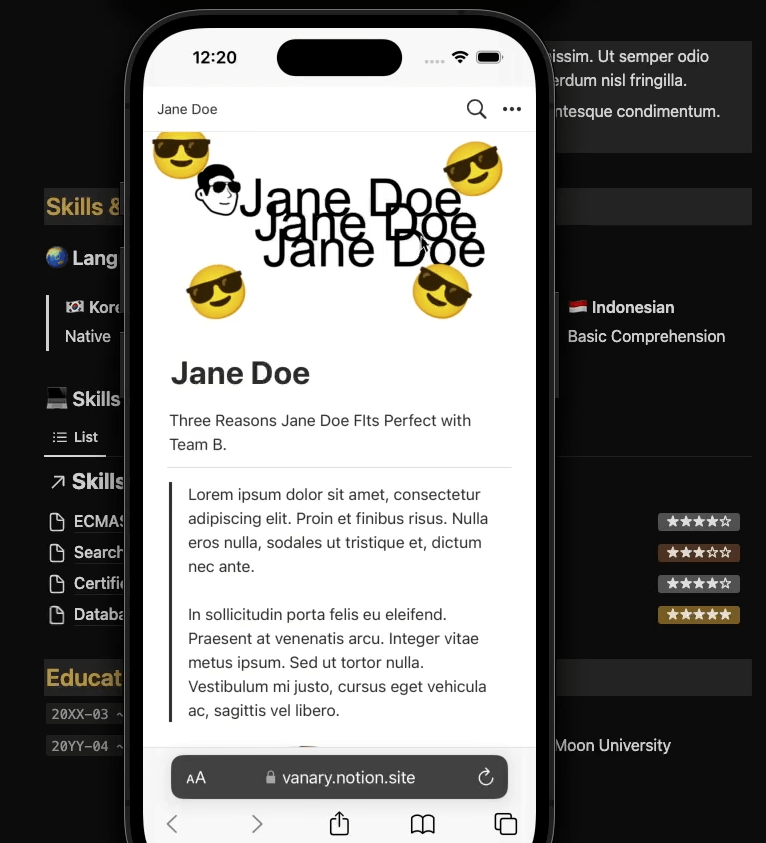
I will show you detailed examples of the real reason we create documents with Notion and how those documents appear on other people's screens. We will practice together by looking at what concerns the reader and what we, as document creators, need to do.
필요한 내용을 빠르게 볼 수 있게, 모든 영상에서 자막 제공
We have prepared this so that you can easily find the information you are curious about after purchasing the lecture. You can quickly find the desired location with just a mouse click, without even having to press the play button. Because your time is precious!
Recommended for the following people.
🙍♀️
In other document tools, I used to create OOO forms in XXX ways, but in Notion, I have no idea how to create those same forms.
🙋♂️
I'm not familiar with Notion's interface and formatting methods. What is a "block"? Also, there are so many types of "blocks" that it feels overwhelming.
🤷
I heard that Notion allows you to share documents as webpages, but I'm afraid I might mess something up and cause a major problem.
Here is how we solve the students' concerns!
✅ We will utilize Notion's features one by one to create formats used in existing document tools.
✅Use all frequently used blocks in Notion to show you examples.
✅ We will go through the process of publishing a document step-by-step and introduce common mistakes and prevention methods when sharing.
Offline Lecture Student Reviews
" Thanks to the Notion workshop led by Boyoung, I feel like I've become closer to both Notion and the other members. It was a lot of fun! "
" I felt sorry to Notion, which I had only been using for simple notes and to-do lists until now. "
" I learned at least one new feature every day. I'm glad I can now track my schedule and meeting minutes using Notion. "
Learning Content 📚
#1 Creating your first document and sharing it 🗂️
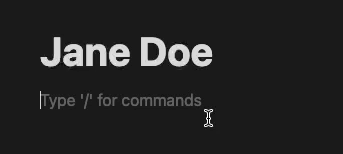
We take the first steps in creating and publishing documents with Notion. Even a journey of a thousand miles begins with a document title!
#2 Organizing the First Impression of a Document ✨
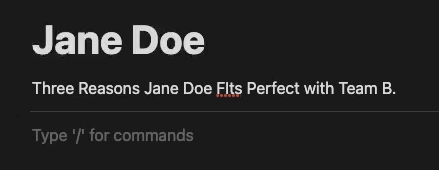
Introducing the 'two things' you need to pay attention to for a clean look when opening a document - document titles and dividers.
#3 Understanding Links: Using Text Links & Widgets 🔗
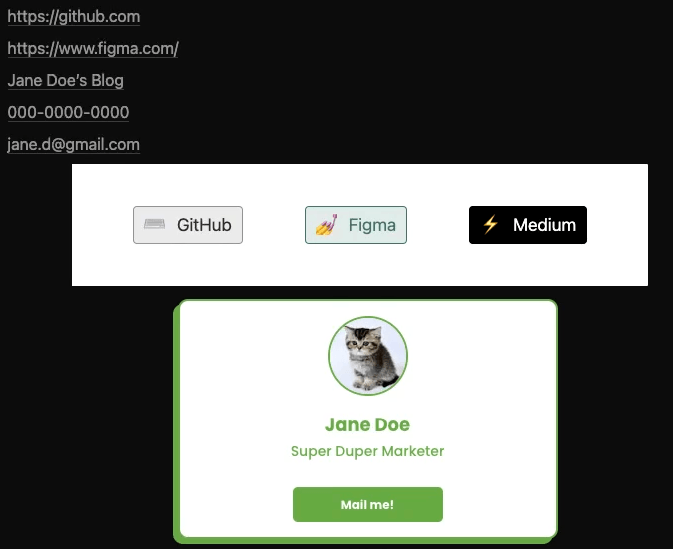
We will conduct a hands-on exercise to create the contact information section of a resume using link and button widgets.
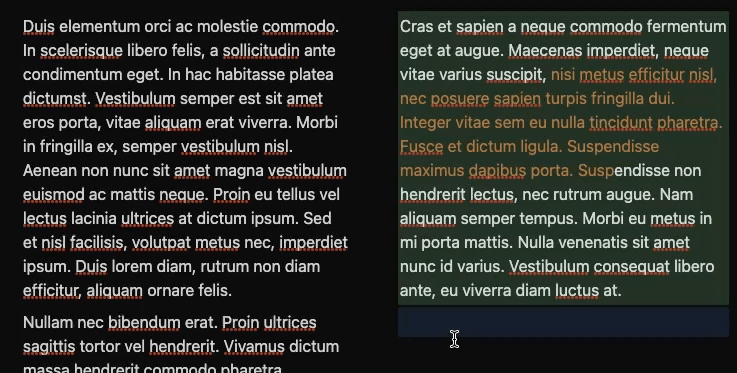
It's frustrating if you don't know this when refining documents in Notion! We will learn the important concepts of "columns" and "blocks" through hands-on practice.
#5 Similar yet different Callouts and Quotes 👯
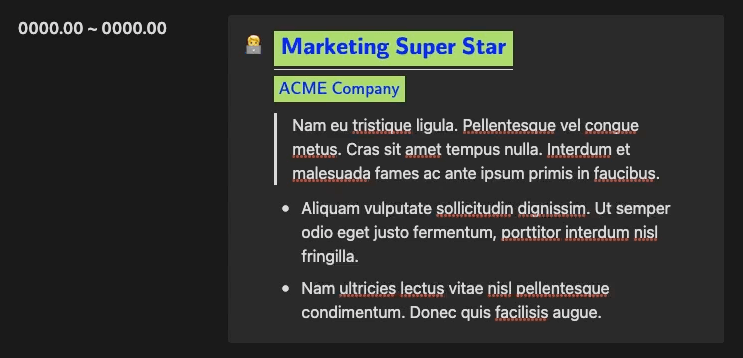
We introduce the callout and quote blocks and try using them in a document layout.
#6 Creating a Real Notion Document! 🤼
There are as many as 8 types of blocks covered in this section! We will try using each block one by one and learn how to combine them to create rich documents.
#7 From very simple formatting to "Databases" 📚
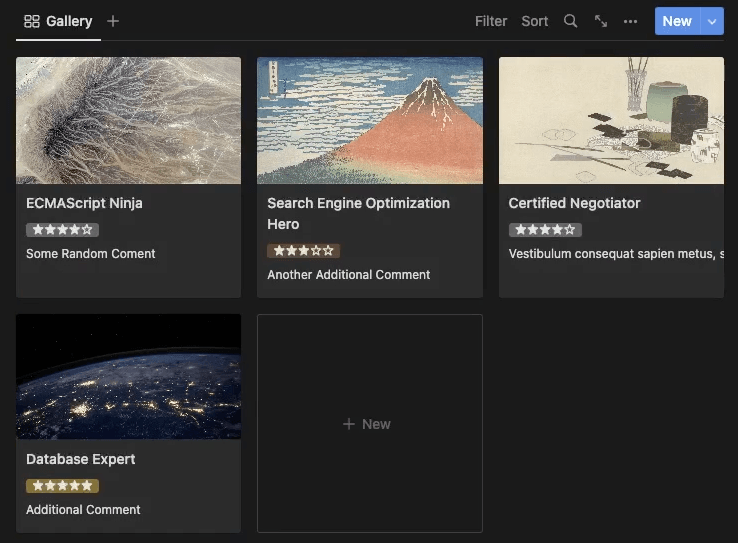
Notion may not have the flashy "table" formatting found in other document tools, but we will explore convenient and visually appealing blocks that more than make up for it.
#8 Meticulous until the end, Practical tips for finishing documents📚
We will summarize everything we have learned so far and check the final points to keep in mind when completing a document.
Anticipated Questions Q&A 💬
Q. The lecture screen is in English, but I have mine set to Korean. Do I need to change my settings to English as well?
It is perfectly fine to proceed in Korean. Although the language is different, the locations of the interface elements are the same. If you keep the lecture video and your Notion window open side-by-side and compare the positions as you go, you shouldn't find it difficult.
A2. Although the Korean Notion community is growing, you still get more results by searching in English when troubleshooting or looking for new tips. I use Notion in English so that it's easier to remember the names of menus or blocks when searching.
Q. I'm worried because it's a "beginner" course. Is it okay for a total "novice" who knows nothing about Notion?
Don't worry! I've used the simplest terms possible in the lectures with beginners in mind. If you keep the lecture video open and follow along step-by-step, you'll gain confidence in no time.
📢 Notes before taking the course
실습 환경
Please proceed by opening Notion in a web browser on a computer connected to the internet.
While you can take the course using the Notion app, you will eventually need to open a web browser anyway to see how the document appears from a reader's perspective.
학습 자료
All external sites and files used in the lectures are provided as links (sites) or attached learning materials (files). You can find them in the lecture notes below the video.
I recommend going through the curriculum for 30 minutes a day over the course of one week. After quickly watching through it once, you can efficiently grasp the content by revisiting only the specific sessions you need.
선수 지식 및 유의사항
Create a Notion account
Instructor Introduction ✒️
Hello! I'm Boyoung Kim from <Banari Studio>.
At the story production company <Safehouse>, I play the role of directly developing or introducing IT tools so that colleagues both inside and outside the team can work more comfortably.
At <Safehouse>, we use Notion at a level where we automate tasks by manipulating databases through programming. The motivation for creating this course came from seeing colleagues express regret during several offline workshops, saying, "I can't use technology well because I'm lacking."
I saw you, beautiful and kind people, feeling regretful and thinking you were lacking when faced with complex technology. But in reality, it is quite the opposite. It is because the technology failed to adapt to you, the users, or failed to explain how it should be used. In other words, it is the technology that is lacking compared to you.
I am good at quickly conveying that fact to you.
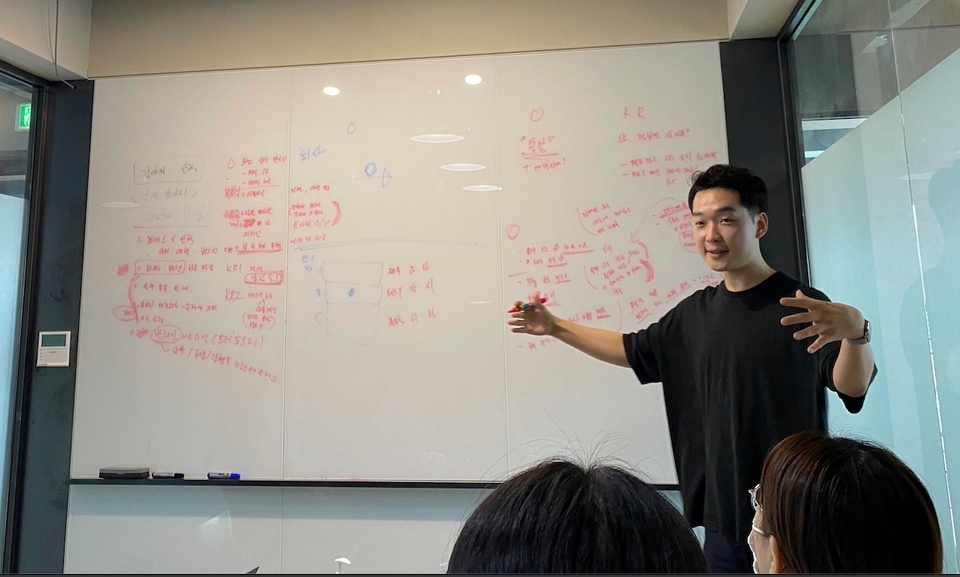
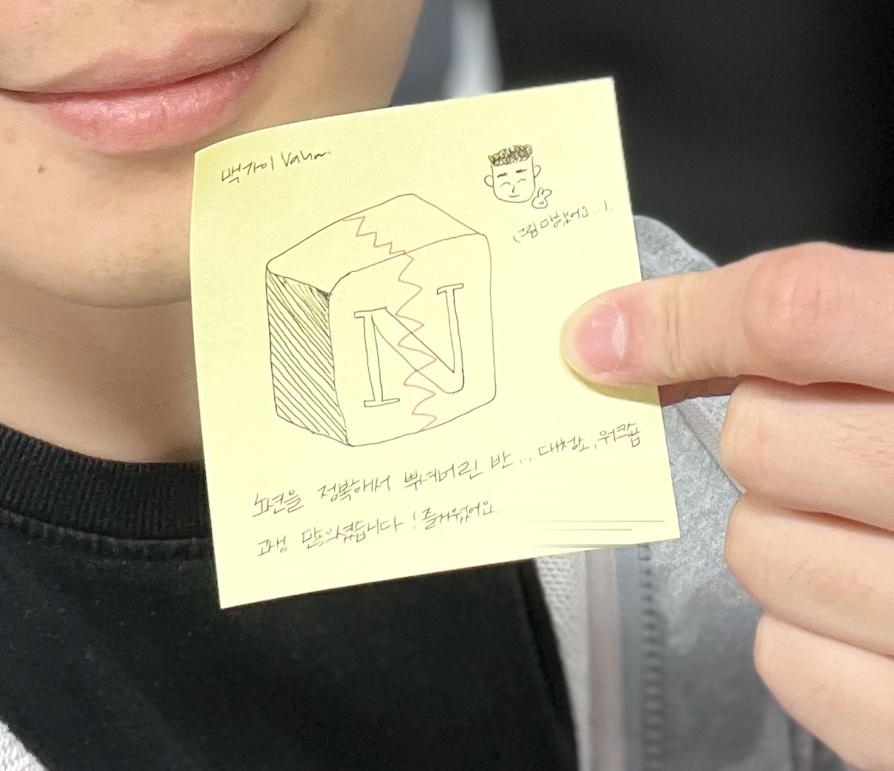
A grateful note left during a review of an offline lecture
Why not join me for just one week and "crush" Notion together? I will help you take full control of the tool called Notion.
Recommended for these people
Who is this course right for?
For those who are afraid of making a mistake😱 when sharing a Notion document with others
Those who need to show a Notion document they created to others soon
Those who want to have the ability to create their own templates instead of buying them💸
Those who want to understand and write the structure of Notion documents
Need to know before starting?
A firm determination to create documents with Notion ✌️
I have been using Notion for a while, but I am more familiar with it because I can remember it better by following the examples. I learned it without any burden because you introduced it by function in an appropriate amount. I would appreciate it if you could also introduce templates using Notion's database function and make a lesson accordingly.
I'm glad that the lecture was helpful!🥳 It was worth the effort to prepare it. Database templates are also used a lot in practice. I'll prepare it someday and contact you. Thank you!
I like that the class lectures aren't too long. They explain things kindly. But I'm curious about how many things are left on the list (how much more I have to listen to). It would be nice to see a table of contents.


.png?w=736)





![[Smart Working Practice] Working Smarter with NotionCourse Thumbnail](https://cdn.inflearn.com/public/courses/328128/cover/11115dce-68f1-4f5c-a63c-76d9c725772b/328128-eng.png?w=420)



![[Smart Working in Practice] Working Smarter with Monday.comCourse Thumbnail](https://cdn.inflearn.com/public/courses/328127/cover/b5f0e902-1c41-4ac5-8778-2165c1b4a0d7/328127-eng.png?w=420)


![[30 Years of Planning] 600 Pages / Romance of the Three Kingdoms: Rule of Three / Reference BookCourse Thumbnail](https://cdn.inflearn.com/public/files/courses/340964/cover/01khf3fpcaftgj2604r79c2g4v?w=420)
![[Practical Employment] Real-world lectures on job hunting/career change by Google & Amazon alumni + Employment e-book (p144)Course Thumbnail](https://cdn.inflearn.com/public/files/courses/337650/cover/01jwnxcgw3bd8cambsar6rjc6e?w=420)