Systems Engineer Textbook
yootong
$19.80
Beginner / Linux, Ansible, ssl-security, apm
4.7
(14)
100+
From the fundamentals of systems engineering to security setup, this course will guide you along the way.

Beginner
Linux, Ansible, ssl-security

In this course, you will learn how to create an intuitive and beautiful PDF in just 1 minute using VS Code and Markdown. With Markdown’s concise syntax and VS Code’s powerful features, anyone can easily create PDF documents.
Reviews from Early Learners
5.0
Hey Jude
It was a great opportunity to learn things I didn't know before. Thank you!
5.0
dmax
Thank you for the lecture.
5.0
Jang Jaehoon
Thank you for the good lecture!
Markdown Grammar Basics
How to use VS Code
Different ways to convert Markdown to PDF
In this course, you'll learn how to create intuitive, beautiful PDFs in just one minute using VS Code and Markdown. By leveraging Markdown's concise syntax and VS Code's powerful features, anyone can easily create PDF documents.
The Magic of VS Code and Markdown 💡
Markdown is a markup language that allows you to add formatting and structure to simple text documents. This course covers basic Markdown syntax and, in addition, how to use CSS and HTML to enrich your documents.
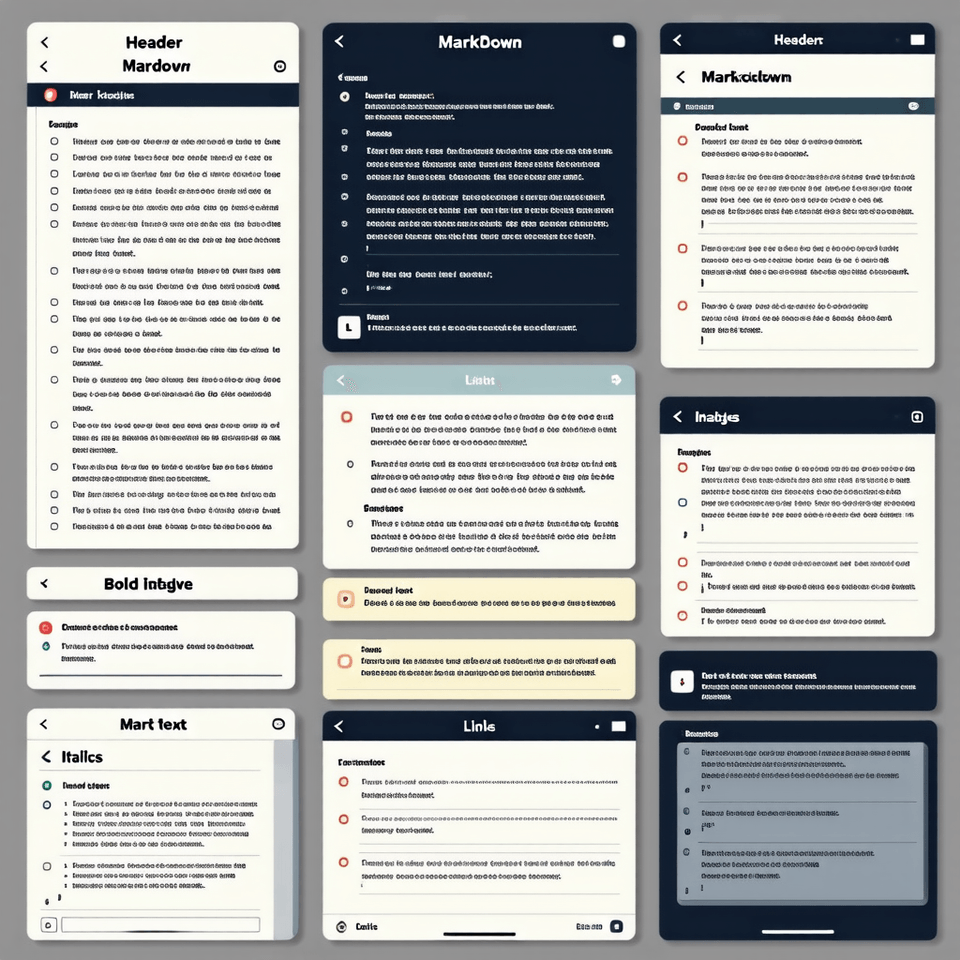
Learn how to install and set up essential extensions for PDF conversion.
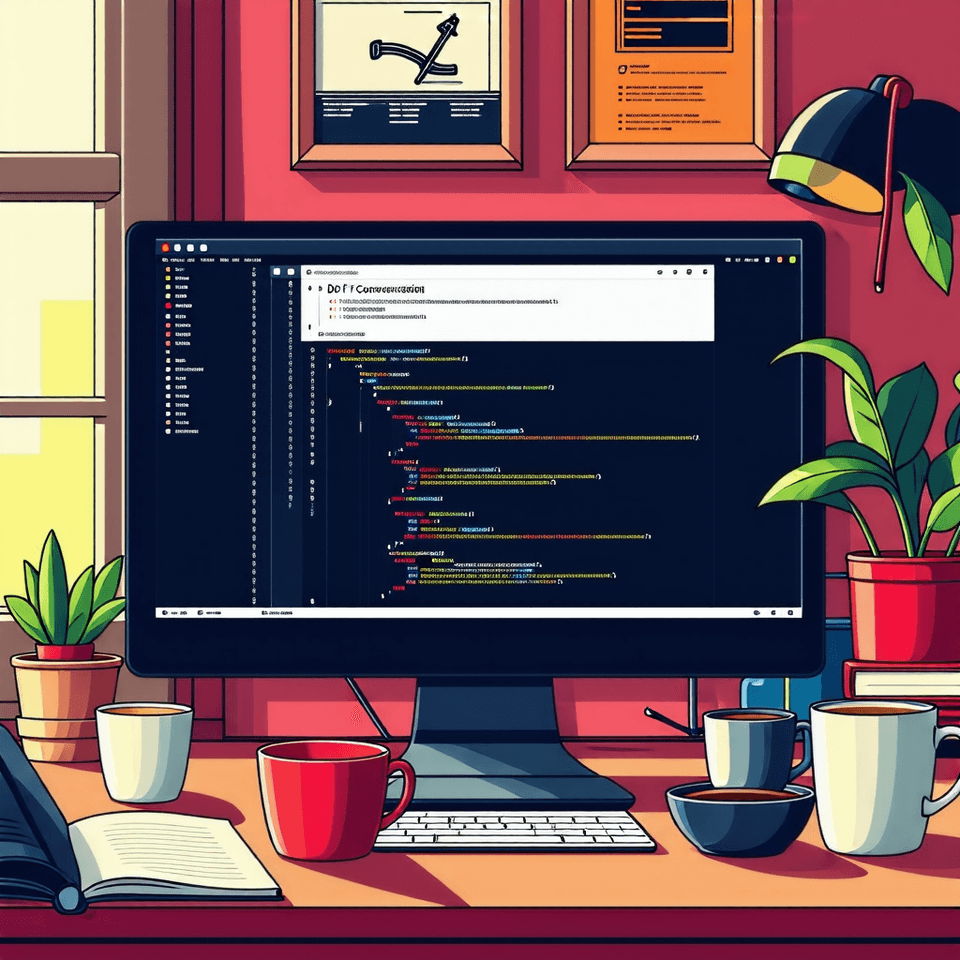
Step-by-step instructions on how to convert Markdown documents to PDF.
Many people want to create professional documents quickly and easily, without using complex document editors and design tools. Markdown is a simple markup language that meets this need, making it easy for anyone to learn and use. VS Code is a powerful editor accessible to both developers and general users. Combining these two tools allows anyone to quickly and easily create PDFs.
Q. What is Markdown, and why is it important?
Markdown is a simple text formatting language used to create web documents. It's intuitive, easy to learn, and compatible across multiple platforms, enabling efficient document creation. It's particularly popular among developers and document writers.
Q. Why do you use VS Code?
VS Code is a powerful source code editor, supporting a variety of programming languages and boasting a wealth of extensions. It's particularly convenient for writing Markdown files and previewing the results in real time. It's free and available for a variety of operating systems.
Q. Why convert Markdown to PDF?
Combine the ease of Markdown authoring with the reliable distribution of PDF for efficient document creation.
The course will be conducted in a Windows-based environment.
We provide the PPT used in the lecture.
There is no separate player knowledge required, and you will need to install Visual Studio Code (VS Code).
Who is this course right for?
student
Office worker

Career Verified
1,170
Learners
99
Reviews
25
Answers
4.7
Rating
6
Courses
Everything about infrastructure practice directly from the field! 🌐
Hello. I'm Yuddong, working as an infrastructure engineer at a Lotte Group affiliate.
💻 I am an engineer responsible for overall IT infrastructure, including servers, networks, and databases, who has stably operated and monitored hundreds of systems while solving problems encountered in actual field environments.
🔥 I am growing every day with the goal of creating efficient, flexible, and scalable infrastructure rather than just a system that simply "works."
💡 "Solid foundations, practical knowledge you can use right away!"
👨🏻🏫 Not difficult, but definitely clear.
I am not a brilliant person, but I have made it this far by learning consistently without giving up.
You can do it too. I will always be by your side, helping you like a reliable professional partner!
All
3 lectures ∙ (26min)
Course Materials:
All
18 reviews
4.6
18 reviews

Reviews 12
∙
Average Rating 5.0
5
It was a great opportunity to learn things I didn't know before. Thank you!
Thank you for the review! I'm so glad it was helpful😊

Reviews 1,220
∙
Average Rating 4.9
5
Thank you for the good lecture!
Thank you so much for your valuable course review! I feel a great sense of reward knowing my course was helpful 😊 I will continue to work hard to bring you beneficial courses that can be directly applied to your work. Thank you!
Reviews 146
∙
Average Rating 5.0
Check out other courses by the instructor!
Explore other courses in the same field!
Free