

강의

멘토링

커뮤니티

Productivity

/

Office

Advanced PDF creation using Markdown and HTML/CSS

This lecture teaches you how to create more professional PDFs by combining Markdown and HTML/CSS. Based on the basic usage of Markdown and VS Code learned in the previous lecture, you will learn how to apply various styles to PDFs using CSS.

(5.0) 1 reviews

24 learners

Level Basic

Course period Unlimited

  • yootong
VSCode
VSCode
HTML/CSS
HTML/CSS
VSCode
VSCode
HTML/CSS
HTML/CSS

What you will gain after the course

  • How to Convert Markdown to HTML

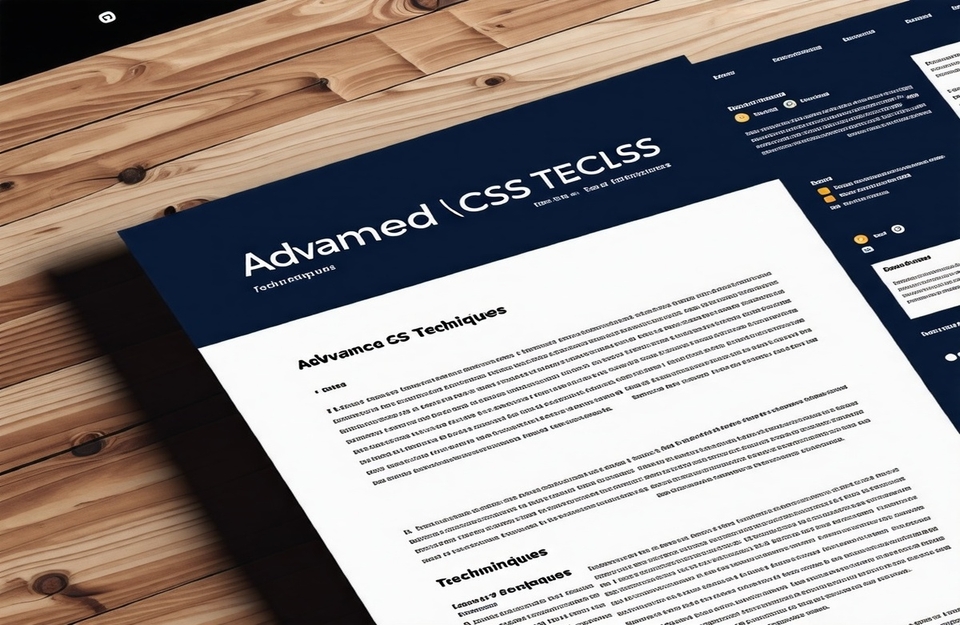
  • Advanced techniques for changing the design of a document with CSS

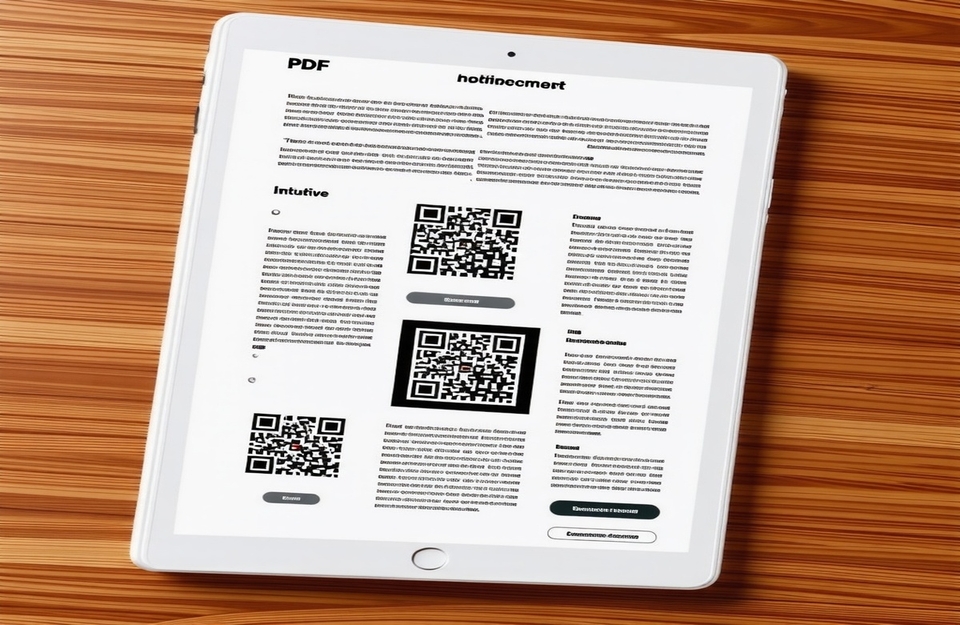
  • Practical PDF creation using QR codes and button UI

Advanced PDF creation with Markdown and HTML/CSS

This course will teach you how to create more professional PDFs by combining Markdown and HTML/CSS. Based on the basic usage of Markdown and VS Code learned in the previous course, you will learn how to apply various styles to PDFs using CSS.

From design to styling, you can easily create perfect documents 💡

Learn in this lesson 📖

Practical PDF creation using QR code and button UI

Learn how to create intuitive, interactive documents that go beyond simple text-based PDFs by leveraging QR codes and button UIs .

Advanced techniques for changing the design of a document with CSS

Markdown documents converted to HTML only provide basic styles. Using CSS, you can change the colors, fonts, and layout of the document to turn it into a professional document .

Features of this course 🌟

📌 Learn Markdown and HTML/CSS from basic to advanced step by step through hands-on practice

📌 Create intuitive and professional documents with PDF design and styling

📌 Includes PDF creation practice using practical examples and templates


Q&A 💬

Q. Why use CSS?

CSS is a powerful tool for applying advanced styling to PDFs. It offers a wide range of design options, including table styling, changing fonts, and adjusting layouts.


Q. Can I just take the advanced PDF creation course using Markdown and HTML/CSS?

This course is a follow-up to the Create Your Own PDF in 1 Minute course, and assumes a basic understanding of Markdown syntax, VS Code installation, and how to use basic extension features.
If you haven't taken the previous lectures, you may have missed the opportunity to learn how to install and use VS Code, as well as the basics of Markdown syntax.
Therefore, for efficient learning, we recommend that you first take the Create Your Own PDF in 1 Minute course.

Things to prepare before taking the class

  • It can be performed in Windows/Mac/Linux environments.

  • Required Installation Tools : Visual Studio Code

  • You can learn more effectively if you have basic knowledge of HTML/CSS .

Recommended for
these people

Who is this course right for?

  • student

  • office worker

Hello
This is

883

Learners

62

Reviews

20

Answers

4.7

Rating

6

Courses

Everything about infrastructure practice directly from the field! 🌐
Hello. I'm Yuddong, working as an infrastructure engineer at a Lotte Group affiliate.

💻 I am an engineer responsible for overall IT infrastructure, including servers, networks, and databases, who has stably operated and monitored hundreds of systems while solving problems encountered in actual field environments.

🔥 I am growing every day with the goal of creating efficient, flexible, and scalable infrastructure rather than just a system that simply "works."

💡 "Solid foundations, practical knowledge you can use right away!"
👨🏻‍🏫 Not difficult, but definitely clear.

I am not a brilliant person, but I have made it this far by learning consistently without giving up.
You can do it too. I will always be by your side, helping you like a reliable professional partner!

Curriculum

All

3 lectures ∙ (52min)

Course Materials:

Lecture resources
Published: 
Last updated: 

Reviews

All

1 reviews

5.0

1 reviews

  • stduent님의 프로필 이미지
    stduent

    Reviews 4

    Average Rating 5.0

    5

    100% enrolled

    It was useful to learn advanced techniques for creating PDFs using Markdown and HTML/CSS in a short period of time!

    • yootong
      Instructor

      Thank you for your review:)

$6.60

yootong's other courses

Check out other courses by the instructor!