강의

멘토링

커뮤니티

Design

/

Sound, Audio & Music

How to create audiobooks, podcasts, and YouTube - GoldWave*Audacity

Create audiobooks, podcasts, and YouTube videos with free audio editing software [Goldwave, Audacity]

(5.0) 4 reviews

45 learners

Level Beginner

Course period 3 months

  • phconlab
Sound System
Sound System
Sound System
Sound System

Reviews from Early Learners

Reviews from Early Learners

5.0

5.0

qiulong Xin

100% enrolled

I used to simply copy and paste GoldWave, but after taking this lecture, I started using it properly. The lecturer's voice is good and he explains everything kindly one by one. I wish I had learned about it sooner.

5.0

starlatte

100% enrolled

I was curious about how to use GoldWave and how to record, so I listened carefully!

5.0

김청희

32% enrolled

It is helpful that the lectures are easy for beginners to understand.

What you will gain after the course

  • How to use audio editing software

  • How to use GoldWave

  • How to use Audacity

  • How to create an audiobook

  • How to Make a Podcast

  • How to edit audio in a video


I want to try making an audiobook, or running a podcast channel.
I want to express audio more effectively when producing video content.
Doesn't audio recording and editing seem difficult and vague?


As someone who was new to audio content production,
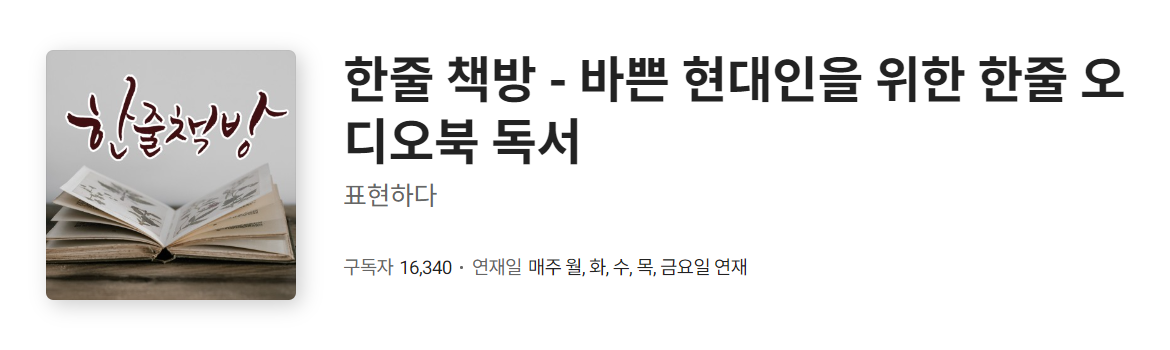
Podcast with over 16,000 subscribers [ One-Line Bookstore - One-Line Audiobook Reading for Busy Modern People ]
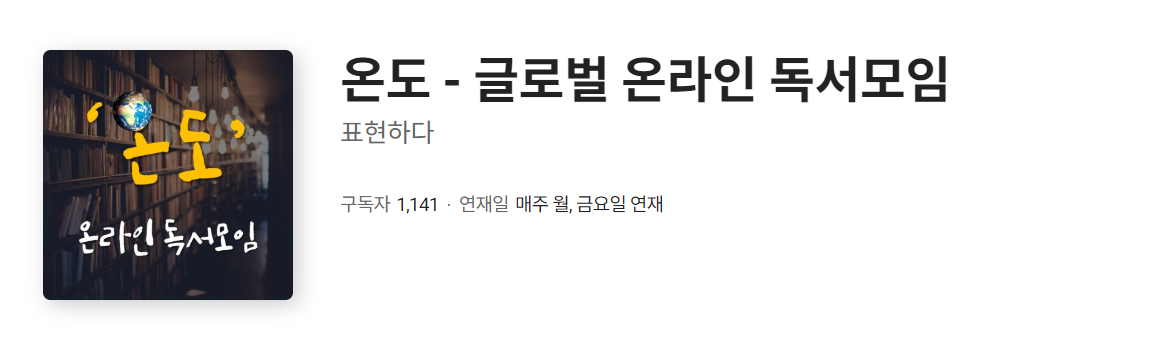
Podcast with over 1,100 subscribers [ Temperature - Global Online Reading Group ]
Podcast with over 600 subscribers [ Lip Surgery - Korea's first independently published audiobook ]

I have been running 3 podcast channels for over 4 years.
While running [ Korea's first independent publishing audiobook bookstore 'Lipsul' ]
Producing and distributing over 10 independently published audiobooks
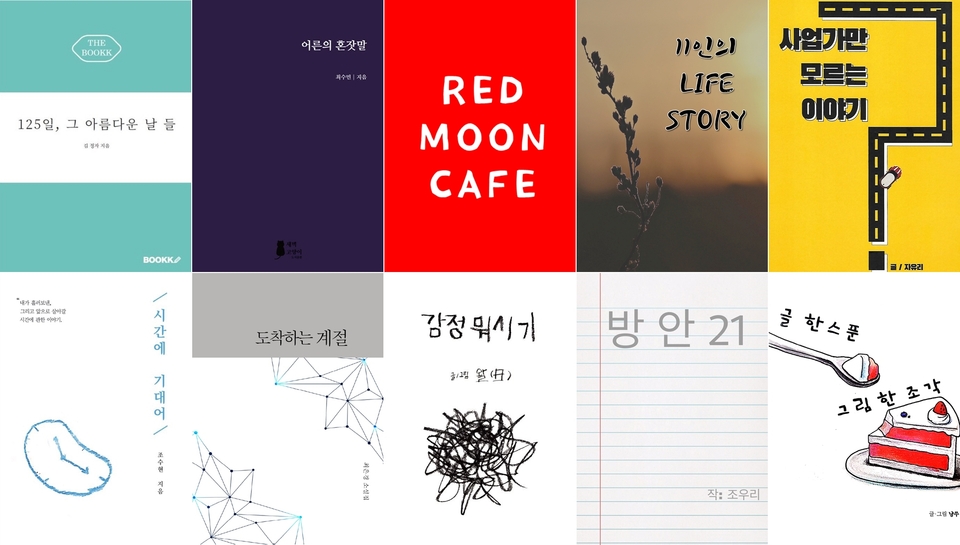
Through this lecture, which contains my own know-how accumulated through my experience in producing a variety of audio contents,
Anyone can easily create audio content.

🙋🏻‍♂️ Expected Questions QnA

Q1. Do I have to use a paid editing program that is expensive and complicated to use from the beginning?

A. At first, I thought the same thing, but all of the work above was done using GoldWave and Audacity, which are representative free audio editing programs.

If you are recording and editing only human voices, not music-related recordings or editing such as composing or arranging, you can use a free editing program.

Additionally, once you learn audio-related terminology while using a free editing program, you will find it easier to approach using a paid editing program later.

Q2. It looks complicated and difficult 😭😭

A. That's right. At first, I also felt it was complicated and difficult.
As you study and gain experience, you will realize that you do not need to know all the functions of the program.
I've found that knowing just a few of the most commonly used effects is enough.

Also, we want to make sure that even those with little understanding of PCs can create audio content without difficulty.
We've created the lectures to be as detailed and easy as possible , so you'll be able to experience the joy of creating audio content.
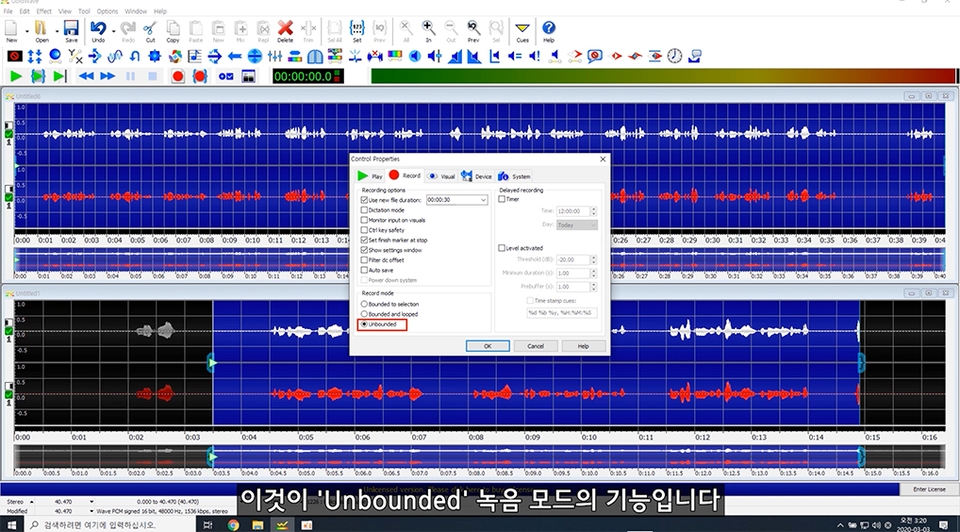


* All lectures include subtitles !

I hope my experience and expertise will be of some help in discovering the joy of communicating through audio content. Thank you.

*This lecture mainly covers GoldWave, one of the representative free audio editing programs.
If you would like to learn how to use Audacity, there is a bonus lecture on how to use Audacity.

However, since the effects applied are almost similar, I recommend taking the Audacity course after taking the GoldWave course.

Also, although the subscriber base is small, I have experience running a YouTube channel for over 4 years, and I also have know-how in editing audio contained in videos.

Recommended for
these people

Who is this course right for?

  • For those who want to create an audiobook

  • For those who want to run a podcast channel

  • For those who want to express audio more effectively when creating video content

Hello
This is

45

Learners

4

Reviews

5.0

Rating

1

Course

Hello. I am 'Haet-P'.

I have a background as a 'musical theater actor,' and based on this, I am running an organization called 'Expressing,' and

I am active as a CEO, planner, content creator, audiobook producer, VR video producer, media educator, and culture and arts educator.

Based on these diverse and extensive experiences, I plan to create a variety of lectures, so I ask for your interest and encouragement. Thank you.

☆ Career Background ☆

- Graduated as valedictorian from the Department of Musical Theatre at Paekche Institute of the Arts

- Appeared in musicals 'Splendid Holiday', 'Fly, Mr. Park', 'I Am You', and many others

- Produced numerous VR performance videos including 'Play 99%' and 'Musical Cider'

- Operated the podcast channel 'One-Line Bookstore' (16,000 subscribers on Naver Audio Clip)

- Narrated numerous audiobooks including 'The Arriving Season', 'Emotion Something-or-other', and 'Lotus Sutra'

- Narrated numerous promotional videos including 'Seodaemun Library', 'Tono Eye', and 'Water Safety Education'

- Produced and published numerous independent audiobooks, including 'Adult's Soliloquy' and 'Leaning on Time'

- Produced and published numerous performance audiobooks, including the musical 'The Disappearance of the Crown Prince' and the play 'Hoe-ran-gi'

- Conducted numerous audio content training sessions, including audiobook, podcast, and audio drama production

- Conducted numerous cultural arts education programs, including plays, musicals, and staged readings

- Planning and operation of various cultural and artistic programs such as 'Let's Meet Now' and 'Walk-Hyo Festival'

Curriculum

All

22 lectures ∙ (3hr 45min)

Published: 
Last updated: 

Reviews

All

4 reviews

5.0

4 reviews

  • xinql님의 프로필 이미지
    xinql

    Reviews 19

    Average Rating 4.9

    5

    100% enrolled

    I used to simply copy and paste GoldWave, but after taking this lecture, I started using it properly. The lecturer's voice is good and he explains everything kindly one by one. I wish I had learned about it sooner.

    • phconlab
      Instructor

      I'm glad the lecture was helpful.^^ Thank you for using it well.

  • joywaffle님의 프로필 이미지
    joywaffle

    Reviews 7

    Average Rating 5.0

    5

    100% enrolled

    I was curious about how to use GoldWave and how to record, so I listened carefully!

    • kksj1588945님의 프로필 이미지
      kksj1588945

      Reviews 1

      Average Rating 5.0

      5

      32% enrolled

      It is helpful that the lectures are easy for beginners to understand.

      • itwasnicelatte3944님의 프로필 이미지
        itwasnicelatte3944

        Reviews 1

        Average Rating 5.0

        5

        100% enrolled

        Thank you for explaining it quickly and easily and with an efficient ratio!

        • phconlab
          Instructor

          Thank you for your help.^^

      $42.90

      Similar courses

      Explore other courses in the same field!