강의

멘토링

커뮤니티

Game Dev

/

Game Programming

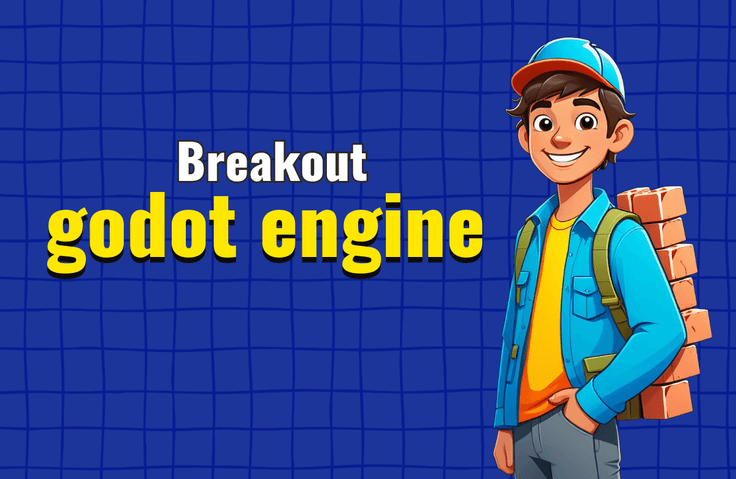
Creating a Breakout 2D game with the Godot Engine

This is a practical course for those who have completed the introductory Godot Engine course. We will implement the core logic of a Breakout 2D game together.

(5.0) 2 reviews

17 learners

Level Basic

Course period Unlimited

  • machinetutor
godot-engine
godot-engine
gdscript
gdscript
game-programming
game-programming
game-engine
game-engine
2d-games
2d-games
godot-engine
godot-engine
gdscript
gdscript
game-programming
game-programming
game-engine
game-engine
2d-games
2d-games

What you will gain after the course

  • Creating a 'Breakout 2D Game' with the Godot Engine

  • How to create a 'base scene' and utilize 'inherited scenes' that inherit from it.

  • How to change the direction of ball movement and its movement upon collision with bricks

  • Method for creating and placing brick groups using nested loops

  • How to set different brick colors and scores for each row.

  • Audio sound effect management and button UI implementation methods

You know the basics of the Altiplano engine, but need more practice?

The best way to learn game development is to create many simple games on your own. There are cases where people have become expert-level game developers in a short period of time by creating one game a week.

Do you think you could make a game like this all by yourself?

First, let me show you the game I want to make! It's a breakout game that you all know.

  • When the game starts, a group of bricks is created on the screen in 8 horizontal and 5 vertical rows.

  • The bricks in each row are different colors and provide different scores when destroyed.

  • The ball moves automatically, and when it reaches a wall on the left, right, or top, the direction of movement changes.

  • The ball can be bounced by moving the paddle.

  • When you destroy all the bricks on the screen, the word 'Victory' will appear.

  • If the brick goes down the screen, it's 'defeat'

  • Make appropriate sound effects when the ball breaks bricks or hits the paddle, and when you win or lose the game.

  • Click the Restart Game button to start the game again

“Brick Breaker? It looks boring even before you start learning it…”

Many beginners in game development think this way: they want to tackle flashy graphics or ambitious projects right away.

However, when building a building, you must first create a 'solid foundation' to safely erect a large building. This brick breaker game serves as that 'foundation'.

This is because core concepts such as scene inheritance, event handling (signals), and GDScript syntax, which are the foundation of game development, are all contained within simple-looking actions.

Games that are simple but provide a solid foundation

If you laugh at these seemingly simple games when you're a beginner, the problems you'll face in more complex projects later on will only seem much more difficult. For example, if you can't solve the problem of the ball bouncing off the screen, how can you implement collision detection, object management logic, etc. of a 3D FPS or a large-scale RPG?

The importance of building completion experience

In addition, it is most important for beginners to gain experience in completing projects. Rather than giving up on a large-scale project in the middle, you can establish practical coding skills and project management know-how by completing a small-scale game like Brick Breaker. This is the “shortcut to building a foundation.”

Game Creation with Godo Engine Lecture Series

The purpose of my 'Making Games with Godo Engine' series of lectures is to help you practice by creating simple games together.

If you found the lecture I released last time, ' Making a 2D Match Game with Godo Engine ' helpful, take this lecture too. You will learn some useful techniques in a short investment of about 2 hours.

Things to note before taking the class

Practice environment

  • Operating System and Version (OS): Godo Engine runs on various operating systems including Windows, macOS, and Linux. I created the course in a Windows environment, but users of other operating systems can also view it.

  • For detailed computer specifications, please refer to the official Godo Engine website .

Learning Materials

  • Image files and wav audio files for practice are provided. The images were created directly by the knowledge sharer, and the audio files were also created directly using the Bxfr tool. Therefore, they can be used without license restrictions.

  • A compressed file of the entire project folder created during the lecture production is provided.

Player Knowledge and Notes

Recommended for
these people

Who is this course right for?

  • Someone who knows the basics of the Godot Engine.

  • Someone who understands the fundamental concepts of programming.

  • Someone with basic knowledge of GDScript

Need to know before starting?

  • Godot Engine Basics

  • GDScript Basics

Hello
This is

860

Learners

37

Reviews

1

Answers

4.8

Rating

10

Courses

I am an active developer with extensive practical experience in game development. I have participated in developing commercial games across various platforms, including PC, online, mobile, console, and VR. My lectures are produced using AI voices. That is why I am Machine Tutor.

Curriculum

All

27 lectures ∙ (1hr 53min)

Course Materials:

Lecture resources
Published: 
Last updated: 

Reviews

All

2 reviews

5.0

2 reviews

  • mirae님의 프로필 이미지
    mirae

    Reviews 5

    Average Rating 5.0

    5

    100% enrolled

    I listened well! I understood it much better after taking the 2D card match lecture~

    • twankm6637님의 프로필 이미지
      twankm6637

      Reviews 1

      Average Rating 5.0

      5

      33% enrolled

      $17.60

      machinetutor's other courses

      Check out other courses by the instructor!

      Similar courses

      Explore other courses in the same field!