강의

멘토링

커뮤니티

Game Dev

/

Game Art

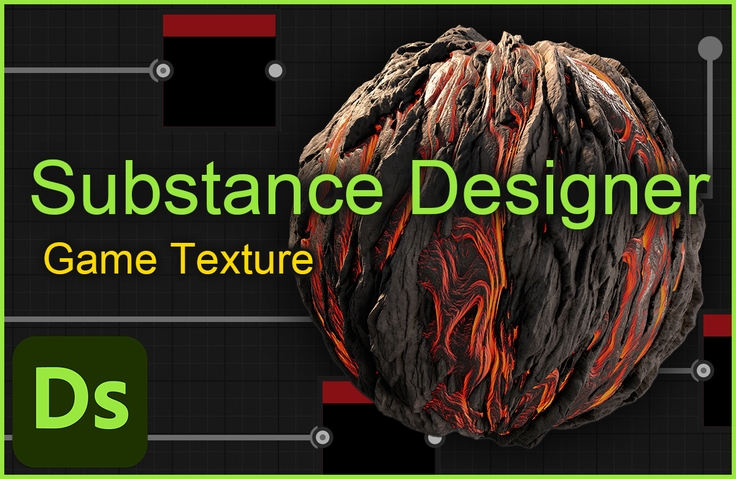
[Creating Your Own Game Textures] Everything About Substance Designer

Stop using the identical textures that everyone else uses from texture sites! Study Substance Designer from basic to advanced, enabling you to create your own textures and improve the quality of your portfolio and game graphics.

(4.7) 19 reviews

187 learners

  • gmpeanut
texture
그래픽스
게임디자이너
실습 중심
substance
3d
adobe
designer

Reviews from Early Learners

What you will gain after the course

  • PBR Texture Creation

  • Substance Designer Basics

  • Using Substance Designer nodes

  • Substance Designer Fxmap, Pixel processor Usage

If you have these concerns, you've come to the right place!

I want to create a texture, but I have no idea how to do it.

I want to use Substance Designer, but it's too difficult.

There aren't enough materials to study on my own.

I need a video that explains this in detail.

Don't worry!

Everything you need to know about creating textures in Substance Designer

I pressed it in tightly!

Learning Contents

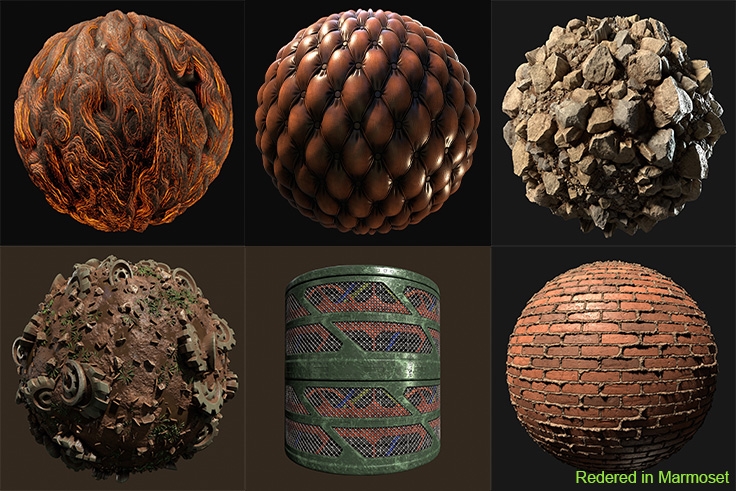
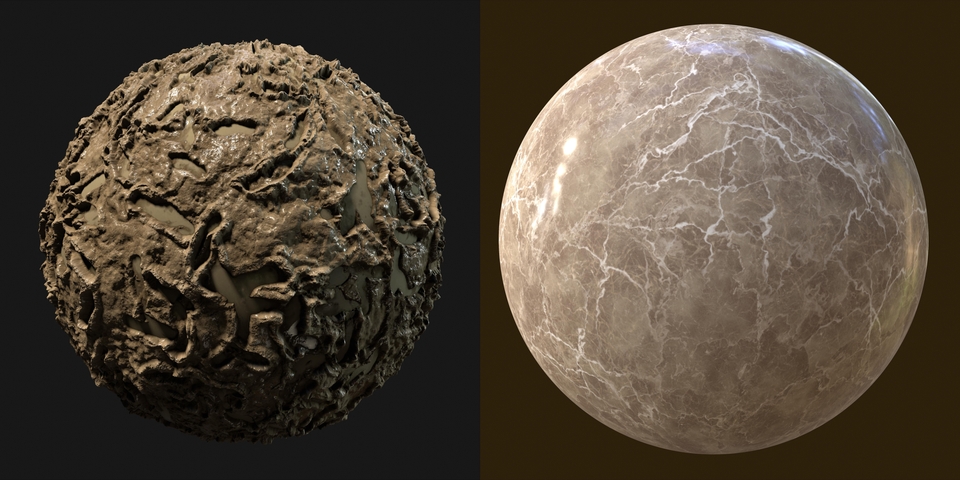
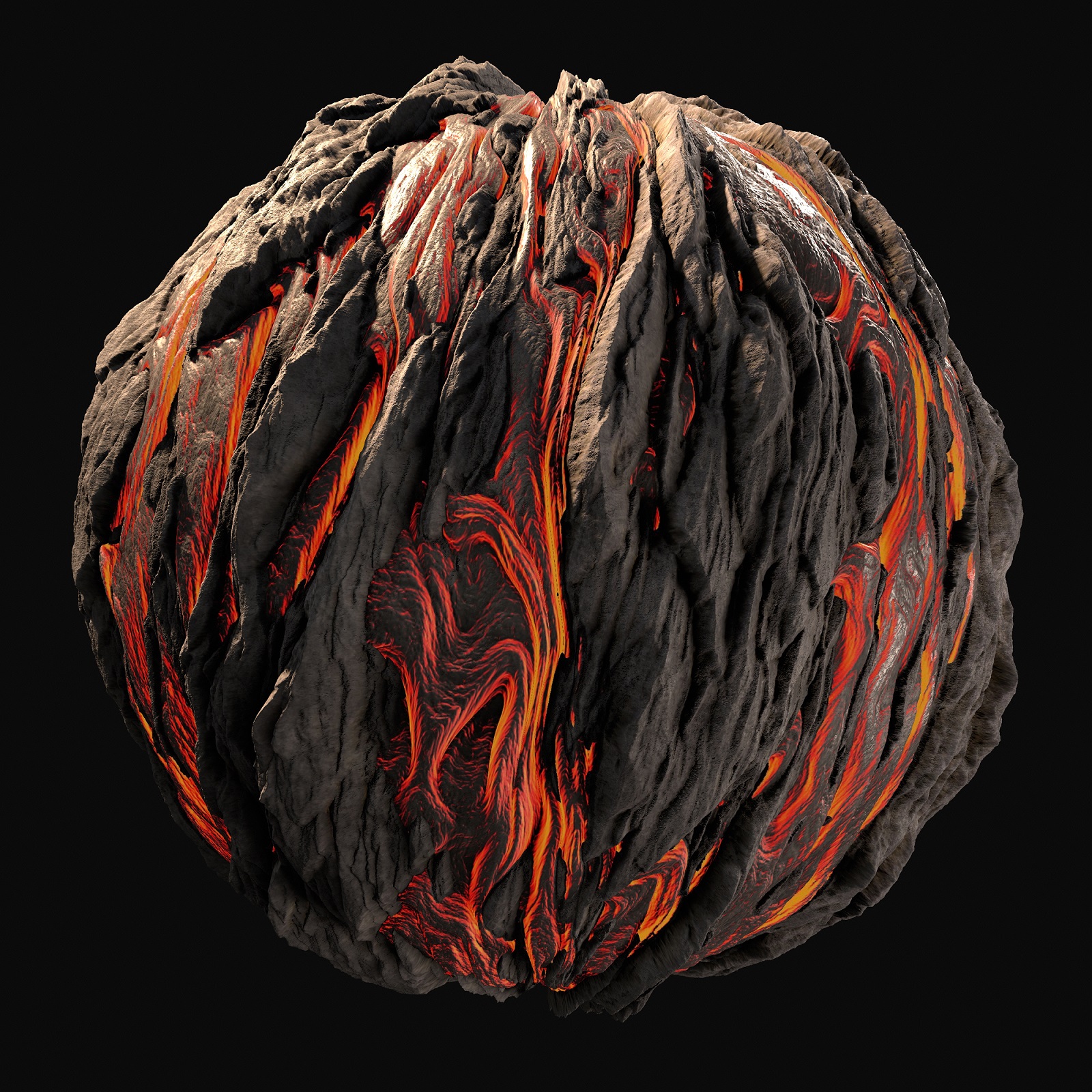
This is a texture we will create together while taking the class.

Not only realistic textures, but also stylized textures!

(This is a screenshot taken with a texture created during class.)

(This is a screenshot taken with a texture created during class.)

(This is a screenshot taken with a texture created during class.)

(This is a screenshot taken with a texture created during class.)

Create a total of 9 different textures, including tutorials.

We'll give you a broad overview of Substance Designer's know-how.

You can also learn how to leverage node capabilities.

  • Substance Designer, something you can never learn in academia! We teach you from the basics.

  • It allows you to leverage the power of Substance Designer beyond simple texture creation.

  • The basic lecture provides detailed explanations on why it is made this way.

I know how to use Substance Designer

I want to know how to create nodes as well as textures

Don't worry! Create your own custom nodes and

We will teach you how to create advanced nodes.

This is a custom node that uses only the provided nodes.

Learn fxmap by creating a simplified version of the nodes in Substance.

Learn how to create your own nodes using pixel processors.

Outside of the regular curriculum!

To help students use Substance Designer with ease

In the last section, we provide you with nodes that you have created yourself!

Recommended for
these people

Who is this course right for?

  • Aspiring texture artist

  • Beginner Substance Designer user

  • 3D Background Designer

  • Someone who wants to use Substance Designer at an advanced level

Need to know before starting?

  • Basic knowledge of tools like Max, Maya, Blender

  • Basic knowledge of tools like Photoshop

Hello
This is

187

Learners

19

Reviews

8

Answers

4.7

Rating

1

Course

경력

- 前 펄어비스(검은사막PC 배경팀)


소개

텍스처 제작을 즐기는 3d 배경 그래픽 디자이너입니다.

내가 생각하고 있던 배경을 구현하는 것은 과정이 지쳐도 결과는 정말 뿌듯하고 짜릿합니다. 여러분과 함께 재밌는 배경을 만들어가며 그 감정을 공유하고 싶습니다. 

 저는 4년 이상의 섭스턴스 디자이너 경험을 바탕으로 전문적인 지식을 전달해드리고자 합니다.

실제 프로젝트에서 섭스턴스 디자이너를 활용한 경험을 강의에 반영해, 실무에서의 팁을 전해드리겠습니다.


드리고 싶은 말

배경 그래픽을 배우러 비싼 게임 학원을 등록했는데 만족스럽게 배우지 못했고

부족한 부분을 독학으로 채워야했습니다. 독학의 어려움과 시간 소모를 누구보다 잘 알기에

여러분에게는 제가 학원을 다니며 알고 싶고 아쉬웠던 부분과 실무에 적합한 방식을 꼭 알려드리고자 합니다.

Curriculum

All

35 lectures ∙ (17hr 37min)

Course Materials:

Lecture resources
Published: 
Last updated: 

Reviews

All

19 reviews

4.7

19 reviews

  • tringkwon7358님의 프로필 이미지
    tringkwon7358

    Reviews 1

    Average Rating 5.0

    5

    13% enrolled

    It's hard to find study materials or lectures, so it's hard to study on your own, but this lecture is like rain in a drought.

    • gmpeanut
      Instructor

      Thank you for taking tring-kwon's class! I hope it will help you study for the sub-diary since it is a rare class! Thank you!

  • mainintvoid7357님의 프로필 이미지
    mainintvoid7357

    Reviews 1

    Average Rating 5.0

    5

    7% enrolled

    It's my first time doing it, so I'm not sure if it's because I've been through it all, but it's difficult once you get past the beginning, but it's really good because you can learn a variety of concepts about how to work.

    • gmpeanut
      Instructor

      If you are a beginner and you are reading it all at once, you may feel that the difficulty level is quite high. Since each topic has a different workflow, I think it will be much more helpful if you proceed slowly. Thank you.

  • studiokei님의 프로필 이미지
    studiokei

    Reviews 1

    Average Rating 5.0

    5

    100% enrolled

    • gmpeanut
      Instructor

      Thank you so much for taking my course, Studio kei! I really appreciate you leaving such a positive review!

  • banabanana1068623님의 프로필 이미지
    banabanana1068623

    Reviews 1

    Average Rating 5.0

    5

    20% enrolled

    I'm listening to it and each lecture isn't too long while containing intuitive methods and essential content, so I'm not getting lost and it's helping me a lot. I'm currently listening diligently, but I hope the new lecture you're considering making comes out soon as well.

    • gmpeanut
      Instructor

      Dear 개봉꿀벌! I'm truly delighted that the lectures are being so helpful to you. I hope the remaining lectures will also be beneficial in many ways. Thank you for taking the course!

  • jkim7030님의 프로필 이미지
    jkim7030

    Reviews 1

    Average Rating 3.0

    3

    60% enrolled

    Overall it's difficult but I'm listening consistently.

    • gmpeanut
      Instructor

      I'm sorry jkim's lecture was tough and caused disappointment.😭😭 Still, thankful you're consistently listening! Thank you so much for taking the course.

Limited time deal ends in 16:23:52

$159.50

24%

$212.30

Similar courses

Explore other courses in the same field!