inflearn logo

Quickly Learn SwiftUI Practical App Development Basics Part 2

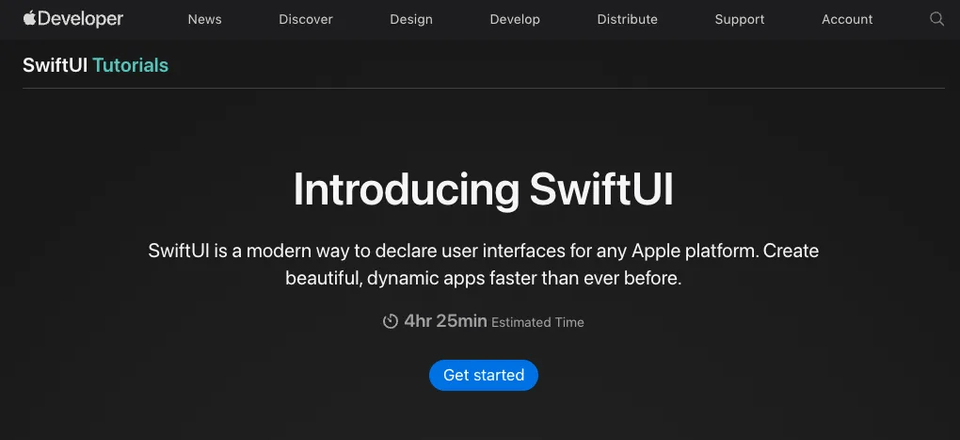
I have provided a step-by-step guide and commentary on the 'SwiftUI Tutorials' provided by the Apple Developer site. As it is an official tutorial, you can learn the best coding styles.

5 learners are taking this course

Level Basic

Course period Unlimited

SwiftUI
SwiftUI
SwiftUI
SwiftUI

What you will gain after the course

  • Learn a more solid app development process with official Apple tutorials

  • SwiftUI Core, Animation & Layout, Integration with Other Frameworks

  • Swift, SwiftUI

"Fast-Track SwiftUI: Basics of Practical App Development"

Apple's official app development educational content,

This is video content from CodersHigh that provides commentary on 'SwiftUI Tutorials'.

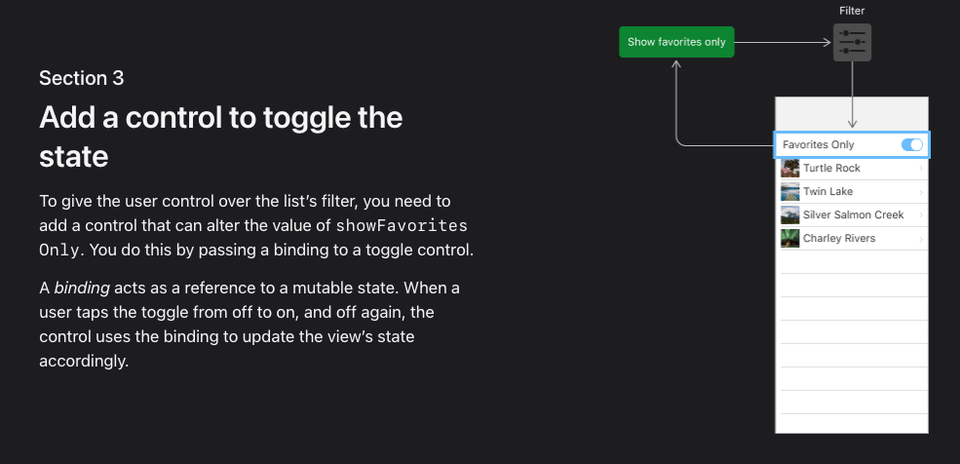
This tutorial guides you through the process of building an application step-by-step using SwiftUI, following the methods recommended by Apple.

Coder's High's <SwiftUI Tutorials> commentary lectures systematically cover everything from the core of SwiftUI to animations, layouts, and integration with other frameworks.

Quickly complete a clean and dynamic app while covering a wide range of core app development elements.

This course consists of 4 chapters.


Apple's SwiftUI Tutorials are the official resources that allow you to learn SwiftUI concepts in the most standard and efficient way.

Even if you are a beginner, you don't have to worry about where to start; you just need to follow this course. This lecture is perfect for those who want to quickly grasp the core concepts of SwiftUI, from basic fundamentals to practical application. 🚀

The most important thing I focused on while preparing this course was helping beginners follow through to the end without feeling intimidated. While SwiftUI Tutorials is a well-made resource, it can overwhelm beginners with unfamiliar concepts all at once. That’s why I tried to address potentially confusing points in advance and explain the necessity of each concept in an easy-to-understand way through my commentary.

It is important to understand why it works this way, rather than simply typing along with the code. My goal was to make learning SwiftUI an enjoyable experience rather than a burden! 🔥


Reliability as official documentation 📃

These are the official learning materials provided by Apple, the creators of SwiftUI. They provide the most accurate guidance on the best practices recommended for SwiftUI.


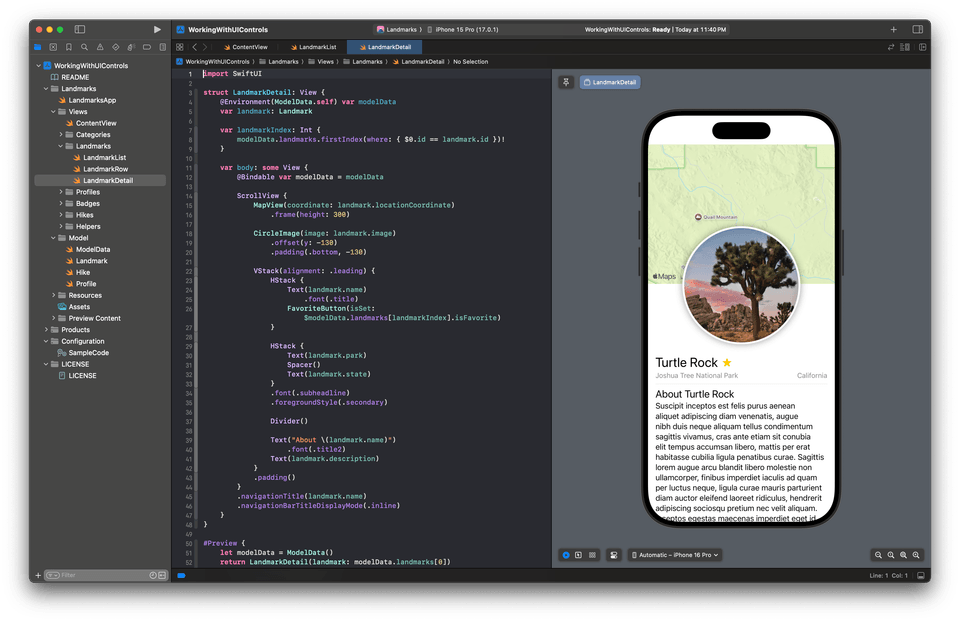
Intuitive practice through real-time previews👀

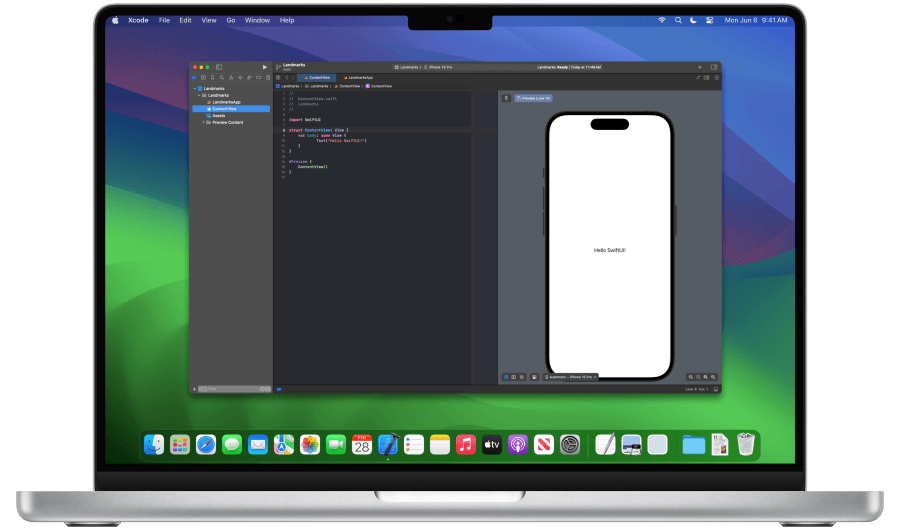
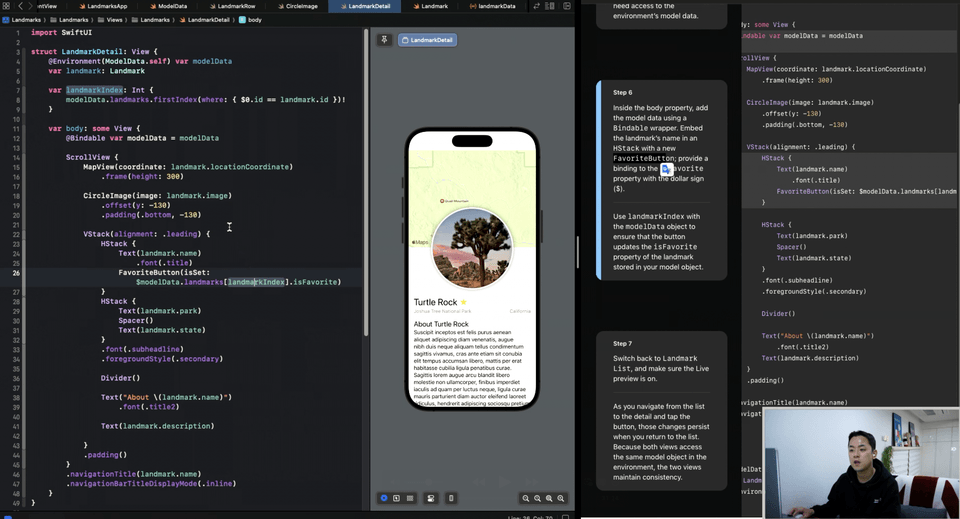
Through Xcode’s ‘SwiftUI Previews’ feature, you can immediately check the code you write and see the visual results, which can significantly reduce the burden of learning.

Since changes made during the practice process are reflected on the screen immediately, even beginners can take their time to learn and practice difficult concepts.


A structure that concisely skims through only the core concepts 🍳

Rather than dissecting every single detail of SwiftUI, it is structured around the core essentials so that you can quickly grasp the necessary workflow and key concepts for building an app.

Rather than focusing on complex theories, it proceeds with a focus on practical examples, allowing even beginners to gain the confidence that they can "build it quickly too."


A step-by-step, easy-to-follow structure 🚶🏻‍♂️

It is structured so that you can learn one simple concept at a time without covering too much content from the start. By following the examples, you can naturally master the core concepts of SwiftUI, allowing beginners to start without feeling overwhelmed. Since it follows a method of gradually adding more complex features, it seems easy at first, but later you will have mastered the important concepts necessary for app development.


Practical Project-Oriented 🧗🏻‍♂️

The examples covered in the lecture consist of code that can be used immediately in real-world apps. The content you learn doesn't just stay as theory; you can gain practical experience by following along directly. Therefore, even if you are new to SwiftUI, by following this lecture, you can reach a level where you can complete a small app on your own.


Recommended for these people

The app creation process

I want to learn quickly.

Those who want to create iOS apps efficiently using SwiftUI.

Those who want to master core concepts in a short period and apply them in practice.

I am a computer science major with basic programming knowledge.

Those who have basic coding experience but want to start iOS development in earnest.

Those who want to learn how to develop apps using SwiftUI.

I want to try building apps for various Apple platforms.

Those who are interested in developing apps that run on various Apple devices such as iOS, iPadOS, and watchOS using only SwiftUI.

Those who want to understand the characteristics of each platform and implement UIs tailored to various devices using shared code.


The person who created this course👨‍🦰

Hello, I'm Ted.

When I first started app development, I also had a beginner phase where I didn't even know what Xcode was. There were many moments when I felt overwhelmed. However, I now find making apps truly enjoyable, and I am currently working on sharing that very process.

I believe beginners learning SwiftUI will face the same difficulties. That's why in this course, I aimed to explain things in a way that's easy to understand from a beginner's perspective and reduce the burden. I want to help you so that app development isn't something difficult and overwhelming, but rather a joyful process! 🚀


Notes before taking the course

Practice Environment

  • Operating System and Version (OS) macOS 14 Sonoma or higher

  • Tools used: Xcode 15.0 or higher (Free)

  • If you use Xcode, you must have a MacBook.

  • An iPhone is not required.

Prerequisite Knowledge and Precautions

Recommended for
these people

Who is this course right for?

  • Those who are new to iOS development

  • Those who want to work on a project using SwiftUI

  • Those who want to properly understand how to use SwiftUI as guided by Apple

Need to know before starting?

  • It's better to have a certain level of knowledge of basic Swift syntax.

  • MacOS devices such as MacBooks and iMacs are required.

Hello
This is codershigh

2,387

Learners

82

Reviews

13

Answers

4.8

Rating

8

Courses

CodersHigh aims to create an inflection point in your life.

Taking a single class won't change your life. However, when you look back years later, you can discover the moment the change began.

While many people have experienced turning points in their lives through CodersHigh, we are a small team, so the opportunities we can provide are limited.

We are trying various ways to lower barriers and increase accessibility in order to create life-changing turning points for more people.

Creating an annotated version of Apple's Everyone Can Code curriculum,,

We are creating opportunities to meet as many people as possible by providing successful experiences in app development through real-time remote lectures..

Could the fact that you are reading this page right now also be an opportunity that has come your way?

Don't just let it pass by; take a closer look. See if you can create your own turning point.

CodersHigh, Turning Point.

More

Co-instructor

Published: 
Last updated: 

Reviews

Not enough reviews.
Please write a valuable review that helps everyone!

codershigh's other courses

Check out other courses by the instructor!

Similar courses

Explore other courses in the same field!

25% off for new members

$15.30

25%

$25.30