강의

멘토링

커뮤니티

Programming

/

Mobile Application Development

Quick SwiftUI Real App Development Basics Part 1

I followed the 'SwiftUI Tutorials' provided on the Apple Developer website step by step and provided explanations. As it is an official tutorial, you can learn the best coding styles.

7 learners are taking this course

Level Basic

Course period Unlimited

  • codershigh
  • Theodore Kim
SwiftUI
SwiftUI
SwiftUI
SwiftUI

What you will gain after the course

  • Learn a more solid app development process with Apple's official tutorials

  • Core of SwiftUI: Animation, Layout, and Integration with Other Frameworks

  • Swift, SwiftUI

"Fast-forward SwiftUI Practical App Development Basics"

Apple's official app development training content

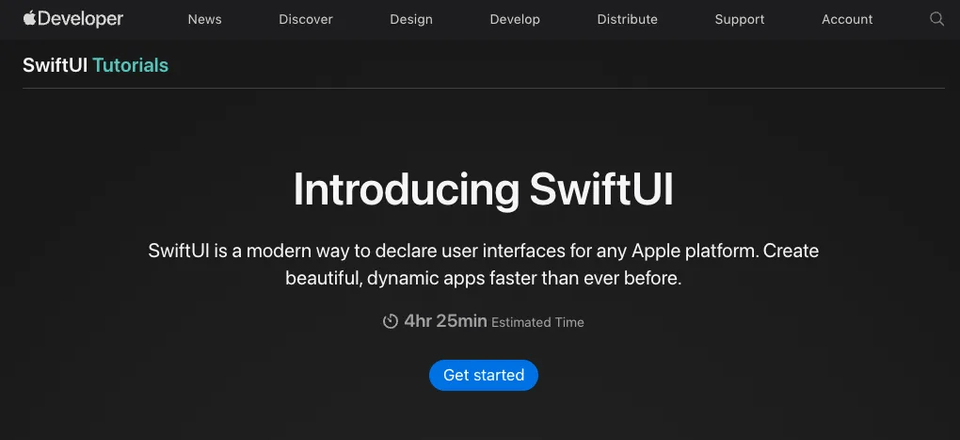
This is a video content by Coders High explaining 'SwiftUI Tutorials'.

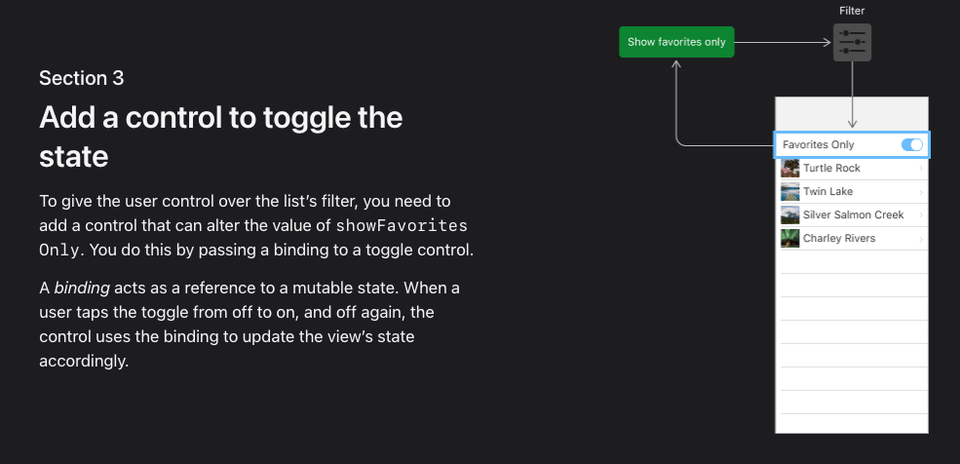
This tutorial walks you through building an application step-by-step using SwiftUI, following Apple's recommended approach.

Coders High's The commentary lecture systematically covers everything from SwiftUI core to animation, layout, and integration with other frameworks.

Quickly create clean, dynamic apps while covering a wide range of core elements of app development.

This course is divided into four chapters.


Apple's SwiftUI Tutorials are the official, most standard and efficient way to learn SwiftUI concepts.

Even if you are a beginner, you don't have to worry about where to start , just follow this lecture. This is the perfect lecture for those who want to quickly learn the core concepts of SwiftUI from basic concepts to practical use. 🚀

The most important thing I thought about while preparing this course was to help beginners follow along without being scared . SwiftUI Tutorials are well-made materials, but for beginners, unfamiliar concepts can come pouring out all at once . So, while explaining, I tried to point out confusing parts in advance and explain the necessity of the concepts easily .

It's important to understand why things work the way they do , not just follow the code. My goal is to make learning SwiftUI a fun, not overwhelming experience ! 🔥


Reliability as an official source 📃

This is the official learning material provided by Apple, the creator of SwiftUI. It provides the most accurate guidance on the best practices recommended in SwiftUI.


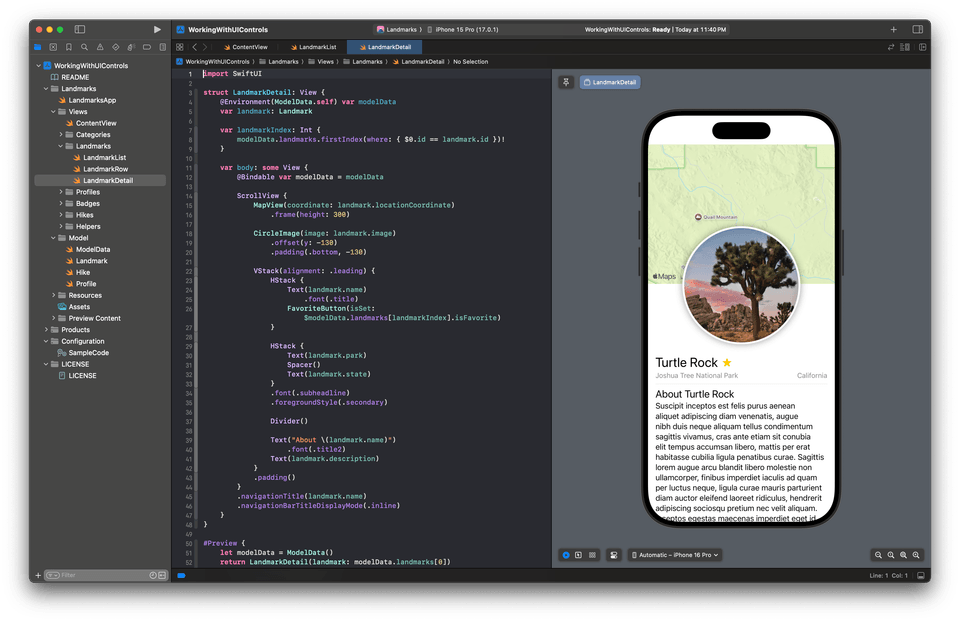
Intuitive hands-on learning with real-time preview 👀

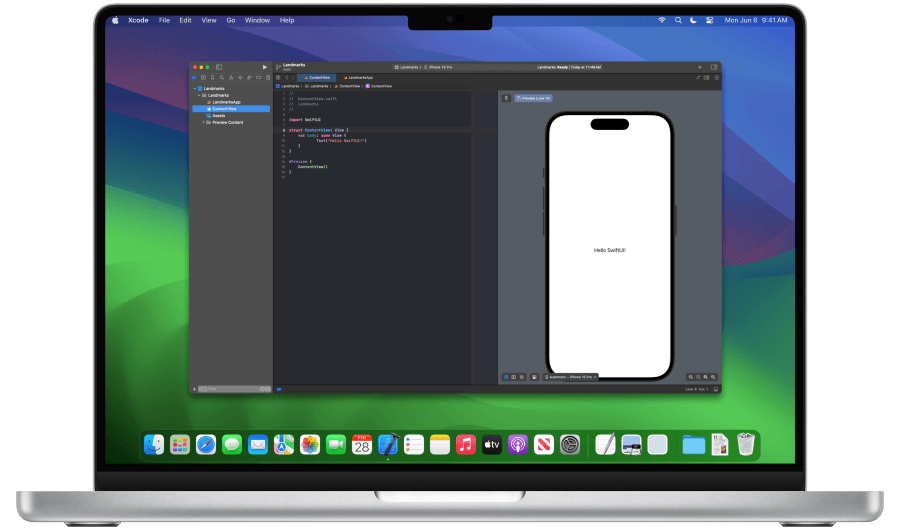
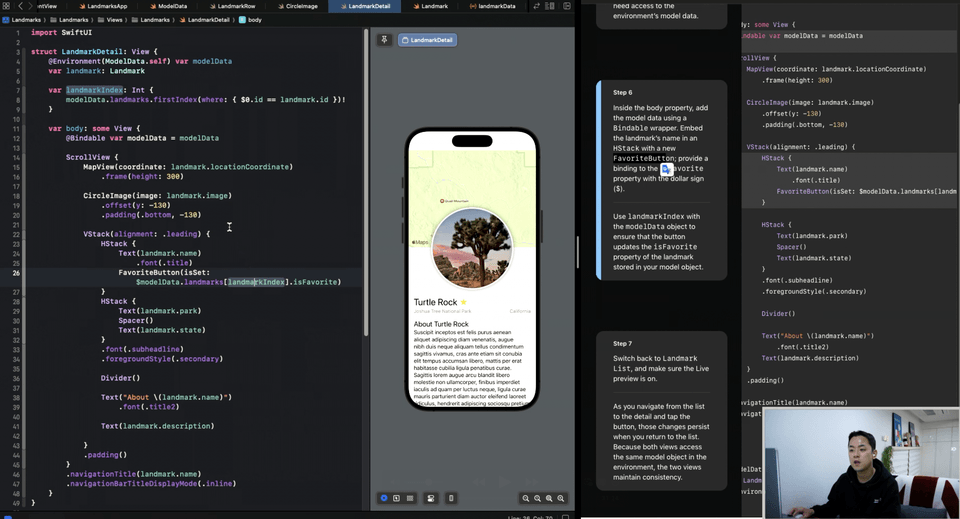
Xcode's 'SwiftUI Previews' feature lets you instantly check the code you've written and visually check the results, which can greatly reduce the burden of learning .

Changes made during the training process are immediately reflected on the screen, so even beginners can slowly learn and practice difficult concepts .


A structure that briefly summarizes only the key concepts 🍳

Rather than digging into the entirety of SwiftUI, it's structured around the core so you can quickly understand the flow and key concepts necessary to create an app .

Rather than focusing on complex theories, it focuses on practical examples , so even beginners can feel confident that they can make it right away .


Easy to follow step by step structure 🚶🏻‍♂️

It is structured so that you can learn simple concepts one by one without covering too much content from the beginning. As you follow the examples, you can naturally learn the core concepts of SwiftUI, so even beginners can get started without any burden . It is a way to gradually add more complex functions, so it may seem easy at first, but later you will learn important concepts necessary for app development.


Real-world project oriented 🧗🏻‍♂️

The examples covered in the lecture are composed of code that can be used in real apps right away . What you learn is not limited to theory, but you can get a sense of practicality by following along. Therefore, even if you are new to SwiftUI , you can reach the level where you can complete a small app by following this lecture.


I recommend this to these people

The app creation process

I want to learn quickly.

Anyone who wants to create iOS apps efficiently using SwiftUI.

Those who want to learn core concepts in a short period of time and apply them in real life situations.

I am a computer science major with basic programming knowledge.

Anyone who has basic coding experience but wants to get started with iOS development in earnest.

Anyone who wants to learn how to develop apps using SwiftUI.

I want to create apps for various Apple platforms.

Anyone interested in developing apps that run on multiple Apple devices, including iOS, iPadOS, and watchOS, using just SwiftUI.

Those who want to understand the characteristics of each platform and implement UI suitable for various devices with common code.


Who created this course 👨‍🦰

Hello, this is Ted.

When I first started developing apps, I was a beginner who didn't even know what Xcode was . There were many moments when I felt lost. But now, making apps is really fun, and now I'm sharing the process itself.

I think beginners learning SwiftUI will have the same difficulties. That's why I tried to explain it in a way that beginners can easily understand and reduce the burden . I want to help you make app development an enjoyable process , not a difficult and overwhelming one! 🚀


Things to note before taking the class

Practice environment

  • Operating System and Version (OS) macOS 14 Sonoma or later

  • Tools Used: Xcode 15.0 or later (free)

  • If you use Xcode, you absolutely must have a MacBook.

  • No iPhone required.

Player Knowledge and Notes

Recommended for
these people

Who is this course right for?

  • Someone who is new to iOS development

  • For those who want to start a project with SwiftUI

  • For those who want to truly understand how to use SwiftUI, guided by Apple

Need to know before starting?

  • It's good to have a basic understanding of Swift syntax.

  • MacOS devices like MacBooks and iMacs are essential.

Hello
This is

2,379

Learners

79

Reviews

13

Answers

4.8

Rating

8

Courses

CodersHigh aims to create an inflection point in your life.

Taking a single class won't change your life. However, when you look back years later, you can discover the moment the change began.

While many people have experienced turning points in their lives through CodersHigh, we are a small team, so the opportunities we can provide are limited.

We are trying various ways to lower barriers and increase accessibility in order to create life-changing turning points for more people.

Creating an annotated version of Apple's Everyone Can Code curriculum,,

We are creating opportunities to meet as many people as possible by providing successful experiences in app development through real-time remote lectures..

Could the fact that you are reading this page right now also be an opportunity that has come your way?

Don't just let it pass by; take a closer look. See if you can create your own turning point.

CodersHigh, Turning Point.

Curriculum

All

29 lectures ∙ (4hr 37min)

Published: 
Last updated: 

Reviews

Not enough reviews.
Please write a valuable review that helps everyone!

$25.30

codershigh's other courses

Check out other courses by the instructor!