

Power BI (Basic) Easy and Quick to Learn
officetutor
Understand how to effectively analyze and visualize data using Power BI, a data analysis and visualization tool from Microsoft.
Basic
MS-Office, Power BI
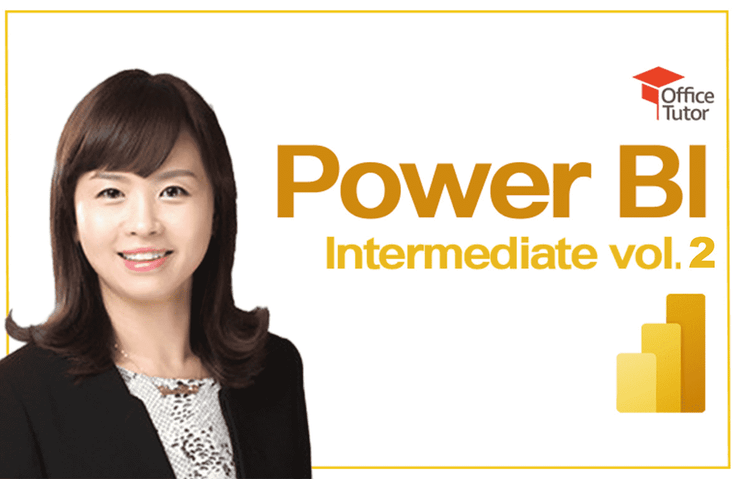
This is the second in-depth course on Microsoft Power BI that will help you analyze and explore data more effectively by applying various visualization techniques. Through this course, you will be able to accurately understand the data modeling work and relationships in Power BI and grasp various concepts that you must know to effectively utilize DAX.
175 learners
Level Intermediate
Course period 12 months


Reviews from Early Learners
5.0
reallifli
Revision is the only way to survive.
5.0
easyone15
The concept and practice are taught in a really well balanced way!
5.0
잠만보
It was so helpful I hope there will be a 3rd level of advanced level!
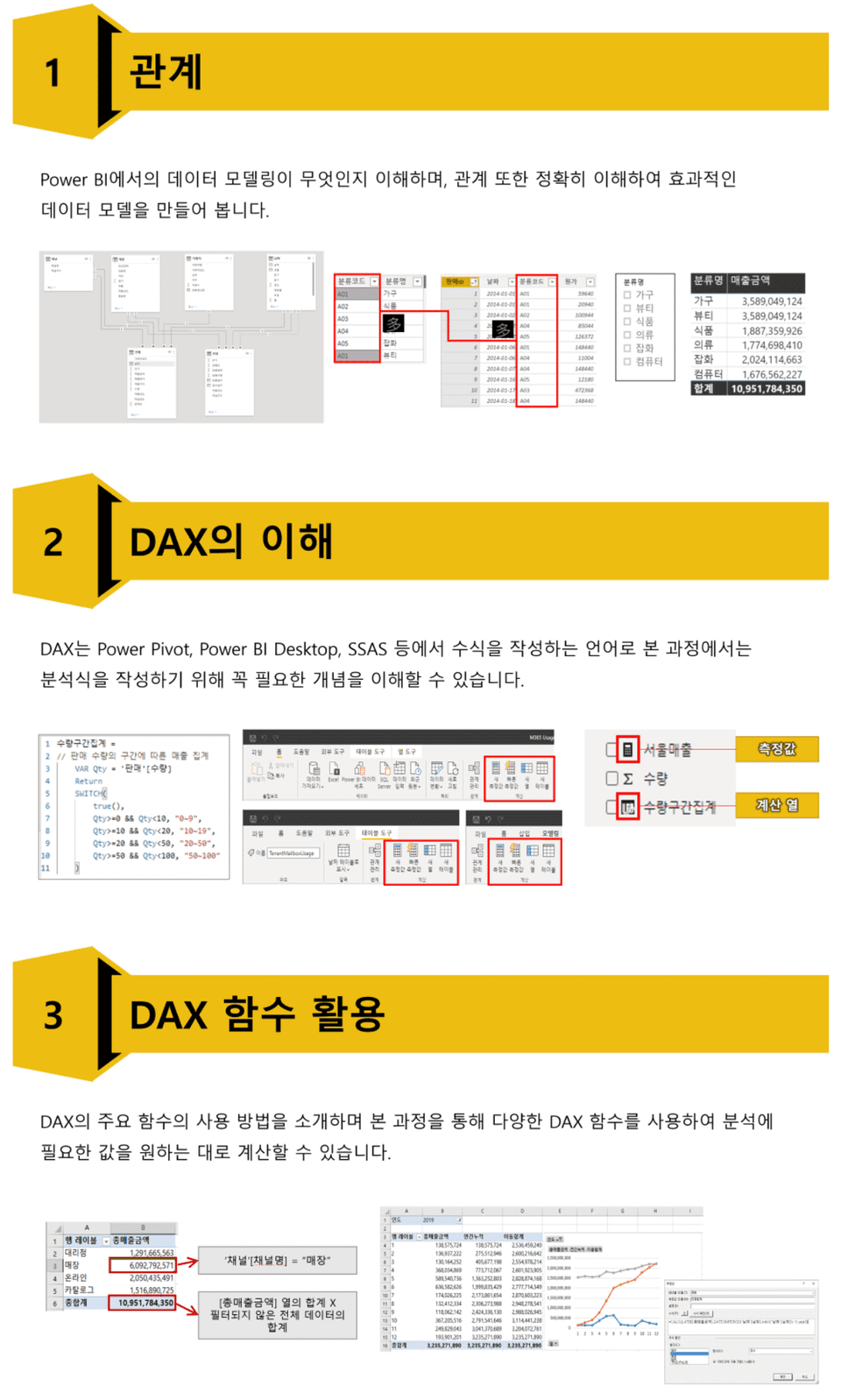
Create more efficient data models through a clear understanding of relationships.
Understand the various concepts that are essential for effective use of DAX
Calculate various values required for analysis using various DAX functions.
This course overlaps with the "Learn Excel Power Pivot Quickly and Easily" and "Learn Power BI (Basic) Quickly and Easily." Please keep this in mind and feel free to skip over the overlapping portions of the curriculum.
[Notice regarding Power BI screen updates]
The March 2022 Power BI Update brought significant changes to the visualization pane.
I'm sharing a link to the format window update so you can refer to the lecture video and other parts.
https://blog.naver.com/unisong114/222653313946
Additionally, due to monthly Preview (beta) updates, there may be differences between the lecture videos and the actual screens. For more information, please refer to the instructor's blog below.
https://blog.naver.com/unisong114
We also hold webinars twice a year, once in the first half and once in the second half, to summarize the changes.
Students will receive a coupon via email for free attendance at upcoming events. (You can also check the [News] bulletin board during the course period.)
Microsoft MVP (Data Platform, 2018-present)
✨ Career
💻 Development experience
🏫 Lectures and books
Who is this course right for?
Anyone who understands the basic functions of Power BI
For those who want to systematically learn data modeling in Power BI
For those who want to make good use of DAX
Need to know before starting?
Power BI Basic Usage
Basic knowledge of Excel, Power Query, and data modeling.
2,874
Learners
425
Reviews
19
Answers
4.7
Rating
36
Courses
Founded in 1999 for the development of content and training for Microsoft Office-related programs, OfficeTutor is dedicated to disseminating the know-how accumulated by top experts for each Office product (Microsoft MVPs) to Office users.
The website operated by OfficeTutor (officetutor365.com) has built a knowledge portal for Office users with over 300,000 pages of free courses, Q&A, and Microsoft Office online video courses accumulated over the past 20 years, and regularly holds various educational programs every month through the study membership program 'Monthly Copilot Club' (CopilotClub.kr) for Microsoft 365 Champions.
All
25 lectures ∙ (5hr 10min)
Course Materials:
All
10 reviews
4.9
10 reviews
Reviews 2
∙
Average Rating 5.0
5
It was so helpful I hope there will be a 3rd level of advanced level!
Thank you for taking the class. :)
Reviews 3
∙
Average Rating 5.0
5
The concept and practice are taught in a really well balanced way!
Thank you for taking the class :)
Reviews 4
∙
Average Rating 5.0
Reviews 9
∙
Average Rating 4.4
Reviews 4
∙
Average Rating 4.5
Check out other courses by the instructor!
Explore other courses in the same field!