inflearn logo
inflearn logo

[MapleStory Worlds] Create your own items filled with your own personal style!

Game items that you can make with your own hands! Make them to your taste✨

(5.0) 6 reviews

200 learners

Level Beginner

Course period Unlimited

UCC
UCC
Metaverse
Metaverse
UCC
UCC
Metaverse
Metaverse
Thumbnail
날개 달린 동전

Recommend Course to grow and earn commission!

날개 달린 동전

Marketing Partners

Recommend Course to grow and earn commission!

Reviews from Early Learners

Reviews from Early Learners

5.0

5.0

overcome2284

36% enrolled

Amazing how much difference light and shadow can make! I'll dive into the world of pixels!

5.0

Jang Jaehoon

27% enrolled

Thank you for the great lecture

5.0

안현재

36% enrolled

Your simple explanations in the Pyeongam section make it easy to listen.

What you will gain after the course

  • 2D Dot Graphic Design

  • How to use Adobe Photoshop Basics

  • MapleStory Worlds World Creation

  • MapleStory Worlds Character Item Design

With the IP of Photoshop and MapleStory
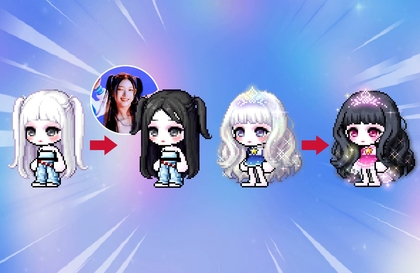
Create your own game items 🎮


🍄 This lecture is a collaboration between Nexon X Dandy Lion
This video was produced with the support of MapleStory Worlds X Edu Creator Camp 2022 .
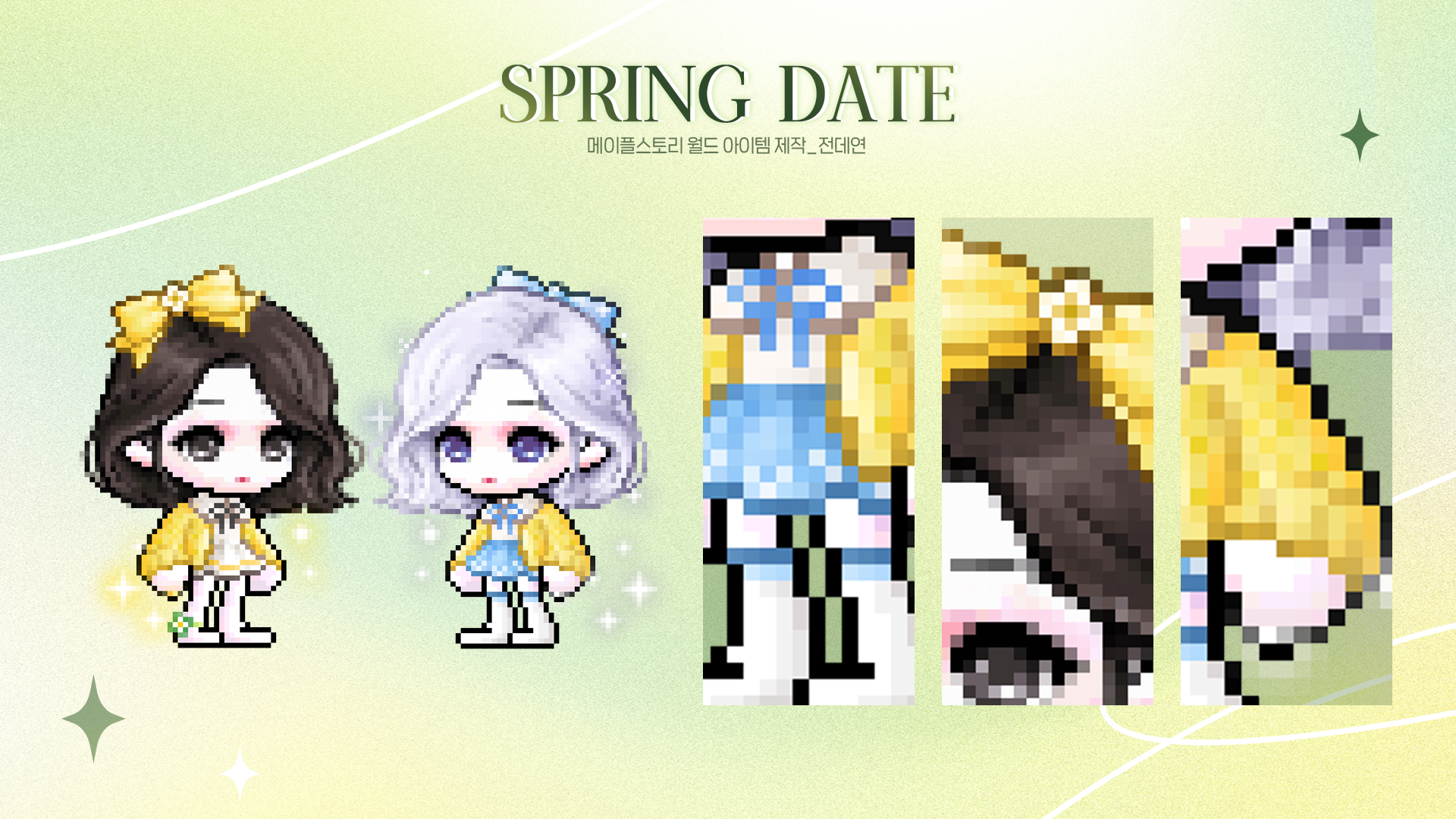
You too can craft these items!
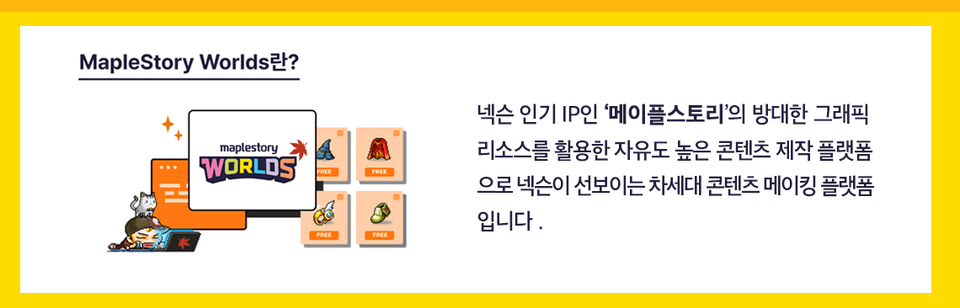
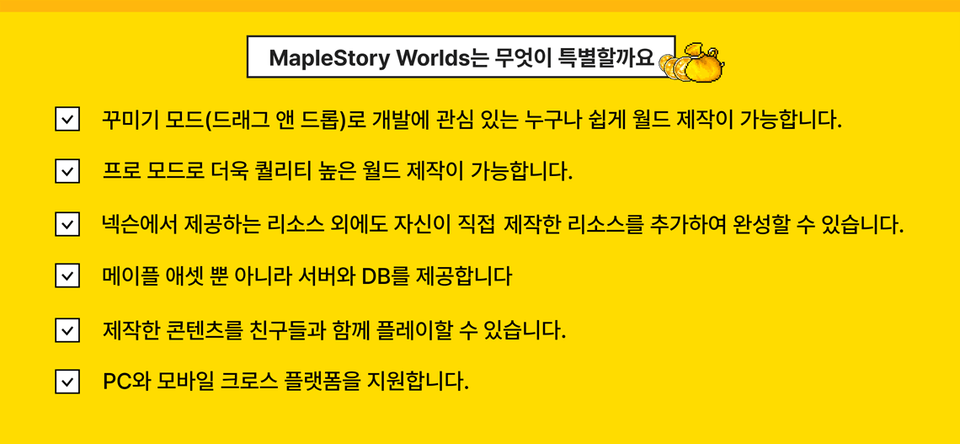
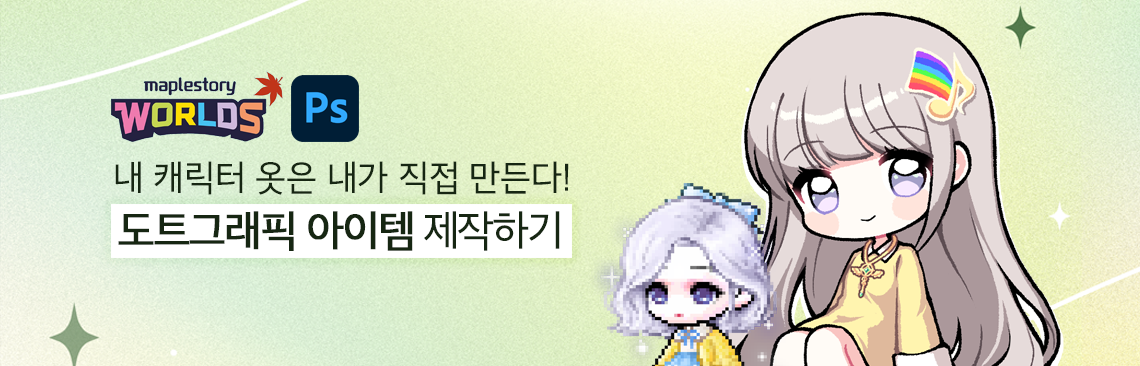
What you'll learn in class 🕹️

Section 0: Preparation and Introduction

  • Introduction to the course and required materials
  • How to download necessary files from the website and an introduction to the bulletin board

Section 1: Basic explanation before creating items
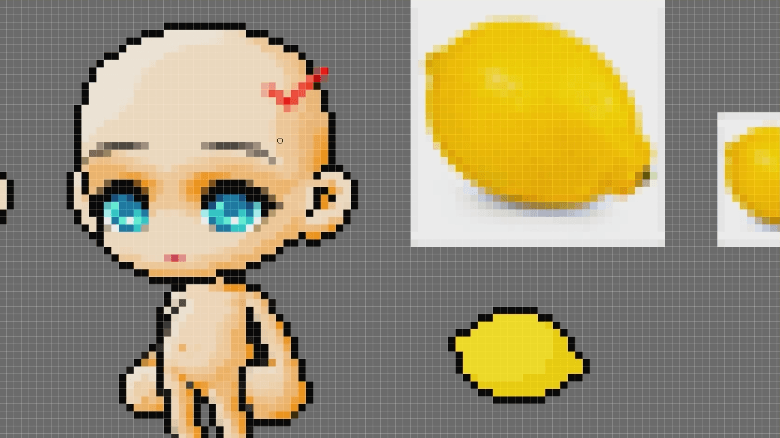
  • Learn the tools to use when creating items for Photoshop beginners.
  • Learn how to express simplification and light and shade by drawing simple pictures using the tools you've learned so far.

Section 2: Crafting Items

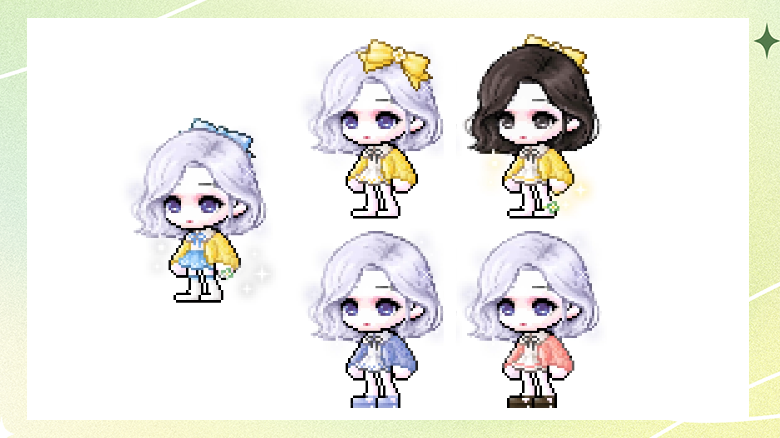
  • Learn how to create hair, one-piece clothing (top), and hat coordination items.
  • I'll show you how to create dot shapes while sketching.

Section 3: Creating an Item Application File
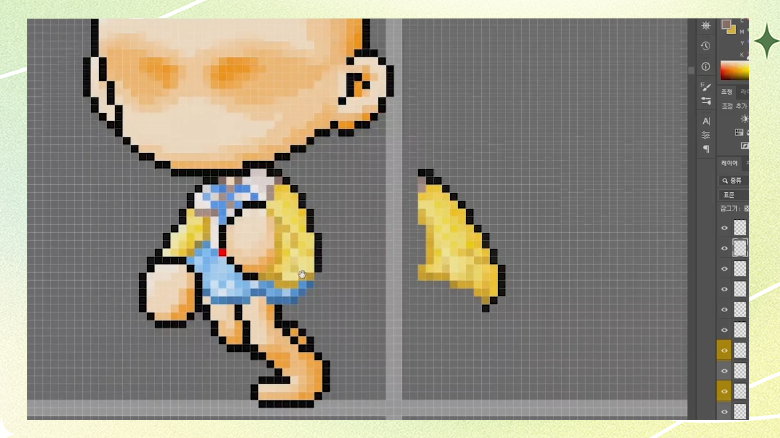
  • We will show you how to create an application file for the coordinated item you created.
  • Let's make it easier by referring to the shared learning materials.

Section 4: Register/Sell Created Items in the World
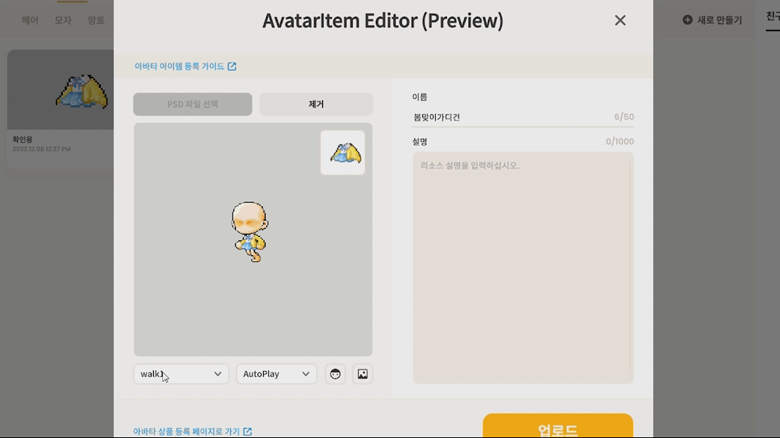
  • We will explain how to register the application file you created on the platform.
  • We will show you how to register your registered items in the store and sell them.

Q&A 💬

Q. Can I make it even if it's my first time designing?

Yes, you can certainly make it. I'll explain it properly in class!

Q. I'm new to Photoshop. What should I do?

For beginners who are new to Photoshop, the tools and settings used during production are included in the lecture.


Introducing the Knowledge Sharer ✒️

Notes before taking the course 🔍

  • Practice environment
    • Operating System and Version (OS) : Windows, macOS
    • Tools used: MapleStory Worlds, Adobe Photoshop
  • Learning materials
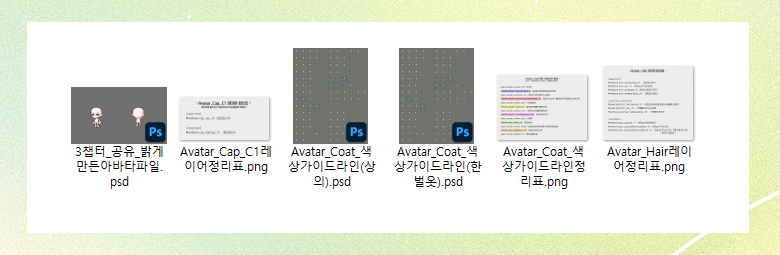
    • Brightness-adjusted avatar PSD file to be used in design
    • Applicable file layer summary table
    • Color Guideline PSD
    • Color Guideline Layer Organization Table
  • Notes/Required Materials
    • When registering items in MapleStory World, you can only register them on a PC, so please make sure to use a PC when registering.

👉 Other

Recommended for
these people

Who is this course right for?

  • Anyone interested in 2D dot design

  • For those interested in MapleStory Worlds

  • Anyone who wants to design their own characters

  • Anyone who has played MapleStory

  • Anyone interested in game development

Hello
This is deyeon

200

Learners

6

Reviews

5.0

Rating

1

Course

Hello! I'm MapleStory YouTuber Jeondeyeon.

I'm teaching a course on how to create an avatar in MapleStory Worlds that perfectly reflects your personal taste :)

Curriculum

All

11 lectures ∙ (57min)

Published: 
Last updated: 

Reviews

All

6 reviews

5.0

6 reviews

  • jjhgwx님의 프로필 이미지
    jjhgwx

    Reviews 677

    Average Rating 4.9

    5

    27% enrolled

    Thank you for the great lecture

    • ahnhyunjae7234423님의 프로필 이미지
      ahnhyunjae7234423

      Reviews 1

      Average Rating 5.0

      5

      36% enrolled

      Your simple explanations in the Pyeongam section make it easy to listen.

      • devkuka님의 프로필 이미지
        devkuka

        Reviews 303

        Average Rating 5.0

        5

        36% enrolled

        Thank you for sharing the process of making MapleStory. It was very helpful.

        • overcome22845294님의 프로필 이미지
          overcome22845294

          Reviews 1

          Average Rating 5.0

          5

          36% enrolled

          Amazing how much difference light and shadow can make! I'll dive into the world of pixels!

          • hyde31633589님의 프로필 이미지
            hyde31633589

            Reviews 349

            Average Rating 5.0

            5

            100% enrolled

            I heard it well

            Similar courses

            Explore other courses in the same field!

            Free