



inflearn logo

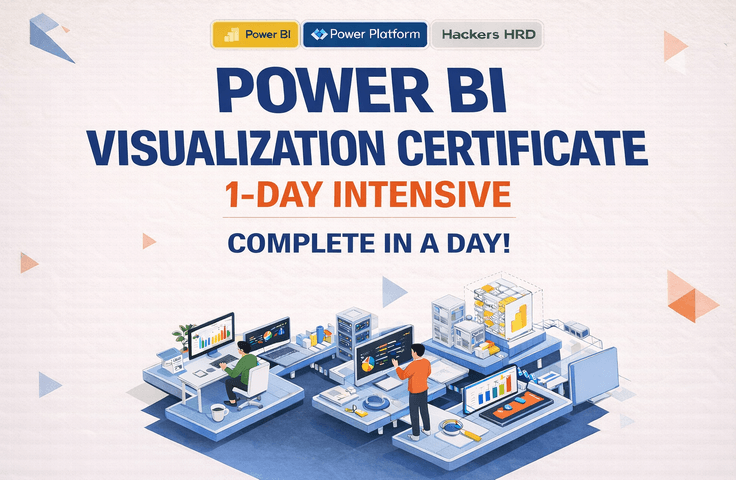
Management Information Visualization Proficiency 1-DAY Class: Finish in One Day

This course is a hands-on program where you will learn the entire process of using Power BI—from importing and preprocessing data to configuring relationships, writing DAX, and creating actual reports and dashboards. In particular, it is designed to reflect the practical exam types for Management Information Visualization, allowing even beginners to simultaneously prepare for both real-world application and certification. Rather than just explaining simple functions, the course covers data preprocessing, visualization, and core measure creation frequently used in business, helping you quickly master the essential workflow within 8 hours.

1 learners are taking this course

Level Basic

Course period 3 months

powerbi
powerbi
powerbi
powerbi

What you will gain after the course

  • Ability to import data from Excel, CSV, folders, and the web in Power BI, along with basic preprocessing skills.

  • Practical data preprocessing skills using Power Query, including cleaning columns, changing formats, merging queries, and unpivoting.

  • Understand relationship modeling, date table configuration, and basic DAX writing methods, and apply them directly.

  • Frequently used essential DAX such as RANKX, SWITCH, IF, and SELECTEDVALUE

  • Ability to utilize key visual objects such as cards, bar charts, line charts, matrices, and slicers

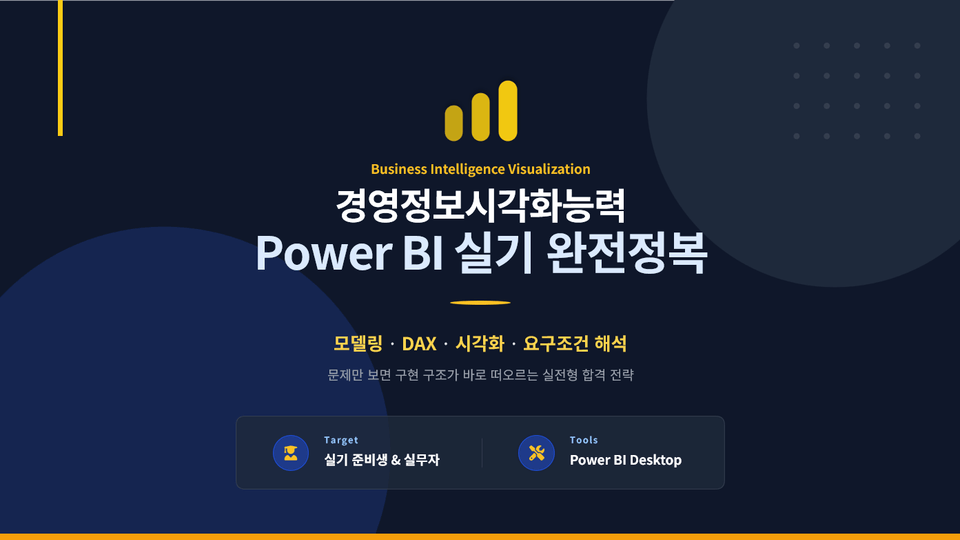
  • Perfect exam preparation by solving practical task types for the Management Information Visualization Ability certification.

  • Intensive summary of Power BI practical basics and core hands-on sessions within a single day

Complete everything at once, from Power BI basics to practical data visualization and certification exam preparation.

  • This is a practical course designed to help even those new to Power BI master the entire process step-by-step, from data importing and Power Query preprocessing to relationship modeling, DAX, visualization configuration, and mock exam practice.

  • Beyond simple feature explanations, this course focuses on the workflow of data processing, analysis, and report creation that can be immediately applied to real-world tasks. It also covers key points necessary for preparing for the Management Information Visualization Ability certification exam.

  • This course is helpful for office workers who want to expand their Excel-based reporting tasks to Power BI, practitioners who want to develop practical dashboard creation skills, and learners preparing for certification exams.

Recommended for these people

Beginners starting Power BI for the first time

This course is suitable for those who want to systematically learn the basic structure and workflow of Power BI from the beginning. You can learn the entire process in order, from installation and data importing to preprocessing, modeling, and visualization.

Those preparing for the Management Information Visualization Ability exam

It is suitable for those who want to learn through practice, covering everything from Power Query, relationship modeling, DAX, and visualization configuration—which frequently appear on exams—to the flow of solving mock exams.

Those who want to create reports that can be applied immediately to real-world tasks

I recommend this course to those who want to go beyond simply creating charts and instead want to organize data, design relationships, use DAX to create meaningful metrics, and build professional business-style dashboards.

After completing the course,

  • You will understand the basic concepts and overall structure of Power BI and be able to create data analysis reports yourself.

  • You can master the core types for certification exams through mock exam practice while simultaneously developing your skills in creating practical, professional-grade dashboards.

  • You can import various data sources such as Excel, CSV, folders, and web data, and perform preprocessing using Power Query.

  • You can design measures and analytical structures required for practical work by utilizing relationship modeling and DAX.

  • You can configure various visual objects, such as bar charts, line charts, donut charts, cards, and matrices, to suit your specific purposes.


Features of this course

This course is not just an introductory lecture covering the basic functions of Power BI, but a curriculum structured around the actual workflow, from data import to preprocessing, relationship modeling, DAX, visualization, and mock exam practice.
Furthermore, based on experience in executing over 60 Power BI projects and corporate training, data projects across various industries, and teaching Power BI and Management Information Visualization Ability at Hackers HRD, I have balanced practical application points with exam preparation strategies.

대기업BI-24040

A curriculum designed from the learner's perspective for easy understanding, based on extensive experience in teaching both written and practical exams

Based on extensive experience in teaching both written and practical courses as well as curriculum management, this course is structured to flow naturally from basic concepts to hands-on practice and exam preparation by reflecting the specific areas where learners typically struggle.

Providing broader practical perspectives and application insights based on experience connecting Power BI with various other platforms

Based on my experience in lectures and projects involving various platforms beyond Power BI, I provide practical insights that help you understand data analysis and visualization in connection with actual business workflows.

What you will learn

From basic understanding of Power BI to preprocessing, modeling, and DAX fundamentals

First, you will learn about Power BI components and licenses, Desktop installation and basic settings, and how to import data from Excel, CSV, folders, and the web. Afterward, you will build a solid foundation for analysis by learning data preprocessing using Power Query, merging queries, unpivoting, relationship modeling, the difference between Measures and calculated columns, and basic date-related DAX.

A course curriculum designed to master both Power BI and certification at once

Core visualization configuration and practical problem-solving based on mock exams

You will practice configuring various visualizations such as bar charts, line charts, donut charts, cards, matrices, ribbon charts, and gauge charts, as well as applying conditional formatting, slicers, parameters, page navigation, and interaction controls. Additionally, through the Management Information Visualization Ability mock exams (Types A and B), you can master the practical problem-solving flow, including creating date tables, writing core measures, and implementing dynamic charts.

Includes a 1-day tip-filled theory lecture to help you pass the Management Information Visualization Proficiency exam.

The person who created this course

  • Based on my experience conducting over 60 Power BI projects and corporate training sessions, I provide more than just simple functional explanations; I deliver insights into data preprocessing, modeling, and visualization that are directly applicable to real-world tasks.

  • Through project experience in various industries such as Hyundai E&C, SK Microworks, CJ, ASML, and AstraZeneca, I have incorporated industry-specific data utilization methods and practical problem-solving approaches into my training.

  • Additionally, through my experience teaching Power BI and Management Information Visualization Ability at Hackers HRD, I have a strength in delivering a balanced approach that covers both key points for exam preparation and practical skills for real-world application.

  • This course was designed based on the standard that "learned functions must be immediately applicable to both work and exams."

Do you have any questions?

Write at least 3 questions and answers that prospective students might be curious about before taking the course.
We recommend providing answers that showcase your unique personality as a knowledge sharer, rather than generic or formal responses.

Q. Can someone who is new to Power BI also take this course?

Yes. This course is designed so that even beginners can follow along, starting with step-by-step explanations of Power BI's basic structure, installation, and data importing. Since it gradually expands into Power Query, relationship modeling, DAX, and visualization, even those starting for the first time can learn while understanding the overall flow.

Q. Is this course for certification exam preparation or for practical business use?

This course is designed with both in mind. While it covers core functions frequently featured in exams and the flow of problem-solving, it also addresses data preprocessing, modeling, creating measures, and report structures that can be applied immediately to actual work. It is suitable for those who want to balance exam preparation with practical application.

Q. What kind of results can I create after taking the course?

You will be able to directly implement outputs such as basic KPI cards, bar/line/donut charts, matrices, ribbon charts, slicer-based reports, date comparison analysis reports, and dashboards containing key measures. Additionally, you can master the workflow of creating exam-style reports through practice with mock exam types.

Notes Before Taking the Course

Practice Environment

  • Operating System and Version (OS): Practice will be conducted based on the Windows environment.

  • Recommended Power BI Desktop Version: 2.139.1678.0 (Release Date: 2025. 1. 14)
    ※ To reduce confusion during exam preparation, it is recommended to set up your practice environment according to the version guided by the License & Assessment Group.

  • PC Specifications: The course can be taken on a standard office PC, but a memory environment of 8GB or more is recommended considering data processing and the practice environment.

  • Internet Environment: A basic internet connection is recommended for installation and verifying some data.

Learning Materials

  • We provide example data used in the lectures and practice-based learning materials.

  • We utilize materials designed to be followed step-by-step according to the flow of the curriculum.

  • Since this is a practice-oriented lecture, it is recommended to learn by following along directly and reviewing the material.

Prerequisites and Important Notes

  • You can take this course even if you are not completely proficient in Excel, but having a basic understanding of table data concepts will be helpful for your learning.

  • You can follow the course more smoothly if you have an environment ready where Power BI Desktop can be installed.

  • DAX and relationship modeling may feel a bit unfamiliar at first, but this course explains everything step-by-step from the basics, so you will be able to follow along easily if you learn in order.

  • Please use the lecture materials and example files only within the scope of learning purposes.

Recommended for
these people

Who is this course right for?

  • Office workers who are learning Power BI for the first time but want to apply it to their work immediately

  • Students who want to prepare for the Management Information Visualization Ability practical exam in a short period of time.

  • Those who want to move away from Excel-centered reports and visualize data in the form of a dashboard

  • Beginners who want to organize everything from data preprocessing to DAX and visualization all at once

  • Business professionals who want to quickly learn the entire Power BI workflow through practical, real-world examples.

Need to know before starting?

  • You can take this course without any prior knowledge.

  • It will be easier to follow along if you have a basic understanding of how to use Excel, as well as the concepts of rows, columns, and tables.

  • It is structured so that even those with no prior experience in Power BI can learn through a hands-on approach, starting from the basics.

Hello
This is bigcorpbi0419

Hello. 😊

I am a BI expert who conducts data analysis and visualization projects and training, centered on Power BI.
I build dashboards and provide training for various companies and public institutions to support data-driven decision-making.

Based on project experience across various industries with over 60 companies, including large corporations, mid-sized enterprises, and public institutions (such as Hyundai E&C, SK Innovation, SK Microworks, ASML, LG, and AstraZeneca), I deliver data preprocessing, modeling, and visualization skills that can be immediately applied to practical work.

Furthermore, based on an expanded perspective on data utilization—ranging from Power BI, Power Platform (Power Apps, Automate), and web development to AI portal integration for corporate systems—I share practical, hands-on insights rather than just simple functions.

More

Curriculum

All

3 lectures ∙ (1hr 46min)

Course Materials:

Lecture resources
Published: 
Last updated: 

Reviews

Not enough reviews.
Please write a valuable review that helps everyone!

Limited time deal

$109,450.00

50%

$169.40