
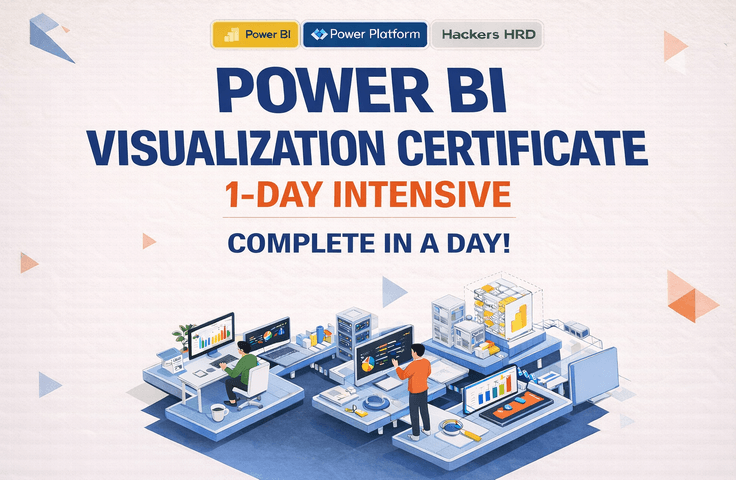




Management Information Visualization Proficiency 1-DAY Class: Finish in One Day
This course is a hands-on program where you will learn the entire process of using Power BI—from importing and preprocessing data to configuring relationships, writing DAX, and creating actual reports and dashboards. In particular, it is designed to reflect the practical exam types for Management Information Visualization, allowing even beginners to simultaneously prepare for both real-world application and certification. Rather than just explaining simple functions, the course covers data preprocessing, visualization, and core measure creation frequently used in business, helping you quickly master the essential workflow within 8 hours.
What you will gain after the course
Ability to import data from Excel, CSV, folders, and the web in Power BI, along with basic preprocessing skills.
Practical data preprocessing skills using Power Query, including cleaning columns, changing formats, merging queries, and unpivoting.
Understand relationship modeling, date table configuration, and basic DAX writing methods, and apply them directly.
Frequently used essential DAX such as RANKX, SWITCH, IF, and SELECTEDVALUE
Ability to utilize key visual objects such as cards, bar charts, line charts, matrices, and slicers
Perfect exam preparation by solving practical task types for the Management Information Visualization Ability certification.
Intensive summary of Power BI practical basics and core hands-on sessions within a single day
Recommended for
these people
Who is this course right for?
Office workers who are learning Power BI for the first time but want to apply it to their work immediately
Students who want to prepare for the Management Information Visualization Ability practical exam in a short period of time.
Those who want to move away from Excel-centered reports and visualize data in the form of a dashboard
Beginners who want to organize everything from data preprocessing to DAX and visualization all at once
Business professionals who want to quickly learn the entire Power BI workflow through practical, real-world examples.
Need to know before starting?
You can take this course without any prior knowledge.
It will be easier to follow along if you have a basic understanding of how to use Excel, as well as the concepts of rows, columns, and tables.
It is structured so that even those with no prior experience in Power BI can learn through a hands-on approach, starting from the basics.
Hello
This is bigcorpbi0419
Hello. 😊
I am a BI expert who conducts data analysis and visualization projects and training, centered on Power BI.
I build dashboards and provide training for various companies and public institutions to support data-driven decision-making.
Based on project experience across various industries with over 60 companies, including large corporations, mid-sized enterprises, and public institutions (such as Hyundai E&C, SK Innovation, SK Microworks, ASML, LG, and AstraZeneca), I deliver data preprocessing, modeling, and visualization skills that can be immediately applied to practical work.
Furthermore, based on an expanded perspective on data utilization—ranging from Power BI, Power Platform (Power Apps, Automate), and web development to AI portal integration for corporate systems—I share practical, hands-on insights rather than just simple functions.
Curriculum
All
3 lectures ∙ (1hr 46min)
Course Materials:

