


Jira & Confluence: Key Essentials
Colicelab
This is for those who want to introduce and use JIRA and Confluence in their team projects.
Beginner
JIRA, Confluence, Agile
The power to design Agile processes beyond mere tool functionality: Everything about practical collaboration completed with JIRA and Confluence. STEP 1. Laying the Agile Foundation (Lessons 1โ2): Understand the Agile spirit through its differences from the Waterfall model, and build a Scrum space and integrated environment tailored to your team. STEP 2. Practical Project Management (Lessons 3โ7): Manage the entire project lifecycle with Jira and Confluence, from writing User Story-based PRDs to roadmap visualization, sprint planning, and Kanban board operation. STEP 3. Data-Driven Performance Optimization (Lessons 8โ10): Create a sustainable team growth system through retrospective action items, whiteboard collaboration, and the utilization of JQL and dashboards. โ Focused on 'Problem Solving,' not just a manual This isn't just about "click this button." You will learn the principles of how to use tools to resolve real-world bottlenecks such as change costs, dependency management, and WIP limits. โ Organic integration of Jira and Confluence Don't use the two tools in isolation. Complete a seamless workflow by issuing Jira tickets directly from Confluence PRDs and visualizing Jira reports within Confluence. โ Designing a team culture that turns 'records' into 'assets' Go beyond simple ticket issuance. Learn how to instill a mature engineering culture that turns team knowledge into assets and reduces communication costs through retrospectives and templating.
105 learners
Level Basic
Course period Unlimited
Reviews from Early Learners
5.0
์ ์์ธ
I have used Jira during development and collaboration, but I always felt like I was using it in a haphazard way, treating it as nothing more than a 'to-do list.' However, after taking this course, I was able to clearly grasp the context, from the basic concepts of Agile to why these tools should be used this way. It wasn't just a simple explanation of features; the course followed the actual professional workflowโfrom writing user story-based PRDs to roadmap visualization and sprint planningโwhich made it easy to follow. In particular, learning how to link Confluence and Jira organically rather than using them separately to prevent the fragmentation of work was the biggest takeaway for me. I highly recommend this to those who are using Jira but feel they lack a proper workflow or solid foundation! "This review was written subjectively after personally taking the course, having received a course coupon through the Colice Lab Supporters activity."
5.0
๊น์ฌํ
This is a great lecture for those who have no basic concept of Jira and Confluence! Thanks to this, I think I'll be able to use them effectively in our team project to run our sprints~~
5.0
๊น๋ฏผํ
This is a truly informative lecture that can be applied directly to practical work. The course is well-structured to help clearly grasp the concepts of Jira and Confluence, which I previously only had a vague understanding of, and apply them to real-world tasks. It has been a great help to my growth. Thank you.
By mastering the essence of JIRA and Confluence integrationโwhich connects fragmented tasks from planning to retrospectiveโyou can drastically reduce communication costs and maximize project visibility.
I will master how to accurately diagnose bottlenecks using JQL and report data rather than intuition, and how to build team assets that create sustainable growth.
Go beyond being a simple tool user and become an irreplaceable project manager who designs and leads a team's collaboration culture by implementing Agile philosophy as a system.
Designing agile collaboration and maximizing team productivity
How to utilize Jira and Confluence will be shared.
You will learn the 'principles' and 'systems' of using tools to solve practical problems, rather than a simple list of features.
From resolving practical bottlenecks to turning team knowledge into assets,
'the true skill that leads projects to success' is yours to complete.
If collaboration tools have instead become a burden on your work
Through this lecture, by selecting only the features most frequently used in practice,
I recommend learning how to maximize the efficiency of your work management.
As you follow the practice-oriented curriculum,
utilizing Jira and Confluence, which used to feel overwhelming,
your agile-project-management skills will be one step
will have been upgraded.
'2026 Latest Updated Version' through the course produced as
Learn Jira and Confluence.
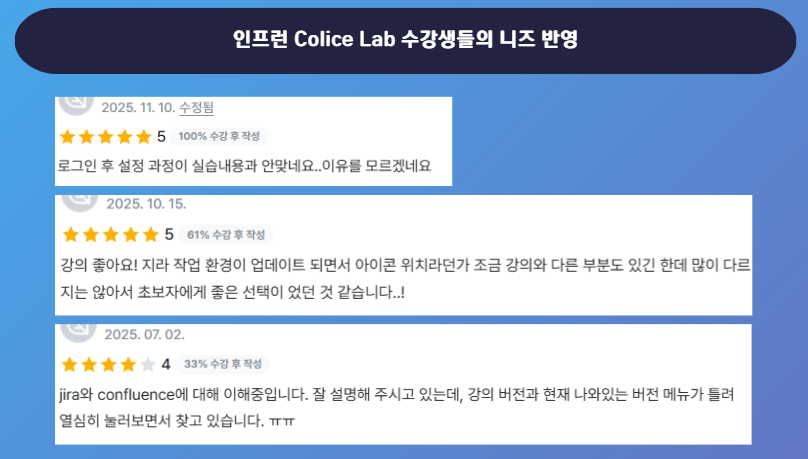
Due to the Jira UI update and reorganization, the screen layout has changed
reflecting the feedback from students that it was difficult to learn how to use it,
we have created a new course.
This course is designed to go beyond mere explanations of Jira's features, allowing you to learn project management methods tailored to actual workflowsโsuch as project creation, issue management, and timeline settingsโso you can strengthen practical skills that are immediately applicable in the field.
You can acquire project execution capabilities through hands-on practice operating the Agile work cycleโfrom PRD writing to backlog management, sprint planning, operation, review, and retrospectivesโwithin an actual collaboration tool environment.
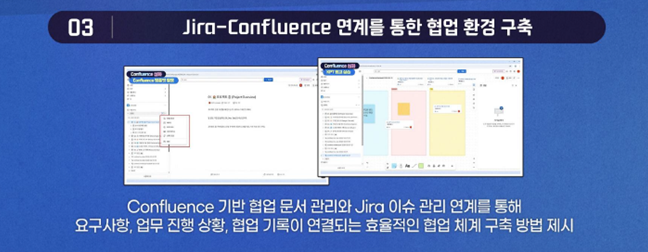
We present a method for establishing an efficient collaboration system where requirements, task progress, and collaboration records are interconnected through the integration of Confluence-based collaborative document management and Jira issue management.
Instructor Hyunjung Noh, a Knowledge Sharer at Colice Lab,
I will be your partner in project progress.
Key Experience
(Current) Edutech Instructor
Inflearn Colice Lab Knowledge Sharer
Managed numerous Jira-based projects
Section 1
Understand the core of Agile methodology and set up a practical project development environment using Jira Cloud and Confluence Cloud. Lay the foundation for collaboration through team member invitations and initial configurations.
Section 2
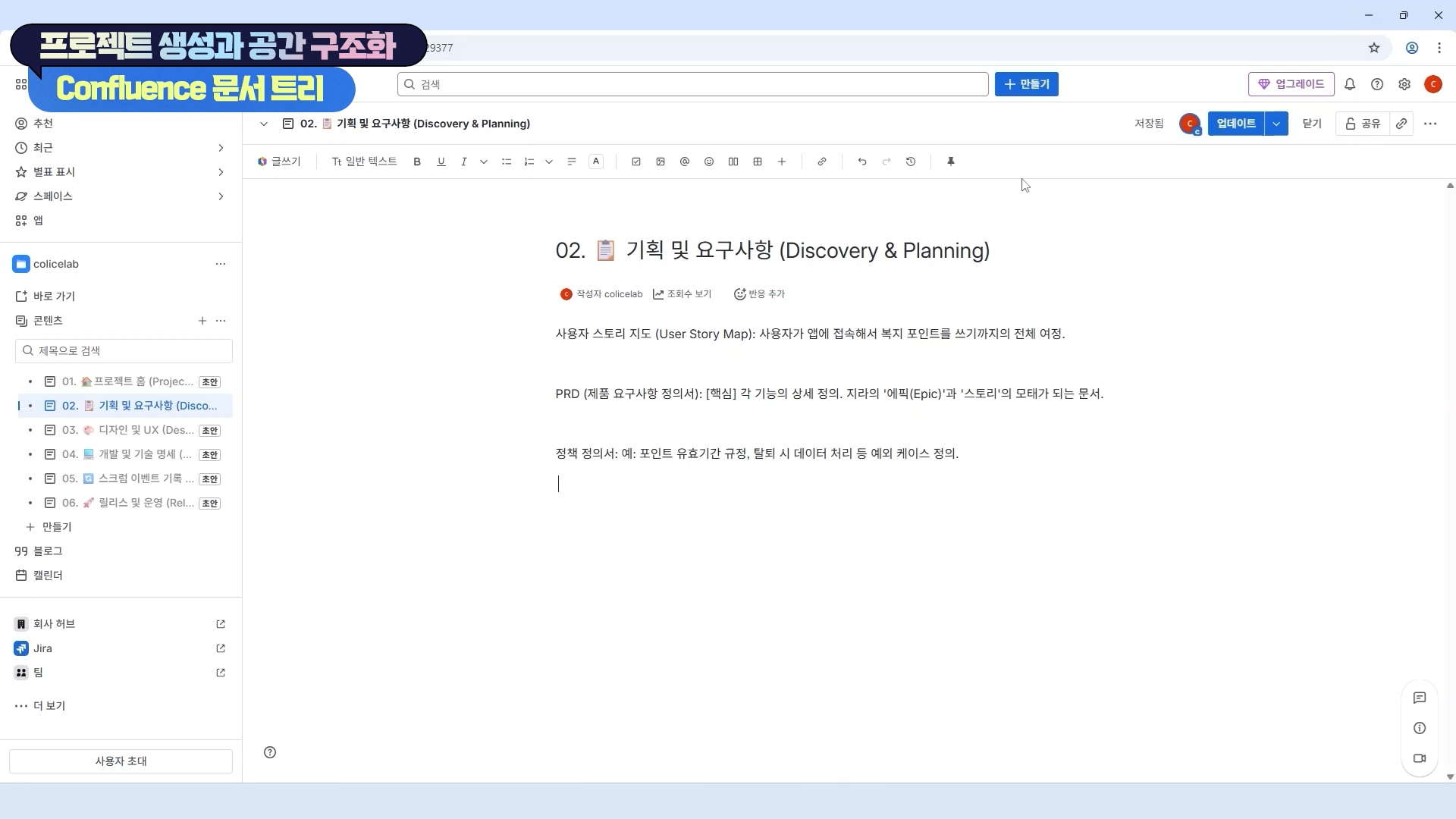
Practice creating a JIRA project and design a systematic document structure using Confluence. Understand the concepts of Scrum and the importance of documentation to improve project management efficiency.
Section 3
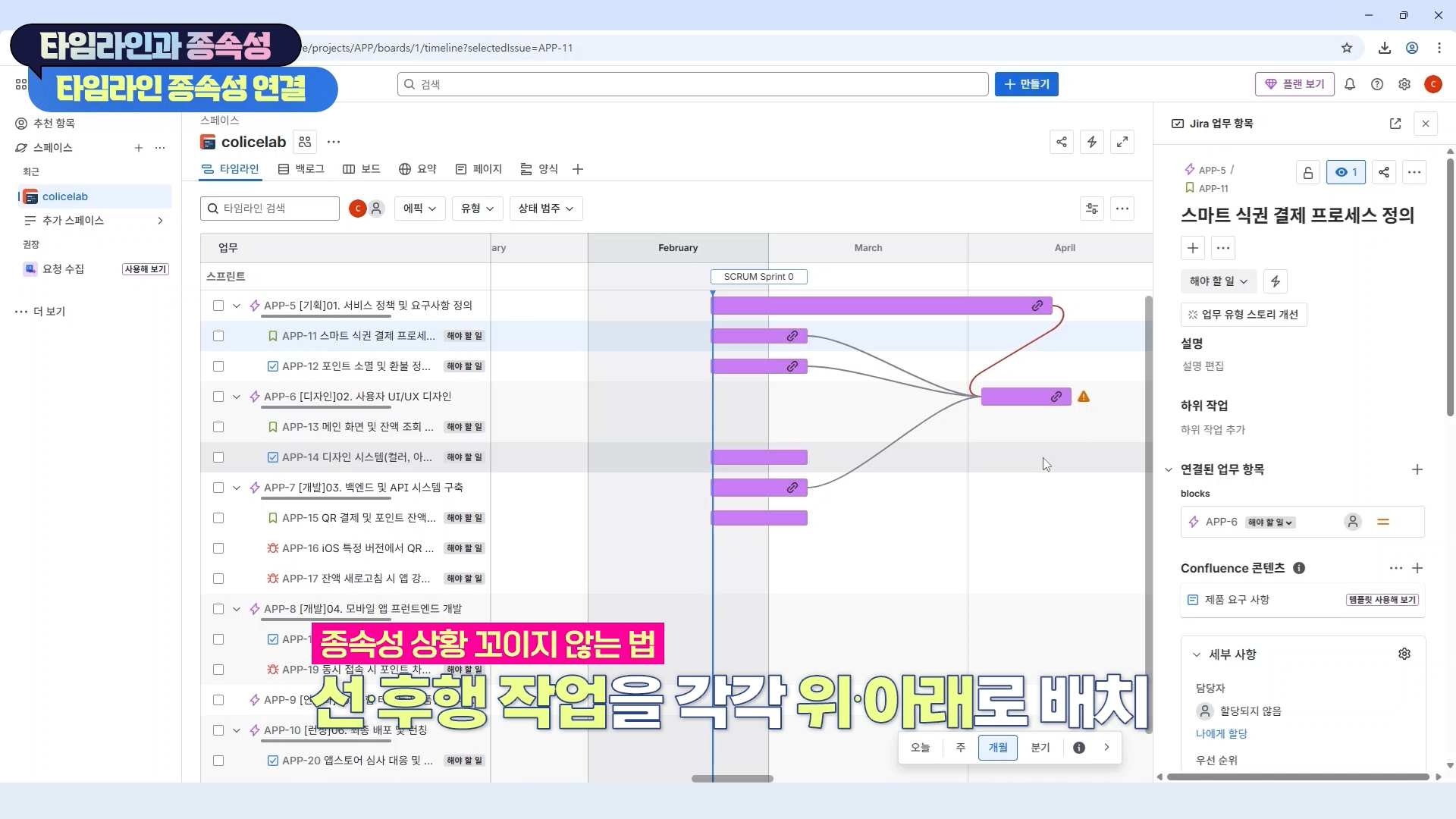
Create a roadmap using JIRA's timeline feature and manage dependencies between issues. Integrate with Confluence to ensure project visibility and establish an efficient workflow.
Section 4
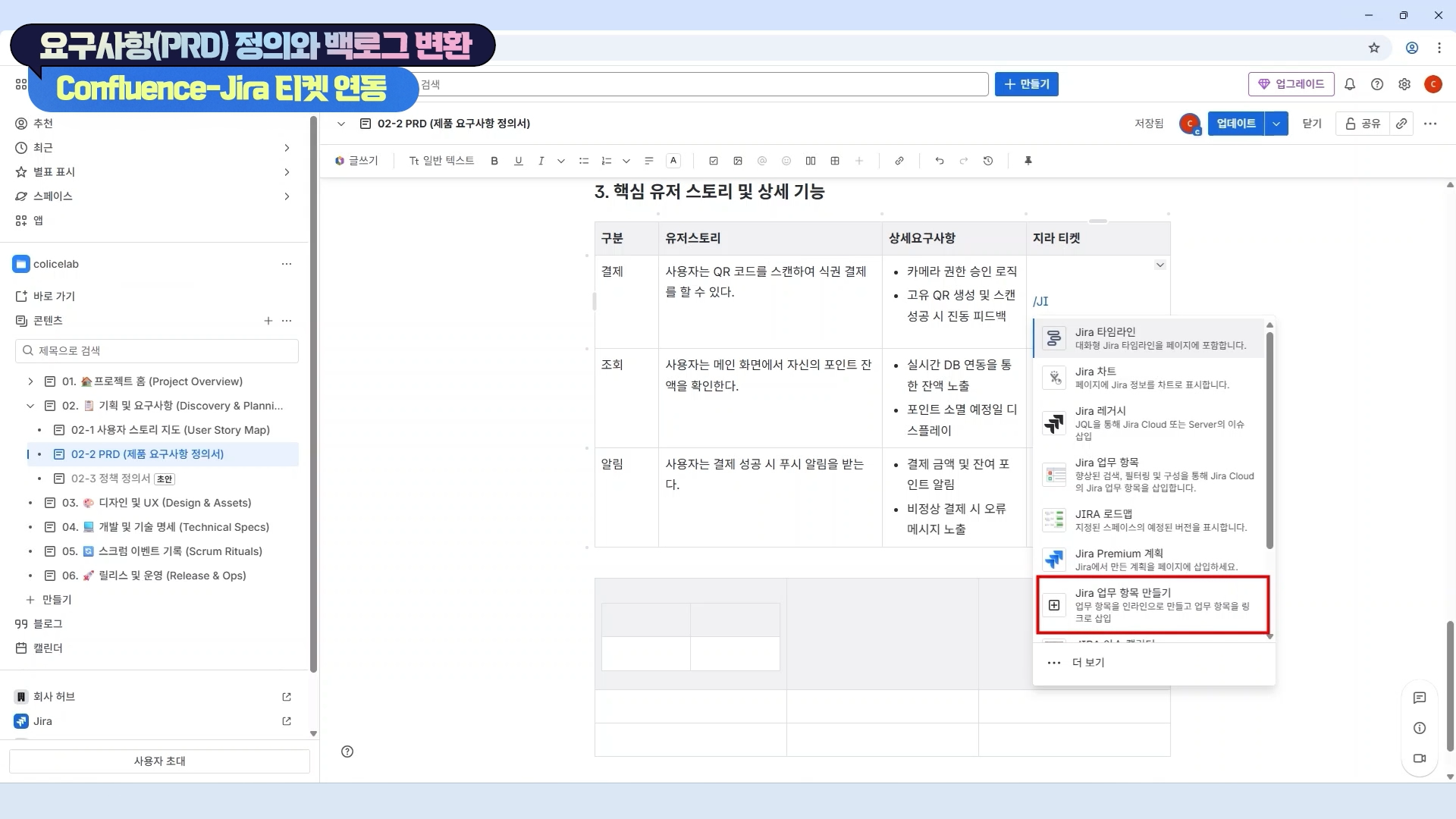
We will practice writing a User Story-based PRD (Product Requirements Document) and converting it into JIRA tickets. By issuing JIRA tickets directly from Confluence, we will strengthen the connectivity between documentation and execution.
Section 5
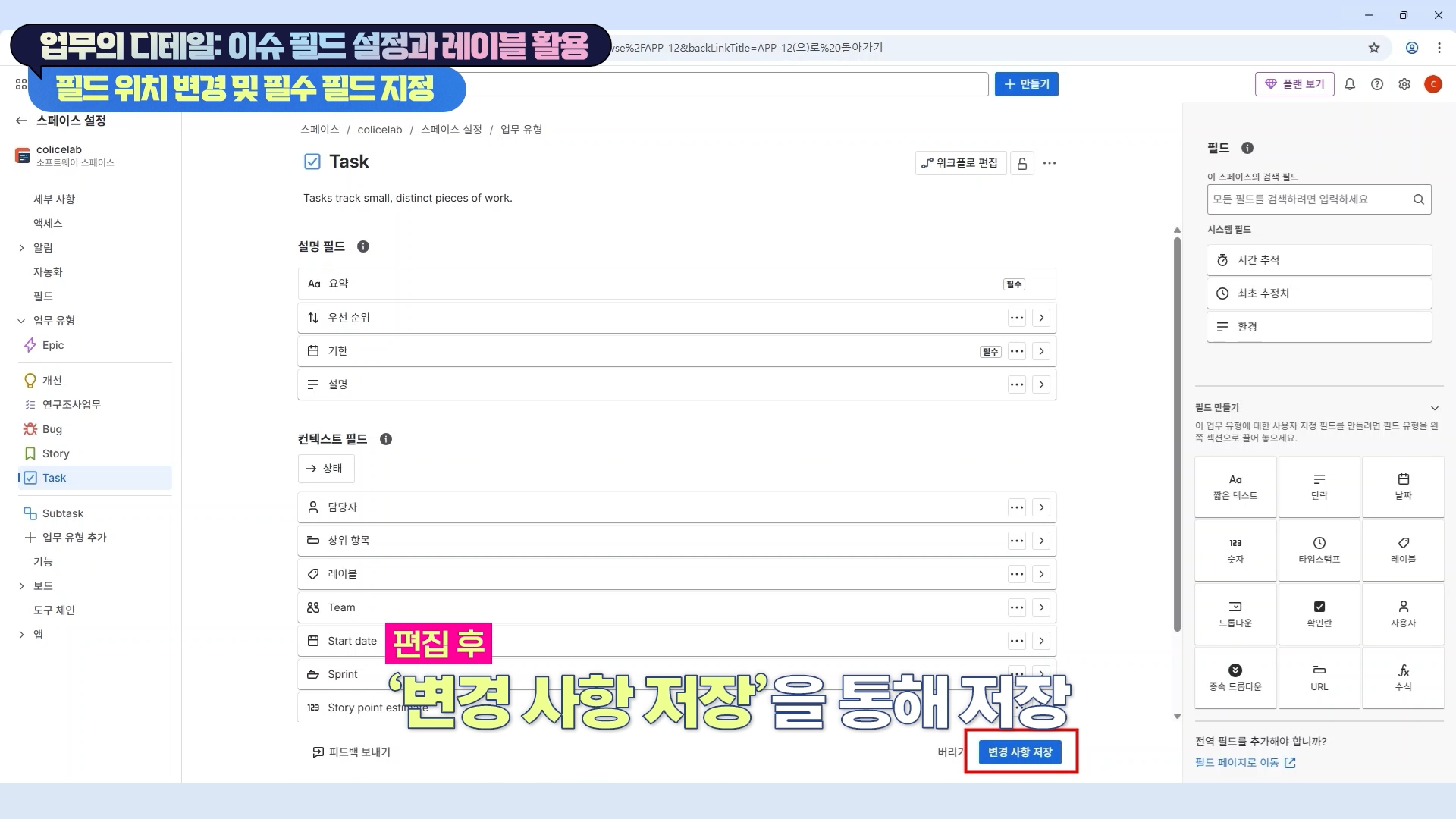
Learn how to configure fields for each JIRA issue type and how to utilize labels. Through this, you will manage work details and establish an efficient, data-driven issue tracking system.
Section 6
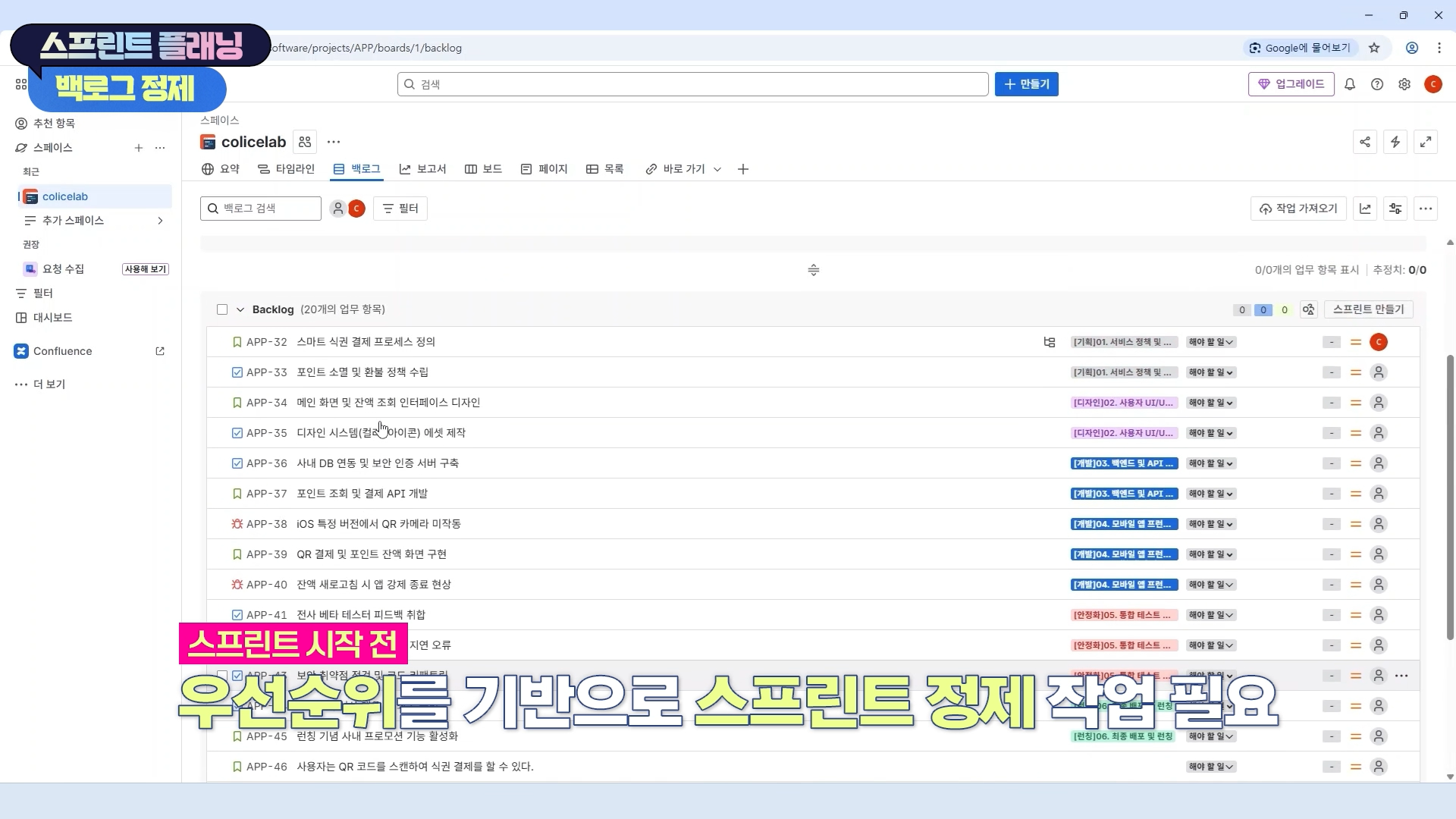
Learn how to establish effective sprint plans, manage the sprint backlog using JIRA, and flesh out execution plans. Practice the core stages of the Agile process.
Section 7
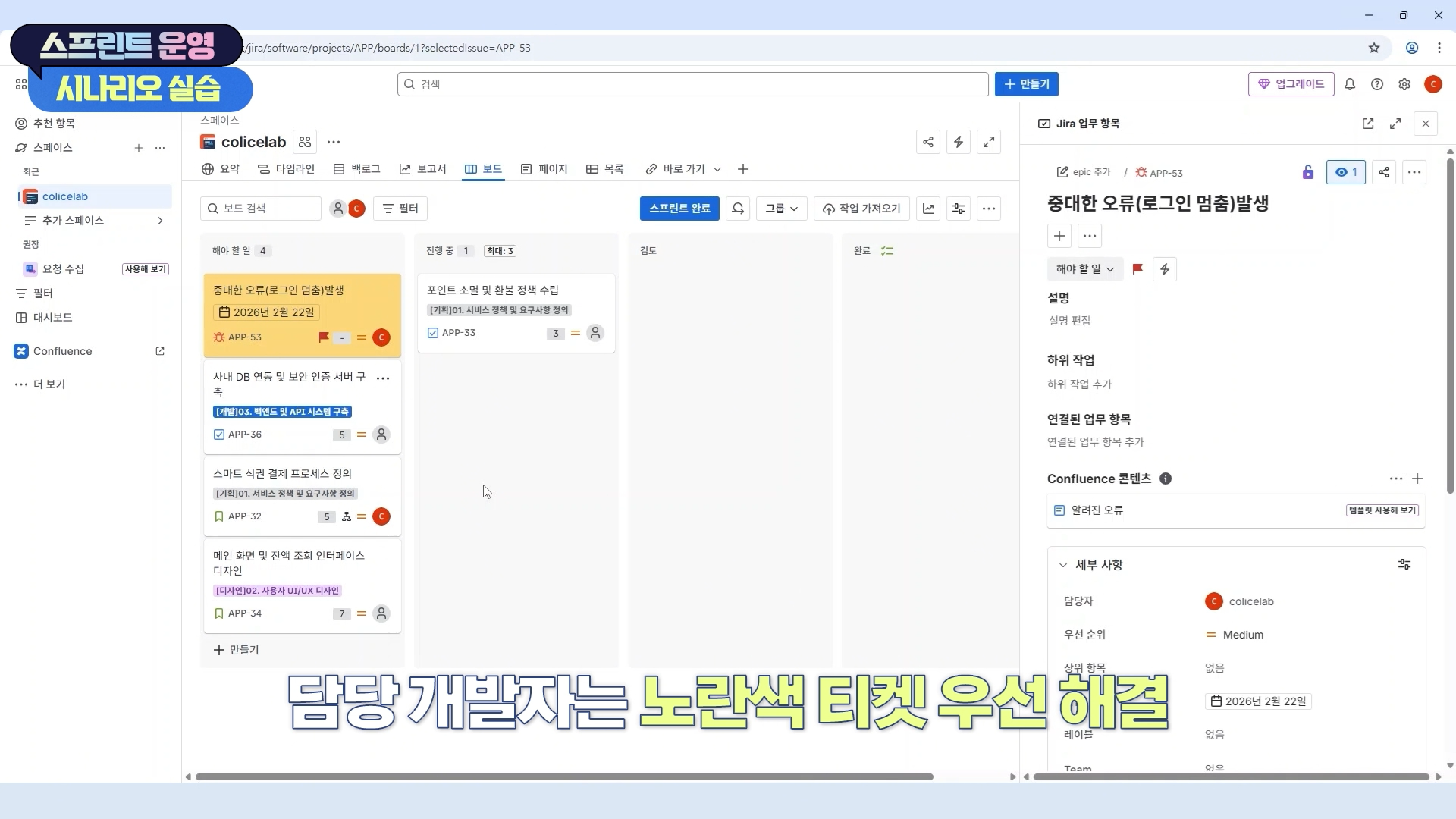
Manage sprint progress using JIRA's Kanban board and workflow features. Quickly respond to urgent feedback and improve flexible project management skills.
Section 8
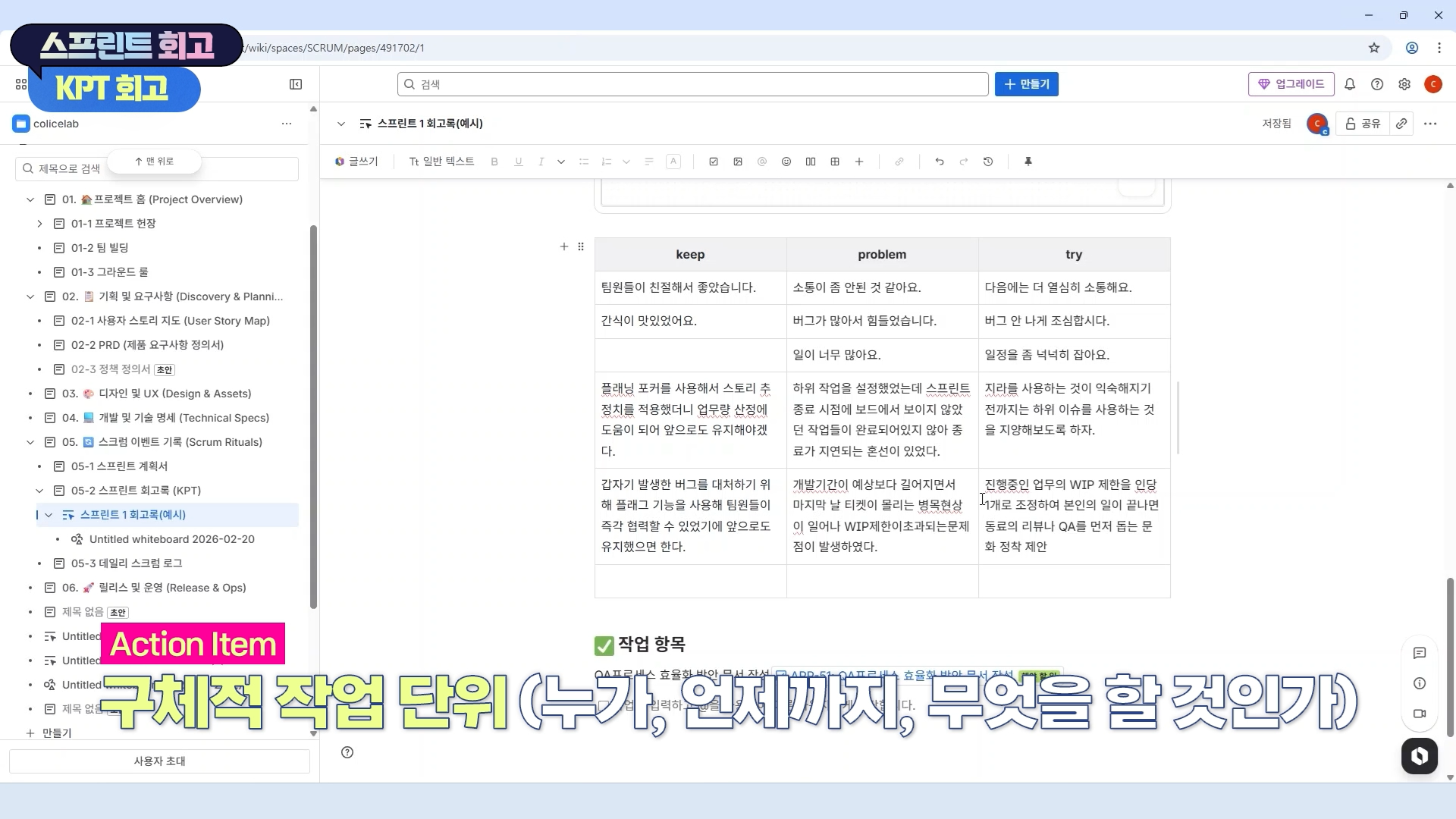
We conduct a review of the sprint results and effectively perform team retrospectives using Confluence. Based on the derived action items, we create a culture of continuous improvement.
Section 9
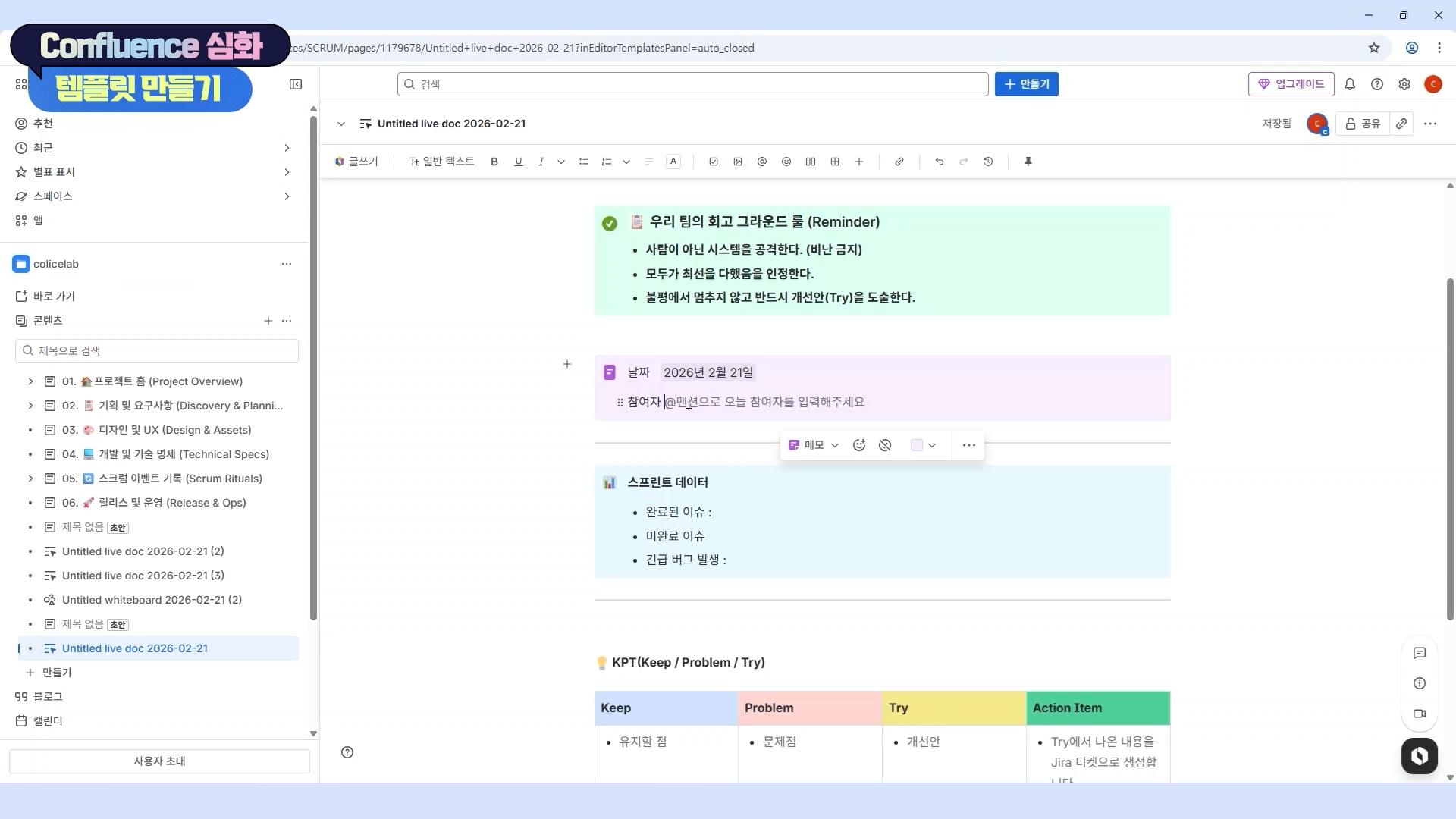
Learn advanced features of Confluence and practice collaboration scenarios, specifically utilizing the Whiteboard feature. Maximize the efficiency of team communication and knowledge sharing.
Section 10
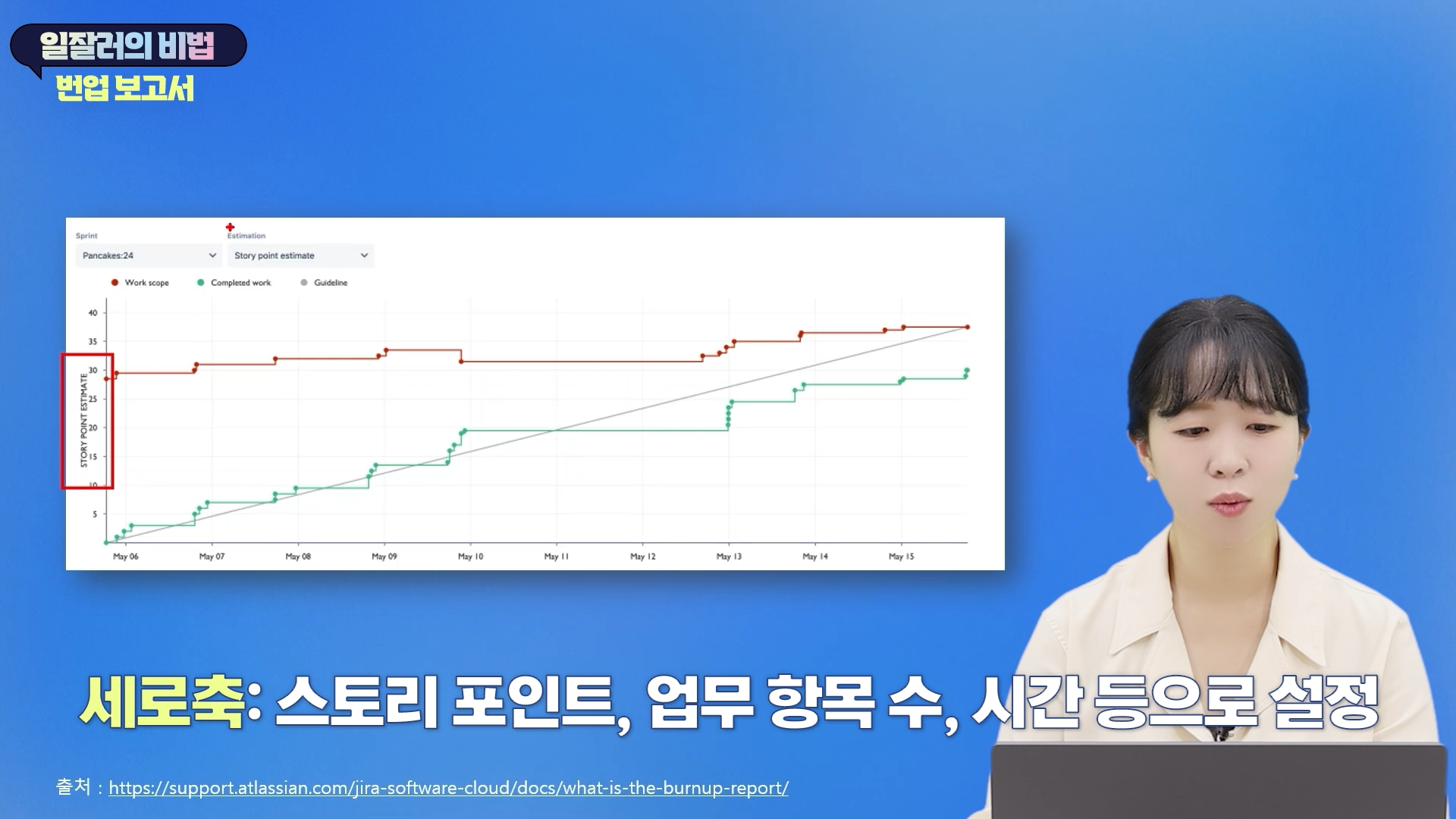
Analyze and optimize project performance through JIRA reports, data extraction using JQL, and dashboard configuration. Increase work productivity by setting up efficient notifications and utilizing shortcuts.
Promoting practical efficiency and performance
By integrating Jira and Confluence to connect fragmented tasks from planning to retrospective, you can drastically reduce communication costs and maximize project visibility.
Data-driven decision making possible
Instead of relying on intuition, you can diagnose bottlenecks and build team assets for sustainable growth by utilizing Jira reports and JQL data.
Immediate On-site Application
Through scenario-based exercises filled with practical know-how, you can optimize your team's workflow and promote substantial productivity improvements immediately upon completing the course.
Growth as a Project Manager
Beyond being a simple tool user, you can transform into an irreplaceable project manager who designs and leads a team's collaboration culture by implementing Agile philosophy into a system.
Hands-on Environment
Jira Cloud and Confluence Cloud use the Korean version and the Free Plan
Personal PC: We recommend using the latest version of your web browser for smooth practice sessions.
Prerequisite Knowledge and Important Notes
Even those who are using Jira and Confluence for the first time can participate.
It is okay even if you have no prior knowledge of Agile methodology.
If you have experience in project management, the learning effect may be even greater.
The copyright of this lecture belongs to Colice Lab, and unauthorized distribution or reproduction is prohibited. The learning materials are also copyrighted and may not be used for any purpose other than personal study.
Learning Materials
If you have any questions after watching the video lectures, please leave them in the community and we will provide answers.
Questions to help you summarize the learning content are provided for each section.
Examples such as PRD document contents are provided so that they can be applied directly to practice.
Who is this course right for?
A beginner whose mind goes blank just by looking at the JIRA screen
The youngest team member or the leader who needs to introduce a collaboration tool for the 'first' time.
The manual task terminator "trapped in the swamp of messengers and Excel"
A "Scrum Master in name only" (Team Lead/PM) who is "Agile in words only"
Intuition-reliant planners/leaders who are "afraid of data proof"
Need to know before starting?
All you need is the will to make it happen.
The practice sessions will be conducted using the 'Free Plan' provided by Atlassian. You can build all features yourself in a cloud environment without any separate paid subscriptions.
Please prepare a PC or laptop with internet access and an email account (such as Google) to sign up for the practice sessions.
Career Verified
1,090
Learners
218
Reviews
10
Answers
4.7
Rating
2
Courses
Containing only the essentials of Jira & Confluence
Check out Colice Lab's courses on Inflearn
All
31 lectures โ (4hr 39min)
Course Materials:
All
45 reviews
5.0
45 reviews
Reviews 1
โ
Average Rating 5.0
5
This is a great lecture for those who have no basic concept of Jira and Confluence! Thanks to this, I think I'll be able to use them effectively in our team project to run our sprints~~
I hope you find this useful for your team projects. Thank you for taking the course!
Reviews 2
โ
Average Rating 5.0
5
The UI in JIRA keeps changing, which makes it confusing when listening to old lectures, but this was worth listening to because you reflected the latest updates.
Thank you for taking the course!
Reviews 1
โ
Average Rating 5.0
5
This is a truly informative lecture that can be applied directly to practical work. The course is well-structured to help clearly grasp the concepts of Jira and Confluence, which I previously only had a vague understanding of, and apply them to real-world tasks. It has been a great help to my growth. Thank you.
I'm glad you noticed that I structured the lecture so you can apply it directly to your work. Thank you for taking the course!
Reviews 1
โ
Average Rating 5.0
Check out other courses by the instructor!
Explore other courses in the same field!