I only studied Compose from books, but watching the lecture made it much clearer!
5.0
po042
100% enrolled
It helped me a lot in implementing the UI.
5.0
loci
100% enrolled
This was a lecture I needed, and I listened to it well. I'll wait for the next lecture!
What you will gain after the course
How to use Jetpack Compose
Advantages of Jetpack Compose
Jetpack Compose, which you've only been planning to learn, shall we learn it together this time?
Do you know the advantages of Jetpack Compose?
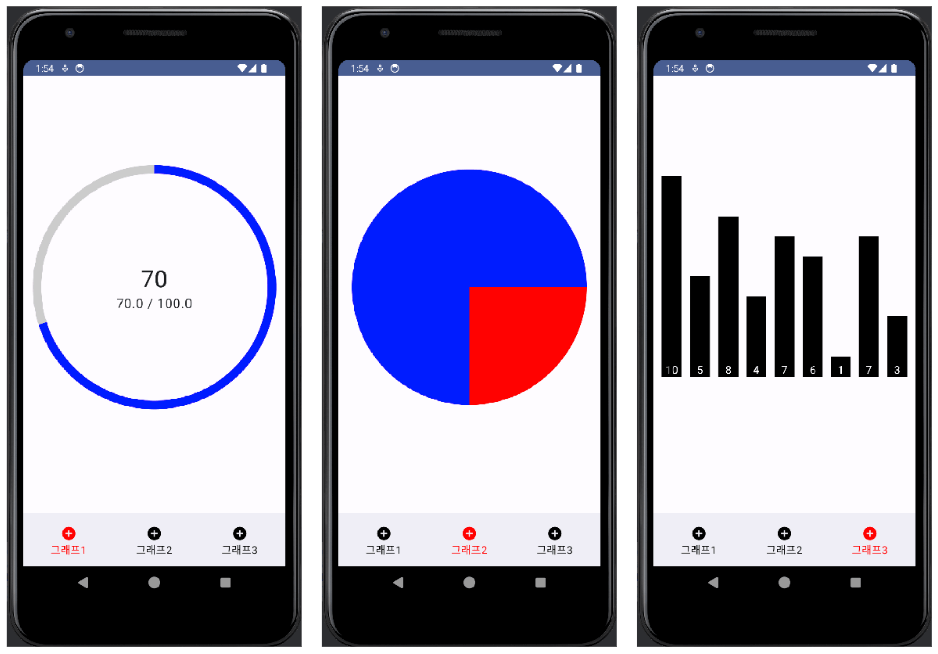
What is the first thought that comes to mind when you receive a requirement to create screens like the ones below using traditional XML? (All the apps shown below will be built directly during the course.)
"I should look for a library." "It's going to be complicated to make this as a custom view, isn't it?" Aren't these the thoughts that come to mind first? If so, you might want to consider adopting Jetpack Compose!
Are you still having trouble seeing the benefits of Compose?
If so, how about an app like this?
Animations like this can also be easily implemented using Compose. I'll show you how to do it all yourself in the lecture!
I'm sharing the usefulness of Jetpack Compose that I've experienced firsthand.
Jetpack Compose is a tool that can accelerate UI development with less code on Android.
“(…) is a modern toolkit for building native Android UI. Jetpack Compose simplifies and accelerates UI development on Android with less code, powerful tools, and intuitive Kotlin APIs.” (Google Official Documentation)
I actively studied and adopted Jetpack Compose for a project involving complex UI within the company. After actually implementing it, I saw a significant reduction in the amount of code required for UI creation, and I could feel the fatigue decrease in the process of connecting the UI with business logic. As a result, I was able to confirm that productivity also increased compared to developing Android screens using only traditional XML.
So, I recommend it to these people!
Those who have experience developing apps with traditional Android (XML) and are considering adopting Compose
Those who are curious about what Jetpack Compose is and what its actual advantages are
Those preparing for a job as an Android developer (Compose is frequently mentioned in job postings these days!)
✋ Wait! This is not suitable for the following people.
Those who have already developed to some extent with Compose and want an advanced course: I will prepare the advanced course as the next lecture.
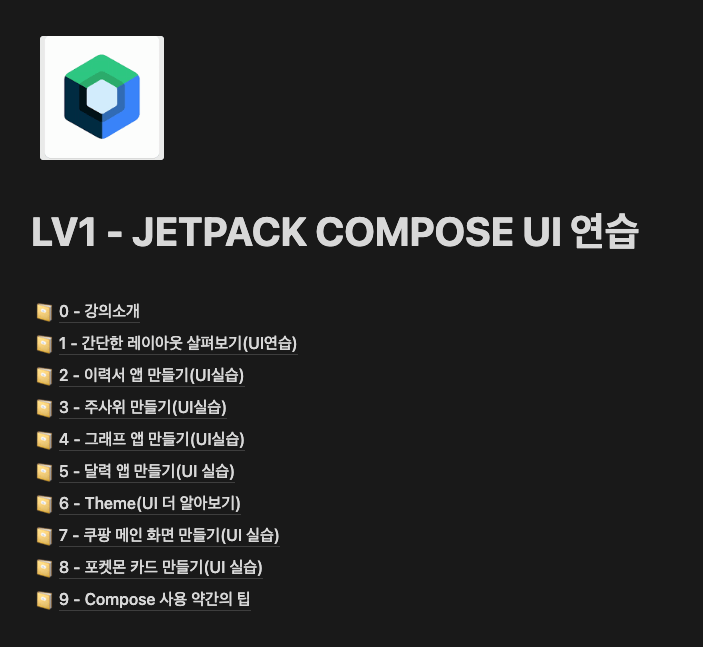
Step by step from the basics Mastering Jetpack Compose Fundamentals
The course is structured to help you become familiar with Jetpack Compose by starting with simple examples and gradually increasing the level of difficulty.
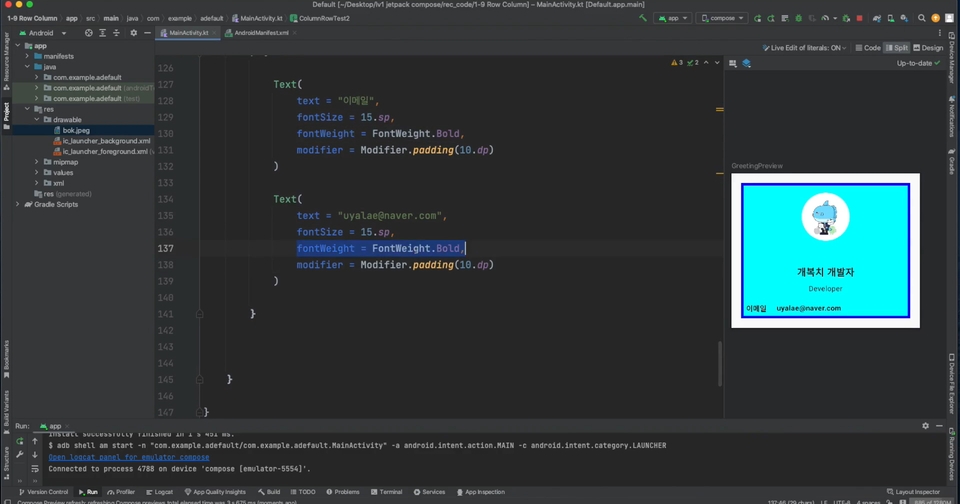
Section 1 - Exploring Simple Layouts
Warm up by practicing various features of Jetpack Compose.
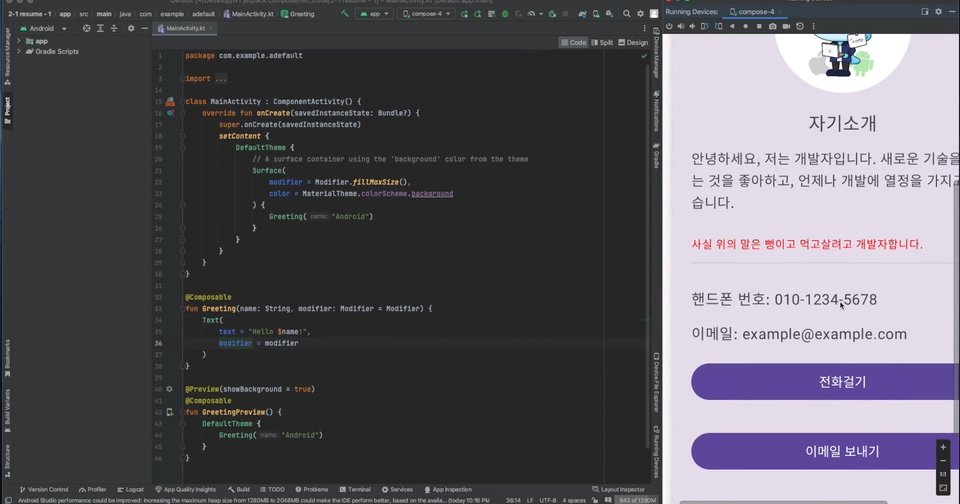
Section 2 - Creating a Resume App
Based on what you learned in the previous section, we will create a simple resume app.
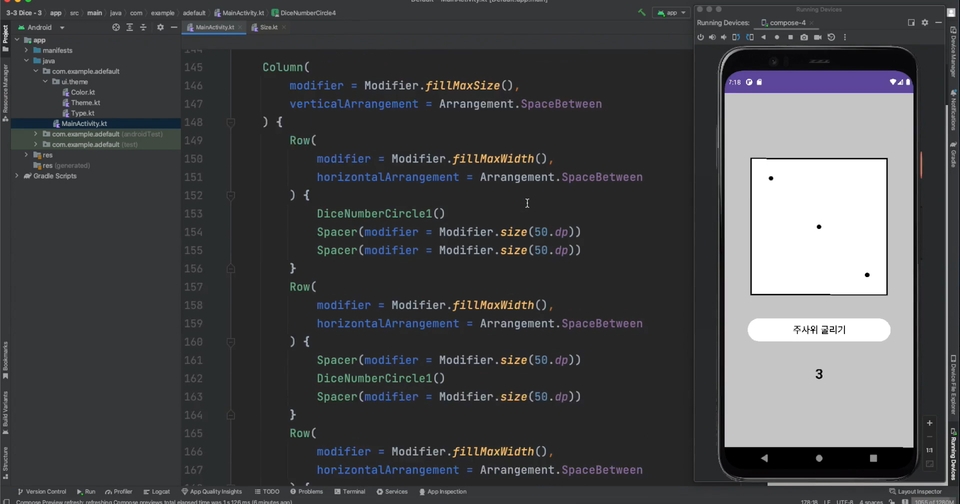
Section 3 - Creating a Dice App
We will easily implement the screen that appears whenever the dice number changes using code instead of images.
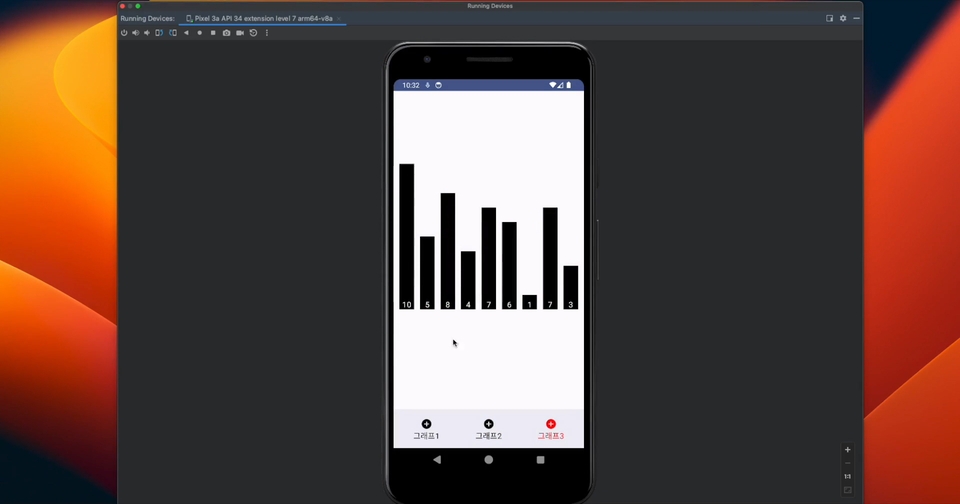
Section 4 - Creating a Graph App
Through hands-on practice, we will build an app that easily creates various types of graphs.
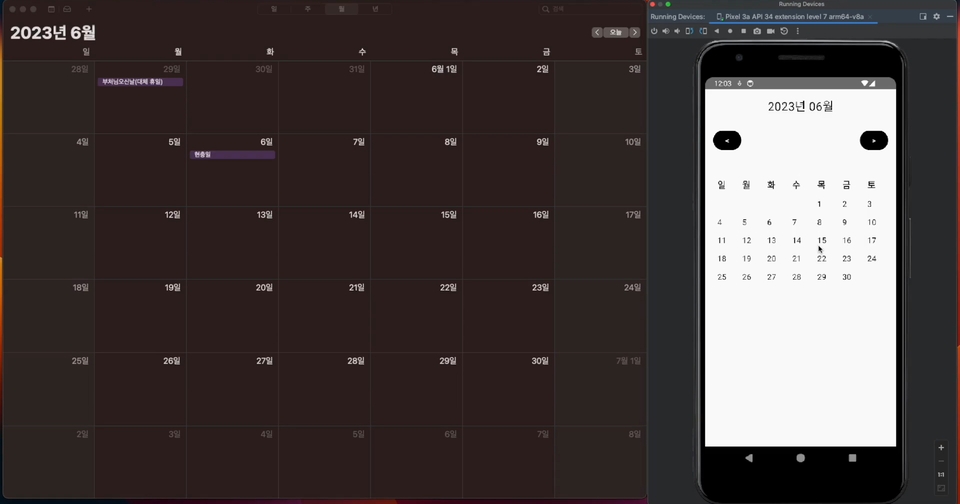
Section 5 - Creating a Calendar App
We will easily implement a calendar screen, which was difficult to create using traditional XML.
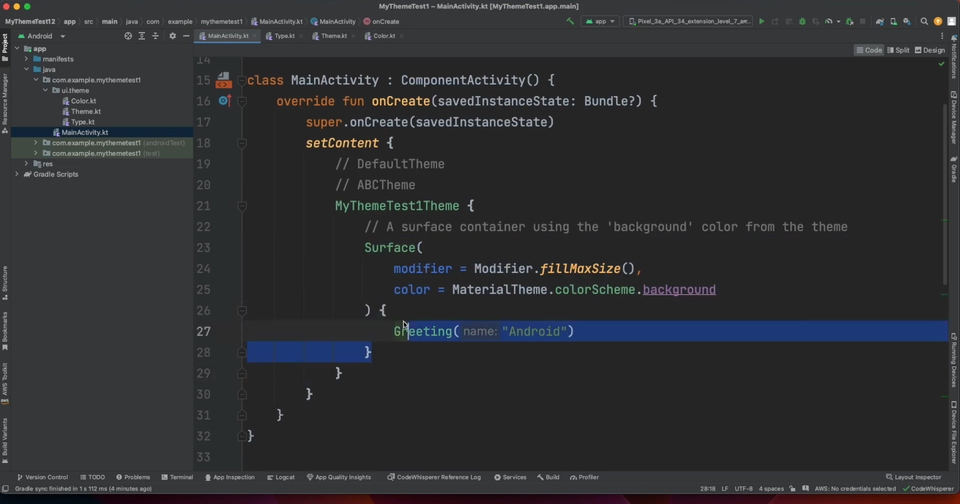
Section 6 - Theme
We will examine the default Theme created when a project is first initialized and practice customizing it.
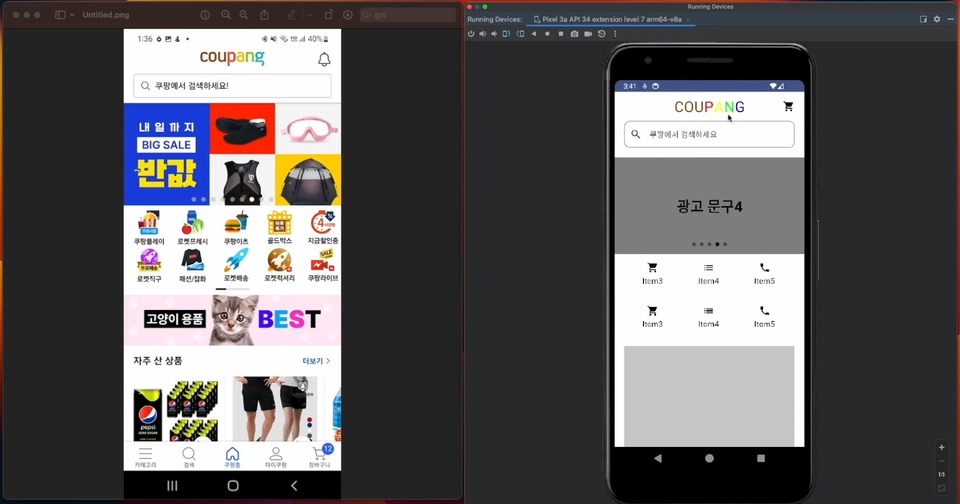
Section 7 - Creating the Coupang Main Screen
We will practice using Scroll and Pager while creating a screen similar to the Coupang main screen.
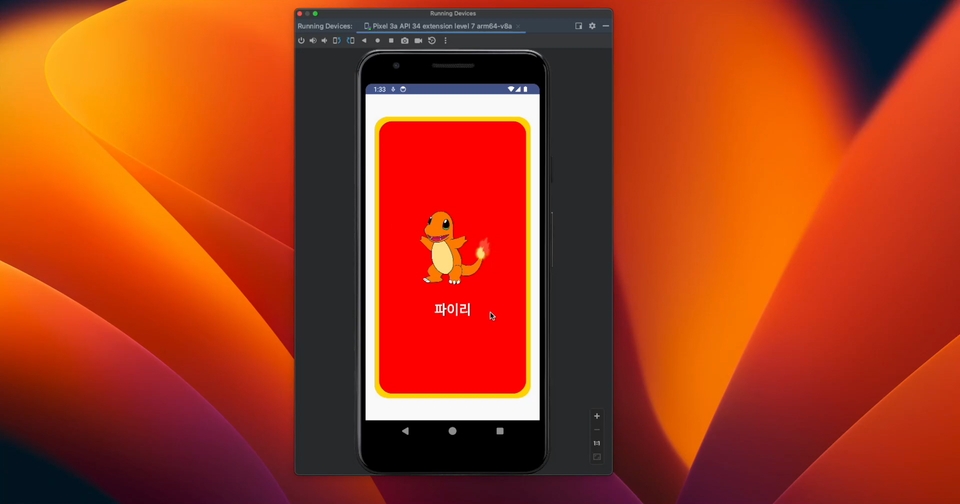
Section 8 - Making Pokemon Cards
We will practice creating a card-flipping animation and experience how simply animations can be implemented in Compose.
Section 9 - A few tips for using Compose (Bonus!)
We will explore parts that can be confusing when using Compose and learn how to use it alongside XML.
Q&A 💬
Q. Is prior knowledge required?
Yes. It would be best if you are able to create something like a RecyclerView using existing XML. Additionally, a basic knowledge of Kotlin syntax is required.
Q. To what level of proficiency is Compose covered?
The lectures primarily focus on basic UI.
Q. What is the teaching style like?
I have set a significant number of lessons as previews. I recommend checking out the preview lessons to see if the teaching style suits you before enrolling.
Q. There is official Google documentation, so why should I take this course?
Personally, I feel that while Google's official documentation is well-explained once you understand it, it often feels unfriendly to beginners. In this course, I have made an effort to provide step-by-step, easy-to-understand explanations from the perspective of a Jetpack Compose beginner.
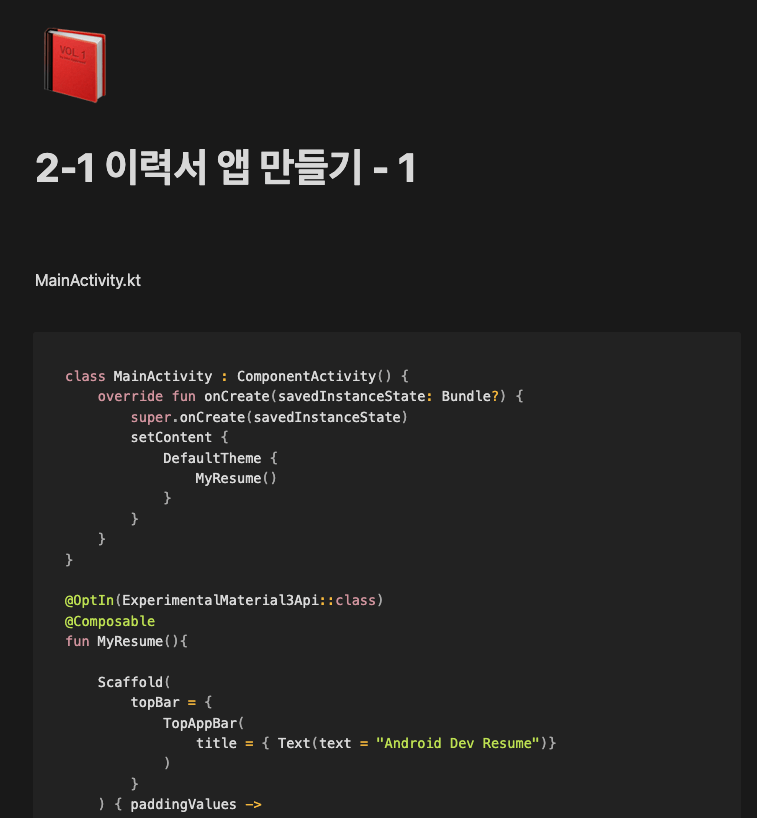
To ensure you fully understand the content, we provide source code and Notion materials!
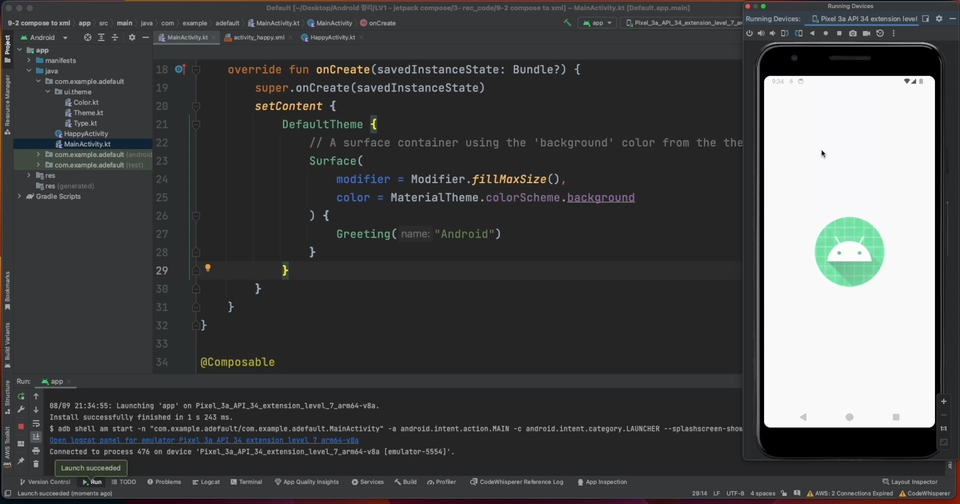
Section 0 Course Introduction - I have organized the source code neatly in Notion at the course materials link.
I'm currently taking the 6th lecture and the volume is consistent so I don't feel uncomfortable listening. I was able to learn a lot because the lectures cover the basics of Jetpack Compose step by step!








![[Intermediate] Friendly Introduction to JETPACK <Part 2> (Android Kotlin)Course Thumbnail](https://cdn.inflearn.com/public/courses/330922/cover/f82a0683-7fc3-49fb-b1a3-abebf05356d2/330922-eng.png?w=420)

![[Intermediate] Friendly Introduction to JETPACK <Part 1> (Android Kotlin)Course Thumbnail](https://cdn.inflearn.com/public/courses/328890/cover/f3412340-280b-42e6-aa53-3e43c79c4d0d/327096-eng.png?w=420)
![[Beginner Level] Learn Android Kotlin by Building 8 AppsCourse Thumbnail](https://cdn.inflearn.com/public/courses/327096/cover/fa1cbc3c-c0e8-4a3d-9f2a-1150b67f6457/327096-eng.png?w=420)

![[Portfolio] Creating an Android App - Practice SessionCourse Thumbnail](https://cdn.inflearn.com/public/files/courses/339622/cover/ai/1/ed686ab3-7df2-41f2-882e-c0996842fa8e.png?w=420)
![[LV4] Jetpack Compose - Design Patterns and CircuitCourse Thumbnail](https://cdn.inflearn.com/public/files/courses/339164/cover/01k79qy6g0xxp4f7zyfqmyhafy?w=420)
![[1 Hour] JavaScript for Developers (of other languages)Course Thumbnail](https://cdn.inflearn.com/public/files/courses/337877/cover/01jyvwkxfmyxtq5ny0e5fmwmqp?w=420)

![[Portfolio] Creating an Android App - Theory EditionCourse Thumbnail](https://cdn.inflearn.com/public/courses/335258/cover/371a20a3-e586-4be2-b40e-addbf7fb3416/335258.png?w=420)
![[LV3] Jetpack Compose - Creating a Realistic Diet AppCourse Thumbnail](https://cdn.inflearn.com/public/courses/334088/cover/3c137d6e-568c-465d-a740-e2bf87db58d1/334088.png?w=420)
![Planner, how about learning this level of web development? [Theory + Practice]Course Thumbnail](https://cdn.inflearn.com/public/courses/333579/cover/5bfdb903-721c-4e32-803b-ed0d4cfc28b7/333579.png?w=420)
![[LV2] Jetpack Compose - UI and AnimationCourse Thumbnail](https://cdn.inflearn.com/public/courses/333062/cover/7664ae49-5e6f-402b-95fa-73cb2fd7f549/333062.png?w=420)
![[Introductory] Kotlin Syntax for AndroidCourse Thumbnail](https://cdn.inflearn.com/public/courses/328032/cover/b566fea7-2dce-49cf-bd5a-911e33af1f31/328032-eng.png?w=420)