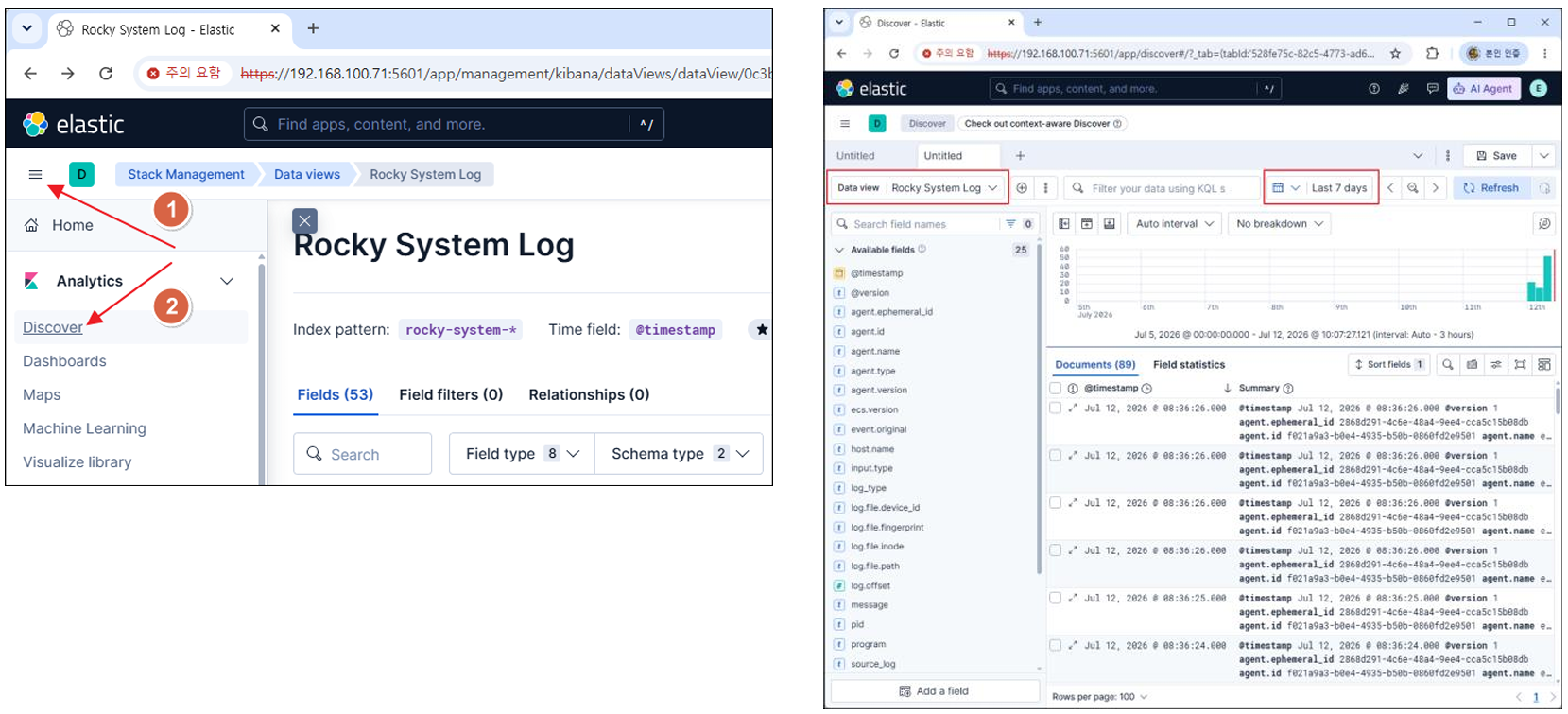
inflearn logo

Introduction to vi/vim Editor for Linux Users

This is a practical course for Linux beginners who struggle with saving, exiting, switching input modes, navigating, deleting, and copying/pasting because they are unfamiliar with vi/vim. Based on over 30 years of experience using Linux, this course is designed to help you step-by-step master the vi/vim basics and practical editing commands required for server tasks in a Rocky Linux 9 environment.

43 learners are taking this course

Level Beginner

Course period Unlimited

Linux
Linux
Shell Script
Shell Script
terminal
terminal
Vim
Vim
Linux
Linux
Shell Script
Shell Script
terminal
terminal
Vim
Vim

News

2 articles

  • linuxmasternet님의 프로필 이미지

    Edited

    Hello.

    We have opened a new course, “Hands-On Building DNS and Apache Web Servers with Rocky Linux 9.”


    Once you learn vi/vim, I believe what ultimately matters is how you use it on an actual Linux server.

    If you have learned the basics of Linux, you can now take the next step and experience the process of building and operating an actual server yourself.


    In this course, you will practice the following based on Rocky Linux 9.

    • DNS Server Setup and Domain Configuration

    • Configuring primary and secondary name servers

    • Installing and configuring the Apache web server

    • Building a web service environment integrating DNS and Apache

    • Setting up an APM environment based on PHP and MariaDB

    • Building a Tomcat-based JSP service

    • JSP and Oracle DBMS Integration

    • Apache Reverse Proxy Configuration and Java Spring Integration

    • Hands-on Practice Building Various Web Services


    Rather than simply following commands, this course is designed to help you understand through hands-on practice how an entire web service infrastructure is configured, from the DNS server to the web and database servers.

    I hope this helps those who want to take the next step beyond Linux basics and practice building a server themselves.


    Thank you. ^^

    0
  • linuxmasternet님의 프로필 이미지

    We plan to further reinforce the introductory vi/vim editor course with practical, real-world application content.

    The existing lectures focus on the basic usage of the vi/vim editor, and the additional lectures will cover the workflow of creating and modifying configuration files using vi/vim in an actual Linux server environment.

    ## Upcoming Additional Lectures on Practical vi/vim Usage
    15. Preparing for Practical Linux Server Tasks
    16. Preparing a Docker Elastic Stack Practice Environment
    17. Writing Elasticsearch and Kibana Configuration Files
    18. Writing Logstash Pipeline Configuration Files
    19. Modifying Filebeat Configuration Files and Verifying Log Collection

    Rather than being an in-depth course on the Elastic Stack itself, these additional lectures are designed as practical application examples where you will create and modify various configuration files using vi/vim while setting up a Docker-based Elastic Stack practice environment.

    I will prepare these to demonstrate how vi/vim is utilized in practical Linux server operations.
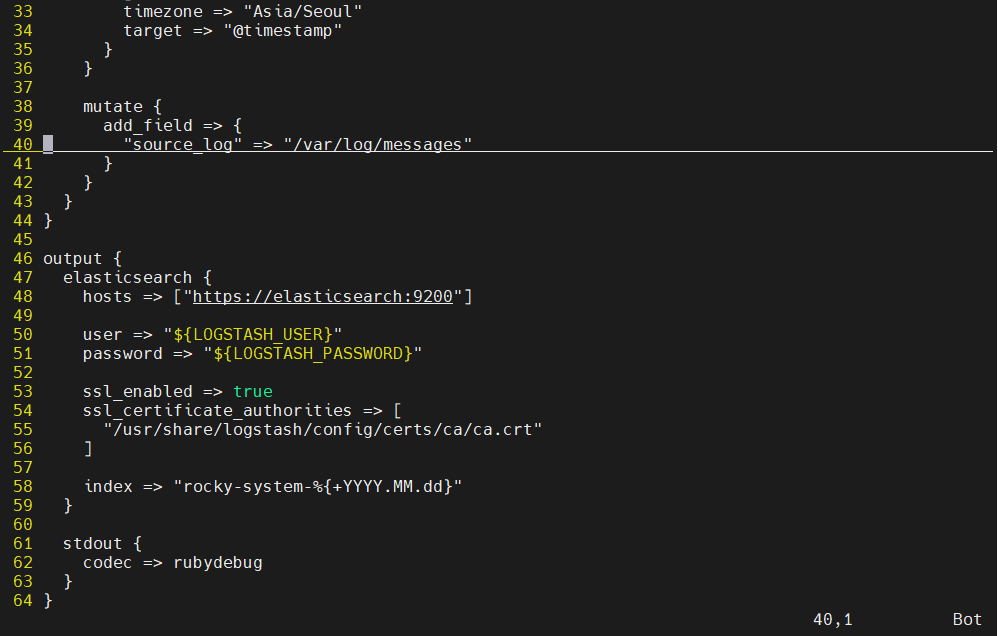
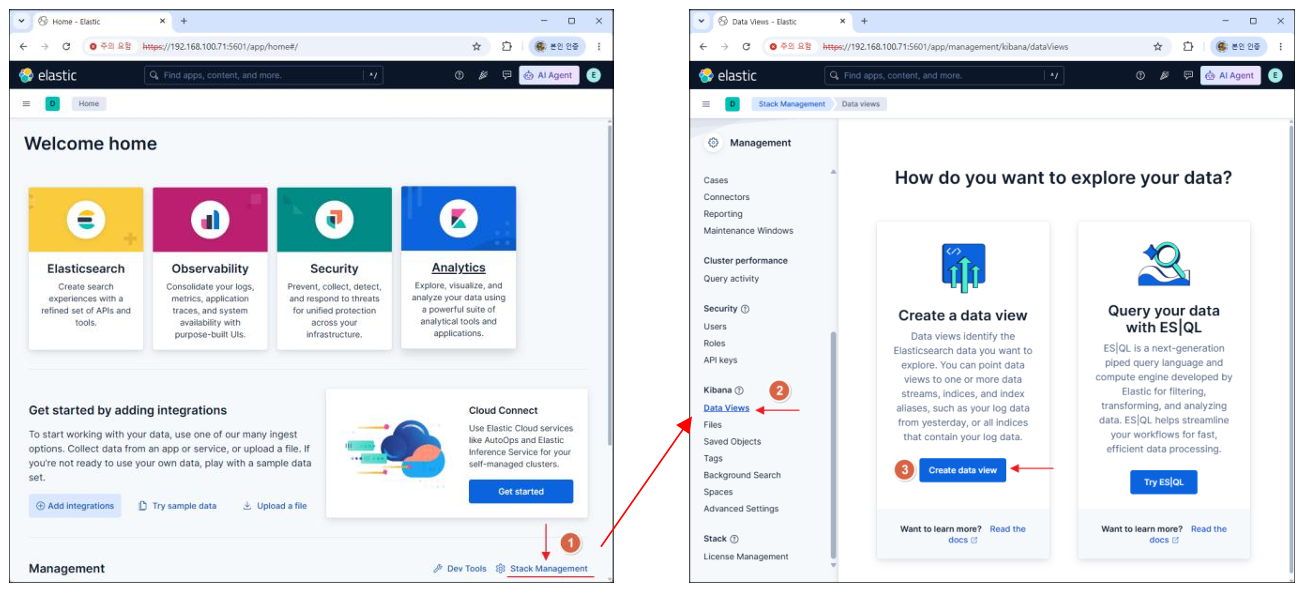
    image.pngimage.pngimage.png


    Thank you.

    Linuxmaster.net

    0

$17.60