Learn Front-End DO IT Coding While Making (Next.js, Typescript)
totuworld
You can create a service that is not just cool on the outside, but one that allows you to meet users and get feedback. You can gain confidence in web development.
初級
Next.js
Learn how to automate repetitive tasks through six examples using Google Workspace (spreadsheets, forms).
152 learners
Level Beginner
Course period Unlimited

Reviews from Early Learners
5.0
이레
A lecture that teaches you how to work elegantly! Even if you don't have a job, if you watch this lecture, your job will grow I didn't know Google had this feature... It drastically saves time spent on simple tasks!
5.0
이정환 Winterlood
It was really fun to listen to 😃 You proceeded neatly without any unnecessary details, and the visual aids were really good! I especially liked how you explained each and every minor development term that could have been overlooked, and what they meant.
5.0
냔냐
I really enjoyed listening to the Infcon presentation! Hehe, thank you for creating useful content.
You can learn coding with very easy difficulty.
Learn the basics of JavaScript, HTTP API, Webhooks, etc.
You'll find areas of your work that can be automated to improve your productivity.
You will learn smart ways to solve repetitive tasks.
My work, a little easier and faster!
Leave all the tedious work to Google. 🙋♂️
☑️ I want to improve productivity by automating tedious tasks.
☑️ I'm curious about coding and programming, but I'm tired of repetitive tasks.
☑️ When studying, I get confused by terms I don't know, and I end up just using the functions I need.
💡 Wait! This lecture is
This lecture begins with a real-life case. Mr. Raccoon (pseudonym), who has to send monthly statement payments to numerous clients, felt it was inefficient to spend so much time sending emails every month, even though it was important. Is there a way to solve this situation?
Have you struggled with the settings? Anyone can learn this course with just a web browser and a Google account.
Smart repetitive tasks
You will learn how to solve it.
What parts of your work should you automate?
Find and improve productivity.
Basics of JavaScript and HTTP API,
Learn about webhooks and more.
About programming
You can gain confidence.
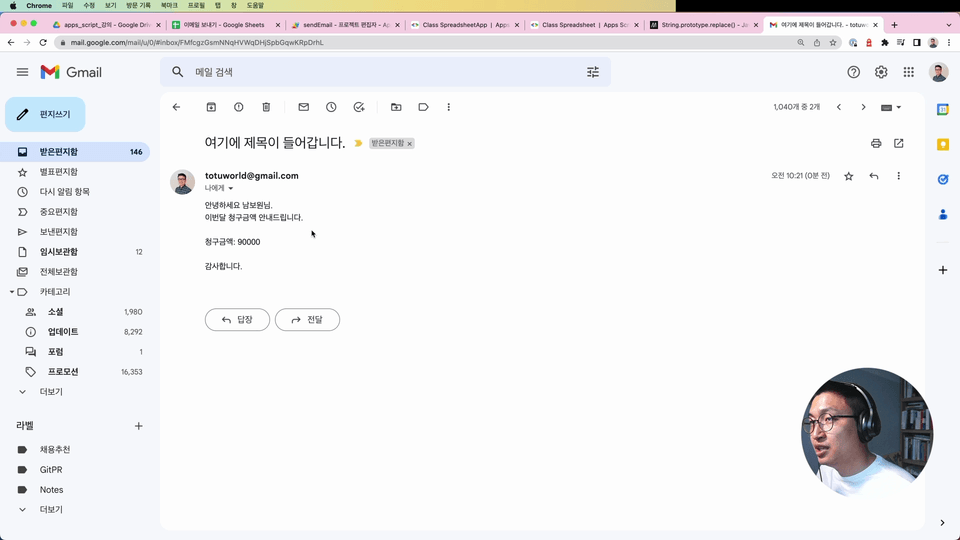
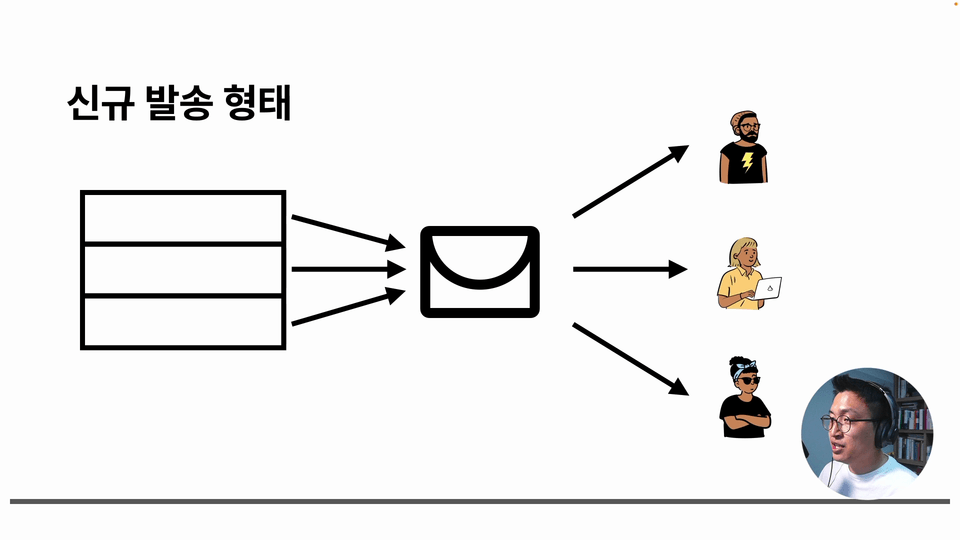
Send bulk emails
Learn how to send slightly different content to multiple people. Learn how to leverage data entered in Google Sheets.
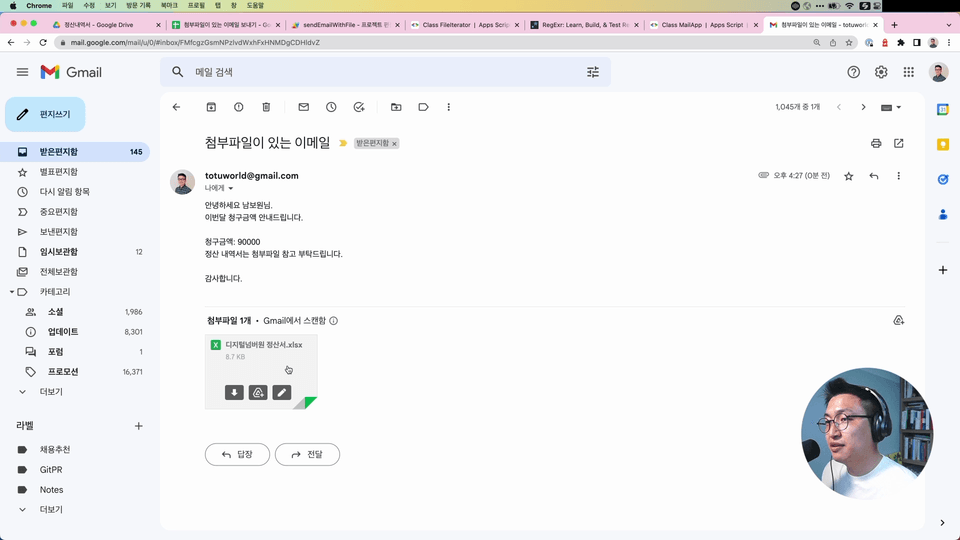
Sending bulk emails with attachments
Based on the code we wrote earlier, we'll learn how to access a file uploaded to Google Drive and attach it to an email.
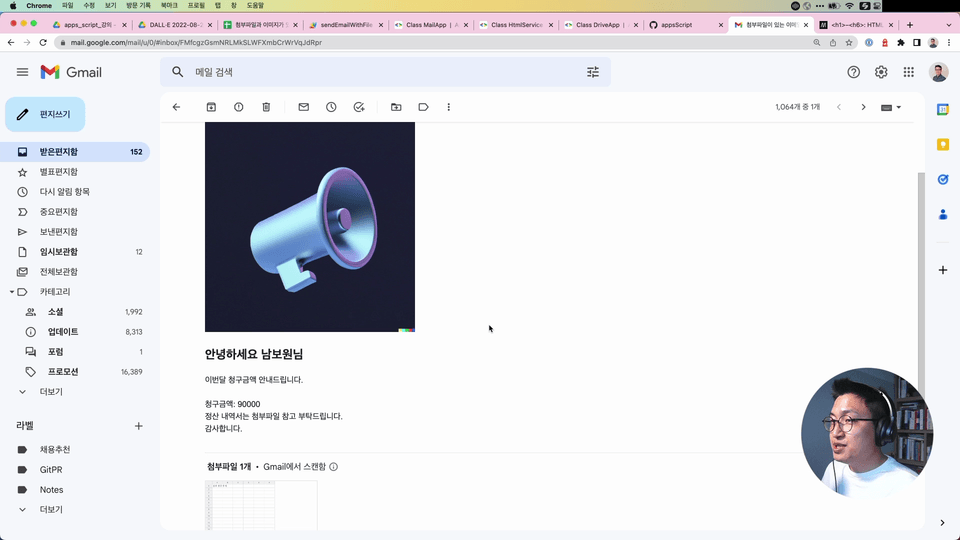
Sending bulk emails with a decorated body
Well-structured emails are also more convenient for readers. We'll briefly cover HTML and CSS to learn how to style your emails, and we'll also cover how to insert attached images into the body of your emails.
Process data and send it by email
While previously we sent emails by row, this lecture covers how to process data to create the desired format. This course explores how to process arrays.
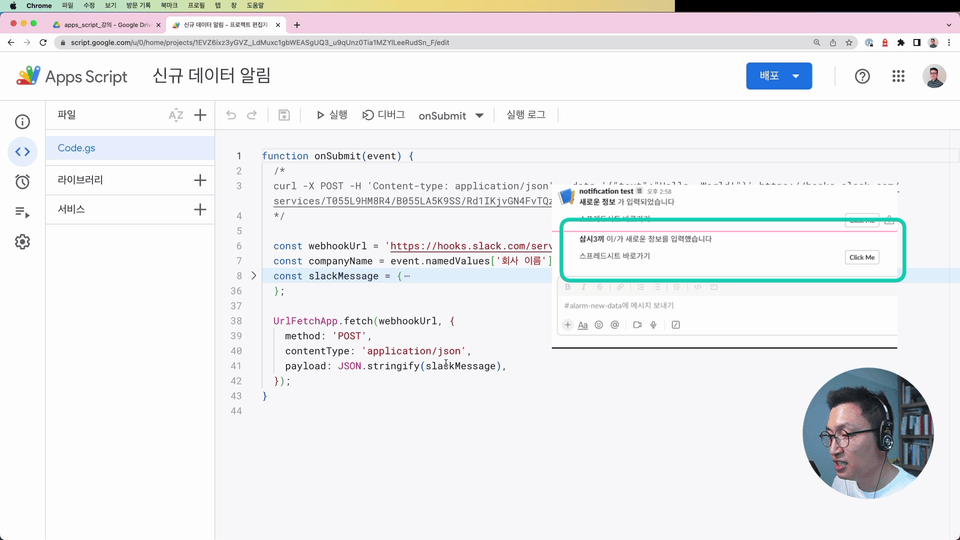
Receive new survey notifications
This article covers how to receive notifications for new Google Forms notifications sent to a specific Slack channel using Slack webhooks. It also covers how to register a Slack app to receive notifications.
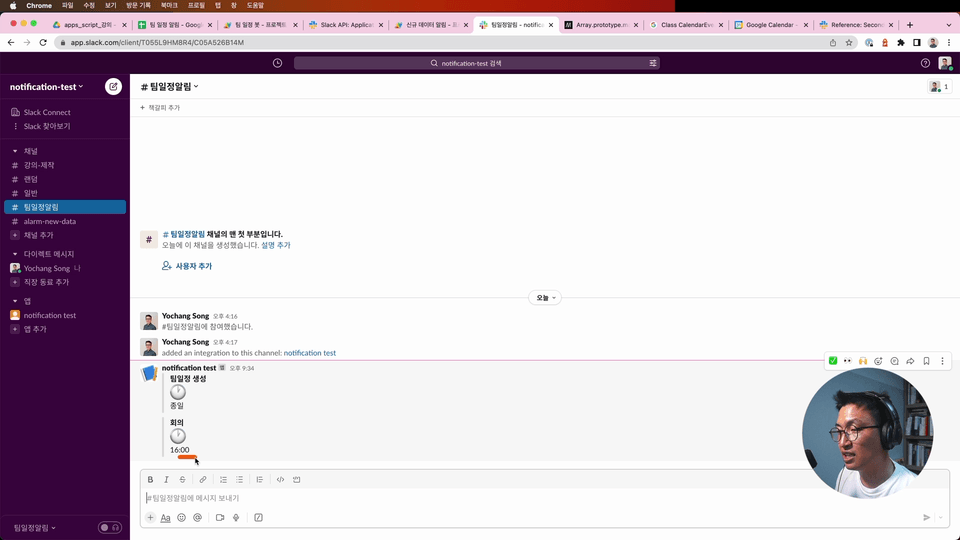
Create a team schedule notification bot
Learn how to send a notification from a Google Calendar shared with your team to a specific Slack channel at a set time each day. Explore triggers and learn how to customize your messages by exploring the Slack Bot Builder.
Q. Do I need to know programming?
Yes. It covers fundamental variables and functions, as well as objects, strings, booleans, and more. Best of all, it's easy to understand because you'll learn the explanations while actually creating code.
Q. Is it possible for liberal arts students to apply?
Yes. This lecture was revised over a two-month period, with feedback from two colleagues who are both serious liberal arts students. Necessary explanations for each step are included, so you can follow along without difficulty.
Q. Is there anything I need to prepare before the lecture?
No, all you need is a web browser and a Google account—no special setup required.
✨ Things to note before taking the class
I work as a front-end programmer at Elegant Brothers. I believe that ordinary people can come together to achieve extraordinary things.
Who is this course right for?
Anyone who is curious about coding or programming
People who are tired of repetitive tasks
Those who only use the features used in Google Workspace
2,368
Learners
38
Reviews
66
Answers
4.7
Rating
3
Courses
I am working as a frontend programmer at Woowa Brothers. I believe that ordinary people can come together to do extraordinary things.
- Current) Woowa Brothers, Frontend Programmer
- Former) Yanolja, Backend Programmer
- Former) ArasoPandan, Backend Programmer
- Former) MobiDIX, Mobile Game Client Programmer
All
11 lectures ∙ (2hr 43min)
Course Materials:
All
7 reviews
4.7
7 reviews
Reviews 3
∙
Average Rating 5.0
Reviews 2
∙
Average Rating 5.0
Reviews 4
∙
Average Rating 5.0
Reviews 1
∙
Average Rating 5.0
Reviews 2
∙
Average Rating 5.0
$17.60
Check out other courses by the instructor!
Explore other courses in the same field!