



inflearn logo

Git & GitHub Foundation Master Class – A Complete Beginner's Guide to Mastering Git Without Fearing Mistakes

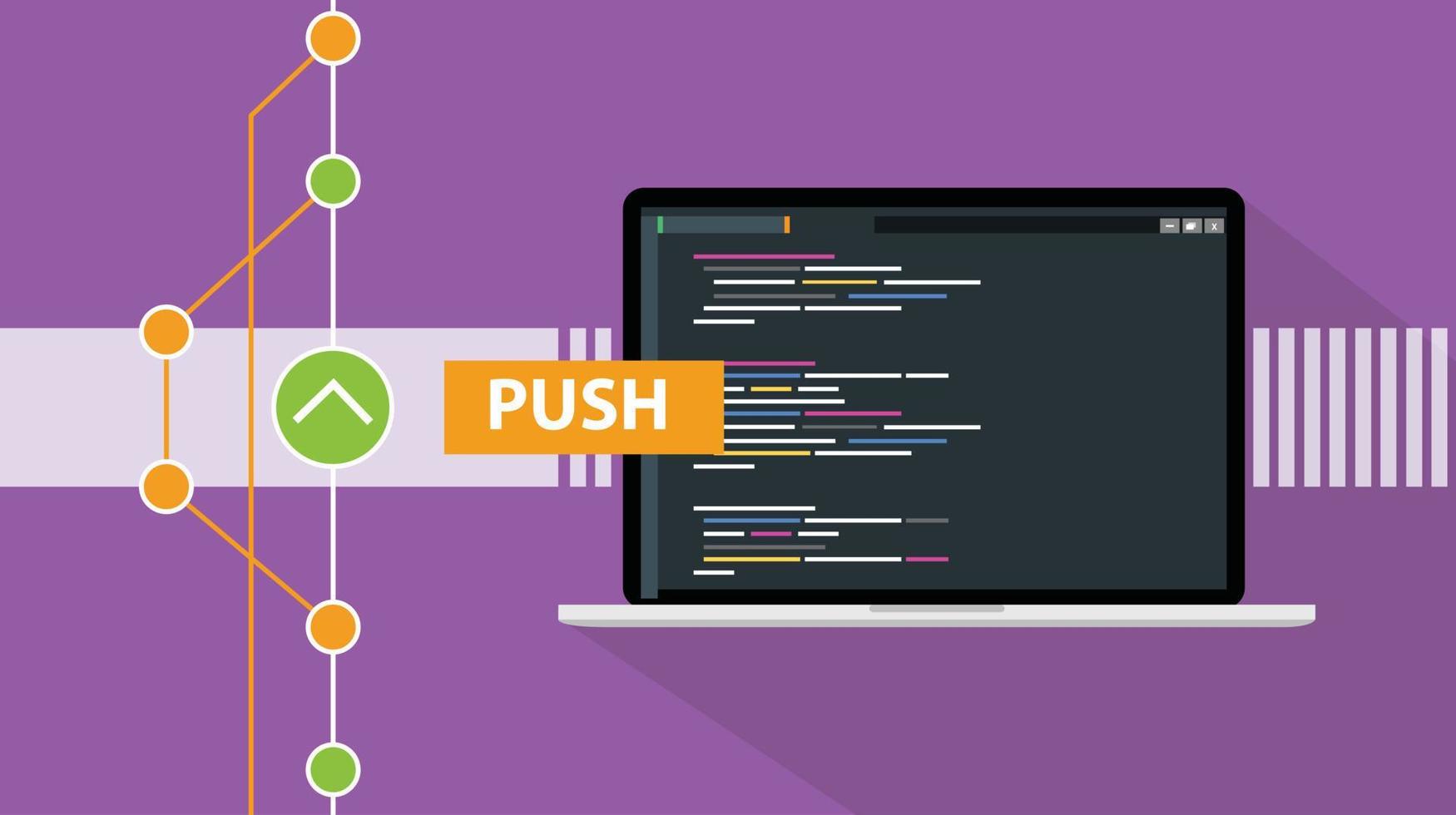
If you learn Git as a mere "collection of commands," it won't last long. If you understand the structure, you can use it for a lifetime. This is a structure-oriented course that organizes Git and GitHub based on real-world collaboration.

1 learners are taking this course

Level Beginner

Course period Unlimited

Git
Git
GitHub
GitHub
Git
Git
GitHub
GitHub

What you will gain after the course

  • Practical collaboration skills to understand Git's three-stage structure (Working Directory–Staging Area–Repository) and perform commits, branching, and merging firsthand without conflicts.

  • The ability to independently configure a Pull Request-based collaboration workflow using GitHub, and to upload and manage actual projects in remote repositories.

  • Debugging skills to track past change history and analyze the causes of issues using log and diff


Are you still struggling with Git?
[Commands] out, [Structure] in: Git skills for a lifetime

Fully understand Git's three-stage structure (Working Directory–Staging Area–Repository),
and develop practical collaboration skills to perform commits, branching, and merging without conflicts.
Independently configure Pull Request-based collaboration workflows using GitHub,
and acquire core competencies for uploading and managing actual projects in remote repositories.


When you receive a message during a team project saying that other team members can't work because of the code you modified

When you create the wrong branch and modifications become complicated, or when the commit history becomes a mess and you can't return to previous code

When you have to sit at your computer in tension, fearing that a single `git push` might blow everything away

Don't be afraid of making mistakes. Git will become your reliable 'time machine.'
Through this course, you will gain a perfect understanding of Git and GitHub based on their 'structure,'
and grow into a developer who can collaborate seamlessly, knowing that it's okay to make mistakes.


From the three-stage structure of Git
to the concept of HEAD and how to use log and diff,
you will master the essential Git features for real-world collaboration,
rather than just focusing on theory.


Build the skills to become a version control expert
without worrying about
confusing branches and conflicts.

By the end of this course, you will


You will become a developer who fully understands the structure of Git and uses it for a lifetime.

  • Instead of just memorizing commands, you will clearly understand Git's three-stage structure (Working Directory - Staging Area - Repository) and grow into a developer who can independently resolve branch merges and conflict issues. You will be able to use Git with confidence, without ever getting stuck again.

You will be able to proficiently handle the GitHub collaboration workflow.

  • You will gain a complete understanding of the Pull Request-based collaboration process and the ability to upload and manage actual projects in remote repositories. You will transform into a developer who confidently leads code reviews and merges in team projects without hesitation.

Develop debugging skills to track past change history and analyze problems.

  • You will be able to effectively track code changes using the log and diff commands, and quickly and accurately analyze the causes when problems arise. You will gain the confidence to solve problems without fearing mistakes.

Develop the ability to use Git confidently without panicking in any situation.

  • Even in situations where you have made a mistake in a commit or need to revert files, you will be able to solve problems calmly by skillfully using commands such as commit --amend, restore, and reset. You will eliminate vague fears about using Git and develop a development habit of learning from mistakes.


✔️

Git and GitHub are no longer difficult!

Git & GitHub Basic Master Class
Complete Beginner's Guide: No More Fear of Making Mistakes

Gain a solid understanding of Git's three-stage structure (Working Directory - Staging Area - Repository) and develop lifelong practical collaboration skills through structure-oriented learning rather than rote memorization of commands. From establishing Pull Request-based collaboration workflows using GitHub to managing remote repositories, this practical course is designed to satisfy everyone from beginners to professional developers.

Improving Practical Collaboration Skills with Git & GitHub

Starting from the problems encountered when working on projects without Git, you will learn step-by-step how to clearly understand Git's core concepts and structures, as well as how to recover from mistakes. You can develop essential command skills such as git init, add, commit, branch, and merge, as well as the ability to track history and analyze issues using log and diff.

Practical Git & GitHub Tool Usage

Instead of memorizing commands, you will focus on understanding Git's three-stage structure and practice setting up a Pull Request-based collaboration workflow using GitHub. You will strengthen your practical skills by uploading and managing projects in remote repositories, tracking past change history, and analyzing the causes of issues through log and diff.


📚

Improving collaboration skills based on an understanding of Git structure

Section 1

The Necessity of Git and Basic Commands

You will learn about the problems that occur when Git is not used, how Git works, and the six core basic commands.


Section 2

Git Environment Setup and Initialization

Configure the environment for using Git by installing Git, setting the username and email, and specifying the default editor. Create your first repository and understand the concepts of add and commit.


Section 3

Core Structure of Git and Tracking Change History

Understand the three-stage structure of Git (Working Directory, Staging Area, and Repository) and the meaning of HEAD, and learn how to track and compare code change history using the log and diff commands.


Section 4

Git Recovery and Error Handling

Learn how to use the commit --amend, restore, checkout, and reset commands to fix incorrect commits or revert to a previous state, and study the precautions to take when using reset.


Section 5

Branch Creation and Merging Practice

Understand the concept of Git branches, practice creating branches with the branch and switch commands, and learn how to merge multiple branches and resolve potential conflicts.


Section 6

Remote Collaboration Using GitHub

Understand the concept of remote repositories, synchronize them with local repositories using push and pull commands, and learn the GitHub-based collaboration workflow—from branch creation to Pull Requests, code reviews, and final merging.


We can solve the concerns
of these people!

📌

Junior developers with limited collaboration experience

Those who are familiar with typing in Git commands but feel lost and overwhelmed when it comes to branching or resolving conflicts.

📌

University students or job seekers participating in team projects

Those who do not clearly understand collaboration workflows such as GitHub's Pull Requests, code reviews, and merging, and therefore feel hesitant during team projects or fear code conflicts with other team members.

📌

Beginner developers who feel the need for version control

Those who spend time inefficiently reverting to past code or tracking change history because they do not know how to manage commit records systematically.

Notes before taking the course


Practice Environment

  • Operating System: Windows, macOS, and Linux are all supported.

  • Essential Tools: Git installation is required.

  • Recommended Specifications: A PC capable of basic coding tasks is recommended.

Prerequisites and Important Notes

  • It is suitable for development beginners who do not understand the operating principles of Git commands.

  • It provides practical help for those who struggle with GitHub collaboration workflows during team projects.

  • It is useful for beginner developers who waste time recovering previous code and tracking change history.

Learning Materials

  • Lecture slide PDFs are provided.

  • The practice-oriented curriculum allows you to use Git and GitHub firsthand.

  • It helps you deeply understand how Git works through structure-oriented explanations.


Recommended for
these people

Who is this course right for?

  • A beginner developer who follows Git commands but doesn't understand why they work, and always gets stuck whenever branches and conflicts occur.

  • Students and job seekers who delay their work or fear merge conflicts because they do not understand the GitHub collaboration workflow (Pull Requests, code reviews, merging) in team projects.

  • A junior developer who always wastes time reverting to past code or tracking change history because they fail to manage their commit history properly.

Need to know before starting?

  • Basic computer literacy (understanding the concepts of files and folders) is sufficient, and you can take the course even without any prior programming experience.

  • Learning will be easier if you have a very basic understanding of command-line environments (terminal/console).

Hello
This is lunastev

Wave programming language developer

Wave GitHub

GitHub

Curriculum

All

16 lectures

Course Materials:

Lecture resources
Published: 
Last updated: 

Reviews

Not enough reviews.
Please write a valuable review that helps everyone!

Similar courses

Explore other courses in the same field!

Limited time deal

$27.50

28%

$38.50