
CSS Lecture for EPUB Creation
epublab
EPUB becomes a more stunning book through CSS. This course explains the essential CSS properties needed for EPUB production quickly and easily in about 2 to 5 minutes.
Beginner
EPUB, Sigil, HTML/CSS
You can naturally learn the EPUB production process by creating a simple e-book with Sigil.
Reviews from Early Learners
5.0
손경훈
You explain the key points very clearly and in a really easy way.
5.0
hawini
Straight to the point! The explanations make it very easy to follow along with the lecture. I understood everything so well~ Thank you ^0^
5.0
이소윤
Thank you 'ㅅ'/
EPUB Production Workflow
Basic Usage of SIGIL
Basic Usage of HTML Tags
CSS Writing Basics
In the digital age, anyone can create an e-book! However, many people feel overwhelmed by the complex processes and unfamiliar terminology when they actually try to start. This course will guide you step-by-step through the process of creating EPUB e-books using SIGIL.
It consists of a total of 11 short lecture videos, so you can easily follow along. Each lecture explains only the core essentials concisely.
SIGIL Interface Layout
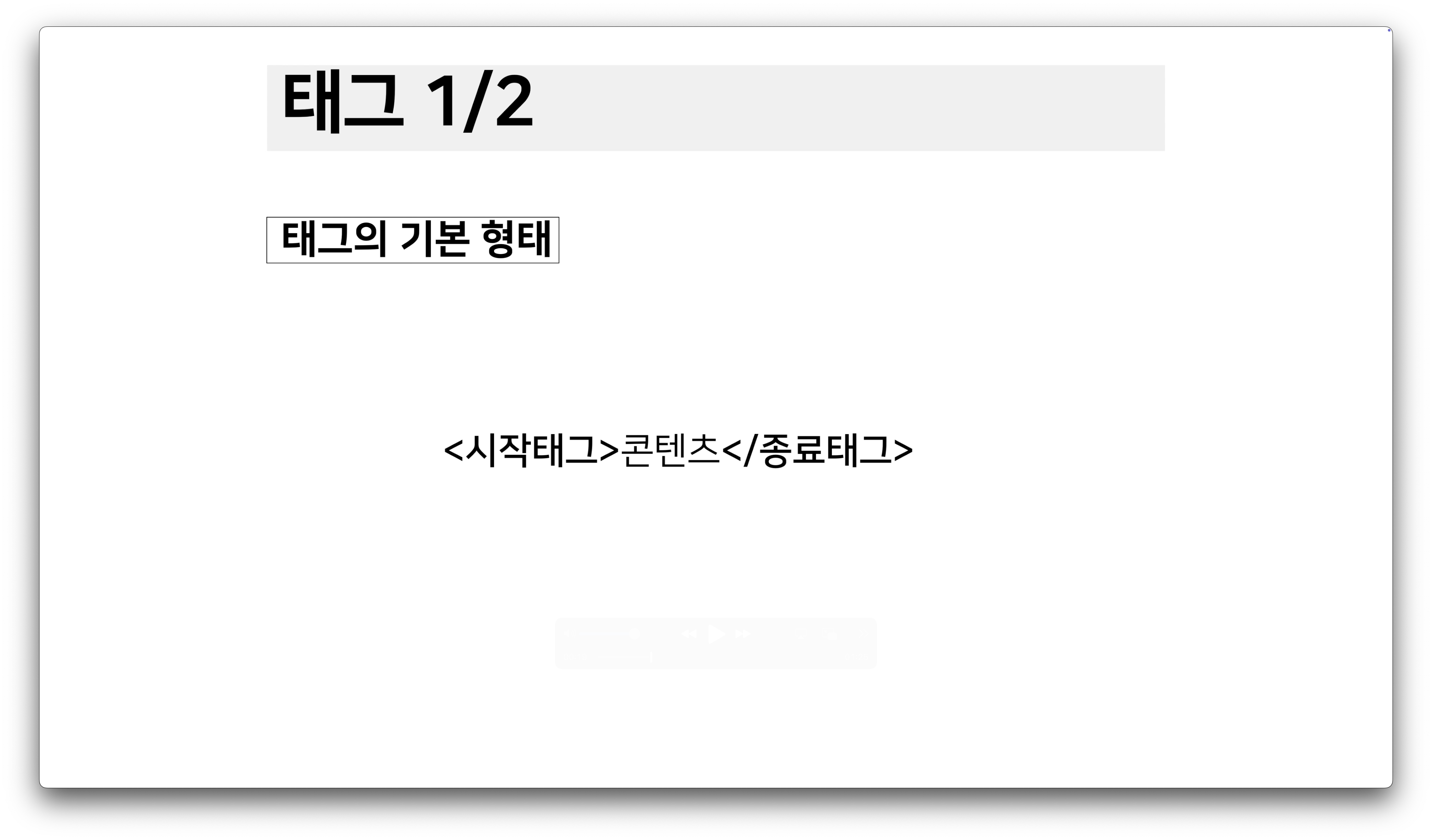
Tag Basics
CSS Basics
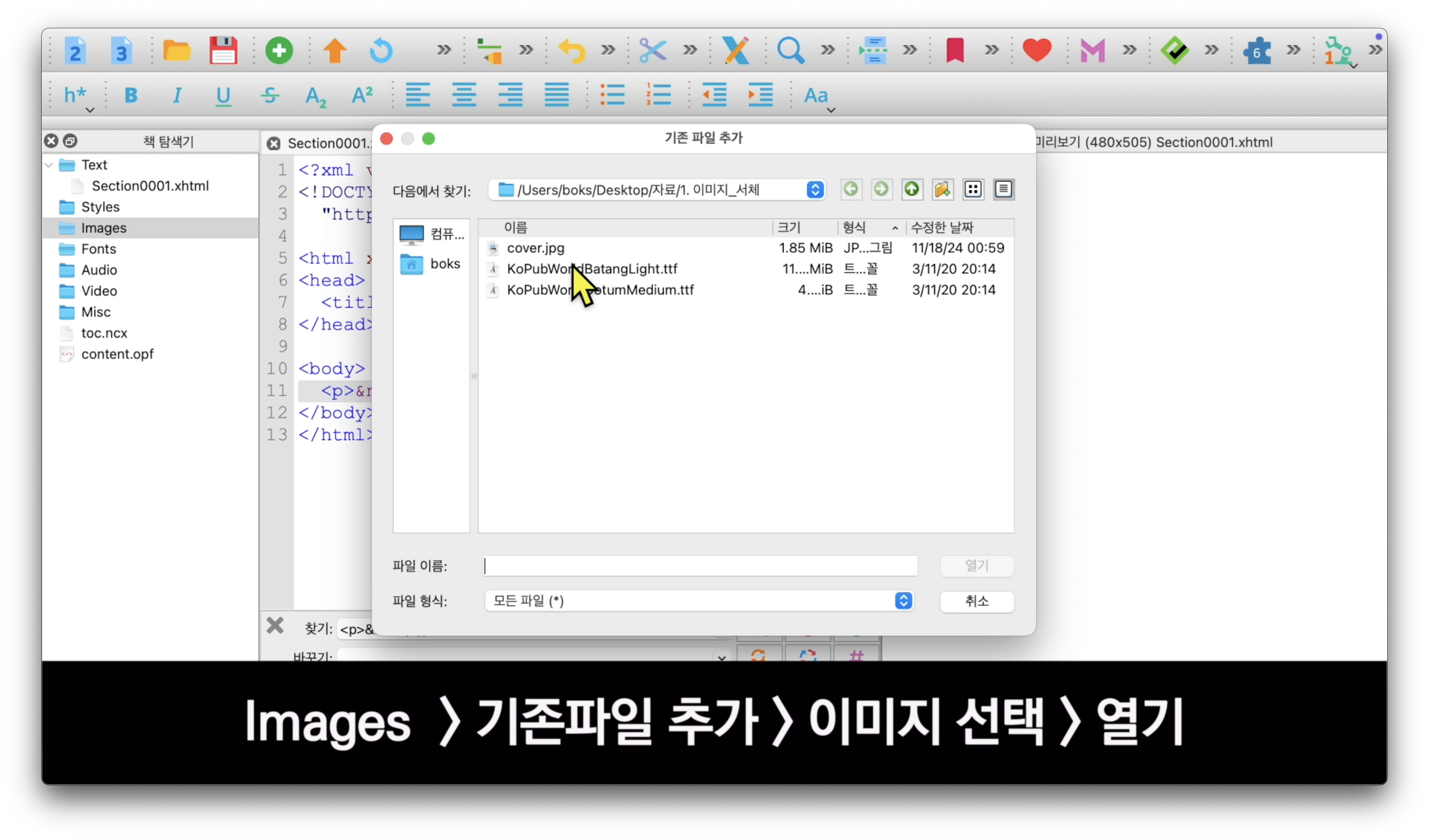
Importing images and fonts
Importing the Manuscript
Cover Settings
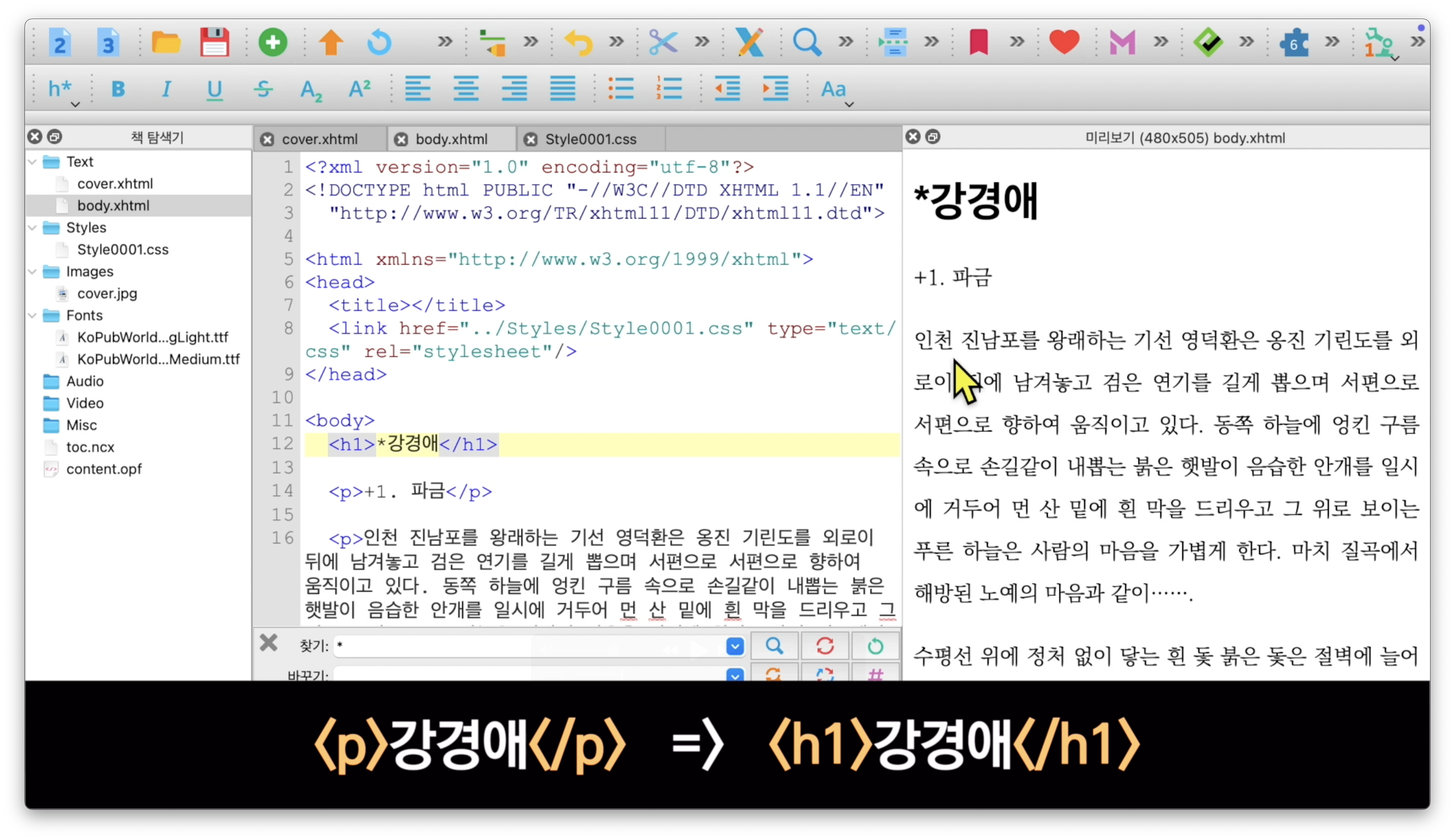
Body text settings
Setting the Title
Chapter Division
Table of Contents Settings
Metadata Settings
* The production of the copyright page is not included as the required skills overlap.
This course covers the entire process of creating EPUB ebooks using Sigil.
You will naturally learn the workflow by creating an actual ebook..
✔ Those who want to create an e-book but don't know where to start
✔ Beginners who want to understand the EPUB production workflow at a glance
✔ Non-majors who want to learn EPUB production even without knowledge of HTML/CSS
✔ Those who are preparing for publishing or want to create content using e-books
Please prepare before the lecture begins.
✅ SIGIL : Please download SIGIL, the EPUB editing tool, in advance.
👉 Official Download Page
✅ Class Materials: Please download and prepare the class materials.
4. Importing Images and Fonts - Image files, Font files
5. Importing Manuscripts - Manuscript Files
10. Table of Contents Setup - TOC Organization File
Who is this course right for?
Those who wish to create EPUBs themselves
Those who are unfamiliar with the EPUB production workflow
Those who are preparing to publish an e-book
Career Verified
63
Learners
8
Reviews
1
Answers
4.8
Rating
3
Courses
We plan, produce, and publish EPUB books.
All
12 lectures ∙ (36min)
Course Materials:
1. Sigil Screen Layout
00:45
2. Tag Basics
01:25
3. CSS Basics
01:20
5. Get the manuscript.
00:28
6. Cover settings
03:27
7. Text settings
06:19
8. Title Setting
06:21
9. Chapter division
02:41
10. Table of Contents
11:04
11. Metadata settings
01:34
12. Wrap-up
00:26
All
6 reviews
4.7
6 reviews
Reviews 2
∙
Average Rating 5.0
5
Easy and concise explanation makes it great for beginners! :)
I'm glad it was helpful. Thank you.
Reviews 2
∙
Average Rating 5.0
5
Straight to the point! The explanations make it very easy to follow along with the lecture. I understood everything so well~ Thank you ^0^
I am so glad to hear that it was easy to understand. Thank you for taking the course.
Reviews 4
∙
Average Rating 4.8
5
You explain the key points very clearly and in a really easy way.
This is an encouraging comment! Thank you, teacher.
Reviews 1
∙
Average Rating 5.0
Reviews 1
∙
Average Rating 5.0
Check out other courses by the instructor!
Explore other courses in the same field!