inflearn logo

Complete videos 3x faster with AI, Premiere Pro 2025 practical routine

We will cover everything from Premiere Pro features that have become faster with the integration of AI, to subtitling using VREW, and even the effects capabilities of After Effects.

19 learners are taking this course

Level Beginner

Course period Unlimited

Premiere Pro
Premiere Pro
Premiere Pro
Premiere Pro

What you will gain after the course

  • Complete Understanding of the Latest Premiere Pro 2025

  • AI automation editing routine completed

  • Creating effects possible without After Effects

🎬 Video editing—why are you making it so hard to learn?

When you try to start YouTube,
there is a wall you encounter first.

  • The programs are complex and

  • The lectures are too long and

  • Even if you follow along, you don't get the results.

That is why many people say this.

“Isn’t video editing something you need talent for?”

No.
The problem is that the method is wrong.


🚀 A "Real Editing Course" built from 10 years of practical experience

This course is
not a simple explanation of functions.


✔ Over 10 years of practical experience in video editing
✔ Active as an instructor since 2021
✔ Currently running a YouTube channel
✔ Experience in producing more than 5 video editing courses

✔ Experience lecturing on video editing at Kyung Hee University Human Resources Development Institute

Based on all these experiences,
I have included only the "fastest way for beginners to produce results."


❗ Only these people should take this course

This course is especially effective for those who fall into the categories below.


  • Those who have started YouTube but feel overwhelmed by editing

  • Those who have opened Premiere Pro only to close it immediately

  • Those who can do basic cuts but can't get that "professional feel"

  • Those who want to properly learn everything from subtitles and effects to color correction

  • Those who want to reduce editing time using AI

👉 If even one of these applies to you, this lecture will definitely be helpful.


🎯 Changes possible with just this one lecture

After completing this lecture,
the following will be possible.

Video before editing

The video after editing

✔ Complete understanding of Premiere Pro basics
✔ Improve cut editing speed by 2–3 times
✔ Utilize AI-based automatic editing
✔ Create modern subtitles
✔ Produce high-quality videos including color correction
✔ Handle everything up to YouTube uploading at once

👉 In other words, you will be able to handle everything from "editing → completion → uploading" on your own.


📚 Lecture Composition (Practical-focused Curriculum)

PART 1. The First Step of Video Editing

  • Complete understanding of the latest 2025 interface

  • Workspace Setting & Customizing

  • Sequence concepts + essential settings for beginners

  • Shortcut settings to increase editing speed

👉 “Completely solving the problems where beginners get stuck”


PART 2. The Core of Video, Cut Editing

  • Practical methods from file organization to importing

  • Mastering the Basic Tools

  • How to cut and edit quickly

  • AI-based Cut Editing (Sensei AI)

  • Even text-based editing

👉 “The core part that cuts editing time in half”


PART 3. Creating Modern Subtitles

  • Vrew Automatic Subtitle Generation

  • How to link with Premiere

  • Creating MOGRT Templates

  • Applying subtitle effects

👉 “Completing a subtitle structure that increases views”


PART 4. Rhythmic Editing

  • Using L-cuts / J-cuts

  • Understanding Jump Cuts

  • Basic concepts of transitions

👉 “Escaping amateur-looking editing”


PART 5. Effects & Color Correction

  • Black and white effect

  • Lumetri Color Basics

  • Utilizing HSL Secondary

  • Mosaic / Tracking / Chroma Key

👉 “The core part that determines video quality”


PART 6. Export & Platform Optimization

  • YouTube Export Settings

  • Shorts / Instagram Auto Reframe

  • How to create thumbnails

👉 “Finish editing → Ready for immediate upload”


PART 7. Practical Lecture Video Editing

  • Rough cut editing for lecture videos

  • Subtitle Automation

👉 “Even educational content creation is possible”


PART 8. Editing with AI

  • Scenario production with ChatGPT

  • Quickly create 1-minute Shorts

👉 “These days, editing must utilize AI”


💡 Key Differentiators of This Course

Many lectures are structured like this.

❌ Feature explanation → End
❌ Follow along → End

But this lecture is different.


✔ Explanation of "why we edit this way"
✔ Providing actual work routines
✔ Including the use of AI
✔ Result-oriented lectures

👉 Not just a simple lecture, but a structure that builds "editing skills"


📌 To be honest

Video editing is something
anyone can do.

But

👉 The difference between "those who learn quickly and properly"
👉 and "those who struggle alone" is massive.

This course was
created to reduce that time.


🎯 Highly recommended

  • Those who want to start YouTube

  • Those who want to reduce editing time

  • Those who want to learn even AI-powered editing

  • Those who want to establish a proper editing routine


🚀 Start now

Video editing is
a loss the later you start.

If you learn now
👉 your results will change in 3 months
👉 and your income will change in 1 year

Recommended for
these people

Who is this course right for?

  • Those who are new to video editing

  • Those who are unfamiliar with Premiere Pro 2025

  • Users of previous versions of Premiere Pro

  • Those interested in video design

Hello
This is contentsheaven

1,225

Learners

91

Reviews

14

Answers

4.7

Rating

7

Courses

Hello, I am Kim Ho-seung of 'Content Heaven'.
I am someone who teaches Minecraft, video editing, and blogging, holding onto the single sentence, "Let's restore the joy of learning."

Are you perhaps feeling lost right now, thinking, "When on earth will it be my turn..." because you're working hard but don't see any results?
I know exactly how that feels. Because I was right there in that same spot.

In February 2019, my blog's monthly views were less than 200.
Far from getting sponsorships, I seriously considered giving up, wondering if I should even continue.
Then, in December of that year, I started digging in properly. I analyzed trending posts versus buried ones one by one and found the 'principles of success.'
As a result, it became a blog that consistently exceeds 1,500 to 2,000 daily views — and from then on, good things started following one after another.

It felt like a waste to enjoy this change all by myself. That is why I opened this course.
I want to share the principles I discovered so that you don't have to take the long way around as I did.

This is the path I have walked so far.
· 6 years of continuous lecturing, from Minecraft convergence education to blogging
· Selected as a Naver Influencer in 2021, still actively participating
· Kyung Hee University video editing lecture — researching on-site "what" beginners find difficult
· Sharing basics for free on YouTube that are helpful to know before starting Inflearn

I will continue to share what I know without ceasing.
Won't you join me in rediscovering the 'joy of learning'?
👉 Naver Influencer: in.naver.com/contentsheaven

More

Curriculum

All

37 lectures ∙ (3hr 38min)

Course Materials:

Lecture resources
Published: 
Last updated: 

Reviews

Not enough reviews.
Please write a valuable review that helps everyone!

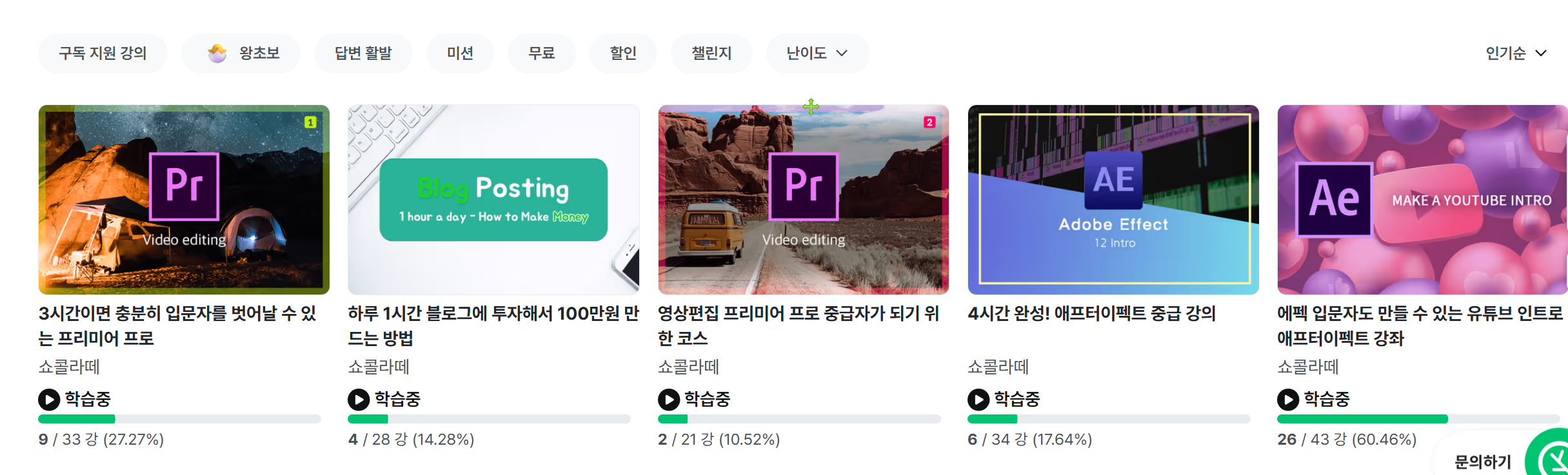
contentsheaven's other courses

Check out other courses by the instructor!

25% off for new members

$12.00

25%

$22.00