

Business Information Visualization Skills Practical Exam Pass Course with Power BI – Comprehensive Preparation for Power Query, DAX, and Visualization
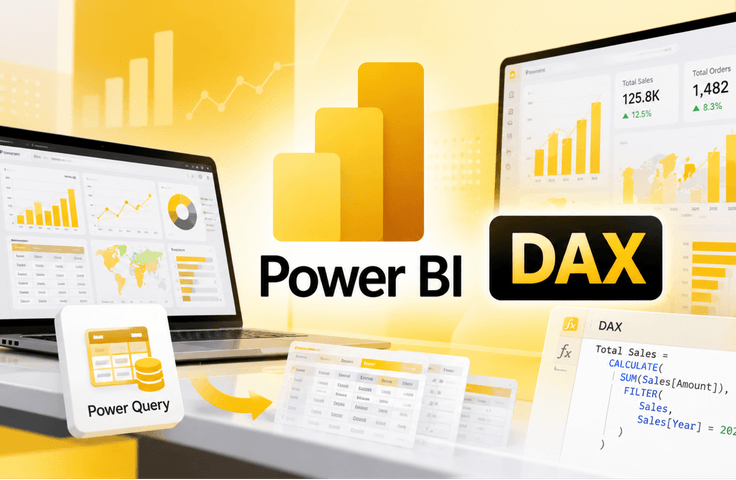
Hello, I’m Kyungdeok Park, currently working in Pulmuone’s AX Innovation Office, where I plan AI, data, and automation projects and oversee citizen developer training. Following Power Automate and Power BI, I have now launched a practical course on the Management Information Visualization Competency exam on Udemy. [What sets this course apart from others] This is not a course that simply lists features. An instructor who currently designs dashboards with Power BI and directly trains citizen developers within the company will focus on what actually appears on the exam, especially the parts that are easy to confuse. Practice-focused lessons covering everything from Power Query basics to advanced features such as merging, unpivoting, and conditional columns Step-by-step learning of DAX calculated columns, measures, and time intelligence functions Complete coverage of frequently tested charts—slicers, cards, bar charts, line charts, matrices, and more—as well as conditional formatting Practical application of advanced features such as editing interactions, parameters, and page navigators Complete solutions for the publicly available Type A and Type B practice questions from the Korea Chamber of Commerce and Industry, as well as complete solutions for expected questions [This course is recommended for] Students preparing for the Management Information Visualization Competency practical exam for the first time Office workers who want to systematically review Power BI features from an exam perspective Data beginners who want to quickly learn Power Query, DAX, and visualization through hands-on practice Anyone who wants to learn the full problem-solving process through actual questions, as theory alone is not enough [Power BI Desktop can be installed for free by anyone] You can install it for free from the official Microsoft website, and the course will guide you through the installation process at the beginning. No coding knowledge is required at all. Complete the theory, practice, and problem-solving all in one course.
1 learners are taking this course
Level Beginner
Course period Unlimited
News
