



Hello students, I'm Jeonghwan Lee 😊
A Bite-Sized Vibe Coding Course Review Event will be held every week for the time being.
*Event Information
Participation Period: Until midnight on Sunday, June 14th
Reward: (All participants) 30% discount coupon for the One-Bite series lectures,
(1 Best Reviewer) 100% discount coupon for the One-Bite series lectures*How to Participate
After writing your course review, please fill out and submit the Google Form below according to the format.
https://forms.gle/QTdGCwyzeZRTm4VN7
Those who have already participated in the course review event are not eligible to participate again.
Please refer to the Google Form for more details and precautions!
We look forward to your active participation.
An email has been sent to everyone who participated in the previous week's course review event.
I would like to express my sincere gratitude to all the students for your thoughtful reviews.
Thank you for always showing so much interest and love 🙇🏻♂️
Thank you.
Best regards, Junghwan Lee
Hello, I'm Jeonghwan Lee 🍀
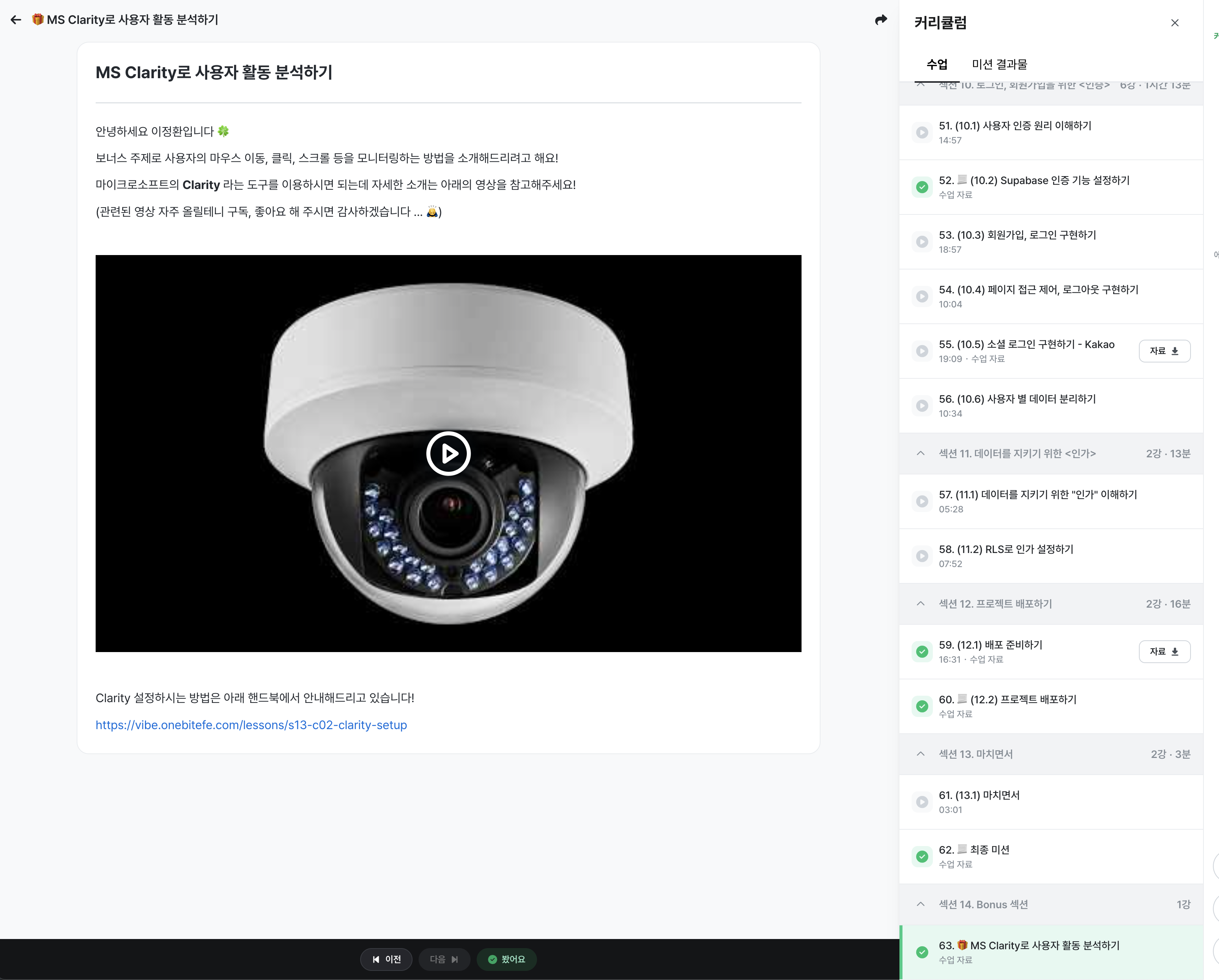
A new chapter has been added to today's One Bite Vibe Coding lecture.
New Chapter :: Analyzing User Activity with MS Clarity
By using MS Clarity, you can analyze user activities such as mouse movements, clicks, and scrolling.
It is, of course, free of charge and the setup process is simple, so please check out the content in the new chapter!You can find the new chapter in <Section 14 - Bonus Section>
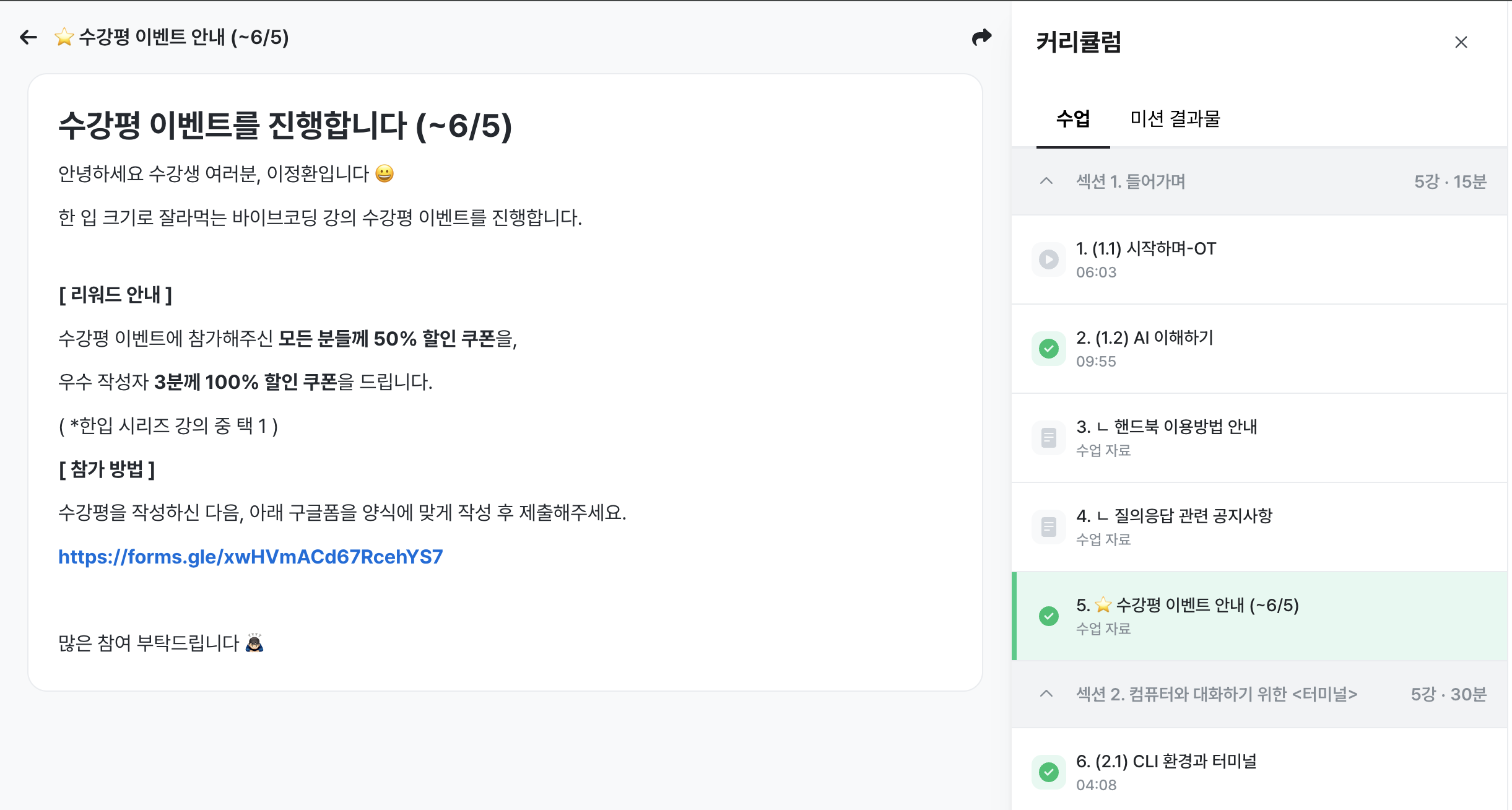
A course review event is currently underway.
We are running a course review event until June 5th.
We are providing a 50% discount coupon for the follow-up course to everyone who participates, so we look forward to your interest!You can find more details in <Section 1 - Introduction>
Thank you as always.
Best regards, Junghwan Lee
Hello, I'm Jung-hwan Lee 🌱
To celebrate reaching 100 students, I am writing to inform you of a lecture update.
Exceeded 100 students!
Thanks to your support, we have surpassed 100 students within just 3 days of launch!
I would like to express my sincere gratitude to all the students 🙇♂
Since this is a challenge in a new field, I am very nervous and anxious about whether you might find it uncomfortable to follow along.
I sincerely hope this lecture will be of some help to you.
If you are finding the lectures helpful, would it be okay to ask you for a course review!?
Just as praise can make even a dolphin dance,
I will also do my best to develop new chapters and sections, fueled by the ratings you send me 🔥
Codex Support Information
To ensure that those using Codex can also follow along with the practice exercises, I have added dedicated Codex bonus chapters to both the lectures and the handbook.
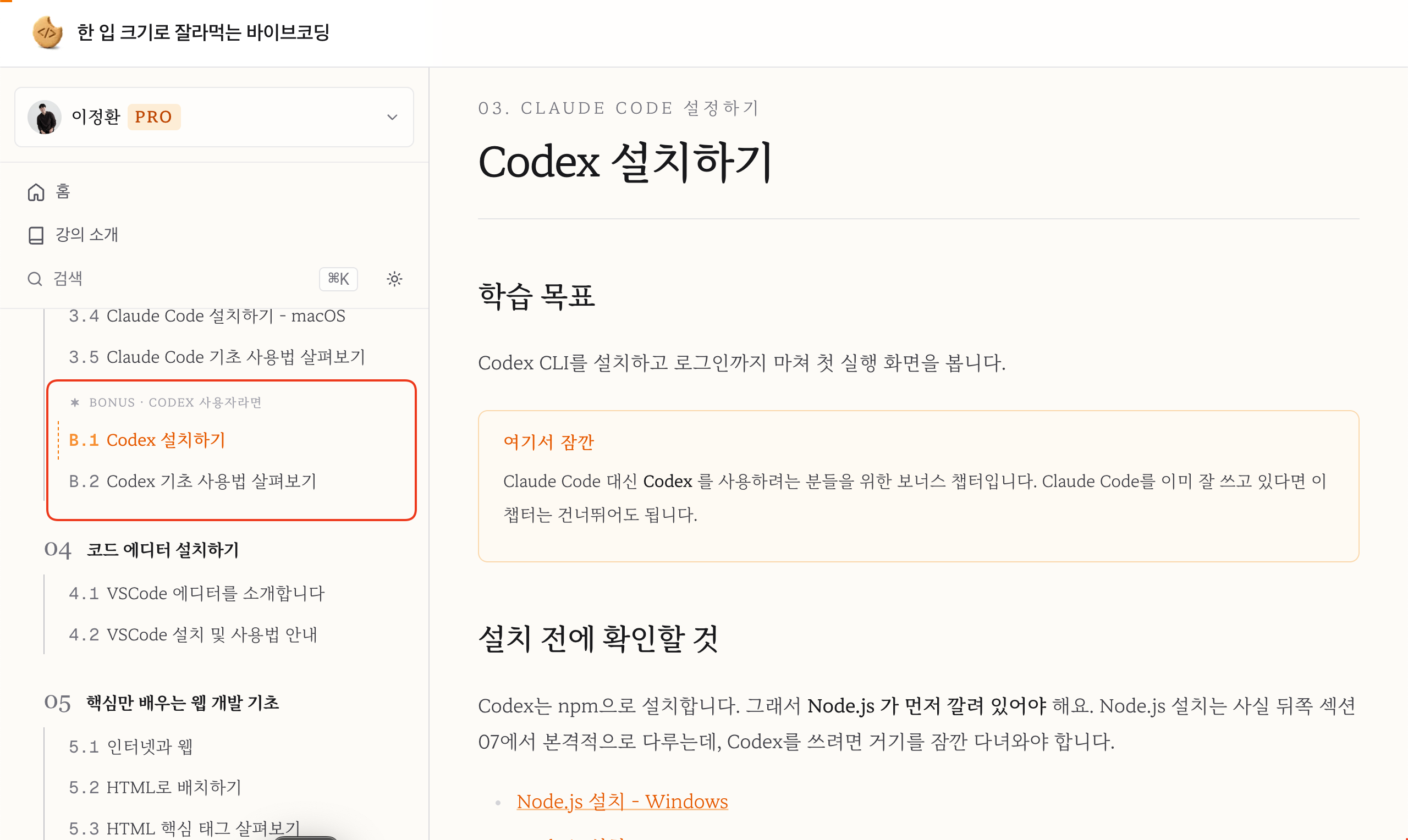
The added contents are as follows.
Lecture Changes
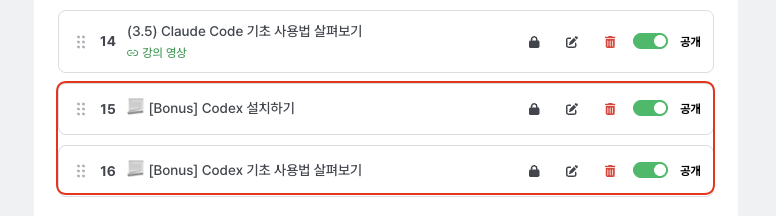
‣ [Bonus] Installing Codex chapter added (End of Section 3)
‣ [Bonus] Exploring Basic Codex Usage chapter added (End of Section 3)
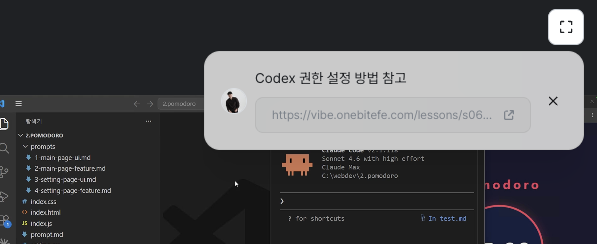
‣6.7) Safely Granting Permissions to AI chapter, added message guidance for Codex users (around 2 minutes 5 seconds)
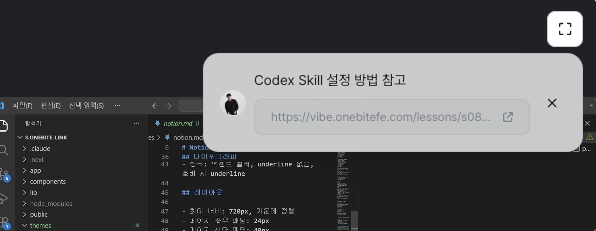
‣8.3) Setting Design Themes chapter: added message guidance for Codex users (around 2 minutes 25 seconds)
Handbook Changes
‣ Section 3: Added Installing Codex, B.2 Exploring Basic Codex Usage chapters
‣ Section 6: Added "Safely Granting Permissions to Codex" chapter
‣ Section 8: Added Setting Design Themes (Codex Skill) chapter
I am always sincerely grateful.
Have a great day!
Best regards, Junghwan Lee
