Axure RP 9,10 - The best prototyping tool for service planners
This is Korea's only Axure prototype intensive training course taught directly by Korea's first Axure certified trainer.

새소식
20 개
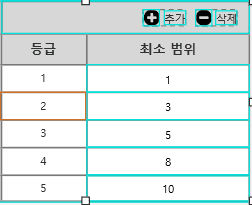
Among the questions from students, there was a question about implementing the functions of [Add], [Delete], and [Update] data in the table above, so I created a repeater widget application. Those interested in the repeater widget, please refer to it.
2021.9.8 Update Contents
- Adding a Row in a Repeater Widget
- Delete the last row in the repeater widget
- Update data of the corresponding row in the repeater widget
thank you : )
In the basic lecture, we looked at the function of activating/deactivating everything by checking the [All checkbox].
This time, we will introduce an interaction that is most commonly used in the list of bulletin board types, in which the active/inactive state of the select all checkbox also changes depending on the active/inactive status of individual checkboxes.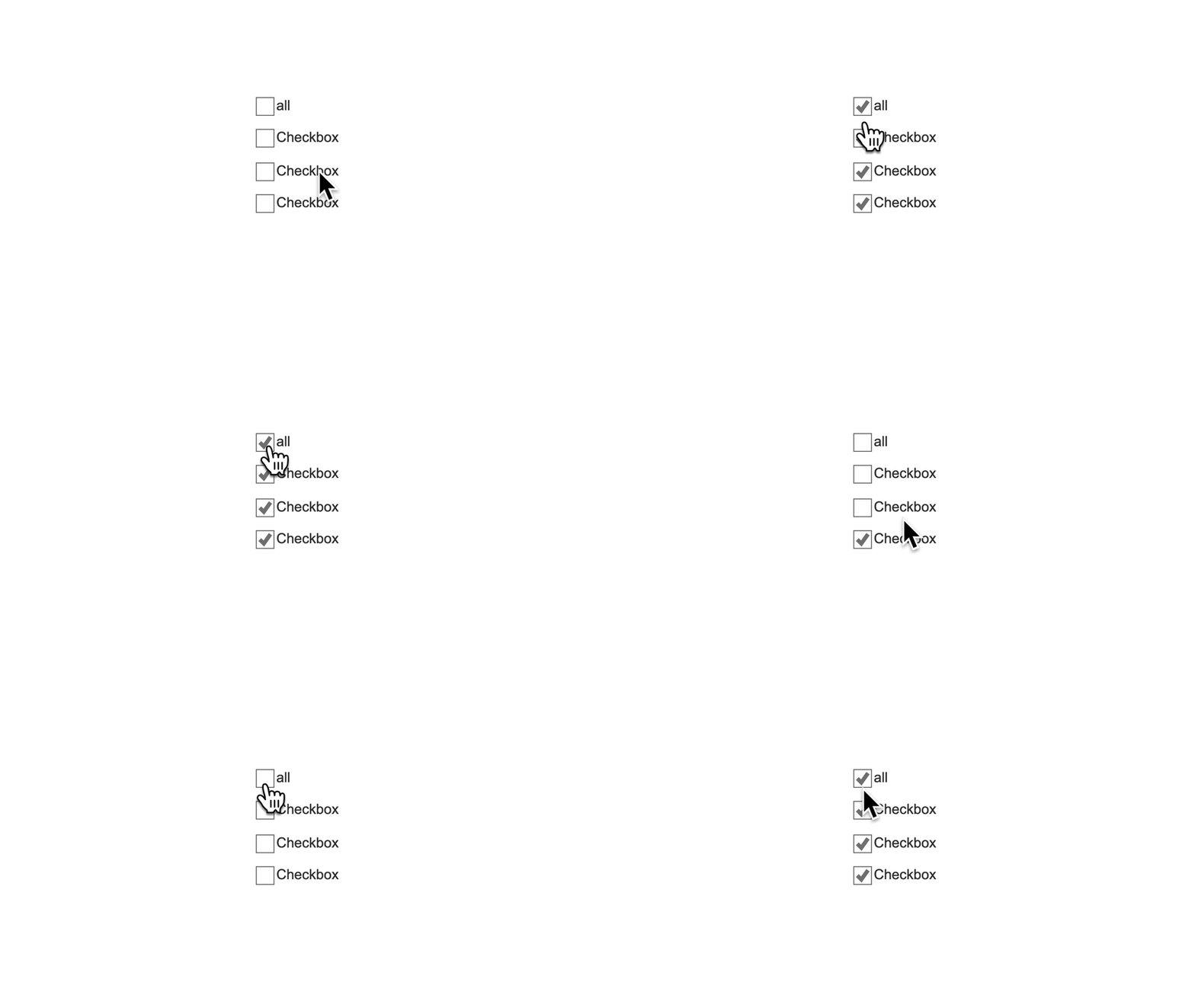 2021.8.11 Update Contents
- Control all checkboxes together when all individual checkboxes are selected using conditional statements
- Implement the Select All checkbox function to work without crashing by using a trick.
thank you : )
Counts the number of characters entered in the text field in real time,
The interaction to limit the maximum number of input characters has been updated.
2021.6.11 Update Contents
- Count the number of characters in the input form
- Limit the maximum number of input charactersA sample file is also attached, so please download the file and practice.
thank you : )
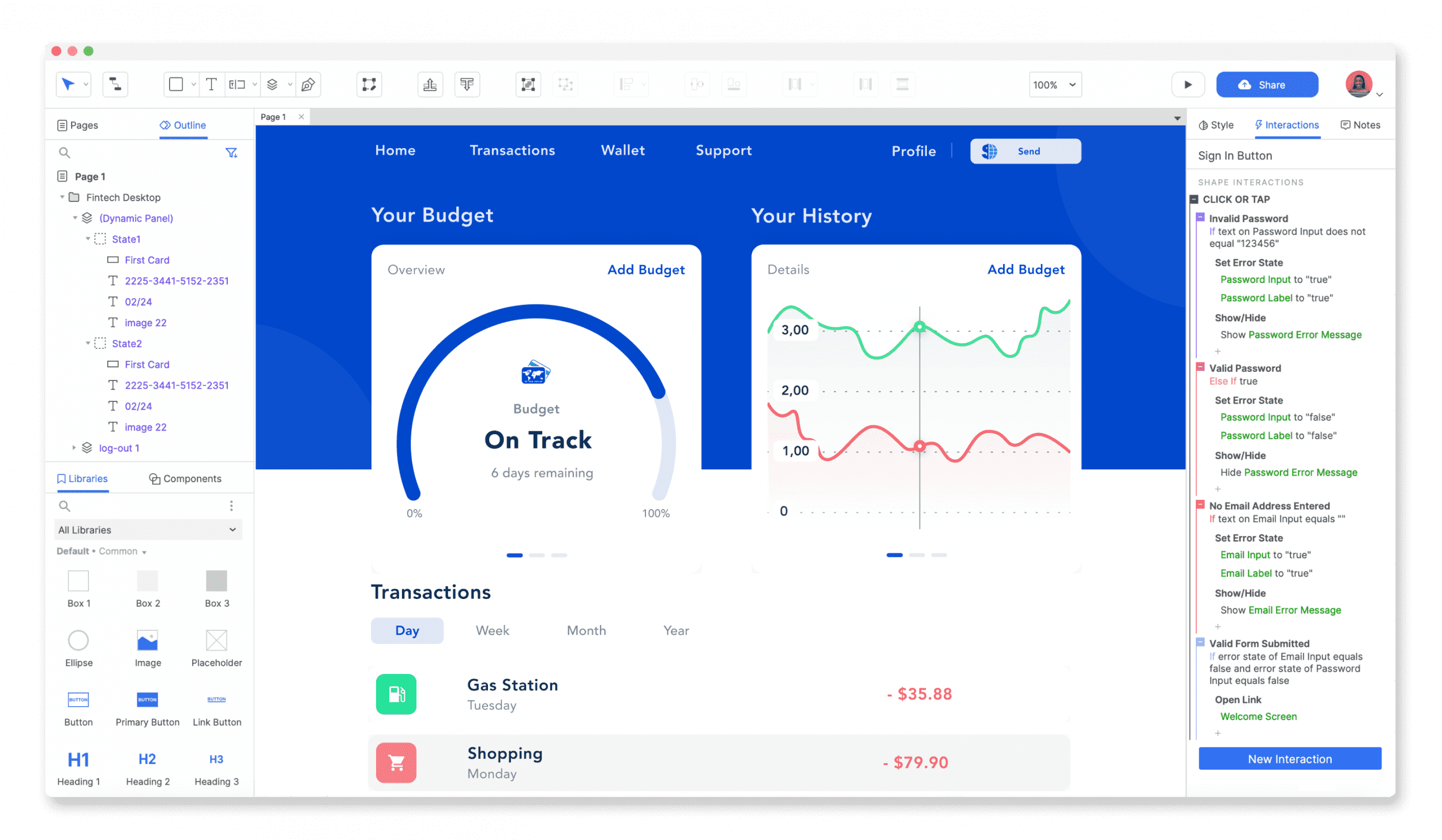
Axure RP 10 is now officially available.
I think those who have been using RP version 9 will be able to use version 10 without much difficulty.
For those who are new to RP version 10 and find it confusing to follow the lecture, we have updated the video introducing the basic usage of Axure RP 10.Since I've only introduced the most basic of the basics, those who are already using version 10 well don't necessarily need to watch this video.
In the future, based on RP 10, I plan to add a few more interactions that I haven't learned yet, so please look forward to that video! ^^2021.5.28 Update Contents
- Introduction to basic usage of Axure RP 10
thank you : )
When drawing a list UI or table UI using a repeater widget, there are often cases where you need to link the appropriate links to each piece of data.
In this video, you will learn how to add (internal/external) links to your dataset and connect them with the repeater UI.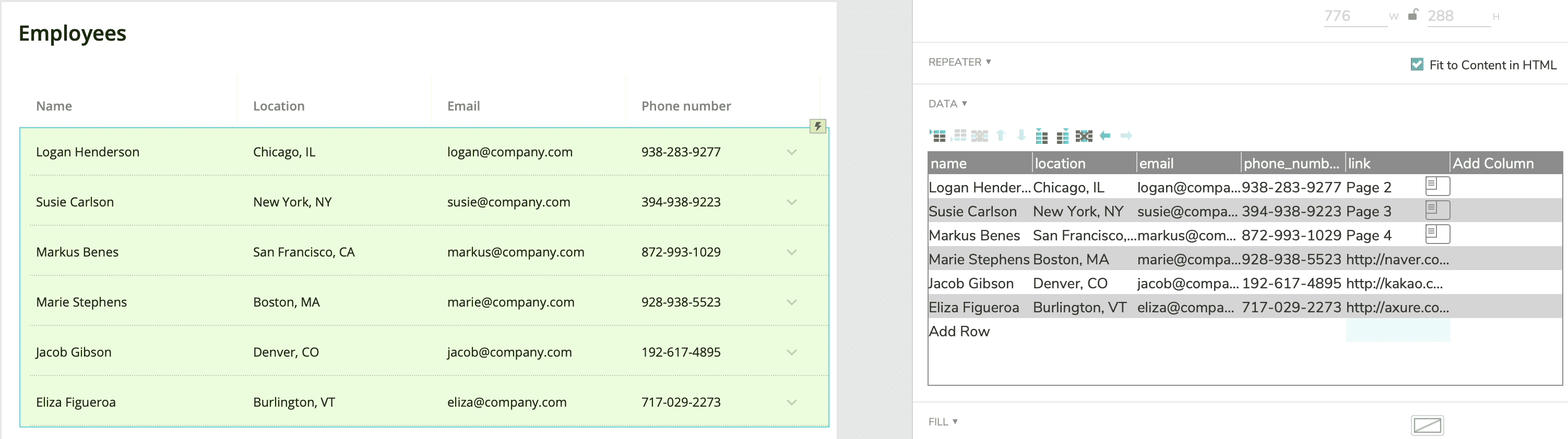
2021.3.26 Update Contents
- Add internal and external links to repeater data
- Linking the links entered in the repeater UI and data
The working file is also attached, so you can download the sample and implement it.thank you : )
In many Form UIs, including login and sign-up, when you press <Enter> in an input field, a submit event is executed!
The same event can be implemented in Axure very easily with just a few clicks.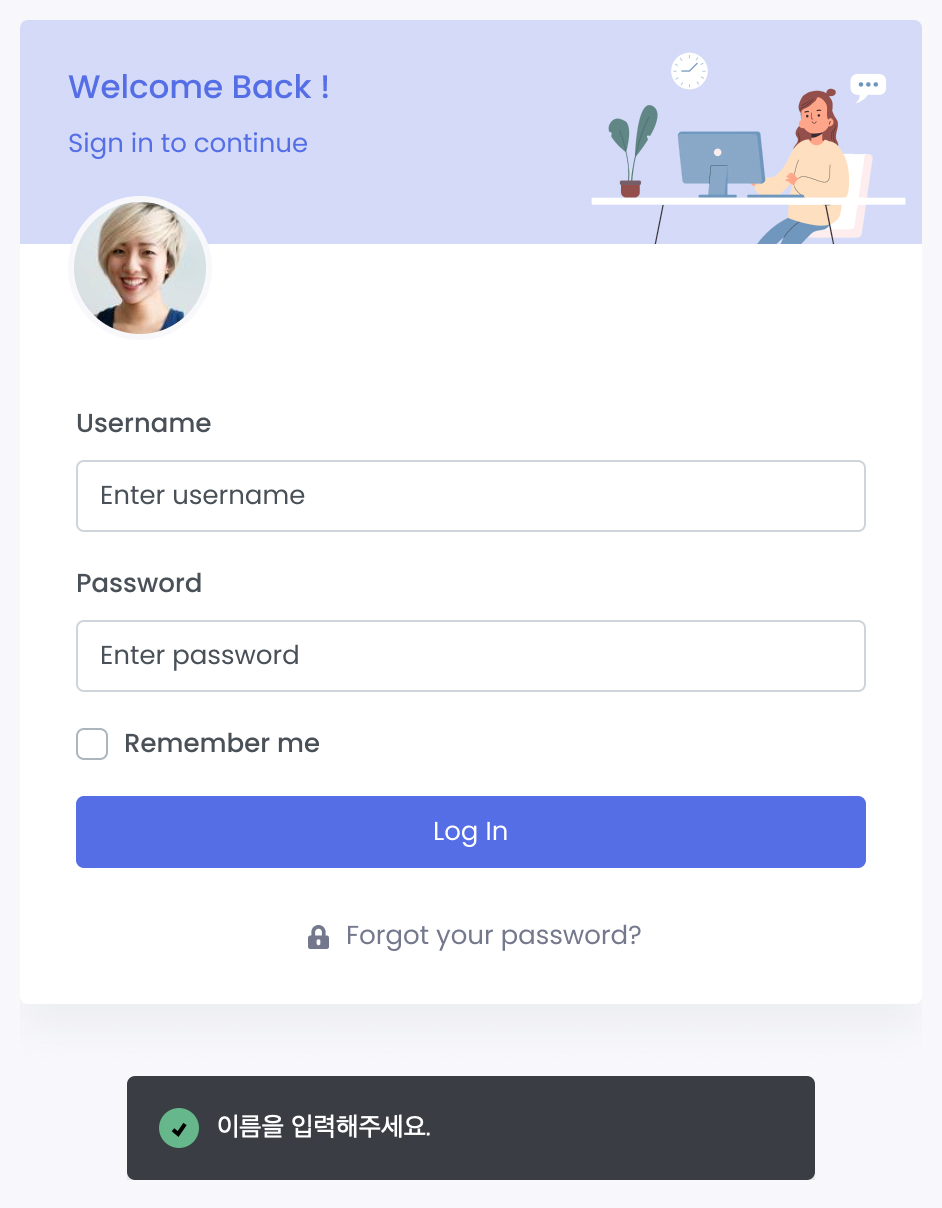
2021.3.18 Update Contents- Executing the submit event with <Enter key> in the input field
- Using the <tooltip> function in input fields
- Limit <maximum number of characters> in input fields
The working file is also attached, so you can download the sample and implement it.
Go to lecturethank you : )
We will introduce how to apply <Baedal Minjok Dohyeonche> among the web fonts on the Google Fonts site to the prototype.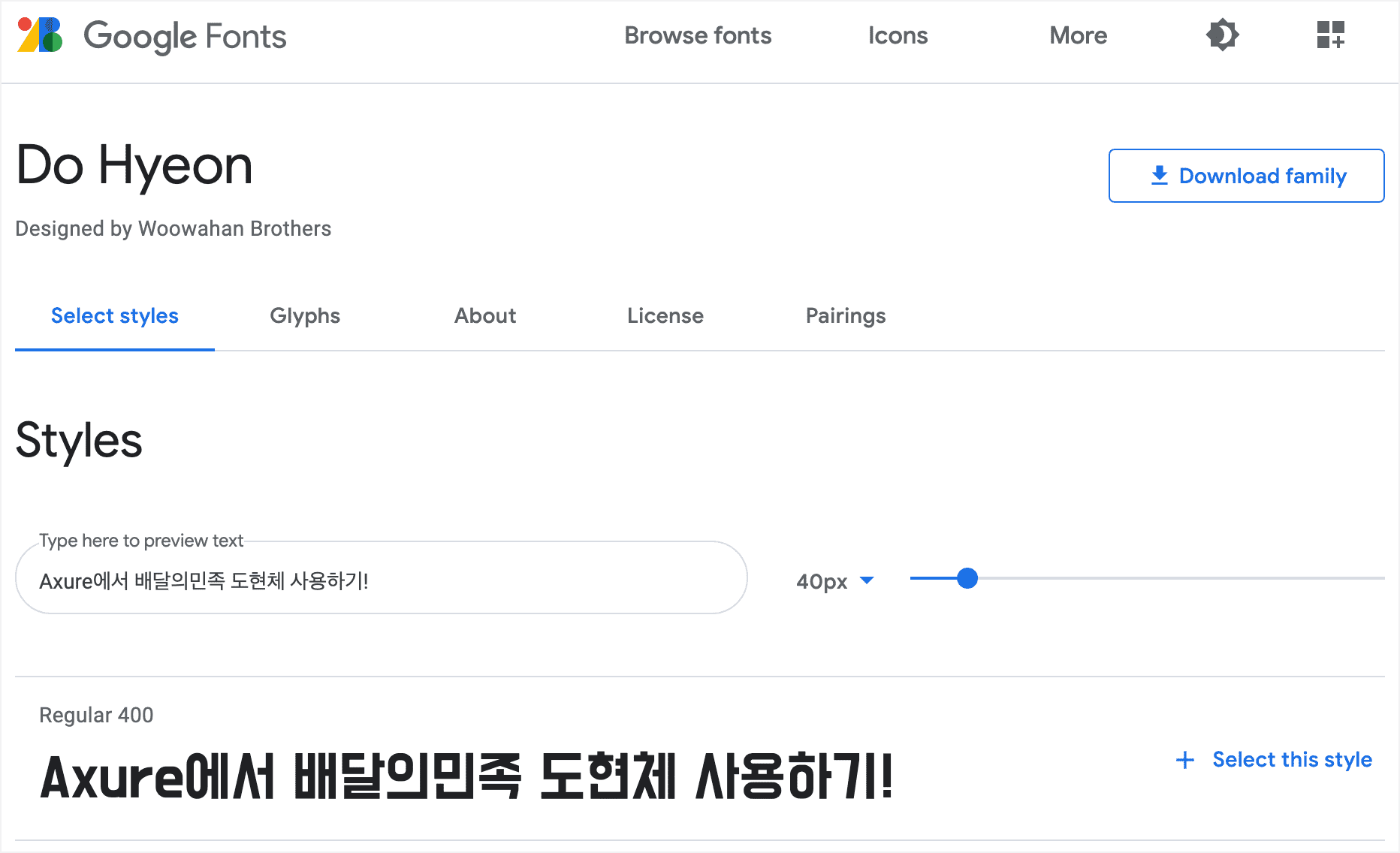
2021.3.10 Update Contents- Using Google Fonts web fonts https://fonts.google.com
- Using <Baedal Minjok Dohyeonche> from Google Fonts
Go to lecture
thank you : )
Our product team uses Notion, Axure, and Figma for planning and design.
I think our team's way of working might be helpful, so I've compiled the information and shared it in a video.
Go to video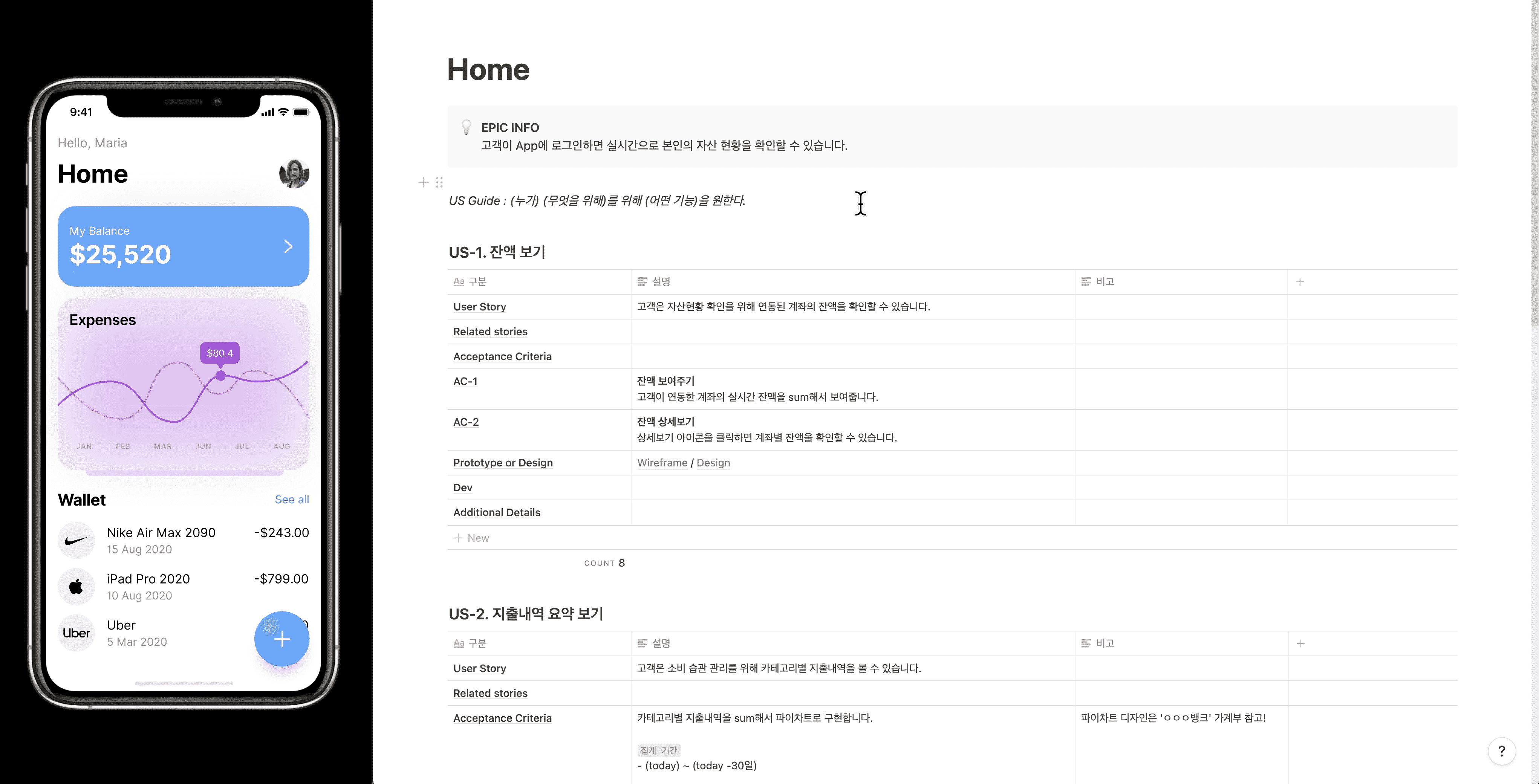
thank you