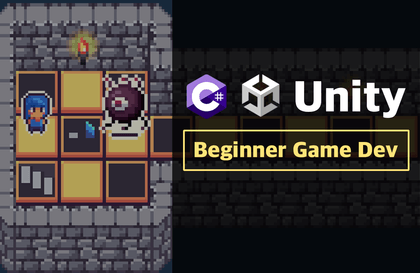
2. Game Development for Beginners Who Find Unity Difficult
iamgamer
Free
Basic / Unity, C#
5.0
(41)
1,800+
You can become more familiar with the Unity engine and grasp the concepts needed to create simple games.

Basic
Unity, C#

A practical introductory course on Claude Code for Unity developers! From installing Claude Code to Unity MCP integration, managing project conventions using CLAUDE.md, custom slash commands, and collaboration workflows—we will teach you everything you need to know for real-world application. Finally, you will gain hands-on experience effectively applying Claude Code to a Unity project by building a Survivor-style game from scratch.
74 learners
Level Beginner
Course period Unlimited
Reviews from Early Learners
5.0
taehyeon5376
It was a truly valuable lecture. Thanks to it, the barrier to getting started with vibe coding has been lowered considerably, and I’m looking forward to using it in my personal project right away.
5.0
영욱
This is a good course for getting a feel for working in Unity using Claude.
5.0
김민선
It was really helpful to get an overall understanding of how to use Claude Code! I’m looking forward to the follow-up lecture.
Claude Code can be utilized for Unity projects at a professional level.
You can build an AI development environment using MCP, CLAUDE.md, and Custom Slash Commands.
You can complete a Unity game from start to finish by collaborating with Claude Code.
You can master an efficient Unity development workflow by developing with AI.
Claude Code is not just a tool, but an intelligent collaborative partner that revolutionizes development productivity.
This course will teach you how to master AI at the forefront of game development by utilizing Claude Code at a professional level, including MCP, CLAUDE.md, Custom Slash Commands, and more.
Are you still sticking only to traditional methods?
Have you ever felt frustrated after staying up all night writing code?
Do you have a desire to develop games with AI?
Now, experience the amazing process of completing a complex Unity project from start to finish by collaborating with AI through Claude Code. You can master an efficient Unity development workflow in partnership with AI and take your development skills to the next level.
Go beyond simple AI tools,
and by creating a Survivor-style game yourself,
transform into a developer who collaborates with AI.
You can utilize Claude Code for Unity projects at a professional level.
You can complete a Unity game from start to finish by collaborating with Claude Code.
You can master an efficient Unity development workflow by developing alongside AI.
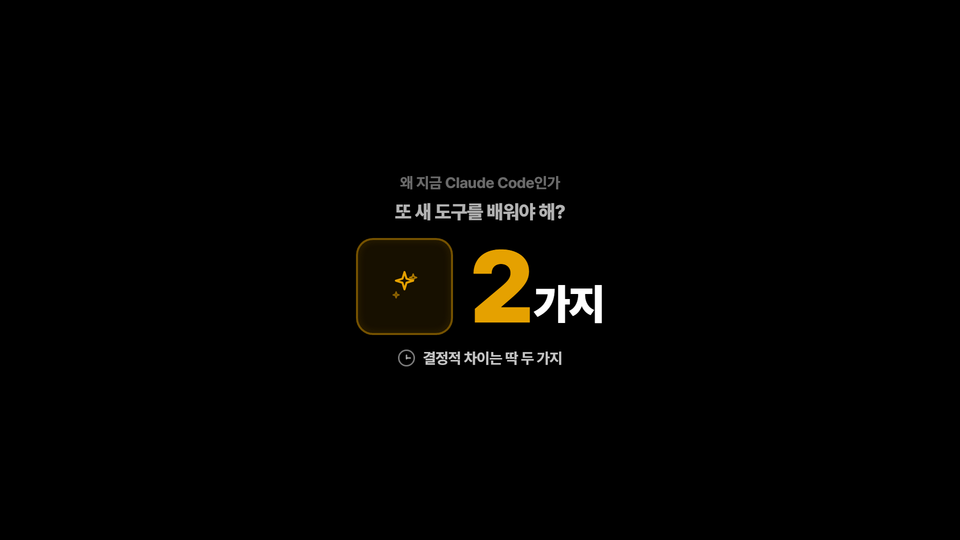
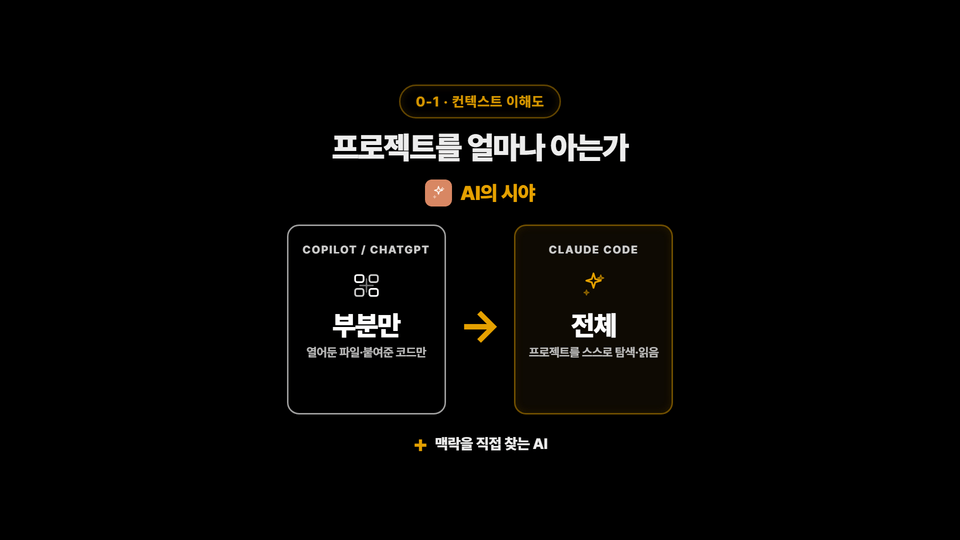
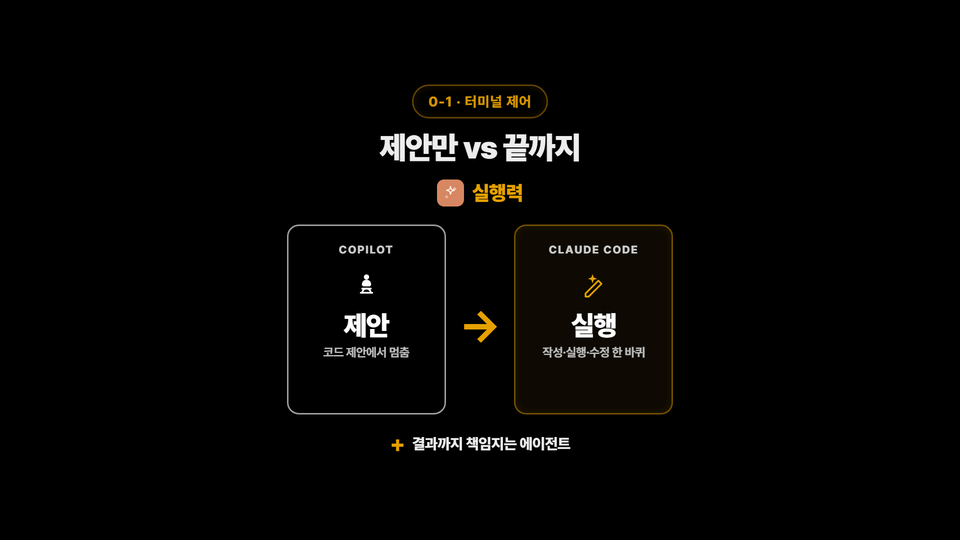
Claude Code writes code well, but in Unity projects, it often behaves differently than intended.
This is because it fails to understand the project structure, is unaware of the rules, and lacks context.
In this course, you won't just learn how to use Claude Code.


Learn how to apply Claude Code to game development and build a Vampire Survivors-style game from scratch.
Through this, you can master a workflow that maximizes Unity game development productivity by collaborating with AI.
▲ Example of the finished product
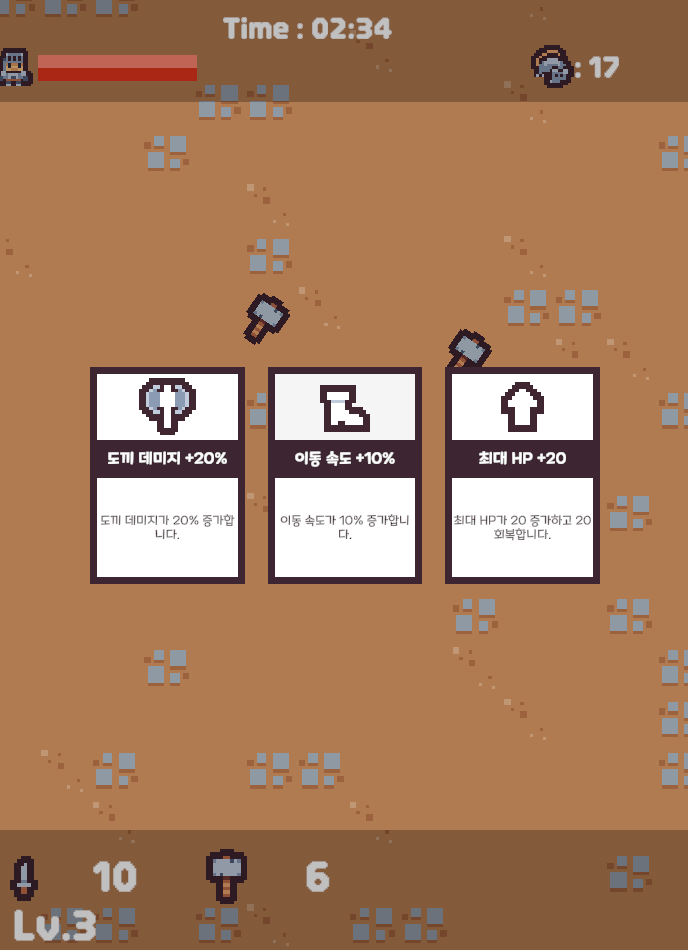
▲ Example of the finished product
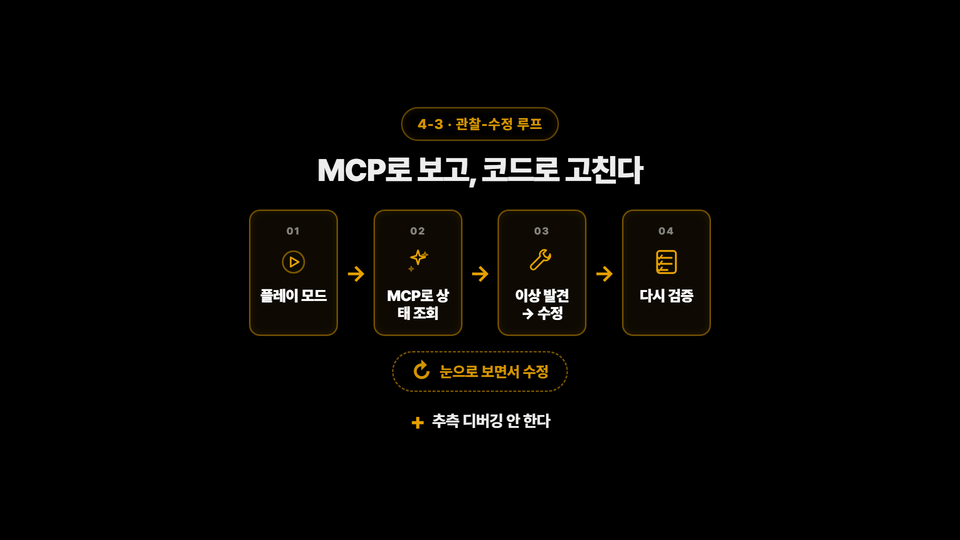

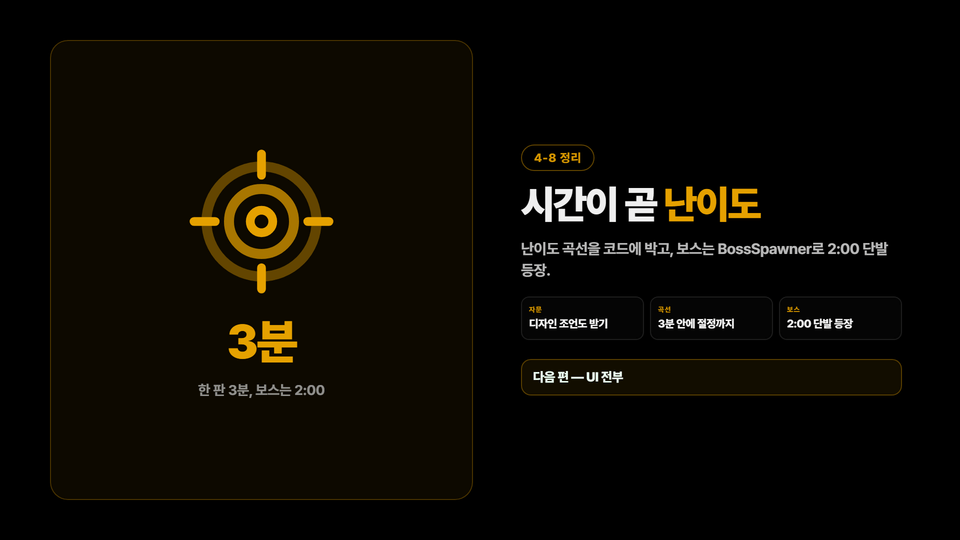

We provide all source codes used in the lecture, along with practical resources such as CLAUDE.md and Custom Slash Commands examples that can be applied immediately to your work. You will gain everything necessary to build an efficient Unity development environment in collaboration with AI.

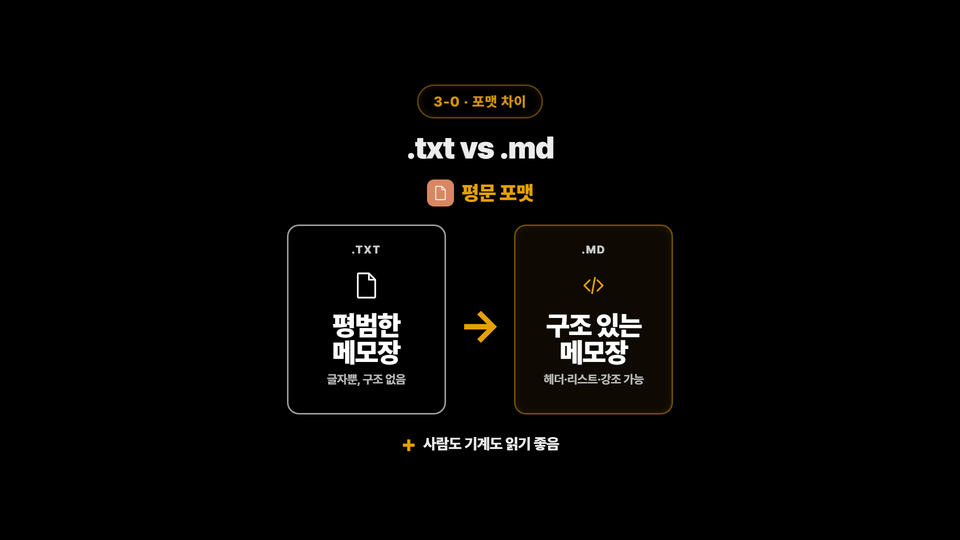
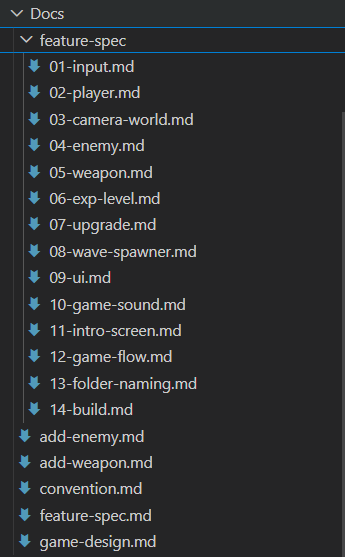
▲ md file
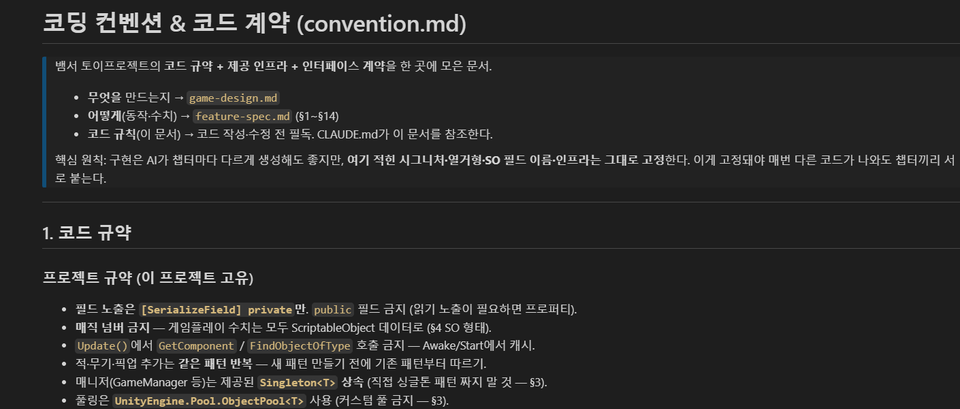
▲ md file body
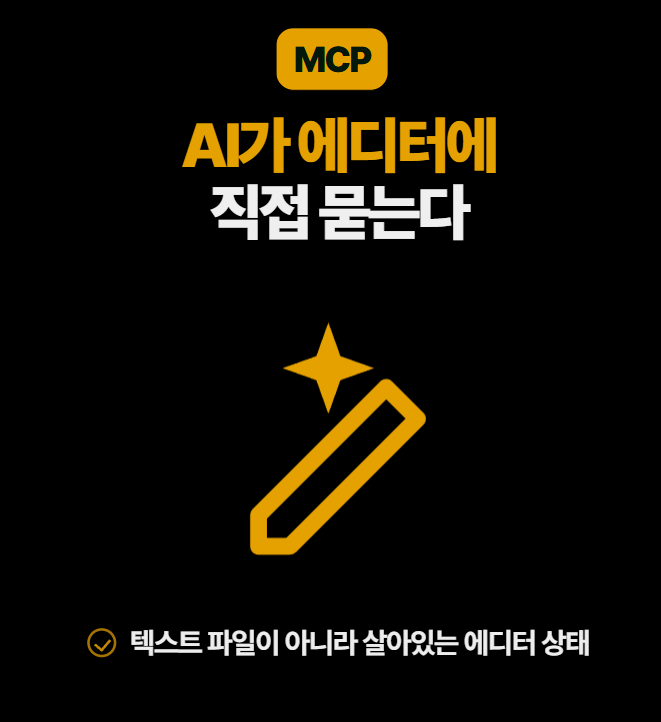
Section 1
In this section, we introduce the concepts necessary before integrating Claude Code into your Unity project. You will prepare for the hands-on practice by understanding the basic concepts of Claude Code and MCP and completing the lecture environment setup.
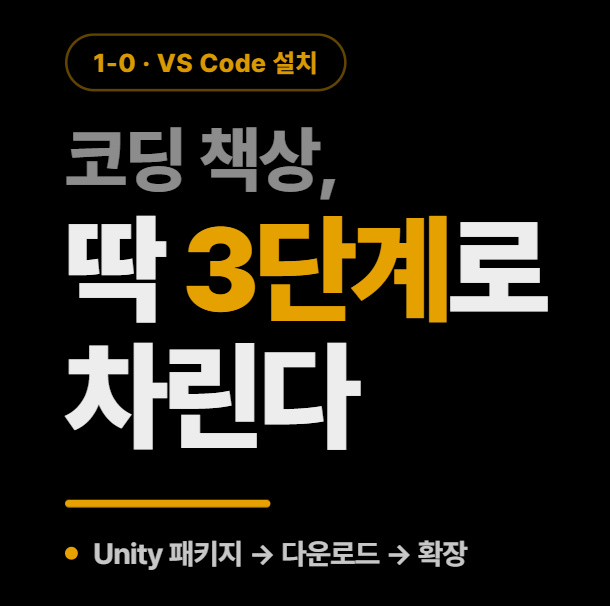
Section 2
We will guide you through the process of downloading and installing Claude Code, starting with the installation of VS Code. Afterward, you will learn how to successfully set up an AI development environment by integrating the Unity MCP.

Section 3
Learn the various modes and commands of Claude Code and explore ways to collaborate on actual projects. Additionally, learn how to manage tokens efficiently to maximize AI development productivity.
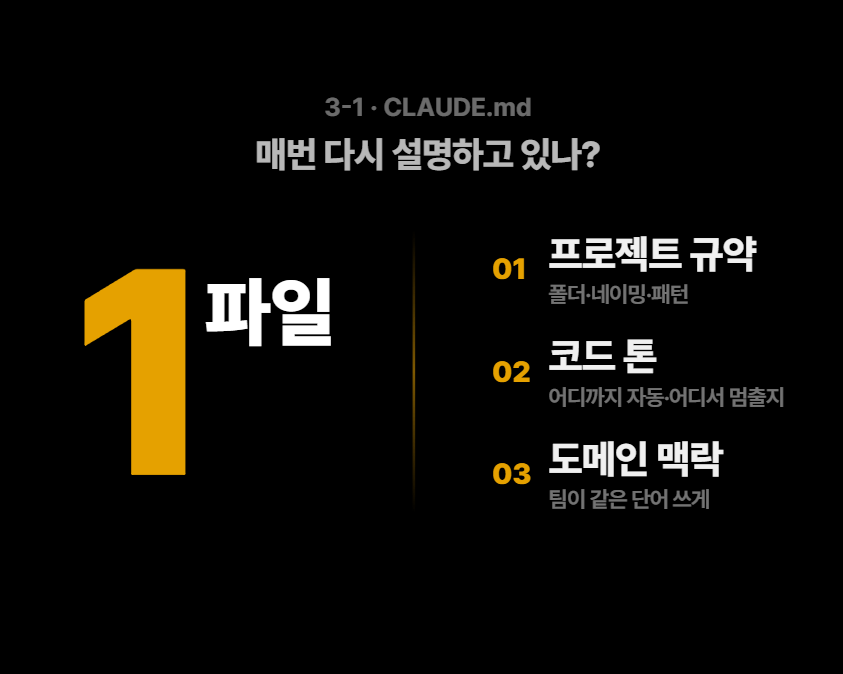
Section 4
Understand the basic concepts of Markdown and learn practical techniques for effectively writing CLAUDE.md documents. Through this, you will learn how to clarify project conventions and maintain code consistency.
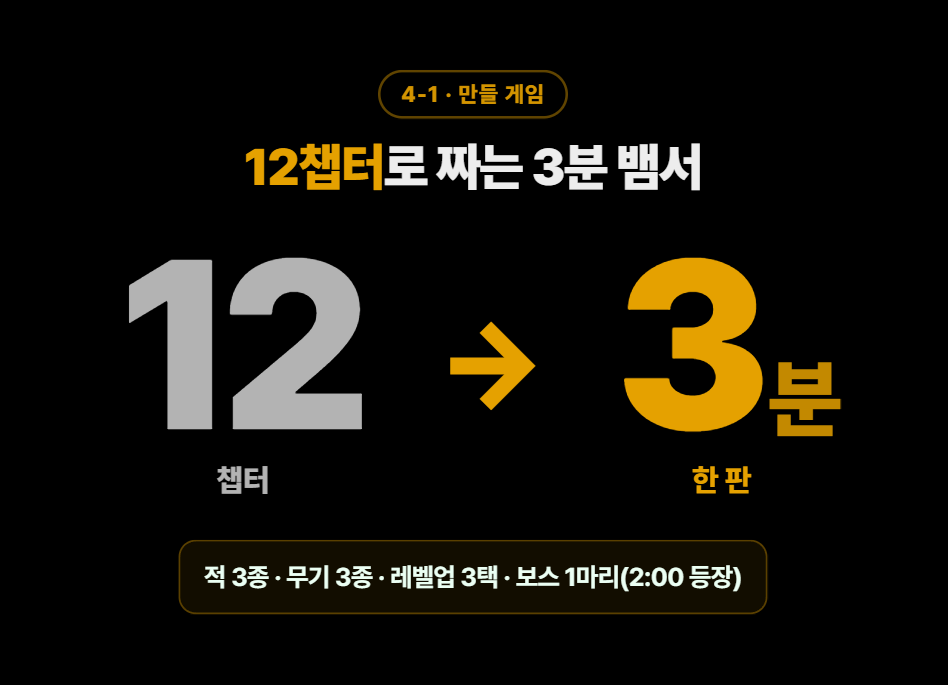
Section 5
In this section, you will complete a Survivor-style game from scratch, covering everything from the preparation stage to CLAUDE.md configuration, creating Custom Slash Commands, and implementing core game logic. You will strengthen your practical skills by experiencing the entire Unity game development process using Claude Code.
Practice Environment
Operating System: Windows
Required Installation: Visual Studio Code, Unity, Git
Recommended Specs: 16GB RAM or more
Prerequisites and Important Notes
Unity development experience is required.
It is helpful to have knowledge of C# programming.
It is recommended to have experience using Git.
Learning Materials
Shared md file
Hands-on Project Deliverables
Who is this course right for?
Unity developers who want to introduce Claude Code to their projects
Current and aspiring Unity developers who want to increase development productivity using Claude Code
Those who want to learn a Unity development workflow collaborating with AI
Those who are new to Claude Code but want to learn it through hands-on projects.
Those who want to configure their projects using MCP and CLAUDE.md so that AI can understand them.
Need to know before starting?
This course is not for those learning Unity for the first time.
Unity Basic Usage
C# Basic Syntax
Git experience

9,154
Learners
210
Reviews
15
Answers
4.9
Rating
8
Courses

Just your average middle-aged Unity developer who loves games
I wanted to make a game, but I didn't even know C# syntax, so I started learning Unity.
I know the struggles of starting out better than anyone, so I explain everything simply and clearly.
All
38 lectures ∙ (7hr 43min)
Course Materials:
All
8 reviews
5.0
8 reviews

Reviews 1
∙
Average Rating 5.0
5
This is a good course for getting a feel for working in Unity using Claude.
Thank you for the great course review~!
Reviews 1
∙
Average Rating 5.0
5
It was a truly valuable lecture. Thanks to it, the barrier to getting started with vibe coding has been lowered considerably, and I’m looking forward to using it in my personal project right away.
Thank you for the great course review!!~ Keep up the good work until you complete the course~
Reviews 1
∙
Average Rating 5.0
Edited
5
It was really helpful to get an overall understanding of how to use Claude Code! I’m looking forward to the follow-up lecture.
Congratulations on completing the course! I’ll prepare even better content for the follow-up lectures~
Reviews 2
∙
Average Rating 5.0
Reviews 1
∙
Average Rating 5.0
Check out other courses by the instructor!
Explore other courses in the same field!
25% off for new members
$32.90
25%
$42.90





![[AI Job Convergence] Everything About Contracts in the Generative AI Era, from Drafting to ReviewCourse Thumbnail](https://cdn.inflearn.com/public/files/courses/344320/cover/01m24g29k9vzmm8kcq8hx5kf7p?w=420)
![[Kim Jae-sung's Q&A Episode #2] A 3-year performance marketer who loves MECE! I want to switch careers to management consulting! (Career counseling)Course Thumbnail](https://cdn.inflearn.com/public/files/courses/340039/cover/01kcg71qbpkvtzqxp0t22fzx19?w=420)
![[Integrated] Vibe Coding for Beginners + Complete Practical App DevelopmentCourse Thumbnail](https://cdn.inflearn.com/public/files/courses/342986/cover/01kwkcfpxw9bwfvp6018ap5w1n?w=420)