Secrets of 3dsmax modeling experts! (Modeling Expert Technique)
High-polygon modeling techniques for realistic and realistic modeling are described in detail with principles and explanations, and you can acquire essential modeling practical skills and tips in a short period of time. Through this course, you will feel the true fun of modeling while boosting your confidence in modeling.
It will help you get from the basics of hard surface to a level where you can actually apply it. But don't forget, consistent effort and practice are the shortcuts to improving your skills!
5.0
leo
7% enrolled
Mr. Mokma's lecture is really good. It feels like I have an insight into 3DSMAX. Please continue to provide good lectures in the future.
5.0
임유경
93% enrolled
A great tip release ㅠㅠ It was easy to understand and good
What you will gain after the course
Special 3D modeling know-how that can only be learned at Infraon!
The secret to high-polygon modeling shared only by experts!
Principles and techniques of high-polygon (subdivie) modeling
Essential 3ds Max modeling techniques to become an expert!
Various functions for editing modeling in 3dsmax
Realistic and realistic modeling... not difficult anymore!!🏋️♂️
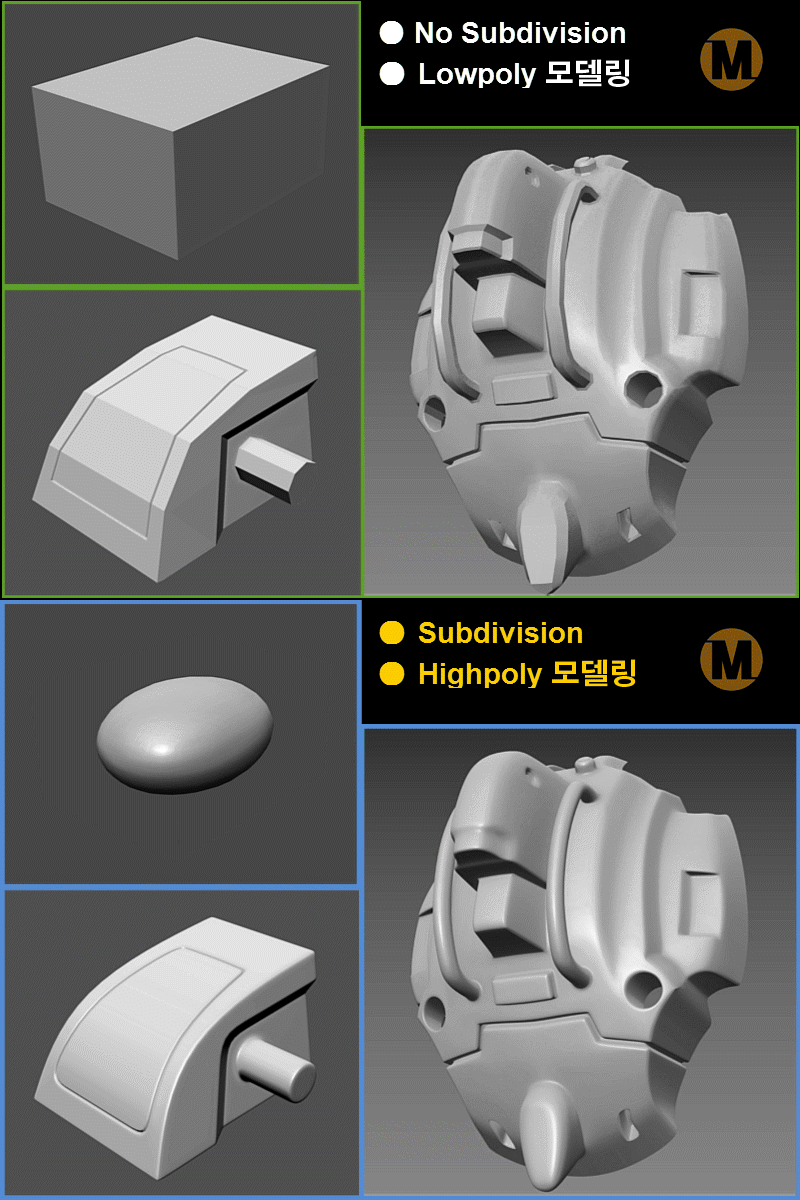
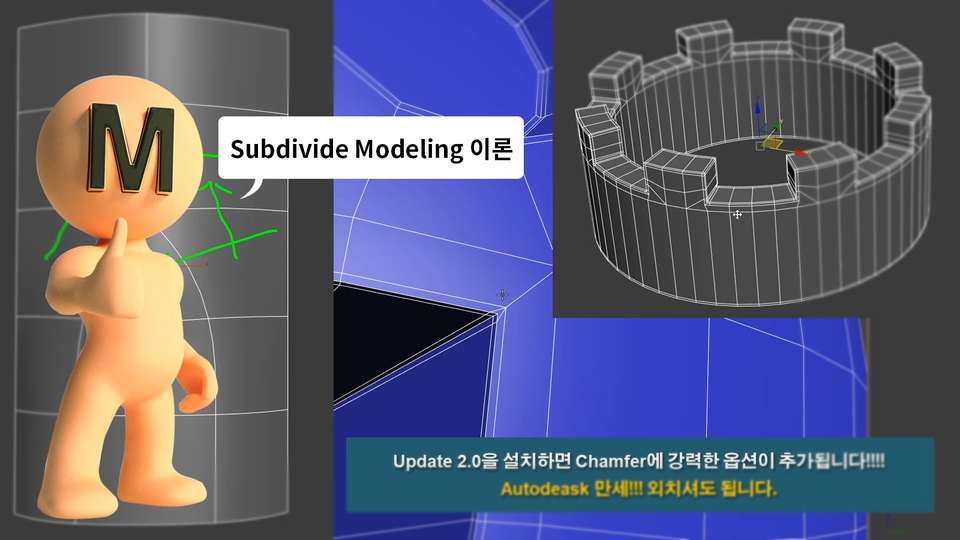
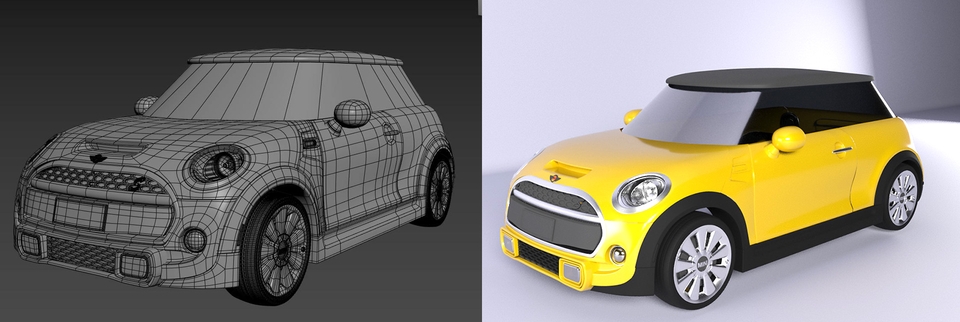
To achieve realistic and realistic 3D modeling, you need to model using a lot of surfaces. This requires dividing the surfaces into sections, a technical term called subdividing or subdivision. The image examples below will help you understand. ^^
As you can see in the image above, the difference before and after applying subdivide is striking. After applying it, the modeling looks smooth and realistic. However, when working with it, it often ends up being perfectly round, or the faces become distorted and don't maintain their desired shape... making it extremely challenging.
Many 3D modelers, including 3dsMax users, find Subdivide modeling (a method of dividing surfaces to create smooth surfaces) difficult. This is because they fail to learn the principles and blindly jump into it with only the modeling tools they know. This leads to a 100% certainty of defeat! It took me quite a while to realize this myself. Knowing your enemy and knowing yourself is the key to victory, right? In other words, understanding the principles is all you need.
Why doesn't anyone teach us this important principle?
If you rush in without knowing these important details, it will take years, or you'll give up halfway because it's too difficult. (This is just between us...^^;; There are quite a few people who actually work in the field who can't do this properly. You'll learn that from them..^^) Most lectures don't teach you these detailed principles or tips. They just tell you to follow along unconditionally. That way, your skills will never improve!!!
It is shared only among modeling experts and is not made public. I'm revealing the secrets of high-polygon modeling !!!
Does that mean beginners won't find this course difficult? No!!! I'm always on the side of beginners and beginners!!! Intermediate and above students will find their own online resources to study, so I don't pay any attention to them. I'm always on your side!! ^^
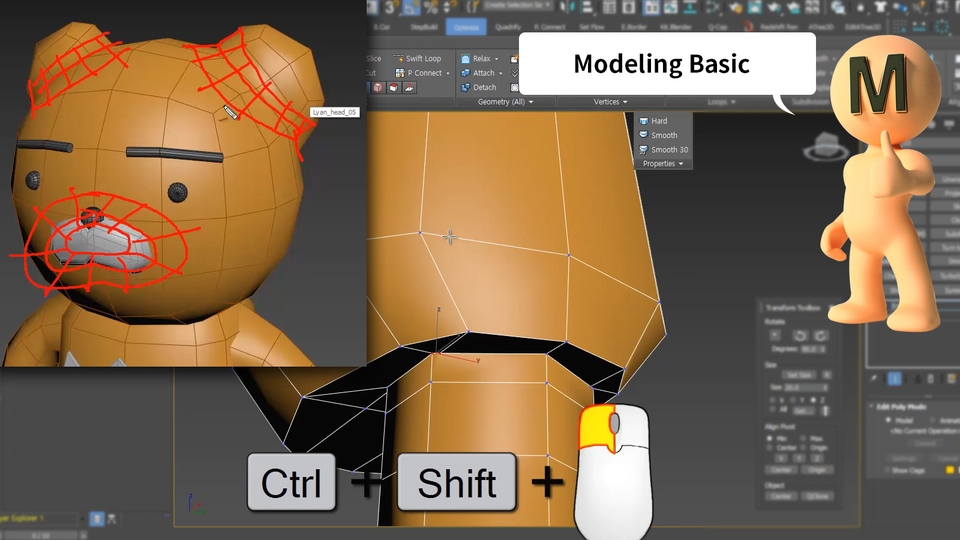
Learning basic functions through creating a lian
1. The course begins with a simple modeling exercise for beginners. Along the way, you'll also learn useful features and tips that aren't often covered in other courses. Let's warm up by building our cute friend Lyan. ^^
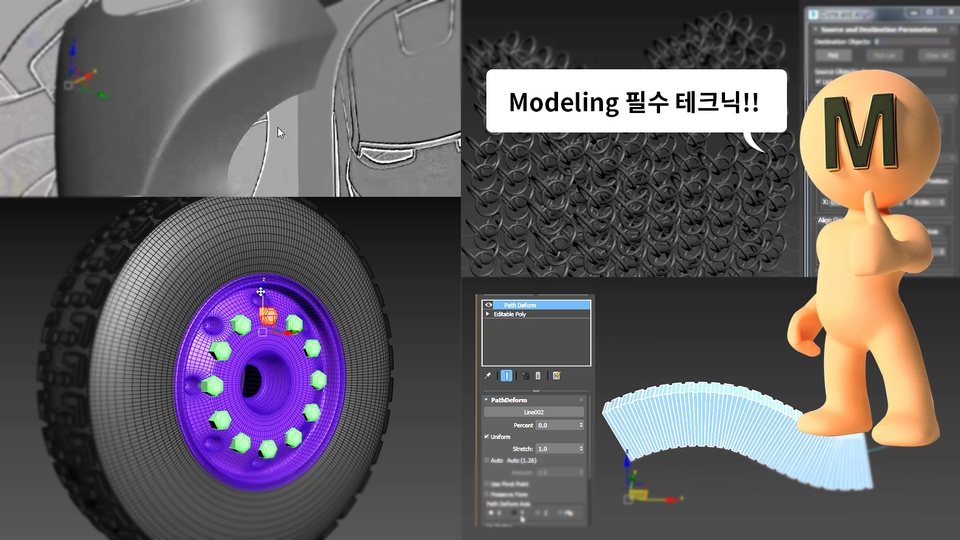
Learn common modeling features
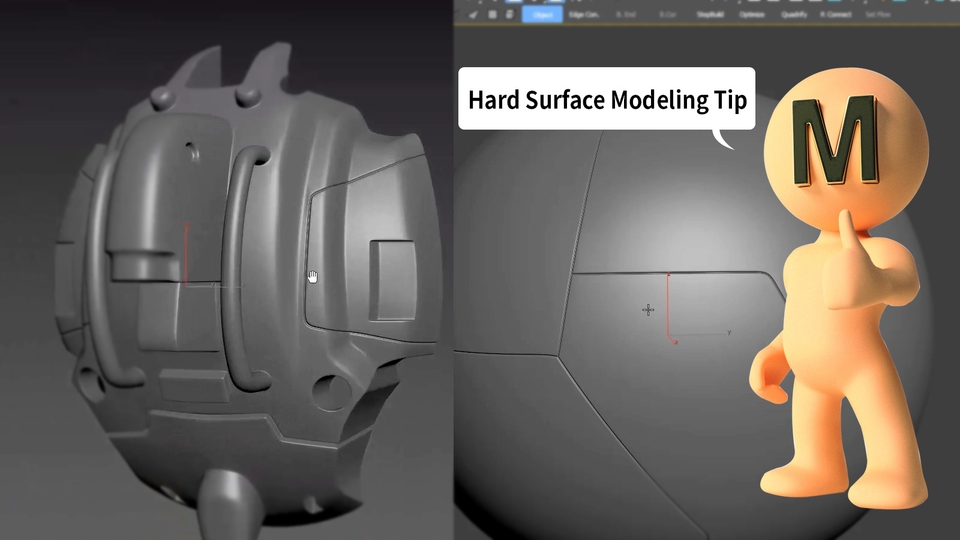
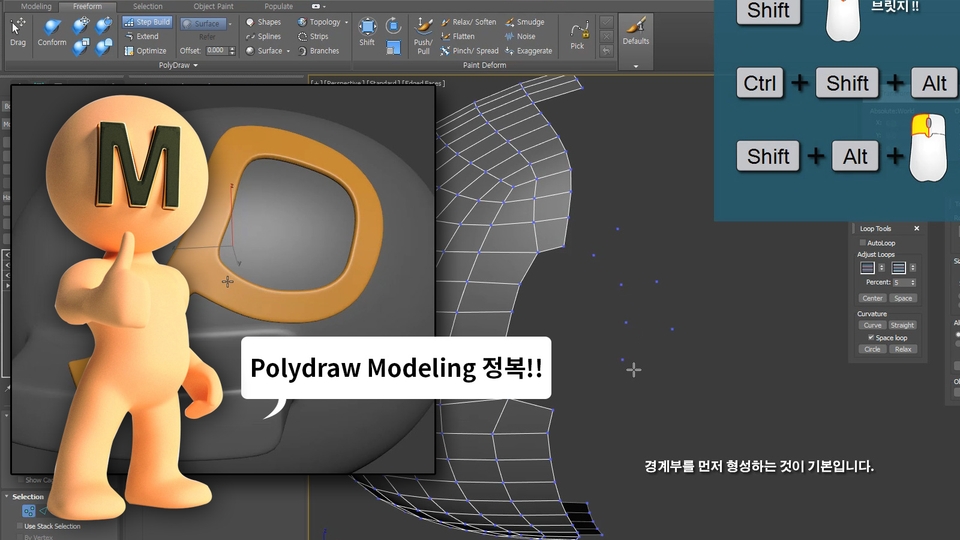
2. After completing the Modeling Basics course, you'll learn a variety of useful modeling techniques. You'll learn easy, yet complex, methods that don't work by simply pushing and pulling vertices. These techniques are also widely used in real-world applications.
Theory and Modeling Practice
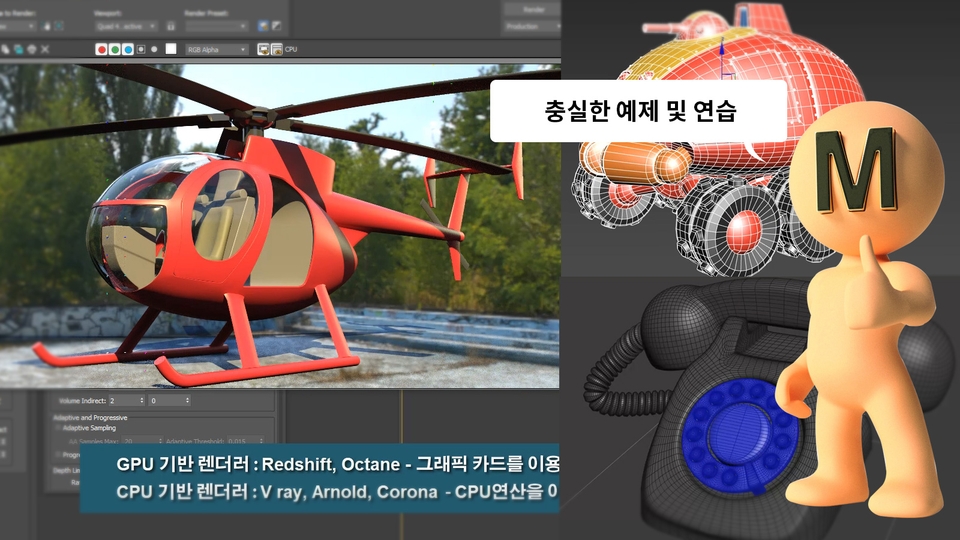
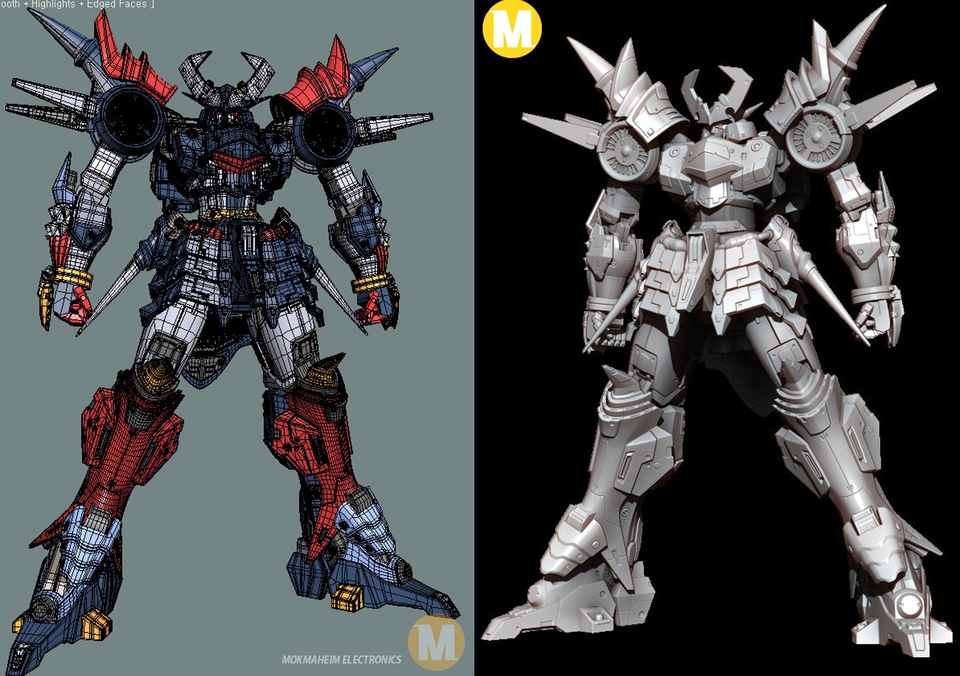
3. Once you've mastered the basic modeling functions, you'll begin to take theory classes and practice modeling in earnest . This will help you understand and apply the principles, and you'll naturally discover how to apply them. Once you've mastered everything , you'll be able to model without difficulty, even when others struggle.This is because you've learned the principles and how to use the functions appropriately!The picture below looks complicated, right? It's not complicated at all. It seems as though you understand more than you actually do. By the time you complete this course, your skills will have improved significantly, and you'll realize that modeling isn't all that complicated!
Making Nadia Gratan
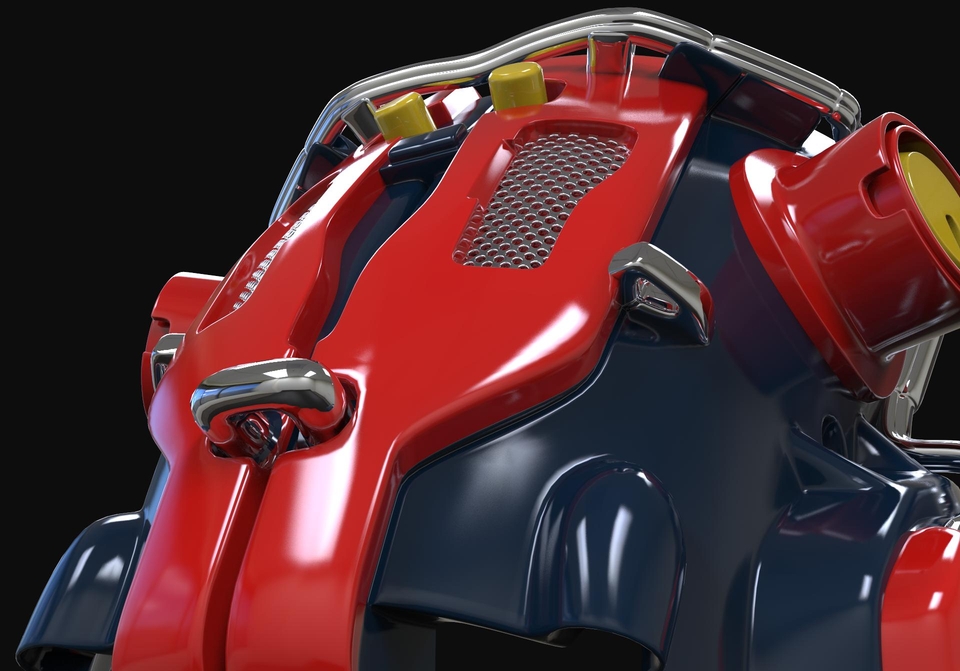
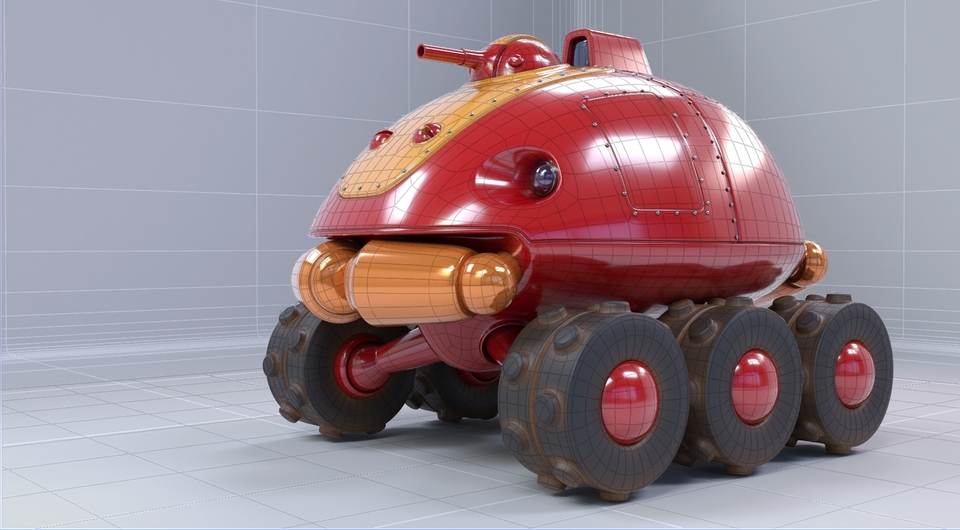
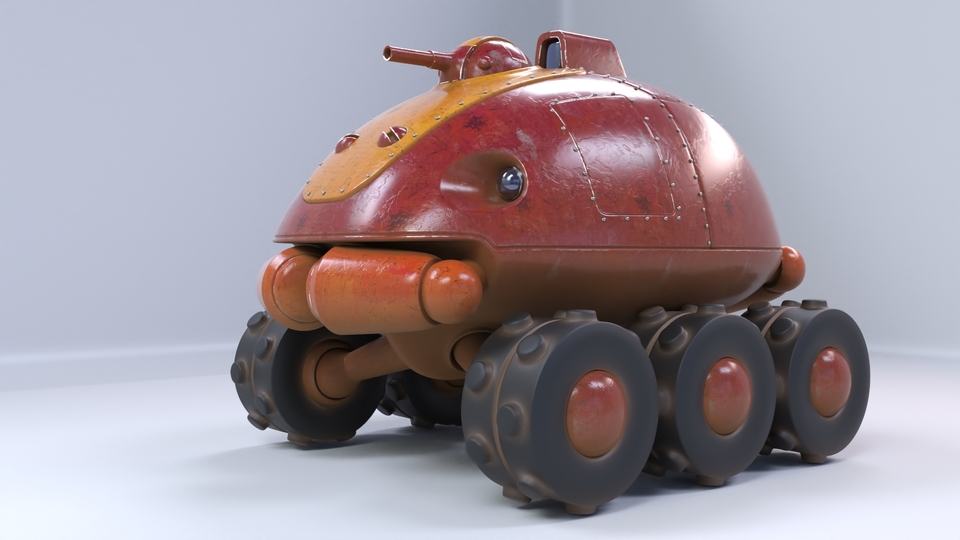
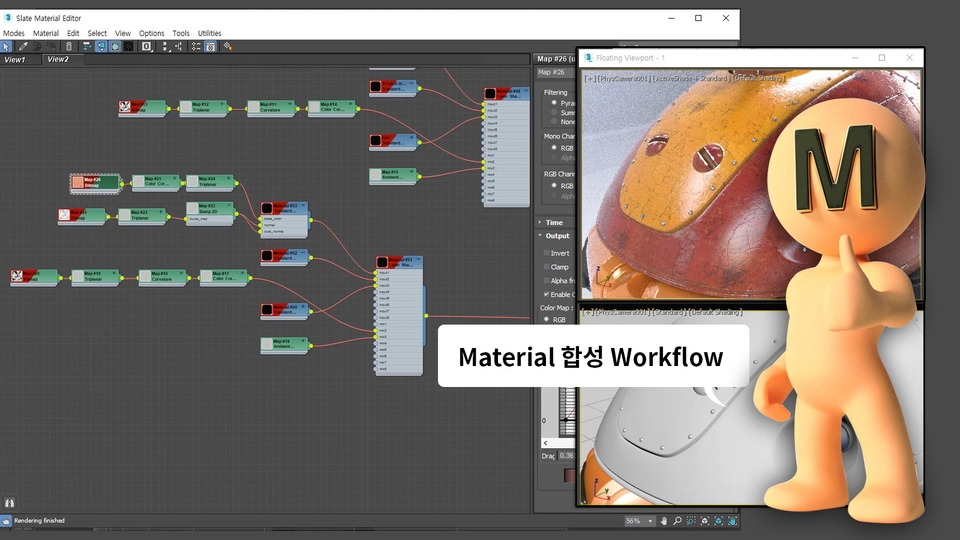
4. The highlight of this course!!! An EXCITING course for those who've followed along so far!!!! We'll use all the skills you've learned so far to model Gratan from the animated film "Nadia: The Mysterious Waters." As you model the adorable Gratan, you'll review what you've learned and how to apply it in real life. Furthermore, you'll understand and study the functions related to materials by applying realistic materials. Kill two birds with one stone: learning and having fun!!!
Apply only basic materials when modeling is complete
Weathered gratin (only material without unwrapping or UVW work)
A complete summary of modeling features
5. Finally, I'll summarize the essential features you need to know. Just in case you missed anything, I'll re-model it and briefly summarize the key points! Then, watch my "Overwatch gun" modeling from start to finish in TimeLapse to revisit the modeling process! This concludes this course. If you diligently complete the course, you'll quickly acquire practical techniques and skills related to polygon modeling. I hope at least one person learned something new!
Application modeling example
Of course, on your computer You must have "3dsmax 2020" installed, right?
If possible, it would be better to have the update patch 2.0. It doesn't really matter if it doesn't work. "3dsmax2018 or later" version is also possible .
🤷🏻♀️🤷🏻♂️ 3DS MAX?
Q. What are the benefits of learning high-polygon modeling techniques? A. It becomes possible to make it indistinguishable between the real thing and the modeling (CG) you've done. If you don't use this technique, anyone who sees it will say, "Ah!! This is CG!!" ... But once you master this technique, it becomes difficult to tell the difference from then on. Detailed and precise modeling becomes possible, and realistic modeling becomes possible... These days, computer performance has improved so much that even the characters in games look incredibly realistic, right? All of those models are made this way. It's essential for high-quality modeling!! The level of modeling will change so much that your friends will be amazed when they see it.
Q. What are the features of this course and is it too difficult? A. I explained everything I knew and the principles in great detail. It's absolutely not difficult!!! If you've seen other lectures, you'll know that none of them are this easy to understand... I thought you might have trouble following along, so I tried to make it as easy and slow as possible, so it shouldn't be too difficult. If you have any questions, feel free to ask, I'll answer them anytime, and I'll even provide video answers if necessary. Have you ever seen an instructor as friendly and reliable as me? ^^
Q. If you have any future goals, may I ask about them? A. I need to make personal animations.. I can't do it right now... Ugh. What am I supposed to do to make a living... I just don't have time these days 😭.😢 If many people watch my lectures, I hope I can devote myself to personal animations and make many helpful lectures for beginners and those who are just starting out..^^
Recommended for these people
Who is this course right for?
For those who want to do realistic and realistic modeling
Those who want to acquire essential practical techniques in a short period of time
Anyone who wants to learn modeling for 3D printing
People who are not confident because their 3D modeling skills are not improving
Anyone who wants to learn 3D modeling faster than others
I am a 3D CG hobbyist. I started creating tutorials to help those currently learning, based on the knowledge I struggled to acquire back when information was scarce. Right now, I am working hard on my own personal animation. 3D animation requires a great deal of time, effort, and specialized knowledge. Once I have gained enough experience through my own work, I plan to produce lectures covering the overall animation process.
It will help you get from the basics of hard surface to a level where you can actually apply it. But don't forget, consistent effort and practice are the shortcuts to improving your skills!














![[Game Graphics] This is all you need to know about the series!Course Thumbnail](https://cdn.inflearn.com/public/courses/331463/cover/814e2b87-4987-44b6-a347-0c52258c1783/331463.png?w=420)