This course focuses on practical case studies on how to create opportunities for transactions and monetization without necessarily investing large sums of money when capital is scarce or the business direction is unclear.
This lecture summarizes the standards learned through hands-on experience in distribution, wholesale, K-beauty exports, buyer proposals, group buying, influencer collaborations, content marketing, and business development.
We will examine why even good products or ideas often fail to lead to actual transactions and profits. From a practical perspective, we explain how to propose products, who to sell to, which channels to utilize, and how to structure deals. Many people get stuck in the process of connecting a good product or idea to actual sales and revenue.
Execution often stops because people don't know who to pitch to rather than what to sell, where to find clients, which distribution channels to choose, how to set supply prices and commissions, or how to scale the business after the first sale.
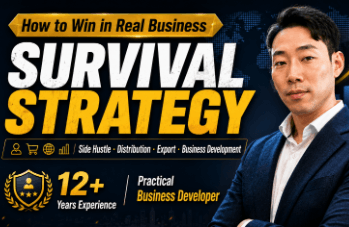
Over the past 12 years, I have also experienced numerous trials and errors while working in online wholesale, consumer goods distribution, exports, and business development.
I found overseas clients starting with zero buyers, negotiated supply terms with manufacturers, expanded online sales channels, and connected influencers with sellers. I have personally experienced why good products don't sell, why customers don't come even after spending on advertising, why proposals are rejected, and how deals fall apart in the middle of the process.
This course does not just show successful results.
I will explain, with real-life examples, who I contacted first, what I proposed to the other party, under what conditions the deal was made, where problems arose, and how I restructured the approach after failure.
The following topics will be covered continuously:
I will introduce the process of discovering buyers and creating deals while exporting K-beauty products to the African market, methods for operating online wholesale and distribution channels, business development practices for finding and proposing to new clients, and local creator strategies for expanding restaurant accounts into sponsorships, paid production, and corporate advertising.
We will also cover the structure of group buying brokerage, how to prepare influencer group buys, the process of connecting products with sellers and designing supply prices, commissions, and settlement terms, how to enter welfare malls and closed malls, and how to source products suitable for the market and propose them to manufacturers and distributors.
Furthermore, we will discuss how to convert content from simple views into revenue, marketing cases that improve the advertising costs and promotional structures of small businesses, and the realistic decisions made to normalize business after experiencing sales declines, severed deals, relationship conflicts, and failures.
I also plan to share the process of developing inconveniences discovered in consulting and business development into patents, MVPs, and new services and business models.
The purpose of this lecture is not to deliver a business formula that looks like a "correct answer."
It is to show the structure where actual transactions are created by discovering recurring problems in the market and connecting the people, products, content, and distribution channels that can solve those problems.
Students can learn the criteria for re-evaluating their own products, experiences, networks, and local resources, and determining to whom and in what way they should propose them. We will look together at the process of turning vague ideas into actionable proposals, connecting those proposals to collaboration and sales, and developing small transactions into repeatable revenue models.
I hope this serves as a realistic starting point that can be applied immediately in the field, not only for those starting a business for the first time but also for those who already have products or clients but are unable to expand to the next level, and those who want to turn their experience into a new revenue model.


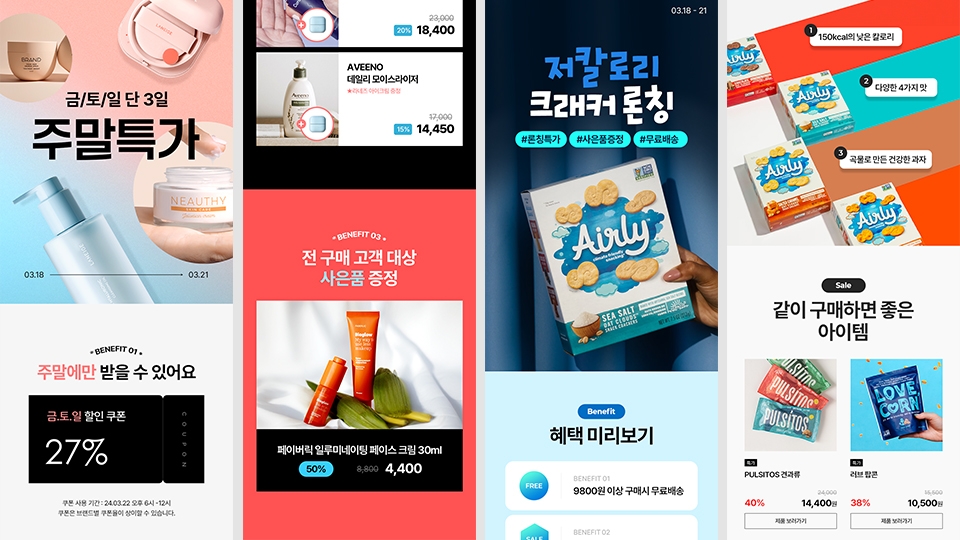

![[3-Second Completion] Eye-Catching PPT Motion Graphics Templates That Make All the DifferenceCourse Thumbnail](https://cdn.inflearn.com/public/files/courses/337409/cover/01jvba0mg6r0e7f3shr9d0fjfm?w=420)









![Creating a Second Salary with AI Design in 20 Minutes a Day [Image Edition]Course Thumbnail](https://cdn.inflearn.com/public/files/courses/337366/cover/01jzq6s1wdsd0c35ksbam6rbna?w=420)