
Creating a Web Chat Service with Python/Django (Feat. Channels) - Basics
The Channels library is a real-time messaging library developed under the philosophy of Django. Quickly learn the essence of Channels through this lecture.
323 learners
Level Intermediate
Course period Unlimited

News
3 articles
hello.
< Create a data analysis agent chatbot in 30 minutes with Python/Django > We share the tutorial video and documentation.
Tutorial video: https://www.youtube.com/watch?v=10Fp78n3jSw
Tutorial documentation:https://django-pyhub-ai.readthedocs.io
This article contains the process of quickly creating an LLM situational chatbot and a data analysis agent chatbot using the django-pyhub-ai library that I created. This library is based on the DRY (Don't Repeat Yourself) philosophy, one of Django's core philosophies, to eliminate repetitive and cumbersome tasks and to help easily build an efficient agent-based chat service. You can implement an agent chatbot with code close to the settings without worrying about the web front end. It is based on Django Channels and HTMX, and uses Langchain, famous for its LLM library, internally.
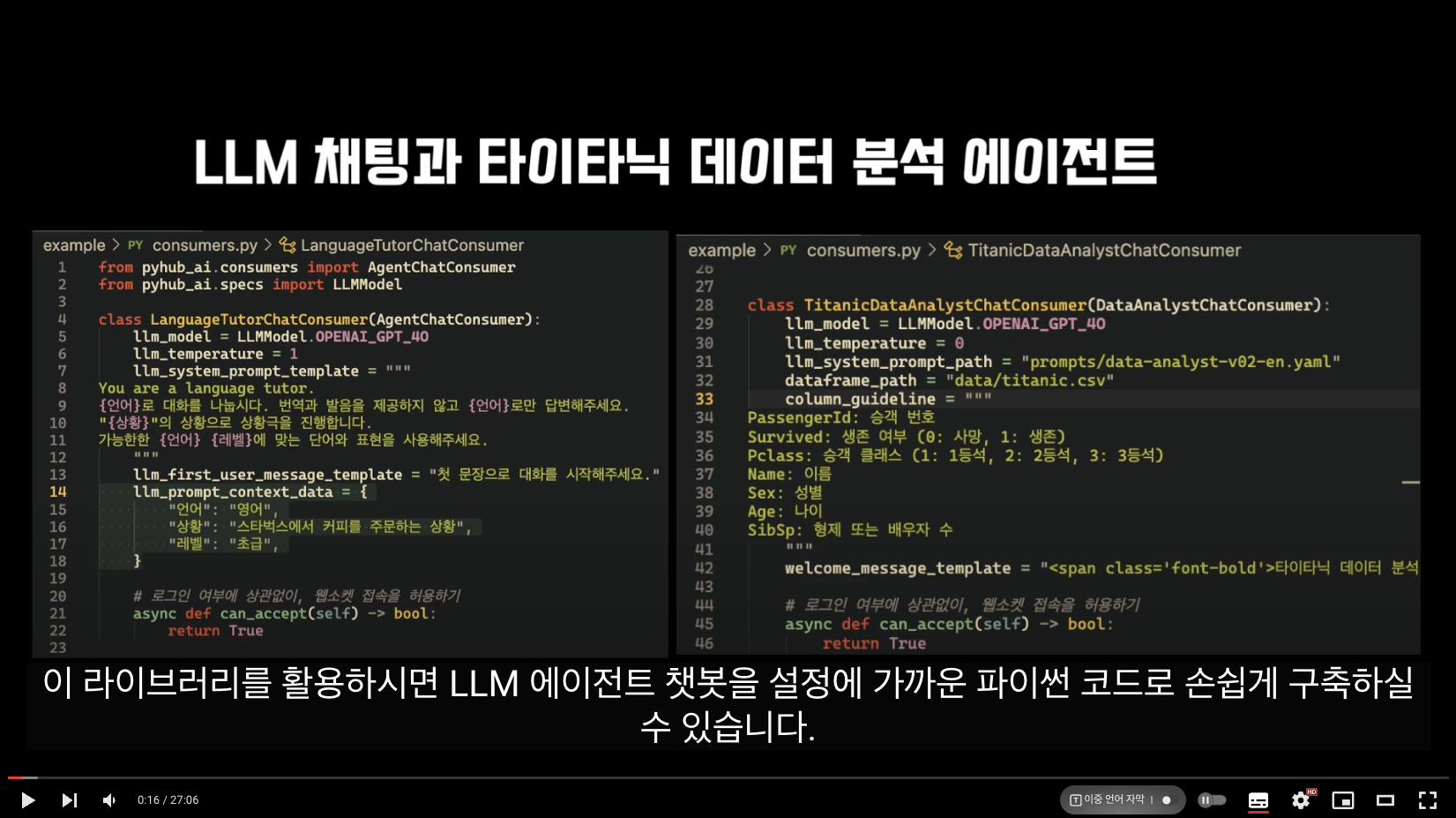
Chatbot operation screen
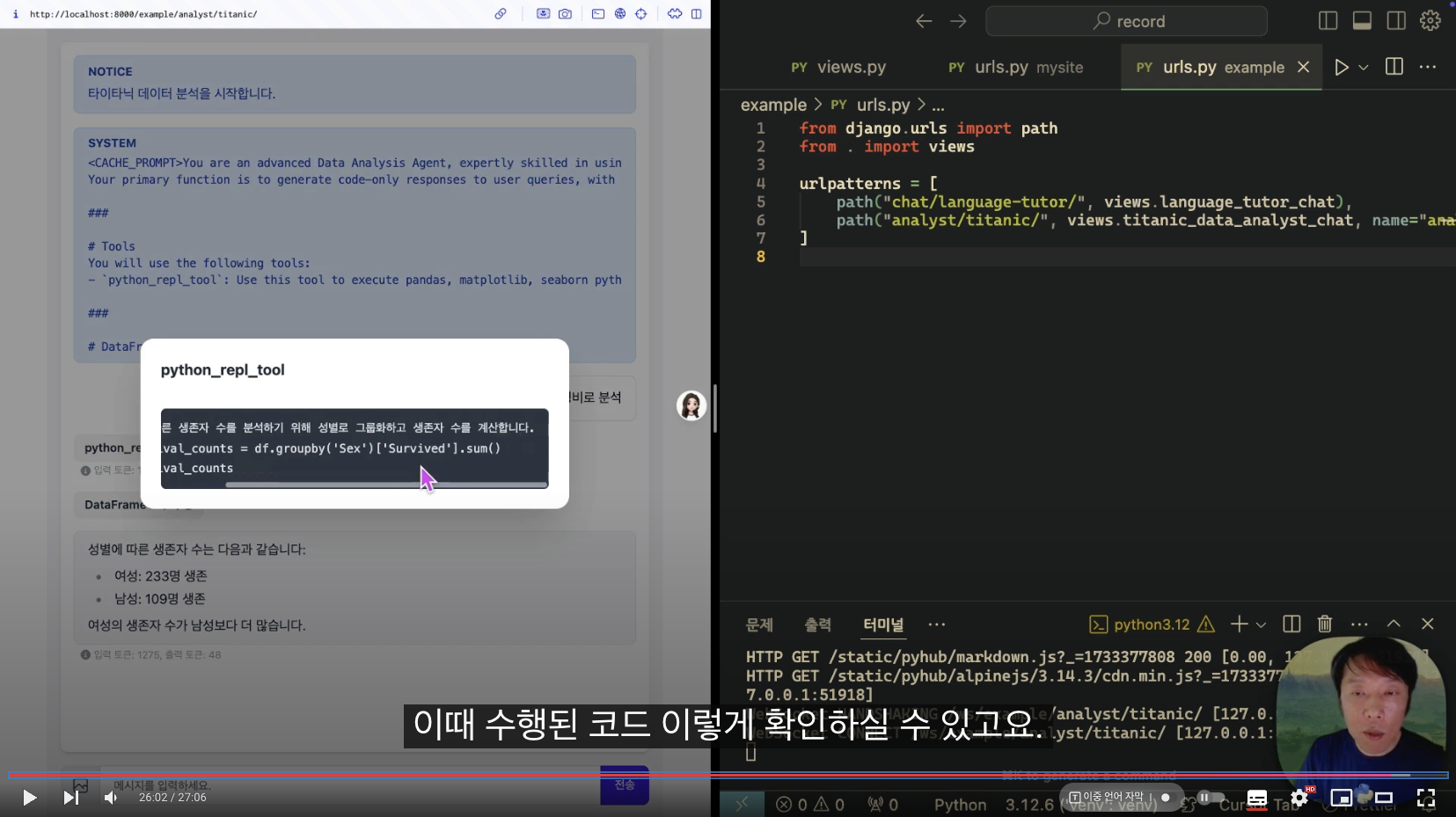
I believe that by utilizing Django's models/cache/templates/storage/API/authentication, we can create more productive and valuable AI agents. We will continue to strive to deliver various Django news in the future.
Please share this widely.
I will be your Python/Django pacemaker.thank you
Python Love Room, Lee Jin-seok Dream
Infraon's <Introductory Python Django Course Starting with Django Design Philosophy> is now available for free.
https://inf.run/RDjTIf there are people around you who are interested in Django, please share it widely. However, it may be difficult for those who are new to web development. For those who are new to web development, please refer to the daily coding
I recommend that you study the YouTube lectures first.
https://www.youtube.com/playlist?list=PLuHgQVnccGMDLp4GH-rgQhVKqqZawlNwGthank you. :-)
A little while ago, a video testing the OpenAI Realtime API was uploaded to Teddy Note YouTube .
He showed me the code from the https://github.com/langchain-ai/react-voice-agent repository as is. The code in this repository is written based on Starlette and langchain.
I ported this to django/channels + langchain version. ;-)
https://github.com/pyhub-kr/pyhub-django-react-voice-agentIt is functionally identical to the react-voice-agent project. Just set the OPENAI_API_KEY environment variable and access the http://localhost:8000 page to make it work.
If you haven't seen the Teddy Note video above, watch it first, then try turning the code.
I used AsyncWebsocketConsumer from django channels.
#openai #realtime

