No more worries! Edit videos easily with Final Cut 🎬
Video editing, I have to start... 📽️
Cheongdam-dong Witch YouTube Edit
KSL Documentary Production
💡Would you like to make a video like this?
Speed up your work with Final Cut Pro video editing! Experience the intuitive interface and unparalleled speed of Final Cut Pro on your Mac, powered by the M1 chip. We'll also thoroughly cover the fundamentals of video knowledge so even beginners can easily follow along.
As a wedding photographer and YouTube editor, I've compiled all the know-how I've gained from my practical experience editing videos. I hope many people will experience the dramatic improvement in editing speed and the ability to truly edit in their own work after using Final Cut .
Attention to these people!
Final Cut I've never dealt with it before.
I learned how to use it through self-study. I don't know exactly.
I want to start YouTube This is my first time trying video editing.
I bought the final cut It's being neglected.
❓ Video Editing, Where to Start❓
💁🏻♂️ Start by deciding which video editing program you want to use. Final Cut Pro is available for one-time purchase at no additional cost, and students can get an even cheaper price with educational discounts. I recommend learning how to use the editing program first, and once you're comfortable with shortcuts, try recording and editing your own videos.
Unique features of this course✨
It's structured step by step, so you can learn editing functions and shortcuts just by listening to the lectures.
We also provide motion templates that contain features not built into Final Cut.
You can take the course even if you don't have the necessary sources for editing right away.
You can review the course at any time during the lifetime subscription period.
What it looks like after class 🎓
Subtitle workfree templatechroma keyvideo production
You can shorten the time spent on subtitles, which is the most time-consuming task when editing videos.
You can use and utilize paid templates for free.
You can learn the chroma key function that can cleanly erase the background.
Get a comprehensive understanding of the video editing process to help you create videos with ease.
What you'll learn 📚
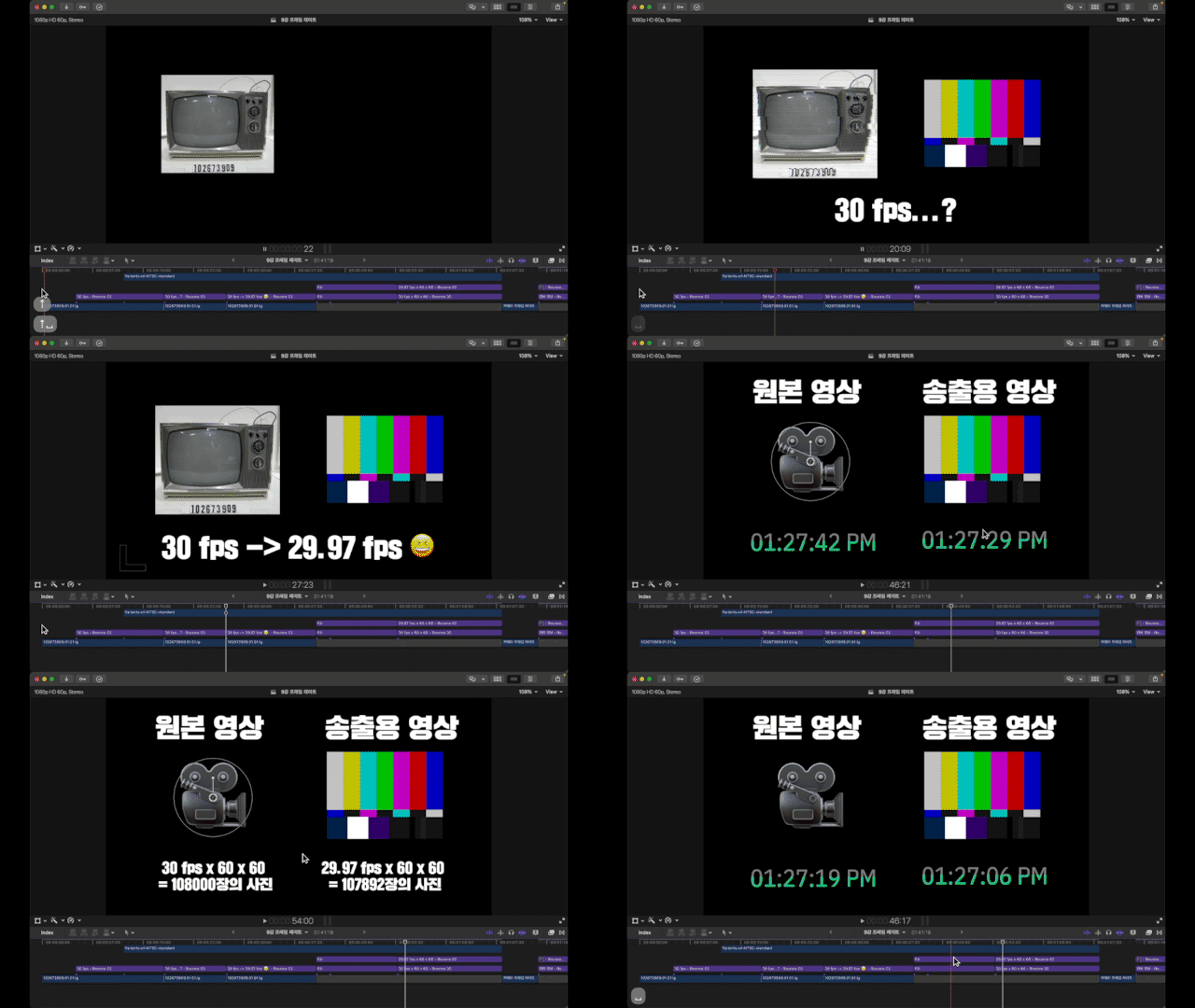
#1. frame rate, Understanding Drop Frames
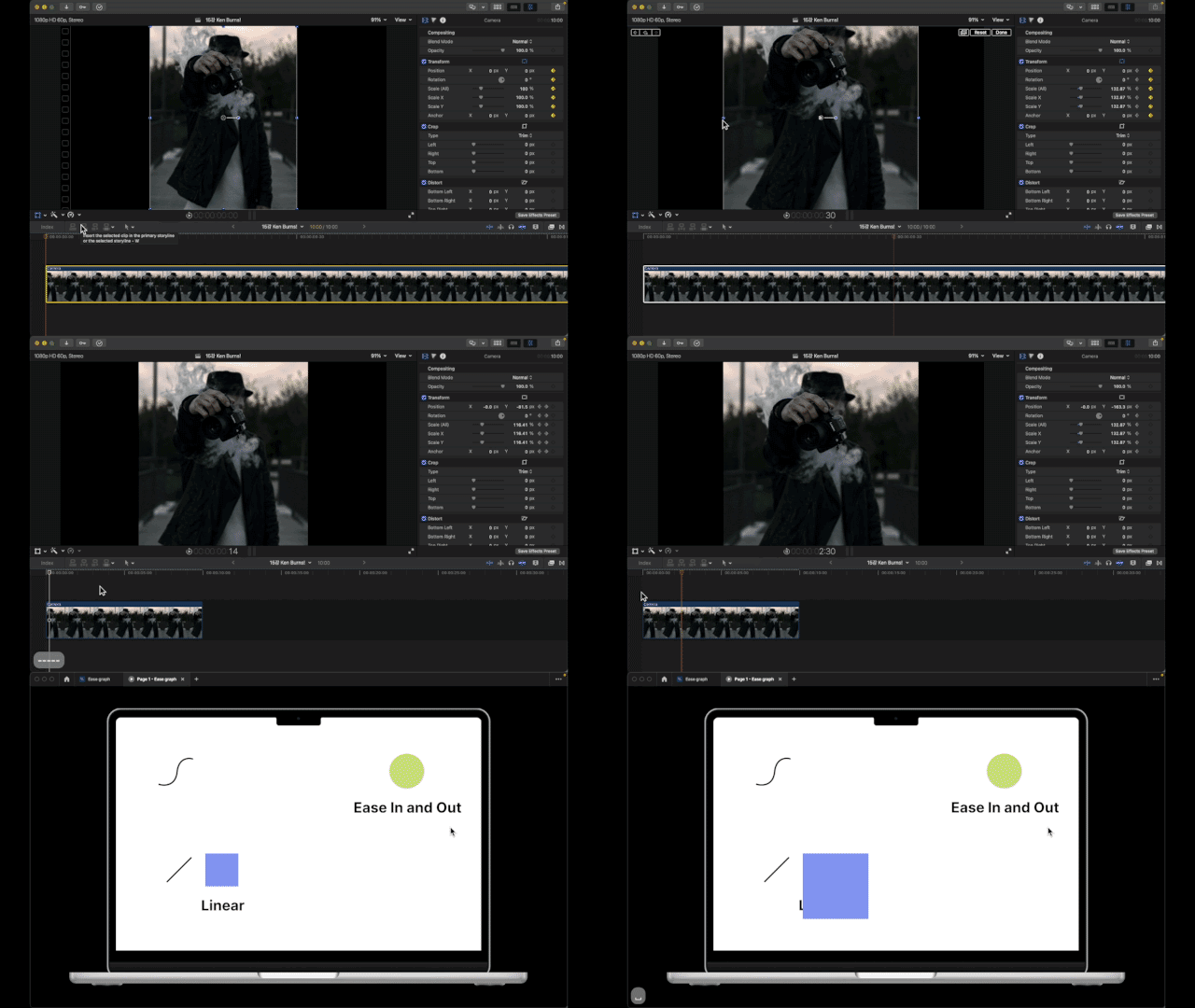
#2. Keyframe Animation graph
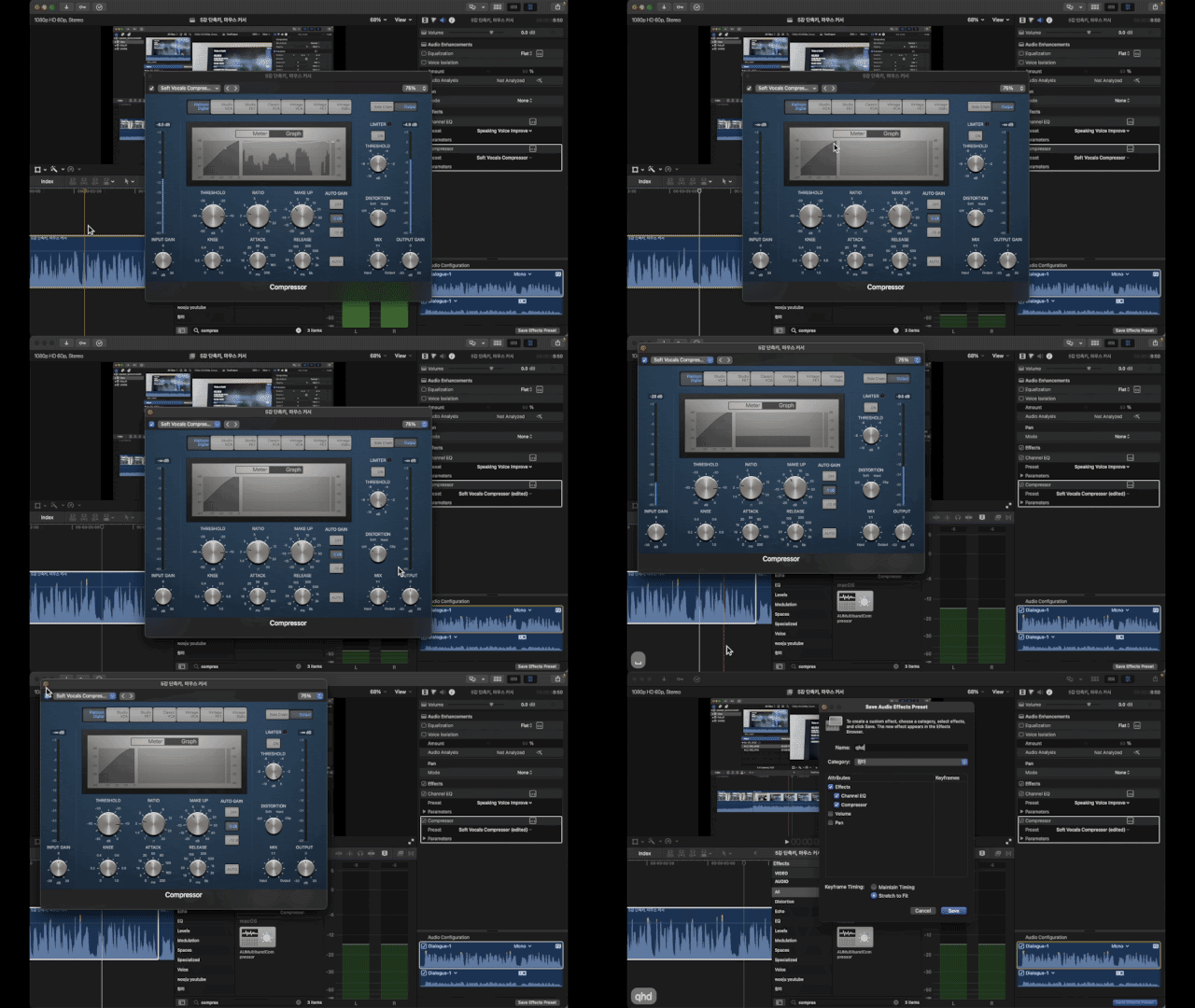
#3. Utilizing sound plugins, Clean sound production
Q&A 💬
Q. Do I need to purchase the Final Cut program?
Yes, you must purchase Final Cut Pro to proceed. This course will be conducted using the English version of Final Cut Pro 10.6.3.
Q. Can I take this course even if I don't have any background in video editing?
We explain not only editing but also video knowledge, so eventhose who are new to video can understand!
Q. Can I use the downloaded subtitle template in my personal videos?
Yes! These subtitle templates were created directly in Motion5, so you can use them anywhere.