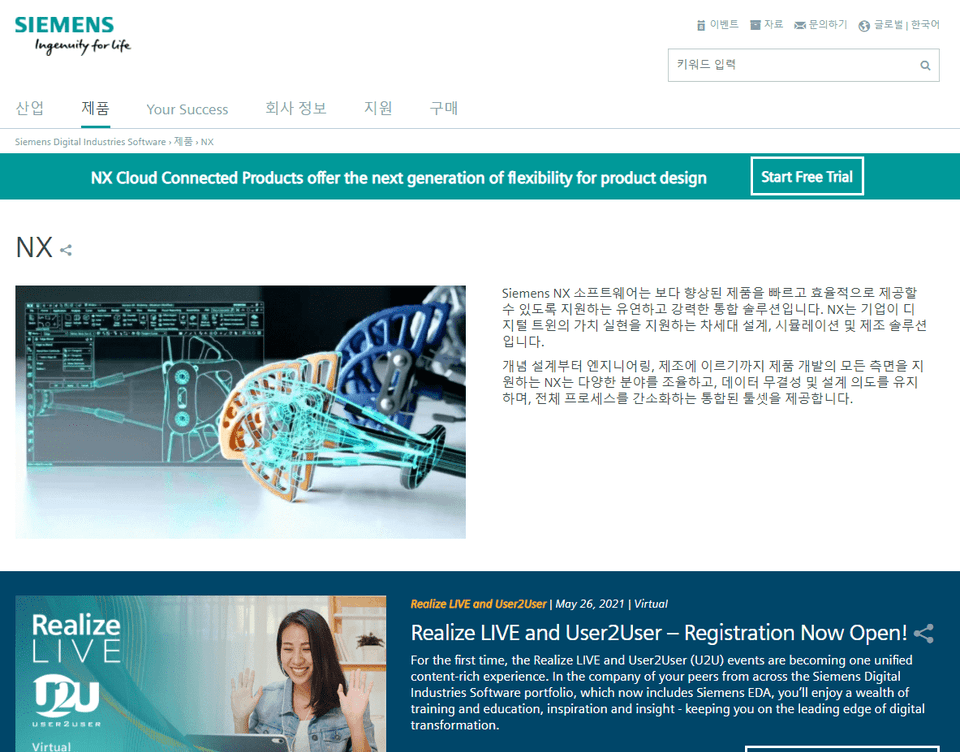
Siemens NX provides an integrated development environment for more efficient, flexible, and rapid product design and validation in rapidly changing market environments. As a platform that provides full product lifecycle management (PLM) for product development, it is evolving into a 4th Generation Design (4GD) tool that not only facilitates engineers' design but also enables faster response to customer requirements. Equipped with diverse functions such as design, simulation, manufacturing, and CAM, it ensures design consistency.
Learn Siemens NX 9 and NX 10 Assembly through Video
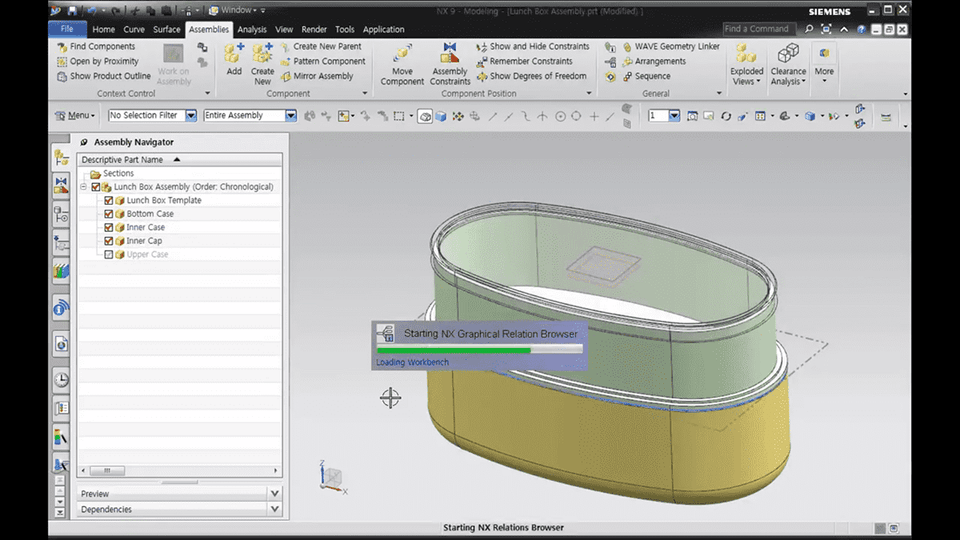
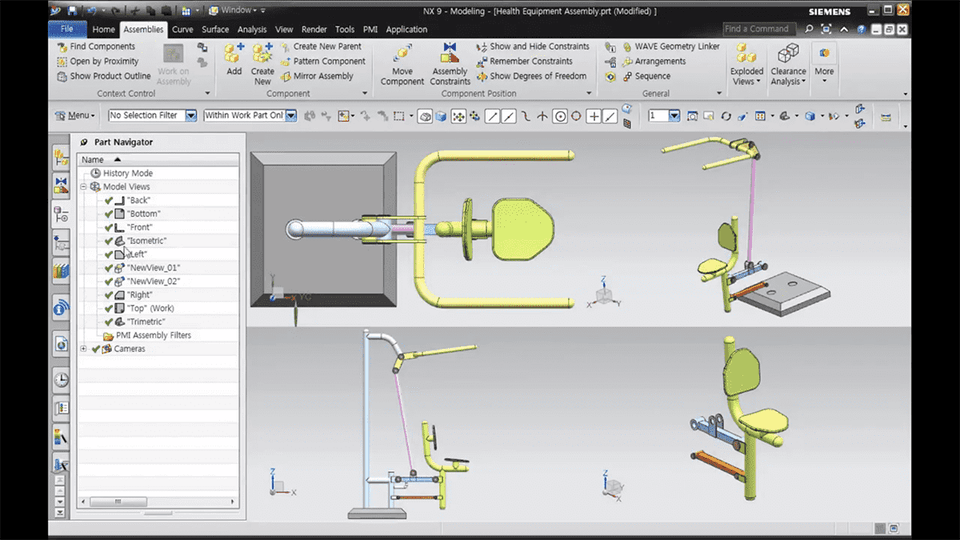
NX provides not only various 3D Modeling functions, but also various Assembly design related commands that can be comprehensively applied in practice . In this lecture, we have organized it so that you can learn various commands such as basic concepts of Assembly, Assembly Navigator usage, Component configuration, Assembly Constraints, Pattern Component, Remember Constraints, Override Position, Load Option, Clearance Analysis, Sequence, Product Outline, and Top-Down design techniques such as Wave Geometry Linker, Relation Browser, Out of Date Part, Frozen Part, etc. through examples.
Course Features 📚
Textbook files (PowerPoint files) provided for each course
Provides practice files for each course to practice along with
Graduated from Yonsei University Graduate School (Former) Visiting Professor, Department of Visual Communication Design, Konyang University (Former) Visiting Professor, Department of Computer Science, Seoul Health College (Current) Adjunct Professor, Department of Future Automotive Engineering and Department of Semiconductor/Display Engineering, Gachon University (Current) Director, Shin Jungang Computer Academy (Current) Full-Time Instructor in 3D Design using AutoCAD,Catia,Solidworks,Siemens NX,Inventor,Rhino,ZW3D,SolidEdge