Git and Github for your own use - from basics to collaboration
mjcoding
Free
Beginner / GitHub, Git
4.8
(116)
3,000+
The goal of the lecture is collaboration. We will learn how to use Git and Github directly and collaborate :)

Beginner
GitHub, Git

The core of creating web pages, HTML and CSS!
Learn with lectures that take practical use into account 📖
When you think of the div tag, what comes to mind? Does the concept of dividing layouts come to mind? This is all we learned in the basic course. However, this level of understanding isn't enough to fully utilize the div tag. The div tag is a block tag, so its block attribute is more important .
I wanted to create my own webpage. I took several HTML/CSS courses and practice-oriented classes and tried to create one myself, but I found myself unable to create the webpage I wanted. I wondered what the problem was.
And I realized that just knowing a little about HTML/CSS isn't enough to truly apply it . It's difficult and unnecessary to know all the features of HTML/CSS. At the very least, you need to create a solid blueprint before development to create and apply the pages you want.
I experienced these hardships and, frustrated, created this HTML/CSS course. While it might be a bit tedious at first compared to a course where you learn by doing, I think you'll find it even more enjoyable once you complete the course, as you'll be able to create your own. The goal is to empower you to utilize HTML/CSS independently and, by consulting the web development bible, MDN, to develop the ability to solve problems on your own .

HTML/CSS
Summary of essential contents
Web page development
Essential Core Concepts
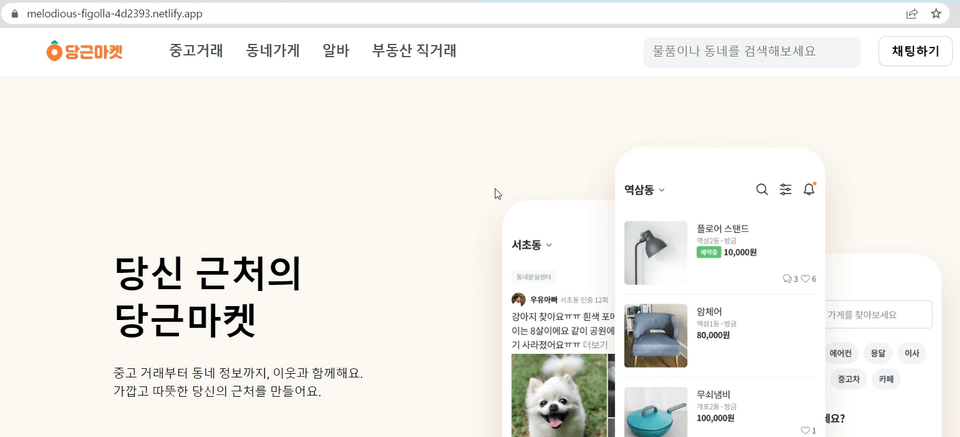
Carrot Market site
Clone Coding Practice

Those considering getting started with web development

Anyone who wants to create a web page

Anyone who wants to learn HTML and CSS

Those who have studied HTML/CSS but have difficulty using it
Join us for this lecture! 😁
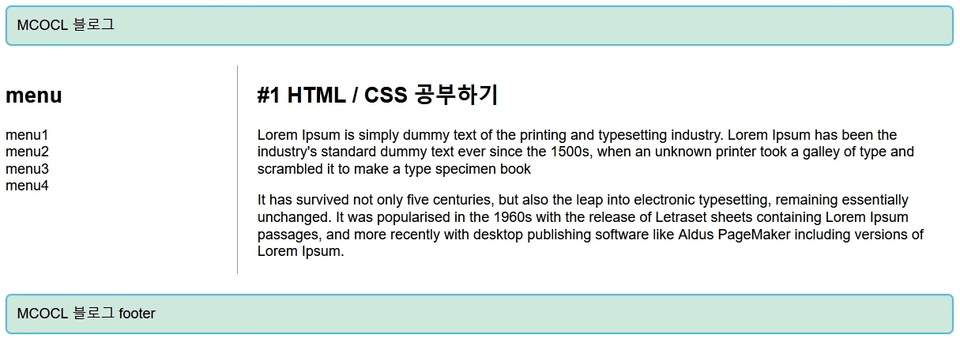
This course isn't about learning by doing. It covers the essential concepts needed to create web pages, enabling you to directly utilize HTML and CSS. If you don't grasp the concepts in this course, it's like building a castle on sand.
When learning, you'll be learning visually in an actual browser. Ultimately, we'll need to create web pages to be displayed in a browser.
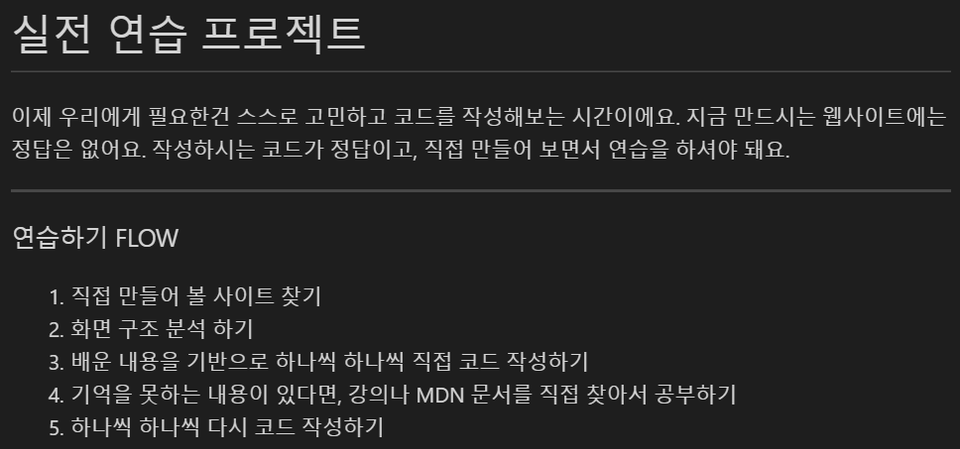
After learning the concepts, you'll gain practical experience by creating a real-world project, Carrot Market. This hands-on experience will help you get a feel for website creation and equip you to create your own websites using HTML and CSS even after the course.
1. From basic essential concepts
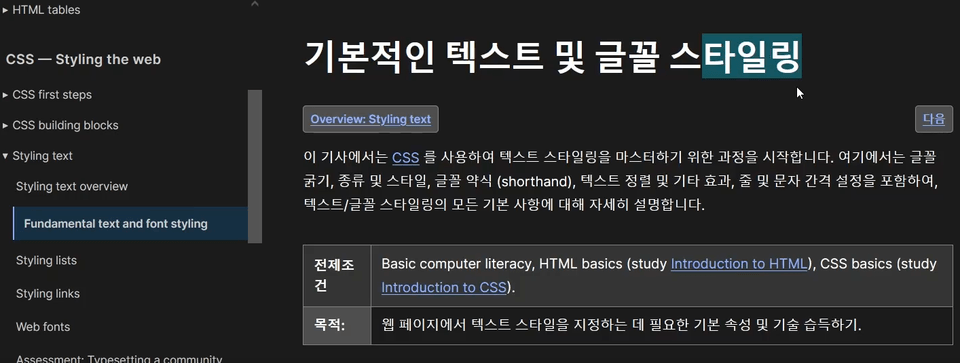
2. All learning is done with real eyes.
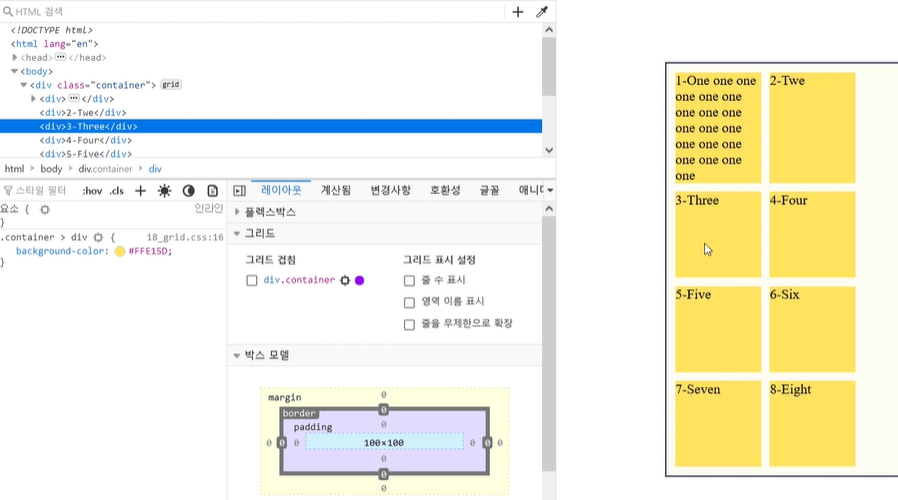
3. With a practical project
Q. Can I practice on a Mac?
You can practice on any operating system as long as you use the Chrome (or Safari, Firefox) browser.
Q. Can non-majors also take the course?
This is an introductory course in web development that even non-majors can take :)
Q. Do I need to install a separate program for the practice?
We'll be using your current internet browser and a coding tool called VSC. I'll walk you through installing VSC during the lecture.
Q. What can I do after taking this course?
You can create a website using HTML/CSS! You'll learn how to deploy it and even create a URL you can share with others.
Q. Does it include responsive design content?
I didn't include responsive design content. For those just starting out in web development or HTML/CSS beginners, I think responsive design might be a bit much. What you need now is to learn essential concepts, not just responsive design. As you practice through the lectures and use HTML/CSS, you'll naturally learn on your own as needed.



![[Spring Batch Introduction] Learning the core of Spring Batch through examplesCourse Thumbnail](https://cdn.inflearn.com/public/courses/328680/cover/11f45144-5848-4365-8de8-d8054dbebddd/대지 1.png?w=420)










![[2026 Examination Standards] Perfect Guide for the Web Design & Development Technician Practical ExamCourse Thumbnail](https://cdn.inflearn.com/public/courses/324878/course_cover/12211037-e74b-46b3-8942-46d465b81bba/webdesign-cover-02.png?w=420)