Creating a 3D side-scrolling game in Unreal Engine 4
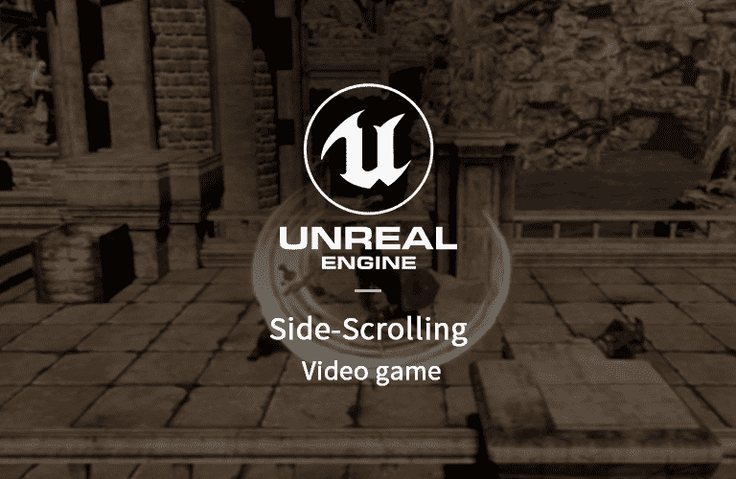
This course will teach you how to create a 3D side-scrolling action game with Unreal Engine 4. You will learn how to use blueprints, animation, effects, sound, UI, monster AI, etc.
We will teach you the basics one by one so that even those who are new to Unreal Engine 4 can learn it easily.
You explain things very well. Many of the things I was curious about have been resolved. Thank you.
5.0
jipsa jipsa
100% enrolled
Thank you so much~ It helped me a lot
5.0
현성원
68% enrolled
At first, the explanation was lacking, but it feels like it's getting more and more full.
What you will gain after the course
Create a side-scrolling action game or an action RPG game.
Monster AI, UI Development
Unreal animation, effects application
Learn the Blueprint features to create games
How to use HUD
Sound processing
You can experience the entire game development process.
This course is about creating a 3D side-scrolling action game using Unreal Engine. You will learn how to use blueprints, animations, effects, sounds, UI, monster AI, and more. You will be creating the entire game, including the menu, stage selection, and save, as well as the gameplay, and you will be creating it 100% using Blueprints without using any code. We will also teach you the basics from the beginning, even if you are new to Unreal Engine.
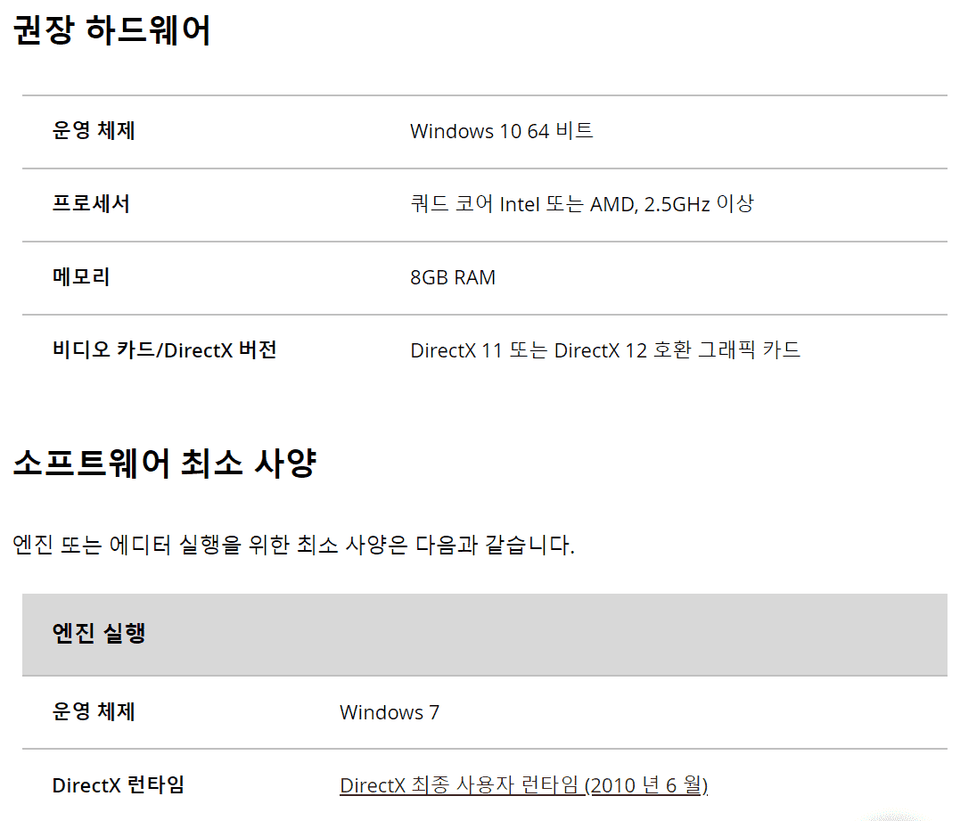
Unreal Engine version 4.16.3 or later
•Can non-majors also take the course? Yes, you can also listen to those who study as a hobby.
•What program is used in this course? We use Unreal Engine and our scripts are 100% Blueprints.
•Are there any special advantages to this course? You can see the entire game production process.
•What are your future goals in this field? The goal is to make learning programming easier using Blueprints.
Recommended for these people
Who is this course right for?
Anyone interested in game development
For those who want to know how games are actually made
I'm a beginner in Unreal. It was helpful in establishing the basic framework of Unreal Engine.
I got a feel for how to use the movement animation effect camera required for the game.
The downside is that there is a lack of explanation for each node in the blueprint.
For example, I didn't know what the try get pawn owner node in the animation blueprint does,
and what CastmoveCharacterBP does, so I googled it and got information.
There were many parts where they just said, "Please create nodes," and moved on, so I was a little frustrated because there was no information on why each node was needed.












![[Unreal Certified Instructor Direct Lecture] Master Unreal Engine 5 Basics in Just One DayCourse Thumbnail](https://cdn.inflearn.com/public/courses/333789/cover/47af3281-a1b9-45c5-b928-e1b97d4d9853/333789.png?w=420)