I am taking the course after receiving government funding. Thank you.
What you will gain after the course
What's new in After Effects
What's Updated in After Effects 2018, 2019
Effects you can't miss Check out the latest features ✅
🗒 Course Introduction
(Please note that this lecture does not provide instructor-assisted answers.)
This course is for existing Adobe After Effects users and quickly summarizes the new features and updates introduced in Creative Cloud 2018 and 2019 (CC 2018 and 2019) .
The latest version from 2018-2019 adds the Curves feature to the Lumetri feature, which adjusts the color-saturation balance, and the cumbersome existing Mocha features have been structured as plug-in effects, making them easier to work with.
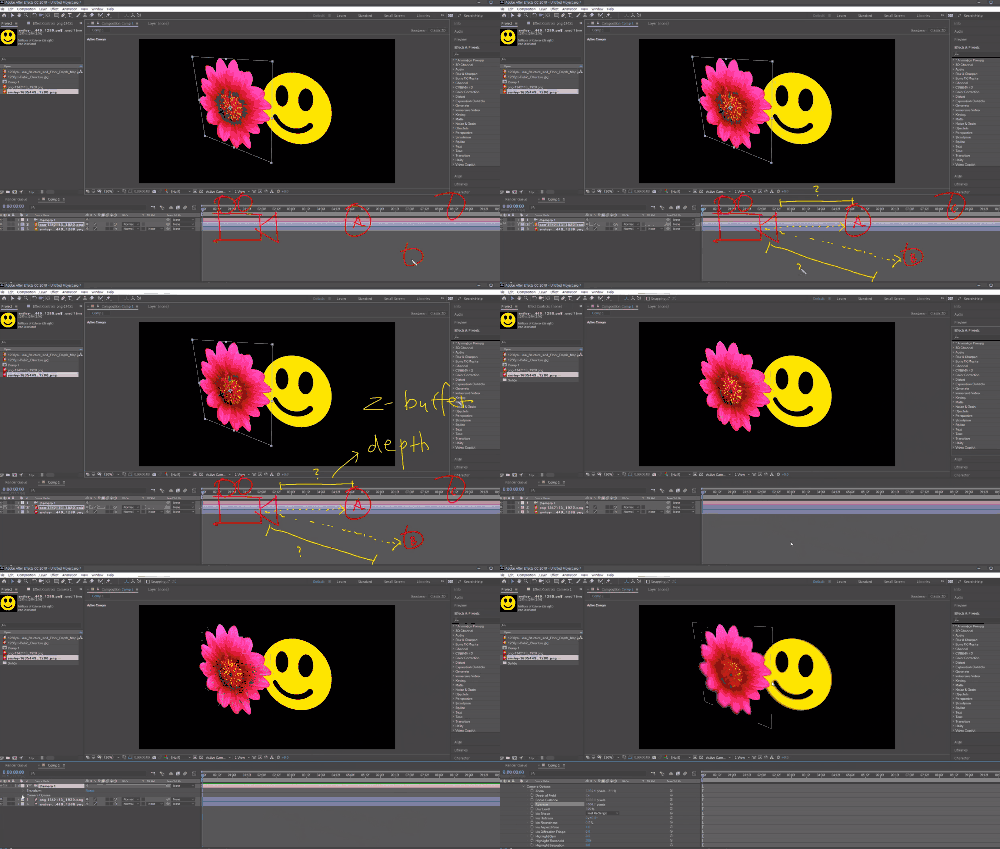
Also new are support for Apple ProRes codec output , Depth-related features that utilize depth information from 3D Composition, and Content Aware Fill, which intelligently erases portions of the video area.
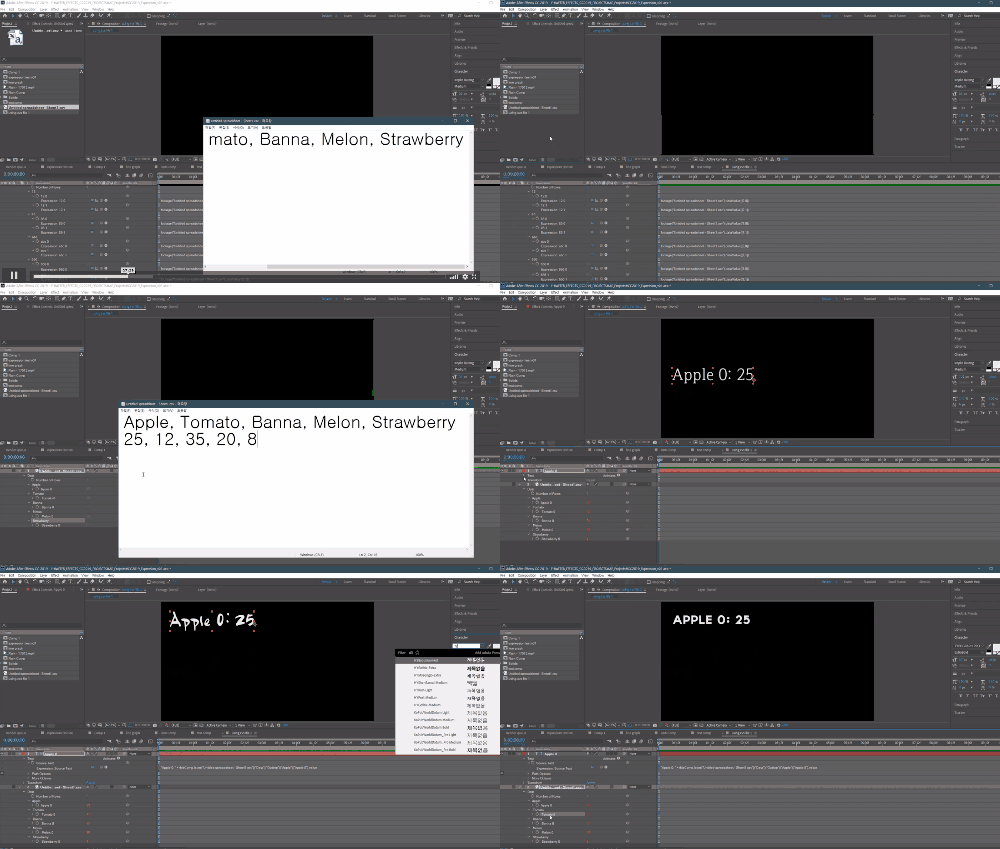
Along with this, you will learn the basics of working with CSV and JSON files that can be used as external database formats, and you will also learn the process of creating motion templates for Premiere using the Essential Graphics feature.
🌈 Preview the lecture
🙌 Tools covered here
Adobe After Effects CC
This course explores and explains how to use new features introduced in Adobe After Effects CC 2018-2019 . Therefore, you must have the latest version of After Effects, such as CC 2018 or 2019. You can download and use a free trial version from the official Adobe website. Official site link
🙋🏻♂️ Expected questions related to the lecture
Q. Can non-majors and beginners also take the course? A. This course is intended for existing After Effects users. If you're looking to get started with the tool, we recommend taking another course.
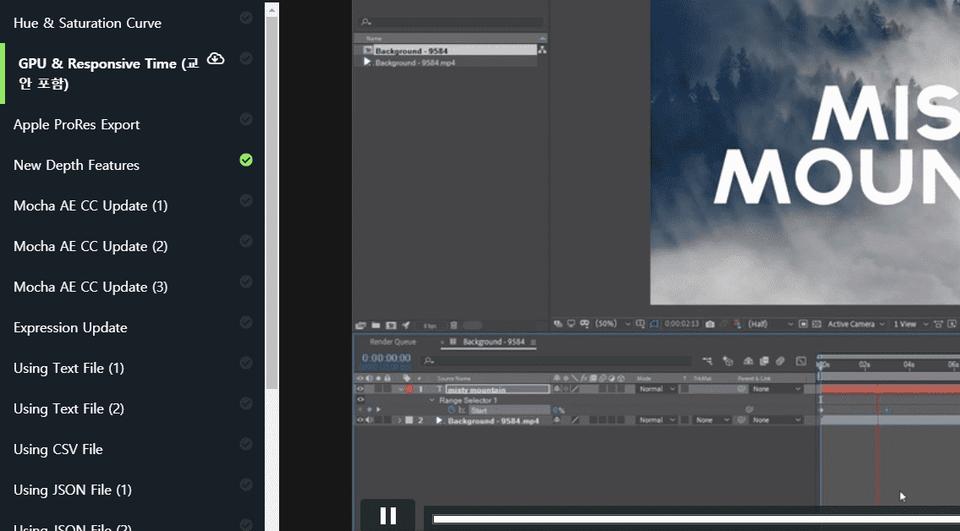
Q. Are lecture notes included? A. Yes, you can download the lecture notes by clicking the cloud-shaped icon on the left tab while watching the lecture. The syllabus is attached to the second lecture of each lecture part.














![[Photoshop Revolution Broadcast] Photoshop Basics CompleteCourse Thumbnail](https://cdn.inflearn.com/wp-content/uploads/photoshop002.jpg?w=420)